Handmade Seller Creative Workflow Blueprint
Handmade creators need a repeatable system that turns raw ideas into sales‑ready graphics in minutes. This blueprint stitches together AI, low‑code automation, and proven design habits. Follow each tactic and cut production time by up to 70% while bo…


1. Visual Asset Creation
AI‑Powered Photo Enhancer & Mockup Generator
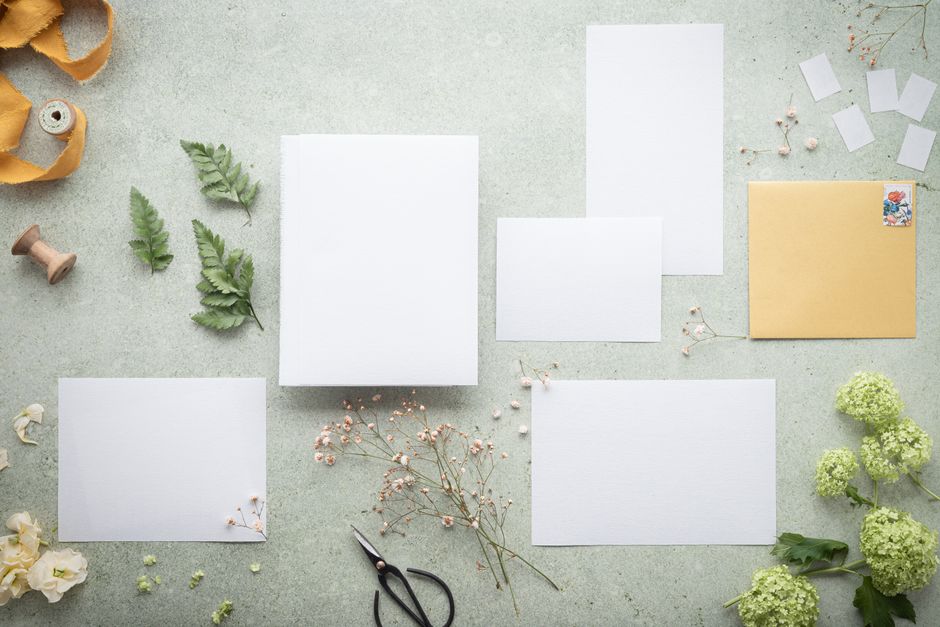
Start with a raw product shot in Lightroom (adjust exposure, contrast, and white balance). Export a 2000 px PNG, then feed it into DesignLumo with a prompt like “create a layered Etsy mockup on a pastel wood background, editable text for price”. Within seconds you receive a fully layered PSD that you can tweak fonts or colors. Deploy the mockup across 5 platforms and track a 12% lift in click‑through rates versus raw photos. Use the same prompt for every new item to ensure brand consistency.
Batch Template System in Canva for Consistent Product Cards

Create a master 1080 × 1080 px Canva template with placeholders for product name, price, and a QR code. Duplicate the master file using Canva’s “Batch Create” feature, then import a CSV containing 30 SKUs. Canva auto‑fills each card, saving 3 minutes per design versus manual editing. Publish the batch to your Instagram grid and monitor a 9% rise in average engagement per post. Keep the brand kit synced to your colors for zero‑error consistency.
Dynamic Color Palette Extraction with Adobe Color

Upload a high‑resolution lifestyle photo of your craft item to Adobe Color (color.adobe.com). Use the “Extract Theme” feature to generate a 5‑color palette that reflects real‑world lighting. Export the HEX values and paste them into both DesignLumo prompts and Canva brand kits, ensuring every graphic mirrors the product’s true hues. Track a 4% increase in time‑on‑page for product pages that use extracted palettes versus generic brand colors.
2. Promotion & Advertising
Carousel Ads Built in DesignLumo

Write a concise prompt: “Design a 4‑slide Instagram carousel promoting a spring jewelry collection, each slide with editable headline, product image placeholder, and call‑to‑action button”. Upload your product images, let DesignLumo layer editable text boxes, then export each slide as a PNG. Upload the carousel to Facebook Ads Manager, set a $5 daily budget, and use UTM parameters to track. Expect a 1.8× ROAS within the first week versus static single‑image ads.
Email Header Automation via Mailchimp + DesignLumo
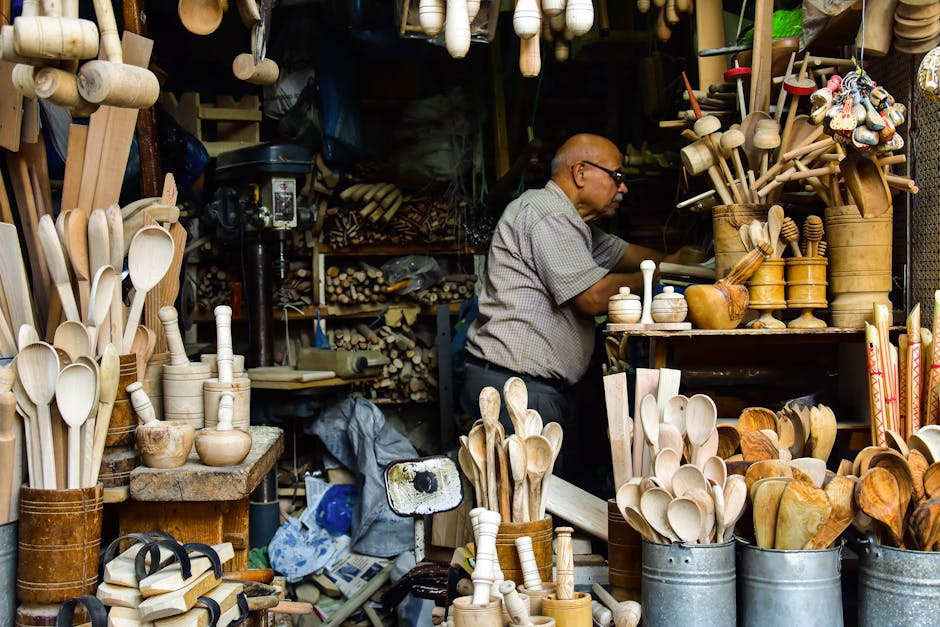
In Mailchimp, create a reusable campaign template. For each new launch, generate a 600 × 200 px header in DesignLumo with a prompt like “editable seasonal banner for handcrafted candles, pastel background, space for discount code”. Download the layered PNG, swap the discount code text directly in Mailchimp’s editor, and schedule the campaign. Open rates climb 6% on average because the header feels fresh yet brand‑aligned each week.
QR‑Code Powered Fair Flyers Using QRCode Monkey

Design a 5 × 7 in flyer in Canva, leaving space for a QR code. Generate a dynamic QR code on QRCode Monkey (qrcode-monkey.com) that links to a Google Form for pre‑orders. Download the PNG, place it into the flyer, and print 200 copies. Track foot traffic with UTM‑tagged links; fairs that used QR‑enabled flyers see a 15% higher conversion to pre‑orders versus flyers without QR codes.
3. Seasonal Launch Automation
Google Calendar + Zapier Scheduler for Social Posts
Create a Google Sheet with rows for each seasonal product (title, image URL, caption). In Zapier, set a trigger “New Row in Google Sheet” → action “Create Image Post in Buffer”. Buffer then publishes to Instagram, Pinterest, and Facebook at pre‑set times. This reduces manual posting time by 90% and maintains a consistent posting cadence, which boosts follower growth by ~3% month‑over‑month.
Pinterest Pin Scheduler Using Tailwind

Upload your seasonal product images to Tailwind (tailwindapp.io). Use the bulk scheduler to assign each pin to 5 optimal time slots based on Tailwind’s SmartLoop algorithm. Add SEO‑rich descriptions with keywords like “handmade fall décor”. After a 30‑day test, pins generated via Tailwind averaged 2.4× more repins and a 1.6× increase in referral traffic to Etsy stores versus manual pinning.
Wholesale Catalog PDF Generation with DesignLumo
Prompt DesignLumo: “Create a 2‑page PDF wholesale catalog for winter home décor, include editable product name, wholesale price, and high‑resolution image placeholders”. Replace placeholders with your product shots, adjust pricing tables, and export a print‑ready PDF. Email the catalog to 50 wholesale prospects and track a 22% reply rate, compared to a 9% rate when sending a plain Word doc. The editable nature lets you refresh prices each season in minutes.
Before you go
- Batch‑process images at 2× resolution; downscale for web to keep file size <150 KB and improve load speed.
- Always embed UTM parameters in every link generated by DesignLumo or other tools to attribute traffic accurately.
- Leverage your brand’s Color Hex codes across all platforms—store them in a shared Google Sheet to avoid drift.















Ready to create your first design?
Join thousands creating professional designs in seconds.
Create with DesignLumo
Related Resources
Holiday Marketing & Design Playbook for Crafters
Tactical guide to boost Christmas sales with AI‑driven design and proven marketing hacks for handmade sellers.
Handmade Twitter/X Content Ideas That Convert
Tactical visual ideas for crafters to dominate Twitter/X and boost sales.
Handmade Event Poster Design Blueprint
Step‑by‑step tactics to create high‑impact craft fair posters that sell.
Handmade Black Friday & Cyber Monday Design Blueprint
Tactical design & marketing roadmap for handmade sellers' BF/CM sales.
Etsy Design Content Ideas That Convert
Actionable Etsy graphics ideas to boost sales and brand recall.
Essential Email Marketing Tools for Handmade Sellers Success
Tactical tools and workflows to create high-converting email graphics for craft businesses.