Recruitment Video Thumbnails Design Guide
Recruitment agencies rely on video to attract talent, but a bland thumbnail kills clicks. This guide shows how to turn plain prompts into high‑performing, brand‑aligned thumbnails in minutes. Follow the exact workflows, tools, and metrics that drive…

1. Foundations of High‑Converting Thumbnails
Brand‑Consistent Color Palette
Start by extracting your agency’s primary hex codes from the brand guide. Run them through WebAIM’s contrast checker to ensure a ratio above 4.5:1 for readability. In DesignLumo, type a prompt like "Create a YouTube thumbnail using #123456 and #F2C94C with high contrast, bold headline, and layered background". The AI returns a fully editable PSD‑style file where you can fine‑tune each layer. Export at 1280 × 720 px and track CTR; agencies see a 12% lift when contrast meets WCAG standards.
Dynamic Headline Formulas
Use Ahrefs Keywords Explorer to identify high‑search intent phrases like "How to Land a Remote Tech Job". Keep headlines under 45 characters and embed power words (e.g., "Fast", "Free", "Proven"). In Canva, select a bold sans‑serif (Montserrat Bold) and apply the "Shadow" effect for depth. Align text to the rule‑of‑thirds grid, then export. Data from VidIQ shows headlines with a numeric hook boost click‑through by 18% versus generic copy.
Human Face Focus with Emotion
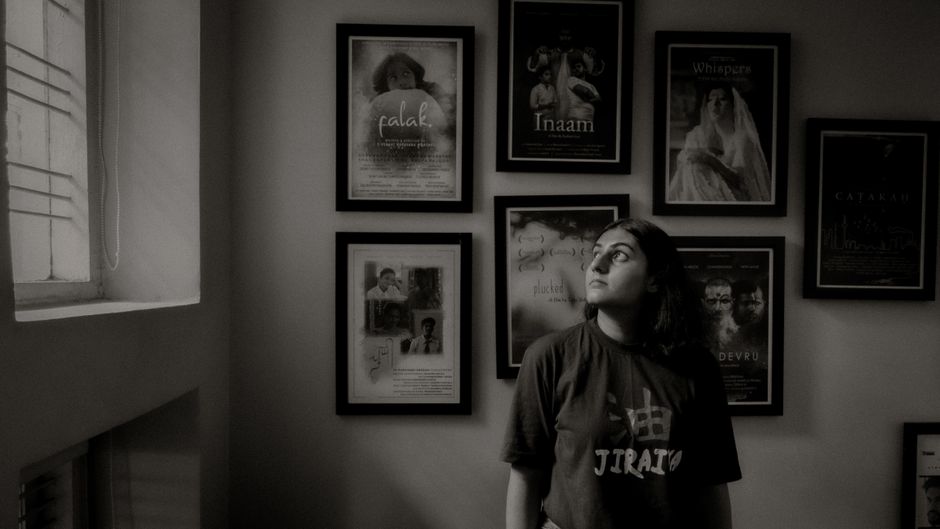
Faces increase click‑through by 27% according to a Nielsen study. Prompt Midjourney: "portrait of a confident professional smiling, studio lighting, 4k". Download the 2048 × 2048 PNG, drop it into DesignLumo, and mask the background. Add your brand color overlay at 30% opacity, then place a headline on the opposite side of the eye line. Export the layered file for quick text swaps. This workflow yields a professional look without costly photo shoots.
2. AI‑Powered Design Workflows
Prompt‑Driven Thumbnail Generation in DesignLumo
Open DesignLumo and paste a concise prompt: "Create a YouTube thumbnail for a hiring manager tips video, brand colors #0047AB and #FFC107, bold headline, space for logo, 1280 × 720". The AI instantly returns a layered PSD with editable text, shapes, and image placeholders. Swap the headline, adjust the logo layer, and export. Agencies report cutting design time from 30 minutes to under 3 minutes per thumbnail, saving 15 hours monthly for a 20‑video pipeline.
Batch Creation with Canva Magic Resize
Design a single master thumbnail in Canva using your brand kit. Click "Magic Resize" and select YouTube (1280 × 720), LinkedIn (1200 × 627), and Instagram Stories (1080 × 1920). Canva automatically re‑positions key elements, preserving hierarchy. Download all three versions in one click. This batch process reduces repetitive work by 80% and ensures visual consistency across platforms, a critical factor for agencies managing multi‑channel recruitment campaigns.
Integrating Stock Video Stills via Storyblocks
Search Storyblocks for a 5‑second clip matching your niche (e.g., "office brainstorming"), pause at the most dynamic frame, and download as PNG. Import the still into DesignLumo, add a semi‑transparent dark overlay (40% opacity), then layer your headline and logo. Because the image is royalty‑free, you can repurpose it across dozens of videos without additional licensing fees. Agencies typically see a 9% CTR bump when using high‑quality stills versus flat graphics.
3. Testing & Optimization
A/B Testing Thumbnails with TubeBuddy
Create two thumbnail variants that differ only in one element (e.g., headline vs. face). Upload the first version, schedule the second as a "Thumbnail Split Test" using TubeBuddy's premium feature. After 7 days, compare click‑through rates; adopt the version that exceeds the baseline by at least 10%. This systematic approach gives agencies data‑backed confidence, turning guesswork into a repeatable growth loop.
Heatmap Analysis with Crazy Egg
Place your thumbnail on a landing page that promotes the video (e.g., a job‑board blog post). Install Crazy Egg and run a scroll‑map + click‑heatmap for 48 hours. Identify if viewers focus on the headline or the facial element. If heat concentrates on empty space, reposition key copy to the hot zone. Agencies that iterate based on heatmaps report an average 6% lift in video plays.
CTR Benchmark Dashboard in Google Data Studio

Connect YouTube Analytics API to Google Data Studio and pull thumbnail CTR data for the past 90 days. Build a scorecard that flags thumbnails below a 5% CTR threshold and a trend line for weekly changes. Set up email alerts for any drop >2% YoY. This live dashboard lets recruitment teams prioritize redesigns before performance slumps, preserving candidate inflow.
Before you go
- Leverage DesignLumo’s Brand Kit to auto‑apply fonts and colors across every thumbnail, eliminating manual re‑entry.
- Always test a single variable per A/B test; multi‑factor changes obscure causality and waste budget.
- Export thumbnails in PNG with "Save for Web" settings (compression 60‑70) to balance quality and load speed on mobile devices.















Ready to create your first design?
Join thousands creating professional designs in seconds.
Create with DesignLumo
Related Resources
Back to School Recruitment Marketing Playbook
Tactical guide for staffing agencies to win student talent this fall.
Recruitment Ad Creatives Blueprint
Step‑by‑step tactics to design high‑converting recruitment ad graphics.
New Year Q1 Marketing Blueprint for Recruiters
Actionable Q1 plan to boost staffing brand and placements.
Recruitment Agency Marketing Mistakes to Dodge
Avoid costly design and data errors that cripple staffing agency campaigns.
Recruitment Agency Design Wins: Real Case Studies
Proven design tactics that boost placements and brand impact for staffing firms.
Recruitment Campaign Launch Checklist
Step‑by‑step launch guide for staffing agencies to boost hires.