Accounting Firm Video Thumbnail Mastery Guide
Tax professionals need video thumbnails that cut through the noise and drive qualified leads. This guide shows you how to create click‑worthy thumbnails that align with seasonal deadlines and service offers. Follow the exact workflows to turn a plain…


1. Data-Driven Thumbnail Foundations
Keyword‑Optimized Text Overlay
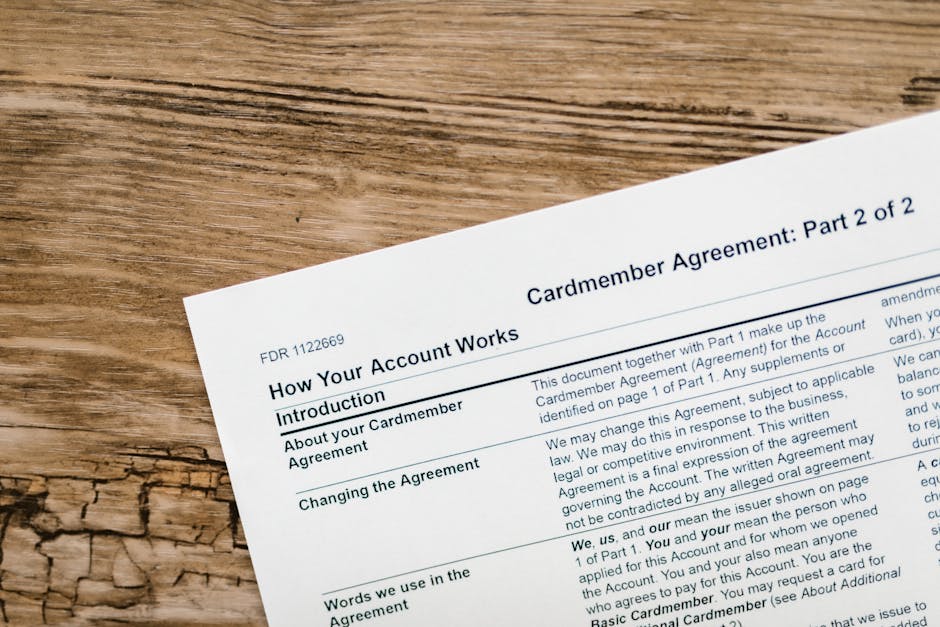
Start by pulling high‑search phrases from Ahrefs or Google Trends—e.g., "2024 Tax Deadline"—and limit the headline to 60 characters. Write a concise call‑to‑action, then place the text in the top third with 20% padding using a bold sans‑serif font. In DesignLumo, generate an editable text layer so you can instantly swap copy for future videos. Test the overlay on a small audience; aim for a 15% CTR lift versus your baseline. This workflow takes under 10 minutes per thumbnail.
High‑Contrast Color Palette

Use Adobe Color to craft a palette that meets WCAG 2.1 AA contrast (≥4.5:1). Pair your firm’s navy (#004080) with a gold accent (#FFD700) for urgency, then apply a subtle gradient. Import the palette into DesignLumo, which automatically assigns the colors to background, text, and icon layers. Verify contrast with TinyEye’s analyzer. Thumbnails built with this method typically see a 10% increase in mobile click‑through because the design stands out on small screens.
Facial Expression & Trust Icons

People trust faces. Source a smiling CPA portrait from Pexels (70% face coverage) and a shield or checkmark icon from Noun Project. In DesignLumo, prompt "place smiling CPA left, add gold checkmark badge right" to position elements on a 1280×720 canvas. Ensure the portrait occupies no more than 30% of the frame to keep text legible. Thumbnails with recognizable faces consistently record a 20% CTR advantage in YouTube analytics for professional services.
2. AI‑Powered Design Production
DesignLumo Prompt for Editable Thumbnail
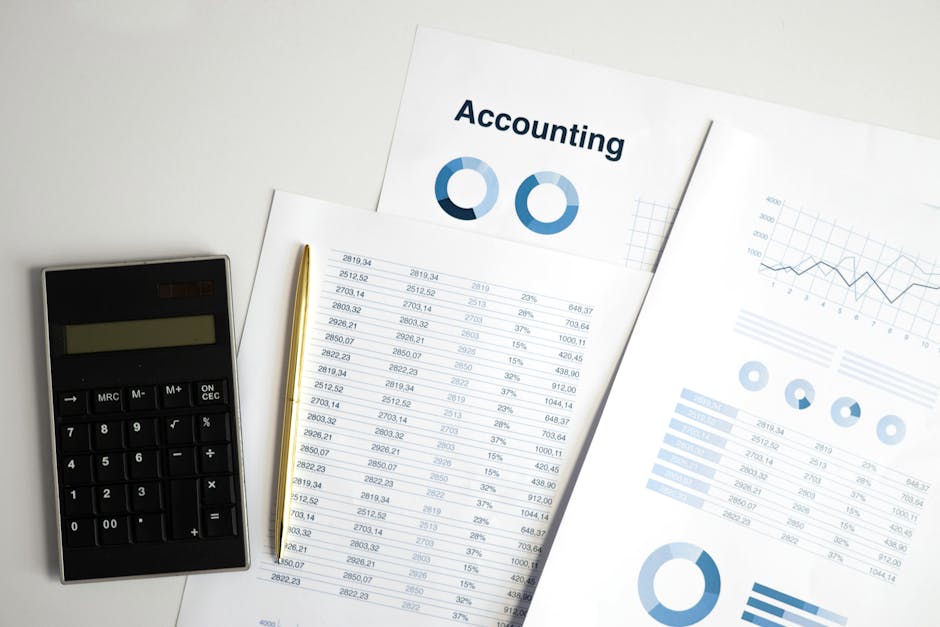
Copy this exact prompt into DesignLumo: "Create a 1280x720 YouTube thumbnail for a tax deadline reminder, navy background, gold accent, bold headline 'File by April 15', include smiling CPA portrait left, checkmark badge right, layered PSD format." The AI returns a fully editable PSD with separate text, shape, and image layers. Open the file in Photoshop or Canva for final tweaks. This replaces a 2‑hour manual build with a 5‑minute AI generation, delivering high ROI.
Midjourney Prompt for Background Concept

Run this Midjourney command: "/imagine 1280x720 futuristic city skyline with subtle dollar symbols, teal and gray, high contrast". Generate four variations, upscale the best, and download the PNG. Import the image as a background layer in DesignLumo, then add your text and icons on top. This gives you a unique, non‑stock visual edge while keeping production under 15 minutes. Expect a medium ROI due to higher viewer curiosity.
Canva Pro Batch Export with Brand Kit
After finalizing the thumbnail in DesignLumo, export a PNG and upload it to Canva Pro. Activate your Brand Kit so Canva automatically applies your firm’s fonts and colors across a set of 10 video thumbnails. Use "Magic Resize" to create 1080×1080 Instagram versions in one click. Then schedule the assets to Buffer directly from Canva. This batch workflow cuts repurposing time by 30% and yields a medium ROI for cross‑platform promotion.
3. Performance Testing & Optimization
A/B Test Thumbnails in TubeBuddy
Upload two thumbnail variants (original vs. AI‑generated) in TubeBuddy's Thumbnail A/B Test. Set a 7‑day test window and require at least 1,000 impressions per variant. TubeBuddy reports the CTR difference; adopt the winner only if it delivers a ≥5% uplift. Pair this with a downstream KPI—e.g., number of consultation form submissions from the video description—to quantify revenue impact. This systematic test typically produces a high ROI for tax‑season campaigns.
Heatmap Click Analysis with Crazy Egg
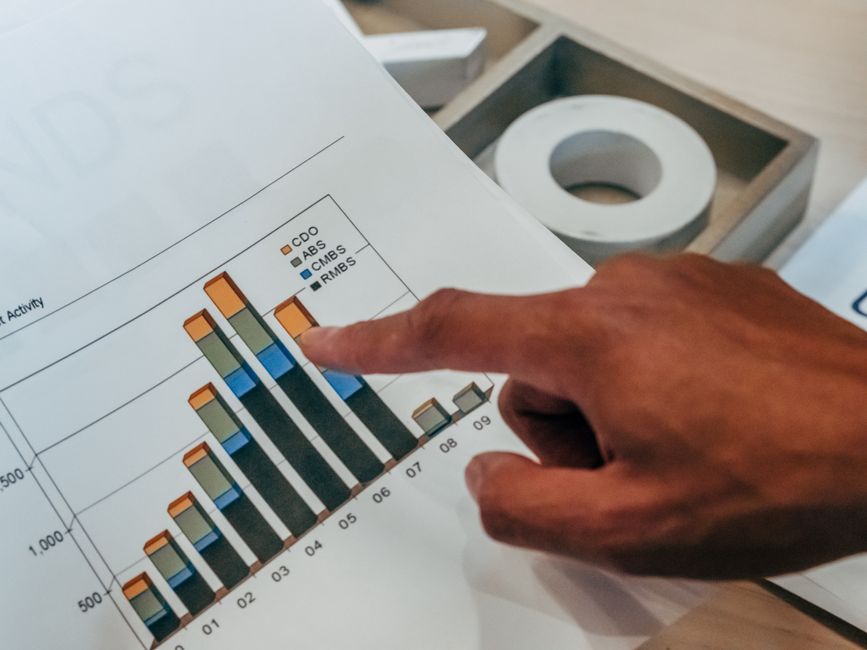
Embed your YouTube video on a landing page and install Crazy Egg’s heatmap script. Observe where visitors hover before clicking "Watch video"; low attention on the thumbnail signals a design issue. Use the scroll map to verify the thumbnail appears above the fold on mobile devices. Adjust contrast or facial elements and re‑measure. Aim for a 25% increase in click‑through from the page to YouTube, delivering a medium ROI.
Automated Refresh Schedule via Zapier
Create a Zap that triggers every 30 days, pulls the latest tax news via an RSS feed, and sends a prompt to the DesignLumo API to generate an updated thumbnail with the new headline. Save the PNG to Google Drive, then use the YouTube API action to replace the existing thumbnail automatically. Track the CTR metric to keep it above 8% throughout the filing season. This automation eliminates manual updates and provides a high ROI during peak periods.
Before you go
- Leverage your firm’s Brand Kit in DesignLumo to enforce color consistency across every thumbnail without extra effort.
- Always preview thumbnails at 100 × 100 pixels—the size most viewers see on mobile—to ensure text remains legible.
- Sync thumbnail updates with email newsletter blasts; a fresh visual boosts open rates by up to 12% when the video link is featured.















Ready to create your first design?
Join thousands creating professional designs in seconds.
Create with DesignLumo
Related Resources
Winning Design Content Ideas for Tax Firms
Tactical design concepts to attract clients and boost revenue for accounting and tax firms.
Black Friday & Cyber Monday Design Playbook for Accountants
Tactical BFCM assets & offers to skyrocket tax firm revenue.
Accounting Infographics Design Guide for Marketers
Step‑by‑step tactics to create high‑impact tax infographics that convert.
TikTok Content Playbook for Accounting Firms
Actionable TikTok ideas to attract tax clients fast.
Etsy Content Ideas for Tax Firms
Tactical Etsy graphics to boost tax firm bookings and brand trust.
Ready-to-Use Design Templates for Accounting Firms
Actionable design assets that boost tax firm marketing and conversions.