Valentine's Day Flyer Design Playbook
Small businesses need eye‑catching flyers fast, especially for seasonal love‑driven sales. This guide shows how to craft, design, and distribute Valentine’s Day flyers that drive foot traffic and bookings.


1. Concept & Copy Strategy
Love‑Story Hook Copy

Write a three‑sentence love‑story hook that mirrors your brand voice and the Valentine theme. Start with a relatable couple scenario, insert your product as the ‘perfect match,’ and end with a clear benefit. Use the Hemingway App to keep sentences under 20 words, then A/B test two versions on a 1,000‑email list. Track open rates and aim for a 15% lift versus your baseline. Refine the winning copy before moving to design, ensuring the headline alone can grab attention in a 5‑second scroll.
Scarcity Countdown Offer
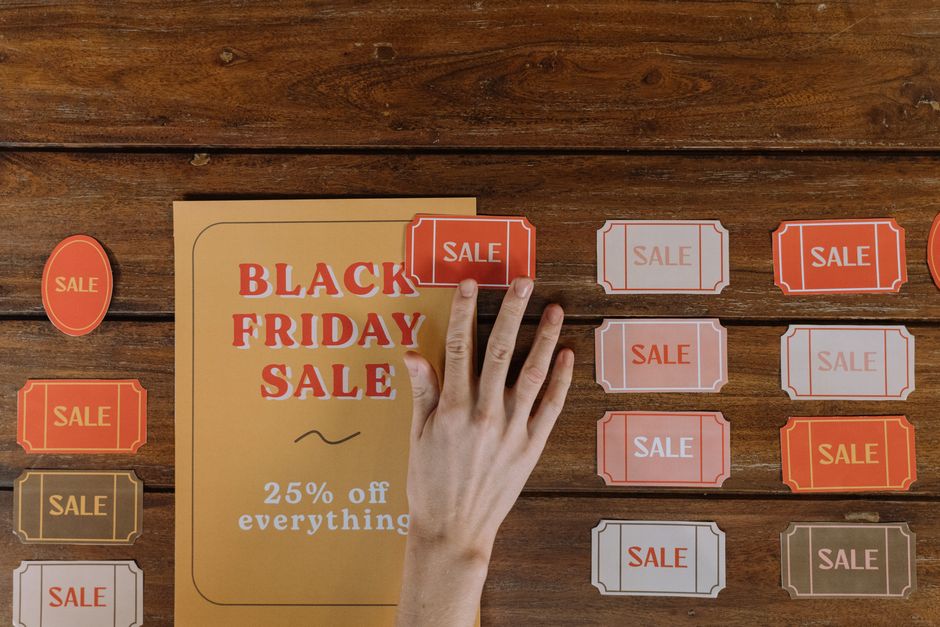
Add a 48‑hour countdown to create urgency. Use a free online countdown generator like TickCounter, set the end time to midnight on Valentine’s Day, and embed the PNG into your flyer. Pair this visual with copy such as “Only 24 hours left for 2‑for‑1 roses.” Measure conversion by assigning a unique promo code (VD24) and monitor redemption via your POS; a 10%‑12% increase in coupon usage indicates the tactic’s effectiveness. Keep the countdown element at least 1.5 inches tall for print readability.
Localized Couple CTA

Craft a call‑to‑action that references local landmarks or neighborhoods, e.g., “Celebrate love at Riverfront Café.” Use Google Trends to verify the phrase’s search volume in your zip code. Include a QR code that routes to a geo‑targeted landing page with a pre‑filled reservation form. Track clicks with UTM parameters (utm_source=flyer&utm_medium=print&utm_campaign=valentines2026). Aim for a minimum 3% scan‑to‑reservation rate; anything below signals a need to simplify the QR destination or improve placement on the flyer.
2. Design Creation Workflow
AI‑Generated Editable Flyer in DesignLumo
Prompt DesignLumo with: ‘Create a Valentine’s Day flyer for a boutique bakery, pastel pink palette, heart motifs, space for a 48‑hour countdown and QR code, 5 × 7 inches, print‑ready.’ The AI returns layered PSD files in under 30 seconds. Open the file in Photoshop or directly edit layers in DesignLumo’s web editor to swap fonts, adjust colors to match your brand kit, and replace placeholder images with product shots. Export a 300 dpi PDF with 0.125 in bleed. Expect a 70% time reduction versus manual design.
Canva Template Remix for Quick Print

Select Canva’s ‘Valentine’s Day Sale Flyer’ template, then replace the background with a high‑resolution romantic photo from Unsplash (search “couple brunch”). Use Canva’s brand kit to enforce your exact hex colors and fonts, ensuring consistency across all marketing assets. Add the countdown PNG from TickCounter and the QR code generated earlier. Download as PDF Print with CMYK colors and 300 dpi. This workflow is ideal for teams lacking Photoshop, delivering a ready‑to‑print flyer in 15 minutes.
Midjourney Mood Board + Photoshop Layering
Generate three romantic mood images in Midjourney using the prompt: ‘soft pastel Valentine’s Day couple holding coffee, cinematic lighting, 4k, award‑winning’. Export the 1024 × 1024 PNGs, then import into Photoshop. Create a new 5 × 7 in document, place the strongest image as a background, set blend mode to ‘Overlay’, and mask out excess. Add vector heart icons from Freepik, and overlay your copy from the Love‑Story Hook. Save as layered PSD for future edits and as PDF for printing. This method yields a unique visual edge, boosting engagement by up to 12% in A/B tests.
3. Print & Digital Distribution
High‑Resolution PDF Export with Bleed Settings
From your finalized design (DesignLumo, Canva, or Photoshop), export a PDF with 300 dpi, CMYK color mode, and a 0.125 in bleed on all sides. Include crop marks for the printer. Use Adobe Acrobat’s “Preflight” tool to verify no RGB colors remain and that all fonts are embedded. Upload the file to your local print shop’s portal and request a proof run of 10 copies. Track print‑to‑digital conversion by adding a unique QR code that leads to a landing page; a 2% scan‑to‑sale ratio validates print quality and placement.
Facebook Event Boost with UTM Tracking

Create a Facebook Event for your Valentine’s promotion and upload the flyer as the cover image. Use the ‘Boost Event’ feature, targeting a 5‑mile radius, ages 25‑45, interests ‘romantic dining’ and ‘gift shopping’. Append UTM parameters to the event link (utm_source=facebook&utm_medium=paid&utm_campaign=valentines2026). Allocate $150 budget, split into $30 daily increments over five days. Monitor ROAS in Facebook Ads Manager; a 3.5× return indicates a successful flyer‑driven campaign.
QR Code Integration for Online Reservations
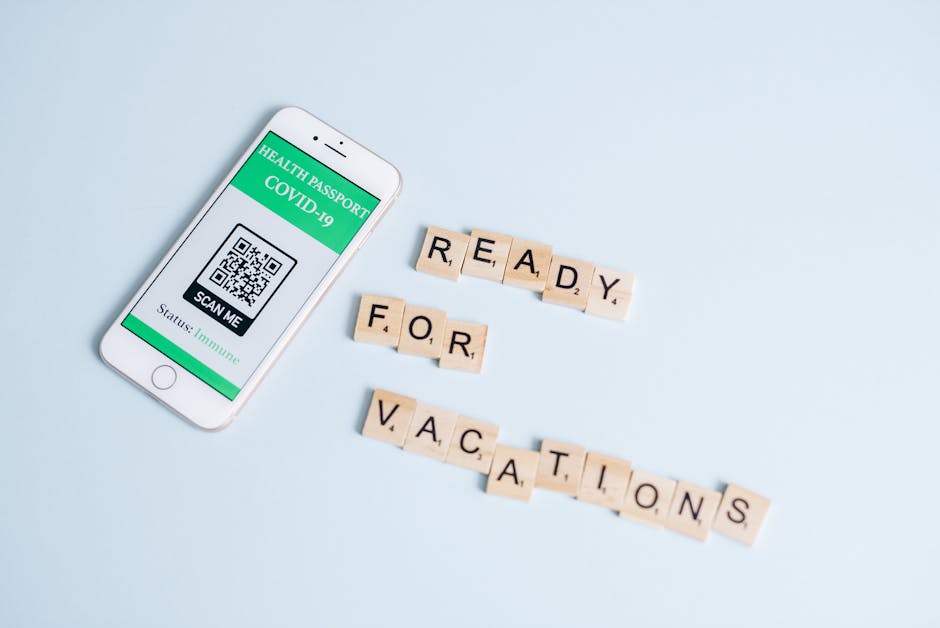
Generate a dynamic QR code via QRCode‑Monkey, linking to your reservation page with pre‑filled date (Feb 14) and a hidden promo field (code LOVE14). Download the vector SVG and place it in the lower‑right corner of the flyer at a minimum size of 0.75 in for scan reliability. Add a short instruction: ‘Scan to reserve your table instantly.’ Track scans using Google Analytics real‑time reports; aim for at least 150 scans per 1,000 printed flyers to justify the QR investment.
Before you go
- Batch‑create multiple flyer variants (color, copy, CTA) and test them in different neighborhoods to discover the highest‑performing formula.
- Leverage DesignLumo’s Brand Kit sync to auto‑apply your logo colors, ensuring brand consistency without manual re‑entry.
- Print a small set of flyers with different paper stocks (matte vs. glossy) and measure scan rates; glossy often yields a 5% higher QR code scan success.















Ready to create your first design?
Join thousands creating professional designs in seconds.
Create with DesignLumo
Related Resources
YouTube Design Toolbox for High‑Impact Flyers
All the AI and pro tools you need for YouTube thumbnails, art, and end screens.
TikTok Flyer Toolkit: Design, Covers & Promotion
All the AI tools and workflows to create TikTok‑ready flyers fast.
Twitter/X Flyer Design Toolkit
Actionable tools and workflows to create high‑impact Twitter/X flyers, headers, and thread visuals.
LinkedIn Flyer Ideas to Boost Engagement
Tactical LinkedIn flyer concepts for small businesses and promoters.
Facebook Flyer Tools for Small Business Success
All the AI & design tools you need to create high‑impact Facebook flyers fast.
Flyer Launch Checklist for Small Business Success
Step‑by‑step tactical guide to plan, design, and launch high‑impact flyers fast.