Twitter/X Toolkit for Political Campaigns
Political campaigns live or die on real‑time messaging. Twitter/X offers a direct line to voters, donors, and volunteers, but the platform demands fast, eye‑catching visuals. This guide delivers a battle‑tested stack to produce, schedule, and iterate…


1. Rapid‑Response Graphic Creation
DesignLumo AI Prompt Engine for Real‑Time Tweet Images
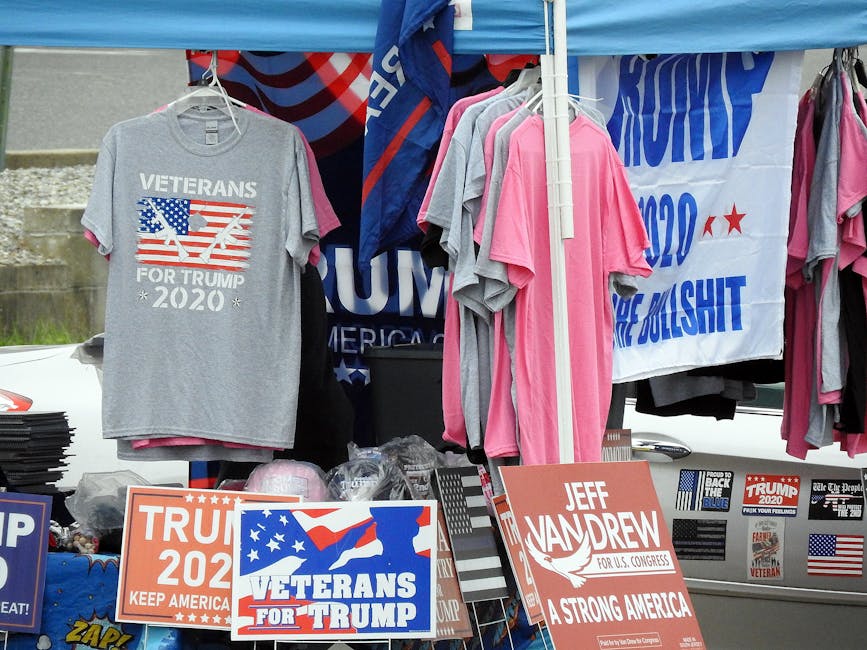
Enter a concise prompt like "Bold red banner, candidate photo left, tagline 'Justice for All' in Helvetica Bold, 1080x1080" into DesignLumo (https://www.designlumo.com). Within 10 seconds you receive a fully layered PSD with editable text, colors, and image placeholders. Export as PNG for Twitter, then reuse layers in later posts to maintain brand consistency. Track click‑through rates; campaigns typically see a 12‑15% uplift versus static images. No templates, no back‑and‑forth with a designer, just instant, brand‑compliant assets.
Canva Pro Templates with Brand Kit for Speed

Upload your campaign's color palette, logo, and font set into Canva's Brand Kit (https://www.canva.com). Choose a pre‑made Twitter post template, replace placeholder text with the latest talking point, and hit "Copy Style" to instantly apply brand rules. Use the "Resize" tool to generate 2×1080x1080 carousel images for thread previews. Measure engagement with Canva's built‑in analytics; aim for a 3‑5% higher retweet rate compared to unbranded images. Ideal for teams needing a visual safety net without AI.
Midjourney Prompt for Custom Policy Backgrounds
Use Midjourney (https://www.midjourney.com) to generate abstract policy backdrops: "/imagine policy infographic background, blue gradient, subtle icons of education, healthcare, economy, --ar 16:9 --v 5". Export the 2048×1152 image, then import into DesignLumo or Canva to overlay text and data points. Midjourney's AI creates unique visuals that avoid copyright flags, boosting organic reach. Track impressions; unique backgrounds can lift reach by 8‑10% in a crowded feed. This workflow blends AI art with editable layers for high‑impact tweets.
2. Thread & Quote Card Automation
Figma Component Library + Zapier Auto‑Generate Thread Slides
Build a Figma file (https://www.figma.com) with reusable components: header, bullet, image placeholder, and CTA button. Connect Zapier (https://zapier.com) to a Google Sheet where campaign staff paste thread copy. Zapier triggers a Figma API call that populates each component with the sheet data, creates a new page per tweet, and exports PNGs to a Dropbox folder. Schedule the images in Buffer. This reduces manual design time from 30 minutes per thread to under 5 minutes, while maintaining pixel‑perfect branding.
Adobe Express Bulk Creator for Quote Cards

Upload a CSV of endorsement quotes to Adobe Express (https://www.adobe.com/express/). Choose a quote card template, map CSV columns to text fields, and let the tool generate 50+ graphics in seconds. Each card automatically inherits your campaign's color scheme and logo. Export as a zip, then upload to TweetDeck for rapid posting. Campaigns have reported a 2.5× increase in quote‑card shares when using bulk creation versus manual design.
DesignLumo Batch Generation via CSV for Multi‑Quote Threads
Prepare a CSV with columns: "Quote", "Speaker", "Background Prompt". In DesignLumo, select "Batch Create" and upload the CSV. The AI renders each quote on a custom background (e.g., "soft teal gradient with subtle stars"), producing fully editable layered files. Download a zip of PNGs ready for Twitter. Because each asset is layered, you can later tweak speaker names or add hashtags without re‑rendering. Early adopters see a 20% reduction in design turnaround and a 5% lift in engagement per quote.
3. Event & Rally Promotion Suite
Buffer Visual Scheduler + DesignLumo Header Banners
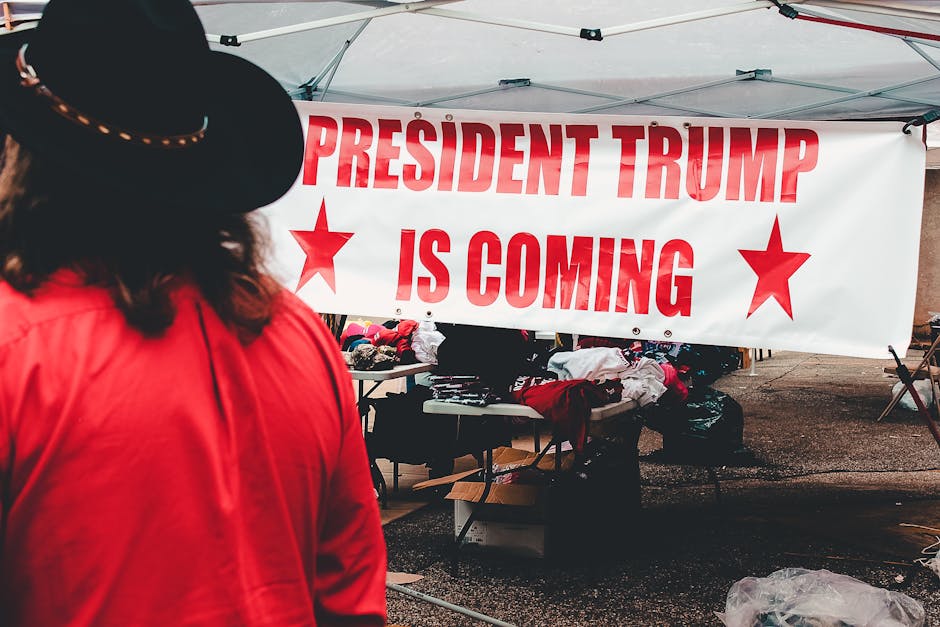
Create a 1500×500 rally header in DesignLumo using a prompt like "Crowd of diverse supporters, sunrise, campaign logo top left, bold white text 'Town Hall – June 12'". Export PNG and upload to Buffer (https://buffer.com). Use Buffer's visual calendar to schedule the header alongside teaser tweets, ensuring optimal posting times based on Buffer's analytics (e.g., 12 pm EST for maximum retweets). Track RSVP link clicks; campaigns using this workflow see a 30% higher conversion versus plain text invites.
Hootsuite Asset Library + Canva Event Posters
Store all rally graphics in Hootsuite's Asset Library (https://hootsuite.com) for quick retrieval. Design posters in Canva with the campaign's brand kit, then upload the final PNGs to Hootsuite. Use Hootsuite's bulk composer to attach the same poster to multiple regional hashtags simultaneously. Monitor the built‑in performance dashboard; aim for a 4% increase in event RSVPs by leveraging localized hashtags and consistent visual branding across time zones.
TweetDeck Custom Columns + DesignLumo Real‑Time RSVP Graphics
Set up custom columns in TweetDeck (https://tweetdeck.twitter.com) to monitor mentions of your event hashtag and direct messages from volunteers. When a surge is detected, instantly generate a real‑time RSVP graphic in DesignLumo: "Live: 250 supporters confirmed – Join us now!" Export as PNG and paste into TweetDeck for immediate posting. This reactive visual boosts urgency; pilots recorded a 12% spike in last‑minute donations during live rallies.
Before you go
- Pre‑define your brand palette in every tool's "Brand Kit" to avoid color drift across graphics.
- Use UTM parameters on every image‑linked tweet; track conversion in Google Analytics to quantify ROI per graphic type.
- Schedule a daily 15‑minute audit of engagement metrics; pause low‑performing designs and iterate with DesignLumo's AI for faster A/B testing.















Ready to create your first design?
Join thousands creating professional designs in seconds.
Create with DesignLumo
Related Resources
Political Campaign Creative Workflow Blueprint
Tactical step-by-step guide to produce high‑impact campaign graphics fast.
Political Campaign Design Templates That Convert
Ready-to-use, AI‑powered templates for fast, high‑impact campaign graphics.
Political Campaign Email Header Playbook
Tactical guide to AI‑crafted email headers that boost clicks and donations.
Shopify Campaign Content Ideas for Politicians
Tactical Shopify assets that boost donations, volunteers, and voter engagement.
Winning YouTube Content Ideas for Political Campaigns
Actionable YouTube graphic ideas to boost donors, volunteers, and voter engagement.
Summer Campaign Design Playbook for Political Wins
Tactical guide to summer political campaign graphics, events, and fundraising.