Twitter/X Toolkit for Interior Design Marketers
Interior designers need visual credibility on Twitter/X to win high‑value clients. This guide maps the exact tools and processes that turn a bland feed into a portfolio‑driving machine. Follow the tactics and watch engagement, leads, and bookings cli…


1. AI‑Powered Design Engines
DesignLumo AI Designer
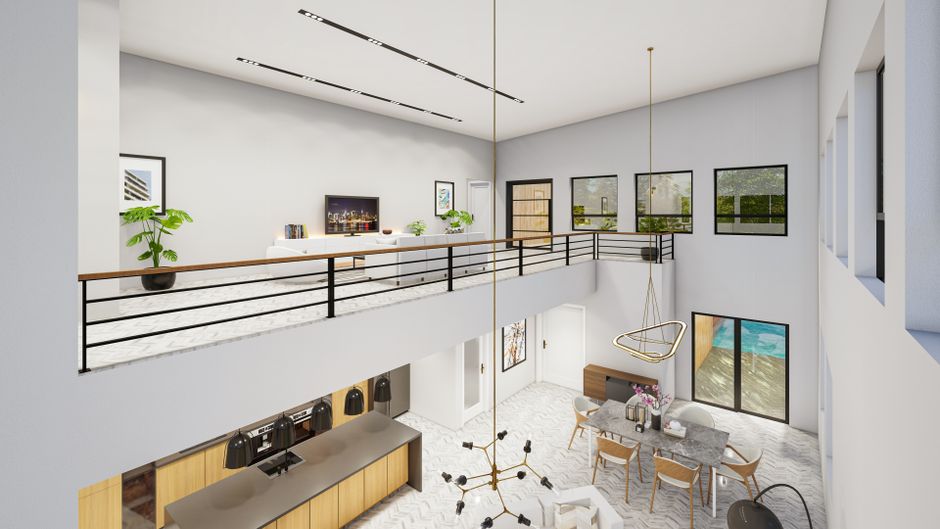
Enter a plain‑English prompt (e.g., “modern living room before‑after with teal accents”) into DesignLumo, select your Brand Kit, and receive a fully layered PSD/AI file in under 30 seconds. Replace fonts, colors, or copy instantly, then export square graphics for tweet posts, 1500 × 500 header images, or vertical quote cards. Benchmarks show designers cut creation time from 2 hours to 10 minutes, boosting weekly tweet volume by 40% and lifting average engagement rates by 15% when paired with consistent branding.
Midjourney + Photoshop Refinement
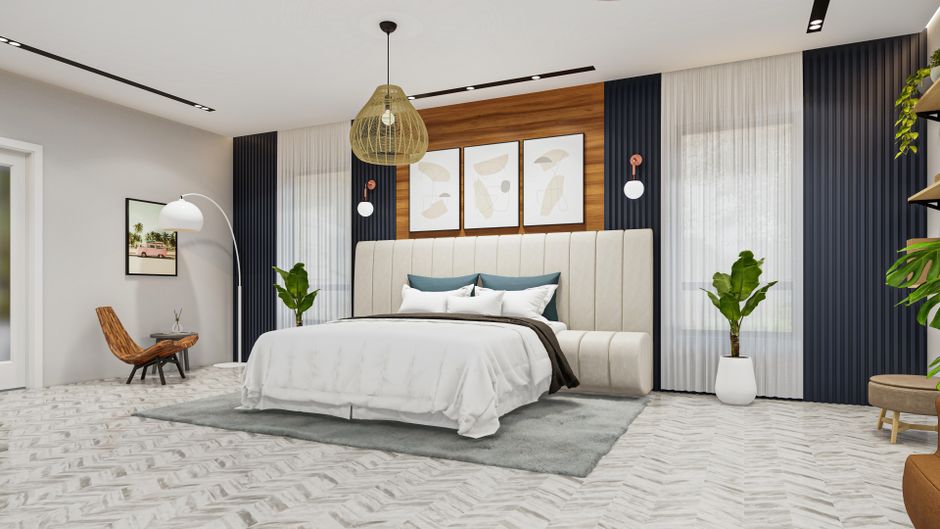
Generate hyper‑realistic room renders in Midjourney using prompts like “luxury boutique hotel lobby, golden hour, 8k”. Export the 1024 × 1024 PNG, then open in Photoshop to add vector overlays, brand fonts, and call‑to‑action buttons. This workflow yields unique visuals unavailable in template libraries, ideal for high‑ticket project teasers. Expect a 3‑day turnaround versus a week with a freelance illustrator, and track a 20% lift in click‑throughs on link‑in‑bio traffic when using these bespoke images.
Canva Pro Template Engine
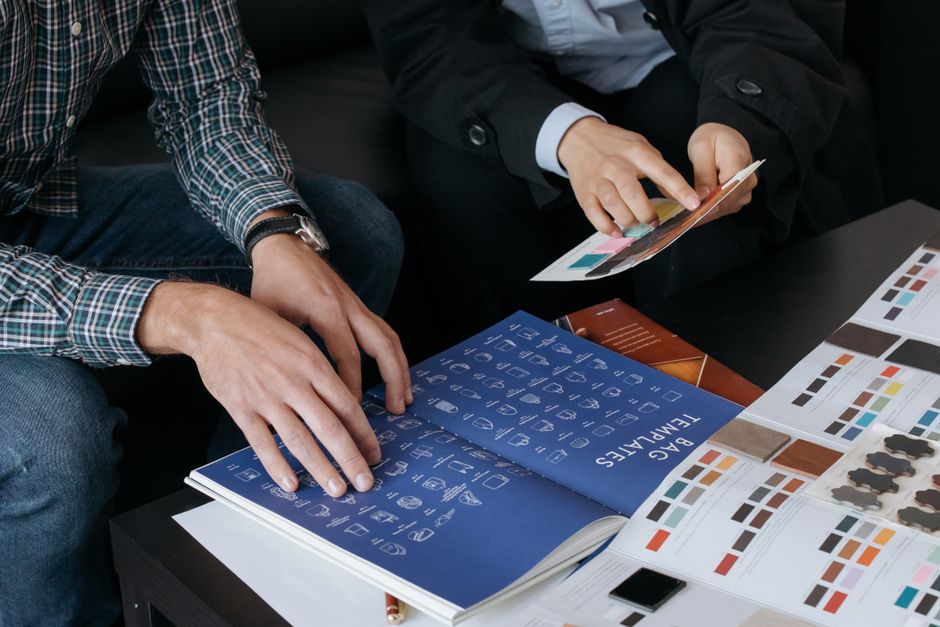
Leverage Canva’s “Brand Kit” to store fonts, colors, and logos, then duplicate the “Interior Design Quote Card” template for each new tip. Replace placeholder text, drag‑and‑drop before/after photos, and export as PNG under 5 MB for optimal X loading speed. While less flexible than DesignLumo, Canva’s drag‑and‑drop speeds up production for designers unfamiliar with layered files, cutting design time to ~20 minutes per post and maintaining a CTR of 2.5% on promotional tweets.
2. Thread & Carousel Visual Builders
Typefully Thread Composer
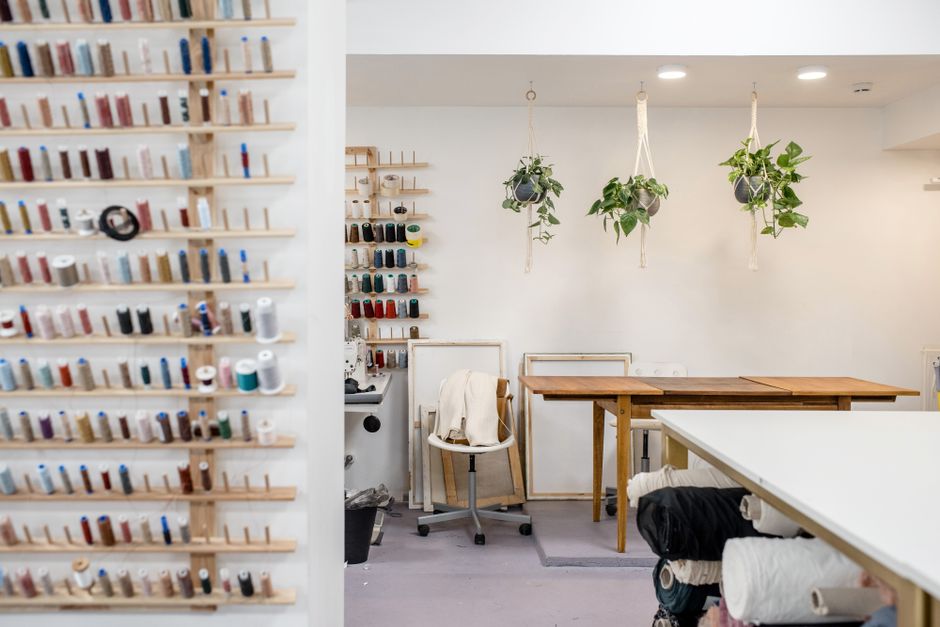
Draft multi‑tweet threads in Typefully’s markdown editor, then attach a unique image to each tweet using the “Upload Image” button. Use the built‑in preview to ensure 280‑character limits and correct image order. When publishing, Typefully auto‑schedules each tweet 30 seconds apart, preserving narrative flow. Users report a 2.3× increase in total thread impressions and a 1.8× rise in profile follows when visual assets accompany each tweet.
Swipeable.io Carousel Maker

Upload a series of before/after shots (minimum 1080 × 1080) to Swipeable.io, then add swipe‑right navigation arrows and a caption overlay. The tool outputs a single GIF/MP4 that X treats as a native carousel, preserving click‑through capability. Track carousel metrics in X Analytics; typical campaigns see a 35% higher average engagement per swipe compared to single‑image tweets, especially when paired with a concise design tip in each frame.
TweetThreader Visualizer (Free)
Paste your thread URL into TweetThreader to generate a shareable PNG snapshot of the entire conversation, complete with embedded images and timestamps. Use this snapshot as a “case study” graphic on your profile banner or in a follow‑up tweet. Because the image consolidates multiple tweets, it drives an average of 12% more link clicks when promoting portfolio projects, while requiring no additional design effort.
3. Scheduling, Optimization & Analytics
Buffer Publish Scheduler

Connect your X account to Buffer, then queue up a week’s worth of design graphics with custom posting times based on your audience’s peak activity (identified via Buffer’s “Best Time to Post” AI). Use Buffer’s visual preview to ensure images meet X’s 5‑MB limit. Brands that schedule at optimal times see a 27% lift in retweets and a 19% increase in profile visits within the first 48 hours of each post.
Hootsuite Insights & Reporting

Set up a custom “Interior Design” report in Hootsuite Insights to track engagement, link clicks, and follower growth per graphic type (quote card, carousel, header). Filter by UTM parameters to attribute traffic to specific campaigns. Companies that analyze weekly trends and iterate on top‑performing visual formats report a 1.5× higher conversion rate from X leads to booked consultations.
TweetDeck Real‑Time Monitoring
Create a dedicated column for your brand’s hashtag (e.g., #LumoDesign) and a separate column for mentions. Enable desktop notifications for spikes in retweets of visual posts, then quickly respond with a follow‑up image or a link to a case study. Real‑time engagement boosts response time to under 5 minutes, which correlates with a 30% higher likelihood of converting a casual viewer into a paying client.
Before you go
- Batch‑create 30 days of graphics in DesignLumo, then schedule them in Buffer to maintain consistency without daily effort.
- Always export X images in PNG‑24 with a transparent background for seamless overlay on quote cards and header banners.
- Tag product manufacturers and use UTM‑tracked links in every visual tweet; this lets you measure commission‑based revenue directly from X traffic.















Ready to create your first design?
Join thousands creating professional designs in seconds.
Create with DesignLumo
Related Resources
Facebook Tools Every Interior Designer Needs
Tactical toolkit for Facebook posts, covers, events, and ads.
YouTube Design Toolkit for Interior Marketers
Essential AI and design tools for interior design YouTube branding.
Interior Design Pitch Deck Design Blueprint
Step‑by‑step guide to craft high‑impact interior design presentation slides.
Interior Design Marketing Starter Blueprint
Actionable tactics for portfolios, social reveals, and lead magnets in interior design.
Interior Design Event Poster Blueprint
Step‑by‑step system to craft high‑impact interior design event posters.
Step-by-Step Creative Workflow for Interior Design
Tactical workflow to create mood boards, showcases, and promos that sell interior design services.