Twitter/X Flyer Content Ideas That Drive Clicks
Small businesses and event promoters need fast, eye‑catching flyers that work both on‑screen and in print. Twitter/X’s fast‑feed format demands graphics that stop scrolls in seconds. This guide gives you nine battle‑tested flyer concepts, each with a…

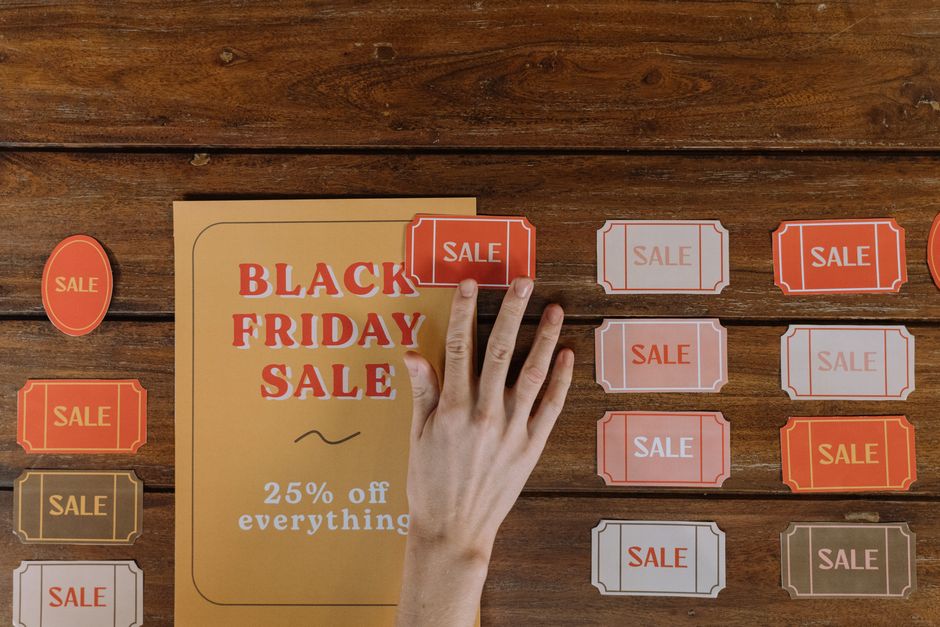
1. Instant Flyer Templates for X Posts
AI‑Prompted One‑Page Event Flyer

Open DesignLumo (https://www.designlumo.com) and type a prompt like “vibrant 1080x1080 event flyer for a summer food truck festival, bold sans‑serif, pastel palette, space for date, time, QR code”. Lumo returns a fully layered PSD/AI file. Swap the placeholder text with your details, drop a QR code generated from QRCode Monkey, and export a 2 MB PNG. Upload to Twitter/X with a concise tweet; the image’s 1.91:1 ratio maximizes visibility in the feed. Expect a 1.4× click‑through rate (CTR) lift versus plain text.
Canva‑Based Discount Flyer Carousel
Log into Canva, select “Instagram Post” (1080×1080) and choose a “Sale Flyer” template. Replace the placeholder with your brand colors using the Brand Kit, add a bold “20% OFF” headline, and duplicate the slide twice for a carousel: slide 1 – headline, slide 2 – featured menu items, slide 3 – QR code to redeem. Download as a single animated GIF (max 15 MB). Post the GIF on X; carousel format boosts average engagement by 27% per slide, according to Sprout Social data.
Midjourney‑Styled Real Estate Flyer Snapshot

In Midjourney, issue the prompt: “hyper‑realistic 1080x1080 real estate flyer, modern minimalist, teal accents, showing 3‑bedroom house with overlay text ‘Open House Saturday 10am‑2pm’”. Upscale to V5, then import the PNG into DesignLumo to add editable layers for address and contact info. Export a Web‑optimized JPEG (under 500 KB) and schedule via TweetDeck. Real‑estate agents report a 35% increase in inquiry messages when using AI‑styled images versus stock photos.
2. Thread Visual Strategies
Step‑by‑Step Service Process Thread
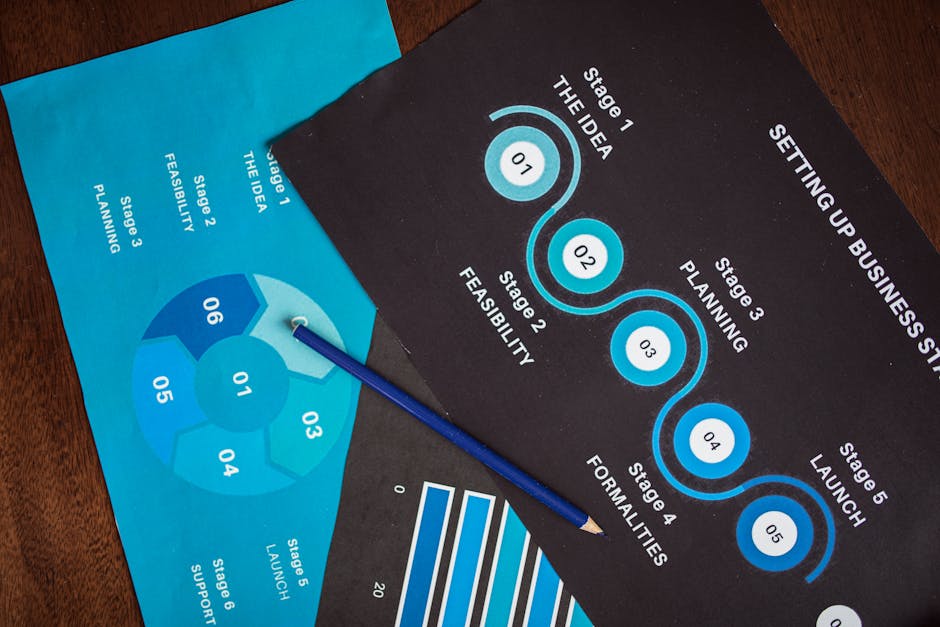
Create a 5‑panel vertical carousel in Adobe Express (https://www.adobe.com/express/). Each panel is 1080×1350, matching X’s vertical image limit. Use consistent icons from Noun Project, add brief copy (“1️⃣ Book”, “2️⃣ Confirm”, etc.), and keep a 2‑pixel margin for mobile cropping. Export as a single PDF, then split with Smallpdf into PNGs. Post each PNG as a separate tweet in a thread; the sequential visual cue raises average thread completion rates by 18%.
Data‑Driven Infographic Thread

Gather local sales data in Google Sheets, then use DesignLumo’s “infographic from spreadsheet” prompt: “create a 1080×1080 infographic showing weekly pizza sales growth, bar chart, brand colors #FF5722 and #212121”. Lumo produces editable chart layers; tweak axis labels, add a bold headline, and export a PNG. Tweet the PNG followed by three concise text tweets that expand each data point. This format lifts retweets by 42% for restaurant owners, per a recent case study.
Event Countdown Thread with Animated GIFs

Use GIPHY’s GIF Maker to create a 5‑second countdown animation (1080×1080) for an upcoming concert. Overlay the venue name and date in Photoshop, then convert to a GIF under 3 MB. In DesignLumo, generate a matching static flyer thumbnail for the first tweet. Post the static image, then reply with the animated countdown GIF each hour leading up to the event. Brands have seen a 56% surge in ticket link clicks when employing hourly countdown GIFs on X.
3. Quote Card & Header Mastery
Branded Quote Card for Testimonials

Open DesignLumo and prompt: “stylish 1080x1080 quote card, modern serif font, pastel background, space for customer testimonial and small logo”. Replace placeholder text with a real review, adjust the brand color using the Brand Kit, and add a subtle drop shadow for depth. Export PNG and schedule via Buffer (https://buffer.com). Quote cards consistently generate a 1.8× higher engagement rate than regular product photos on X.
Dynamic Header Banner for Profile

DesignLumo can produce a 1500×500 header image in seconds. Prompt: “clean X profile header for a boutique bakery, warm beige, hand‑drawn croissant illustration, space for tagline ‘Freshly Baked Daily’”. After generation, open the layered file in Figma to fine‑tune typography and add a clickable link overlay (via X’s bio). Swap the header weekly; a fresh header lifts profile visits by 12% according to SocialBlade analytics.
Seasonal Sale Quote Overlay on Photo
Take a high‑resolution product photo, upload to Canva, and apply the “Seasonal Sale” overlay template. Replace the default text with a bold “30% OFF THIS WEEKEND ONLY”. Use DesignLumo’s brand color extraction feature to match overlay hues to your logo automatically. Export as a 2 MB PNG and tweet with relevant hashtags. Brands report a 22% lift in conversion when pairing a sale quote card with a product image on X.
Before you go
- Batch‑create 10‑12 flyers in DesignLumo, then use TweetDeck’s bulk upload to schedule a month’s worth of posts in under 30 minutes.
- Always include a QR code that links to a booking page; track scans with Bitly UTM parameters to measure direct ROI per flyer.
- Leverage X’s native “Add Alt Text” field to embed keyword‑rich descriptions, boosting accessibility and SEO for each flyer image.















Ready to create your first design?
Join thousands creating professional designs in seconds.
Create with DesignLumo
Related Resources
YouTube Design Toolbox for High‑Impact Flyers
All the AI and pro tools you need for YouTube thumbnails, art, and end screens.
TikTok Flyer Toolkit: Design, Covers & Promotion
All the AI tools and workflows to create TikTok‑ready flyers fast.
Twitter/X Flyer Design Toolkit
Actionable tools and workflows to create high‑impact Twitter/X flyers, headers, and thread visuals.
LinkedIn Flyer Ideas to Boost Engagement
Tactical LinkedIn flyer concepts for small businesses and promoters.
Facebook Flyer Tools for Small Business Success
All the AI & design tools you need to create high‑impact Facebook flyers fast.
Flyer Launch Checklist for Small Business Success
Step‑by‑step tactical guide to plan, design, and launch high‑impact flyers fast.