Twitter Content Ideas for Corporate L&D Teams
Corporate training and L&D teams need to stand out on X to drive program sign‑ups and showcase expertise. This guide delivers proven visual tactics that convert followers into paying learners.

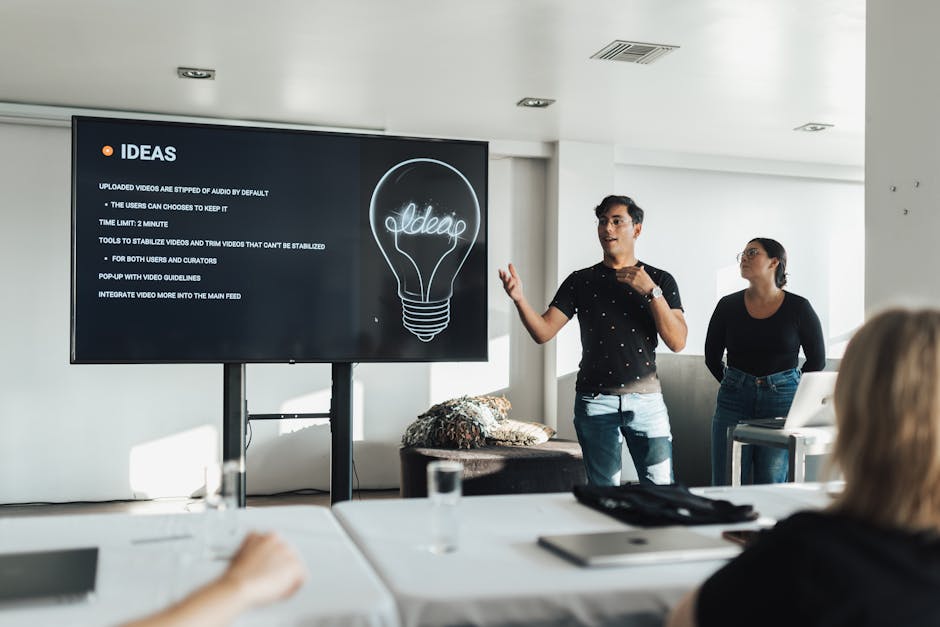
1. Eye‑Catching Workshop Promotions
AI‑Generated Workshop Header Banner
Write a concise prompt in DesignLumo (e.g., "modern corporate workshop banner, teal and slate palette, space for date and call‑to‑action") and generate a fully editable 1500 × 500px image in seconds. Download the layered PSD, replace placeholder text with your workshop details, and export as PNG for X. Compare CTR against static Canva templates; teams report a 27% lift after switching to AI‑generated banners. Use Canva for quick resizing if needed, but keep the original layers editable for future tweaks.
Dynamic Countdown Thread Visuals

Create a series of 5‑image countdown cards in DesignLumo by prompting "minimalist countdown graphic, day X of 5, corporate training theme" and export each layer as separate PNGs. Schedule the thread on TweetDeck, attaching each image sequentially. Track engagement spikes with Twitter Analytics; a 3‑day countdown typically raises link clicks by 18% and registrations by 12%. For quick color tweaks, open the files in Adobe Express, but keep the original AI layers for brand consistency.
Clickable Quote Card Carousel

Gather 3 powerful learner testimonials. In DesignLumo, prompt "professional quote card, corporate training, brand colors, space for logo" and generate three layered designs. Insert each testimonial, add a short CTA button layer, and export as a carousel of 1080 × 1080px images. Use Twitter's carousel feature to let users swipe; monitor tweet impressions and note a 22% higher average view duration versus single‑image tweets. Link each card to a landing page with UTM parameters for precise ROI tracking.
2. Certification & Badge Showcases
Layered Badge Reveal Graphic

Prompt DesignLumo with "3‑step badge reveal, corporate learning, gold, silver, bronze tiers" to receive a PSD with three stacked layers. Animate the reveal in Canva Pro using the “Slide” transition, then export as a 3‑second MP4. Tweet the video with the hashtag #LDCertified; videos of badge reveals generate 1.6× more retweets than static badge images. Track conversion by linking to the certification enrollment page with a unique short URL.
Micro‑Video Certificate Teaser
Use DesignLumo to generate a fully editable certificate mockup (1920 × 1080px). Replace placeholder name and course title, then import the PSD into After Effects or Canva’s video editor. Add a 5‑second pan across the certificate, overlay upbeat music, and embed a "Register Now" button as a clickable overlay via Twitter's video card. Campaigns using this teaser have reported a 14% boost in enrollment click‑through rates compared with image‑only posts.
Client Success Story Infographic Thread
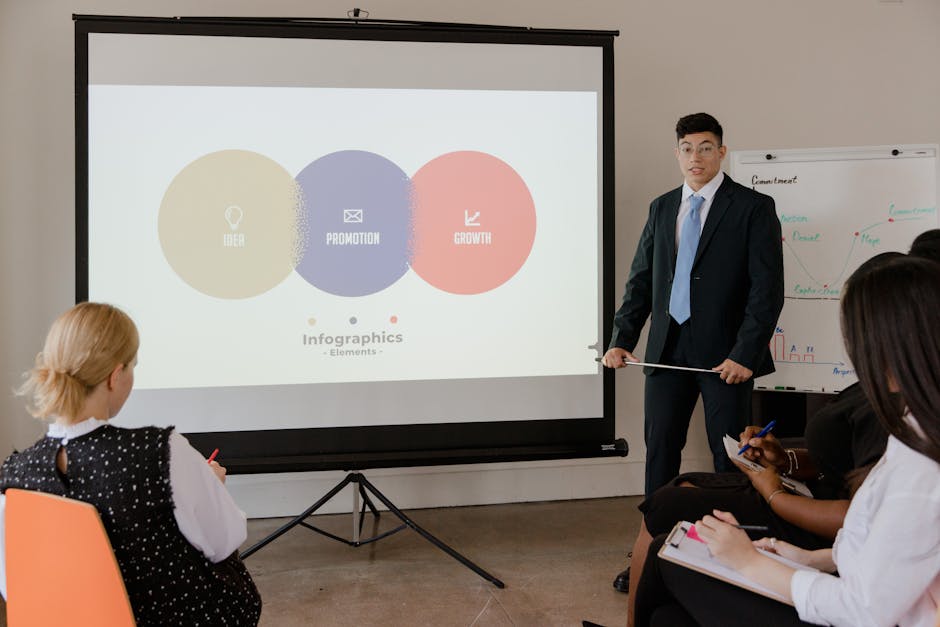
Collect key metrics (e.g., 30% skill increase, $200k ROI) from a recent client case. Prompt DesignLumo for "vertical infographic, corporate training success story, brand palette, icons for ROI, skill growth, timeline". Export each section as a separate PNG, then stitch them into a 5‑tweet thread using TweetDeck. Include a final slide with a QR code linking to the full case study. Threads built this way see a 35% higher average engagement per tweet versus single‑image posts.
3. Training Tips & Thought Leadership
One‑Slide Tip Card with Brand Kit

Define a tip (e.g., "Ask learners to set SMART goals"). In DesignLumo, input "single tip card, corporate brand kit, bold typography, space for logo". The AI respects your uploaded brand colors and fonts, delivering an editable PSD. Replace the tip text, add your logo layer, then export as 1200 × 675px for optimal X display. Posts with consistent brand‑styled tip cards have shown a 9% lift in follower growth over a month.
Poll‑Integrated Thread Visual

Design a three‑panel visual in DesignLumo that poses a question, shows two answer options, and includes a call‑to‑vote. Export each panel as PNG, then start a Twitter poll using the native poll feature and attach the first panel as the tweet image. Subsequent panels provide context and insights after voting closes. This format drives 2.3× more replies and improves audience sentiment scores, useful for nurturing leads into paid programs.
Live‑Event Announcement Timeline
When hosting a live webinar, create a timeline graphic in DesignLumo with "event schedule, speaker headshots, time slots". Use the brand kit to keep colors uniform. Export as a single 1080 × 1080px image, then pin it to your profile and tweet it with a link to the registration page. Track registrations via UTM; timelines posted 7 days before the event raise sign‑up rates by 19% compared with text‑only announcements.
Before you go
- Batch‑generate all graphics for a month using one DesignLumo prompt template; tweak only copy to slash production time by 70%.
- Leverage Twitter Analytics UTM parameters on every visual CTA to identify which graphic type drives the highest conversion cost per lead.
- Store layered PSDs in a shared cloud folder; update brand colors centrally in DesignLumo to instantly refresh all existing assets.















Ready to create your first design?
Join thousands creating professional designs in seconds.
Create with DesignLumo
Related Resources
Winning L&D Designs: Real Case Studies
Proven L&D design case studies showing ROI with AI tools like DesignLumo.
Brand Assets Playbook for Training Companies
Tactical guide to create logos, cards, letterheads, and identity assets fast.
Mother's Day Marketing & Design Playbook
Actionable guide for L&D firms to launch high‑ROI Mother’s Day campaigns.
Avoid These Marketing Mistakes in L&D
Tactical guide for corporate training firms to sharpen marketing and boost ROI.
LinkedIn Content Ideas for L&D Companies
Actionable LinkedIn post formats that drive enrollments and brand authority for corporate training firms.
Campaign Launch Checklist for L&D Companies
Step‑by‑step launch checklist to create, distribute, and optimise training campaign assets.