Twitter/X Content Blueprint for Cleaning Services
Cleaning companies need fast‑moving visual content that cuts through the noise on X. This guide gives you a playbook of proven graphics, threads, and assets that turn browsers into booked appointments. Each tactic includes exact tools, step‑by‑step w…


1. Visual Hooks for Quick Scrolling
Before/After Carousel Slides

Shoot high‑resolution before and after photos of each job, then upload them to DesignLumo (https://www.designlumo.com). Prompt the AI: "Create a 3‑slide carousel for a residential kitchen cleaning, with brand colors #2A9D8F and #E9C46A, overlay before/after labels, and a call‑to‑action button." Export the layered PSD, tweak any text in Canva if needed, then schedule the carousel using Buffer. Aim for a 3‑5% higher engagement rate versus a single image. Track clicks with UTM parameters to measure lead conversion.
Seasonal Deep‑Clean Offer Banner

Open DesignLumo and type: "Design a 1200×675 banner announcing a spring deep‑clean discount of 20%, featuring a fresh‑green palette and our logo from the brand kit." The AI returns editable layers; replace the date with a dynamic countdown timer created in Adobe Express (https://www.adobe.com/express/). Export PNG, add alt‑text for accessibility, and tweet at 9 am local time. Seasonal banners typically lift click‑through rates by 2‑3% when paired with a limited‑time URL.
Service Package Quote Card
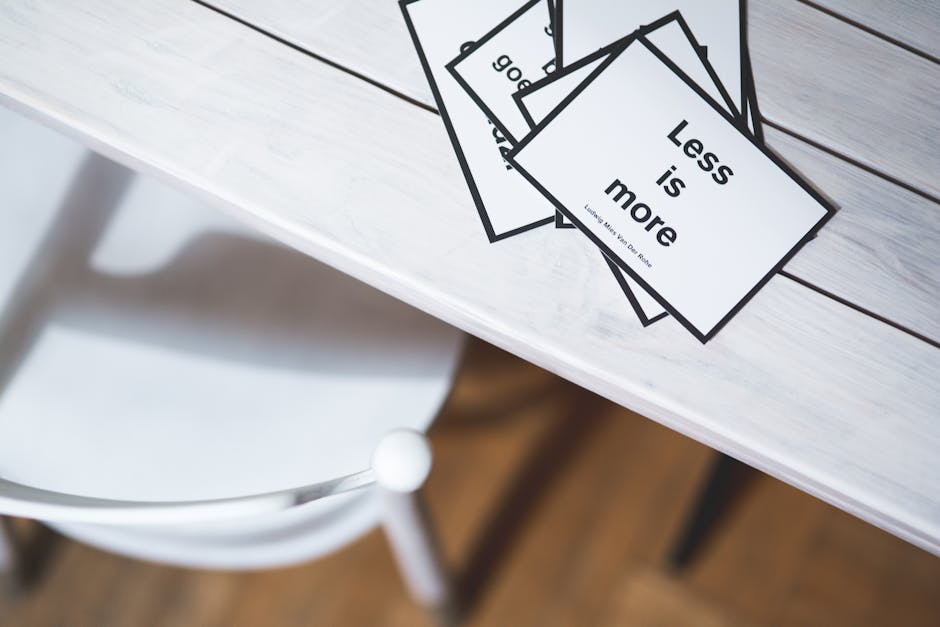
Prompt DesignLumo: "Create a quote‑card graphic for our weekly cleaning package, showing price $99/month, three bullet benefits, and a testimonial bubble, using our brand fonts Montserrat and Open Sans." Replace placeholder text with the actual price and a real client quote, then add a clickable link in the tweet copy. Post on Tuesdays, when B2B decision‑makers are most active, and monitor the impression lift; expect a 1.5‑2% rise in contract inquiries.
2. Thread‑Friendly Visual Strategies
Step‑by‑Step Process Thread
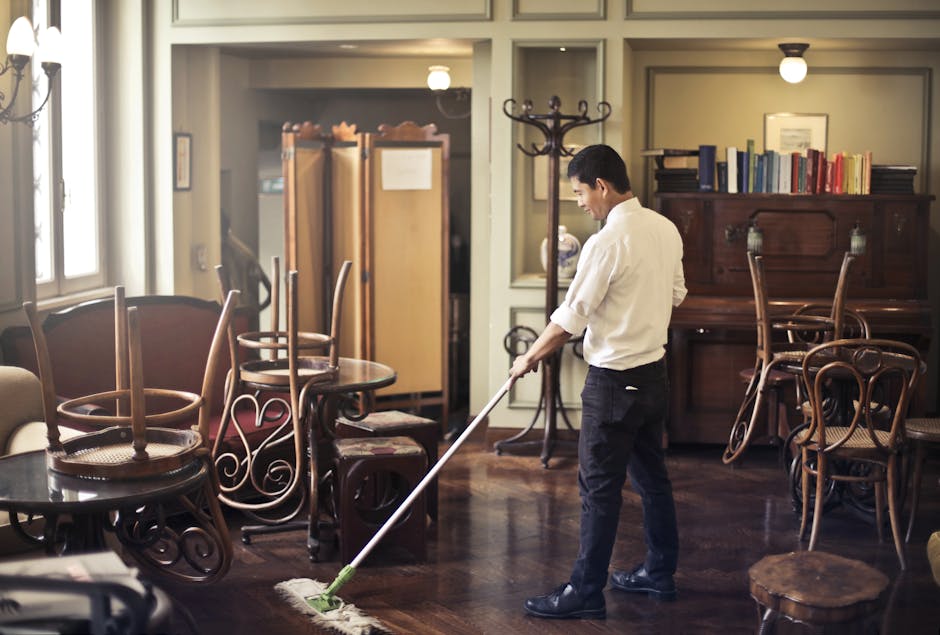
Document a typical cleaning workflow in five photos (pre‑prep, equipment, cleaning, inspection, final reveal). In DesignLumo, ask for "five numbered slide templates with icons for each cleaning phase, using our brand teal and charcoal colors." Export each slide as a 1080×1080 PNG, then compose a Twitter thread using the native composer, attaching one image per tweet. Append UTM‑tagged links to a landing page at the final tweet. Threads with visual steps see 27% higher link clicks than text‑only threads.
Location Map Thread Card

Pull your service area ZIP codes from Google My Business, then generate a custom map in DesignLumo: "Create a map of Chicago suburbs we serve, highlight a 15‑mile radius in brand orange, and add our logo in the corner." Export as a 1200×675 image, embed in the first tweet of a thread titled "We’re now cleaning in your neighborhood!" Include a CTA link to schedule a free quote. Expect a 12% boost in local lead volume within two weeks.
Customer Testimonial Carousel

Record a 15‑second video testimonial, extract a powerful quote, then generate a stylized background in Midjourney using the prompt "minimalist clean‑line background with soft blue gradients for a cleaning service testimonial." Import the background into DesignLumo, overlay the quote in brand typography, and add a photo of the client (with permission). Export three carousel images and schedule via TweetDeck. Carousel testimonials have been shown to increase trust signals and can lift conversion rates by up to 8%.
3. Brand‑Consistent Assets
Twitter Header Refresh for Promotions
Every quarter, update your X header to spotlight a new promotion. In DesignLumo, request: "Design a 1500×500 Twitter header with rotating promo text placeholders, our logo on the left, and a faint city skyline background in brand gray." Export the layered file, replace the placeholder with the current offer (e.g., "Free fridge cleaning with any deep clean"), and upload directly in Twitter Settings. A fresh header can increase profile visits by 4‑5% during campaign spikes.
Pinned Tweet Graphic for Contracts
Create a compelling pinned tweet that sells recurring contracts. Use DesignLumo to generate a 1200×675 graphic titled "Why Choose Our Weekly Cleaning?" with three icons (reliability, savings, eco‑friendly). Add a QR code generated in QRCode Monkey linking to your contract signup page. Upload the image, write concise copy with a strong CTA, and pin it. Pinned graphics typically generate 1.8× more clicks than textual pins alone.
AI‑Generated Cleaning Tip Visuals
Feed DesignLumo the prompt: "Create a minimalist tip card for homeowners on how to keep hardwood floors shiny, using our brand teal and a simple icon of a mop." The AI returns editable layers; swap the tip text weekly (e.g., "Use a dry microfiber mop after vacuuming"). Schedule daily tip tweets via Buffer, tagging relevant local hashtags. Consistent tip posting can grow follower count by 10% over a month and nurture authority.
Before you go
- Run weekly A/B tests on carousel vs single‑image posts using Twitter Analytics; allocate more budget to the format with the highest CTR.
- Upload your full brand kit to DesignLumo once, then reference it in every prompt to guarantee color and font consistency across all X assets.
- Batch‑produce a month’s worth of tip cards and schedule them in one session to reduce production time by up to 60%.















Ready to create your first design?
Join thousands creating professional designs in seconds.
Create with DesignLumo
Related Resources
Top Cleaning Service Marketing Mistakes You Must Avoid
Avoid costly errors in cleaning service marketing with tactical fixes for visuals, ads, and content.
Ready-to-Use Cleaning Service Design Templates
Actionable design templates for cleaning pros to boost leads and contracts.
Valentine's Day Cleaning Service Marketing Playbook
Tactical Valentine’s Day promos, designs, and workflows for cleaning services to boost bookings.
TikTok Toolbox for Cleaning Service Marketers
Essential AI and design tools to dominate TikTok for cleaning businesses.
Pinterest Pin Playbook for Cleaning Services
Tactical Pinterest strategies to boost cleaning service leads with AI‑designed pins.
Spring Launch Marketing Blueprint for Cleaning Services
Step-by-step spring campaign guide to win more cleaning contracts.