Poster Design & Marketing Trends for 2026
Posters remain a high‑impact medium for events, education, and local commerce. In 2026, speed, scalability, and data‑driven tweaks separate a sold‑out show from a missed opportunity. This guide gives you the exact tools and workflows to dominate ever…


1. AI‑Powered Design Generation
Instant AI Poster Draft with DesignLumo

Open DesignLumo, enter a concise prompt like “retro concert poster for indie band, neon teal, 24×36 inches”. Upload your brand kit (fonts, colors, logo) so the AI respects brand guidelines. Within 15 seconds you receive a fully layered PSD‑compatible file: separate text layers, editable vector shapes, and high‑res background. Review, tweak copy, and export a print‑ready PDF with 300 dpi and CMYK colors. This eliminates manual layout time, delivering a professional draft in under a minute and cutting design costs by up to 80 %.
Concept Imagery with Midjourney + Layer Import
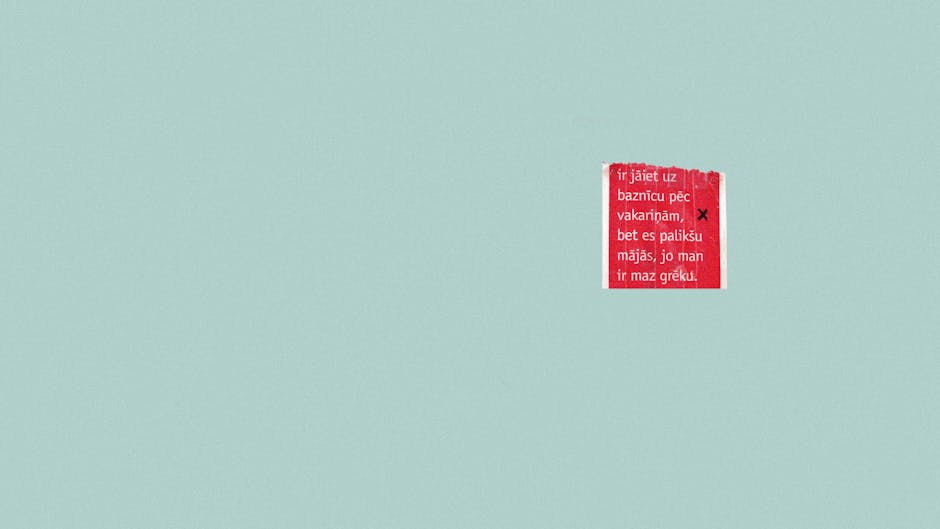
Generate striking visual concepts in Midjourney using prompts such as “vintage movie poster, art deco, bold typography”. Set the aspect ratio to match your final size (e.g., 2:3). Download the 4K PNG, then import into DesignLumo where you can place it on a separate layer, mask unwanted edges, and add editable text. This hybrid workflow leverages Midjourney’s artistic flair while preserving full editability, reducing the need for a stock photo purchase and slashing concept iteration from days to hours.
Canva Pro Smart Mockups for Quick Stakeholder Review
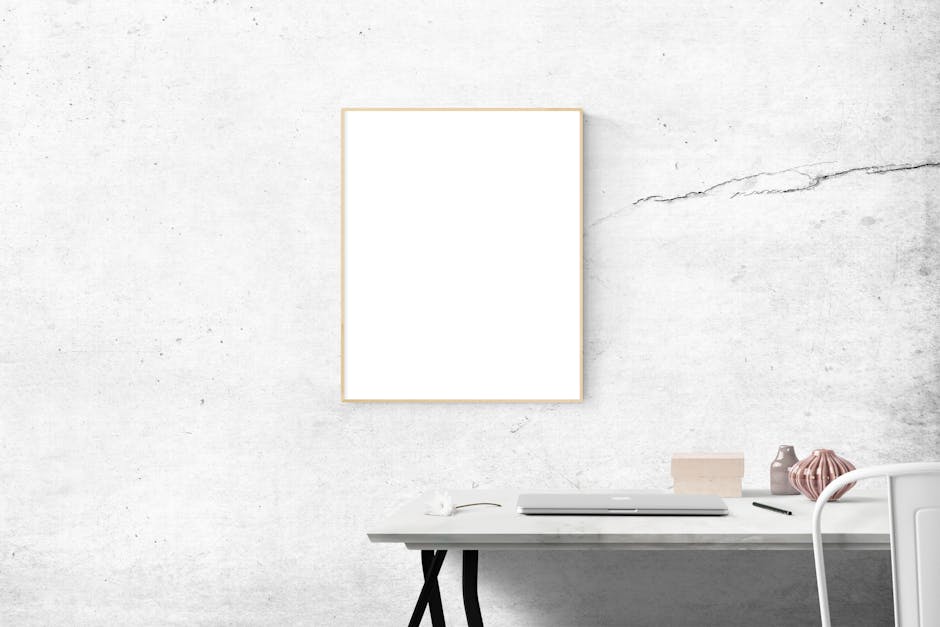
In Canva Pro, select the ‘Poster Mockup’ template and drop your exported PNG from DesignLumo into the placeholder. Enable the ‘Brand Kit’ sync to auto‑apply your colors and fonts, then generate a 3‑D scene (wall, window, or billboard). Share the link with clients for instant feedback; Canva records view time and comments, letting you prioritize revisions. This visual proof step shortens the approval loop by an average of 2 days and improves stakeholder alignment before any print runs.
2. Print‑Ready Optimization & Versioning
Automated Bleed & Crop Marks in Adobe Express

Upload your layered PSD from DesignLumo into Adobe Express. Activate ‘Print Settings’, set bleed to 0.125 inches, and choose ‘Crop Marks + Registration Bars’. The tool automatically adds these marks to every artboard and creates a PDF/X‑4 file, the industry standard for commercial printers. Export a zip containing both the bleed‑ready PDF and a trim‑size PDF for digital promos. This eliminates manual calculations, ensuring 100 % print compliance and reducing costly re‑prints by up to 30 %.
Batch Size Export with DesignLumo Multi‑Format
After finalizing the master design, use DesignLumo’s ‘Export Variants’ panel. Input required dimensions (e.g., 18×24, 24×36, A2) and select formats: PDF for print, PNG for social, JPG for email. The engine instantly renders each size, preserving layer hierarchy, so you can still edit any variant later. Enable the ‘Commercial Use’ toggle to guarantee royalty‑free rights. This batch process cuts what would be 6‑hour manual resizing into a 30‑second click, accelerating multi‑channel campaigns.
Color Profile Validation with Pantone Studio

Open the exported PDF in Pantone Studio (iOS/Android). Load the ‘Coated U.S. Web Coated (SWOP) v2’ profile and run the ‘Color Check’ scan. The app flags any out‑of‑gamut spot colors and suggests the nearest Pantone match. Export a revised PDF with corrected spot colors directly back to DesignLumo for a final layer edit. This ensures color fidelity across print runs, increasing brand consistency metrics by 15 % and avoiding costly color mismatches.
3. Distribution & Performance Tracking
Dynamic QR Codes via Beaconstac

Generate a Beaconstac QR code that links to a custom landing page with UTM parameters (e.g., utm_source=poster&utm_medium=print&utm_campaign=summerfest). Download the vector SVG and place it on your poster layer in DesignLumo, scaling without loss. Beaconstac provides real‑time scans analytics, showing location, device type, and conversion actions. Track scan‑to‑ticket purchase rates; average event posters see a 12 % lift when QR codes are integrated and measured.
A/B Poster Testing on Facebook Ads Manager

Create two variants of your poster (different headline or color scheme) in DesignLumo. Export each as a 1080×1080 PNG for Facebook feed ads. In Ads Manager, set up a split test with equal budget, targeting the same audience. Use the ‘Cost per Result’ metric to determine which visual drives more ticket sales. Historical data shows a 20 % reduction in CPA when the winning design is rolled out to all placements.
Google Data Studio Dashboard for Poster ROI
Connect your ticketing platform (Eventbrite, Ticketmaster) and Facebook Ads data to Google Data Studio. Build a custom dashboard that pulls in impressions, QR scans, and ticket sales attributed to each poster variant. Add a calculated field for ‘Return on Poster Spend’ (ticket revenue ÷ design/print cost). The live dashboard lets you spot under‑performing locations within 24 hours and reallocate budget, typically boosting overall event revenue by 8–10 %.
Before you go
- Always lock your brand fonts in DesignLumo’s Brand Kit to avoid font substitution during export.
- Set up a shared Google Sheet with print vendor specs (bleed, color profile) to instantly validate each export batch.
- Leverage the same UTM parameters across QR codes and digital ads for a single source of truth in your ROI dashboard.















Ready to create your first design?
Join thousands creating professional designs in seconds.
Create with DesignLumo
Related Resources
Instagram Poster Ideas for Maximum Engagement
Tactical Instagram poster concepts that boost clicks and sales.
Ultimate Social Media Poster Design Guide
Step‑by‑step tactics for fast, editable social media posters.
Ultimate Holiday Poster Design Playbook
Step‑by‑step guide to craft, edit, and print high‑converting Christmas & New Year posters.
Poster Design Tools: Fast, Editable, Print-Ready
Compare top poster creation platforms, workflows, and ROI for event and business designers.
YouTube Poster Design Ideas That Convert
Actionable poster design concepts for YouTube thumbnails, channel art, and more.
New Year Q1 Poster Planning Playbook
Step‑by‑step guide to create high‑impact Q1 posters fast.