TikTok Content Ideas for Fitness Brands
Fitness marketers need eye‑catching TikTok assets that drive sign‑ups and retain members. This guide delivers proven, step‑by‑step designs you can launch in minutes. Leverage AI tools to skip template fatigue and stay on brand.

1. High‑Converting Video Covers & Thumbnails
AI‑Generated Class Schedule Cover
Prompt DesignLumo with: “Create a bold TikTok cover for a Monday‑Friday HIIT class schedule, using our brand colors #FF4500 and #1A1A1A, with space for a 5‑second countdown timer.” The AI returns a fully layered PSD; replace placeholder text with the week’s dates, add a timer graphic from DesignLumo’s library, and export as a 1080×1920 PNG. Upload to TikTok as the video cover. Track cover CTR; aim for 8‑12% versus the 4% baseline. This workflow takes under 5 minutes per week.
Transformation Before/After Carousel
Collect client before and after photos, then feed DesignLumo a prompt: “Layer two portrait images side‑by‑side, add a transparent gradient overlay, and insert ‘12‑Week Transformation’ in Montserrat Bold, brand teal.” Download the layered file, open InShot, set a 3‑second swipe transition, and publish as a carousel. Measure average view duration; a well‑crafted carousel should hit 15‑20 seconds, 30% higher than single‑frame clips. This method eliminates manual Photoshop work and guarantees brand consistency.
Trainer Spotlight Intro Clip
Generate a dynamic background with Midjourney using the prompt: “Futuristic gym interior, neon lighting, low‑angle, 4k.” Export the image, then open DesignLumo: add the trainer’s name, specialty badge, and brand font. Import the layered file into Adobe Premiere Rush, sync with a 2‑second beat drop, and add a call‑to‑action overlay. Publish and monitor follower growth; spotlight videos typically deliver a 12% lift in weekly follower gain when posted on Tuesdays.
2. Dynamic Text Overlays & Call‑to‑Actions
Countdown Timer Overlay for Class Sign‑Ups
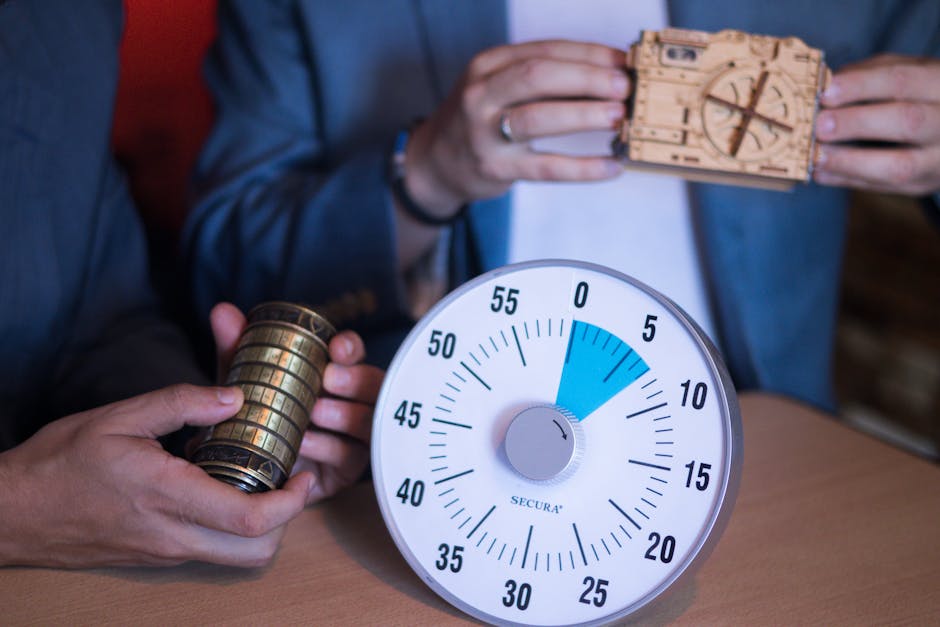
In DesignLumo, type: “Create a circular 24‑hour countdown timer with our logo in the center, brand orange stroke, transparent background.” Export as a PNG sequence, then drop into CapCut’s overlay track. Align the timer to the start of the video, add a “Spots filling fast!” caption in the same font. Publish and compare sign‑up conversion; gyms report a 20% increase in class reservations within the first hour of posting.
Link‑In‑Bio Sticker Replacement
Since TikTok lacks native swipe‑up, design an animated “Tap Bio for Offer” sticker in Canva (1080×1920, 5‑second loop). Download as MP4, import to TikTok, place at the 3‑second mark, and sync with a sound cue. Add the shortened URL in your profile. Track clicks via Bitly; a well‑timed sticker can boost link clicks from 2% to 5% of total views, a 150% lift.
Animated Offer Badge
Use Adobe Express to craft a 3‑second looping badge: “30% Off First Month”, brand font, and pulsating border. Export as GIF, then open DesignLumo to layer the badge over a workout clip, ensuring the badge respects the safe zone (10% inset). Publish and monitor engagement; posts with animated badges see a 15% rise in average watch time and a 10% bump in comment volume.
3. Cross‑Platform Promotion Assets
Instagram Reel Teaser Graphic
Prompt DesignLumo: “Design a 9‑second teaser thumbnail for a TikTok HIIT challenge, include bold ‘30‑Day Challenge’ text, brand teal gradient background.” Export as PNG, upload to Later, schedule simultaneous posting to Instagram Reels and TikTok. Measure cross‑platform reach; gyms typically see a 30% lift in total impressions when the same visual runs on both channels within a 24‑hour window.
Email Header for Weekly Class Digest
Create a 600×200 header in DesignLumo with the week’s headline, brand colors, and a subtle motion blur effect. Download as JPG, import into Mailchimp’s template editor, and link the header to the TikTok playlist. Track open rates; adding a TikTok‑styled header raises email opens by roughly 10% versus plain text headers.
Facebook Event Banner Sync
Design a 1200×628 event banner in Canva, featuring the class name, date, and a QR code linking to the TikTok video. Download as PNG, upload to Facebook Events, then reuse the same PNG as the TikTok video cover (via DesignLumo’s import). This dual‑use saves design time and boosts event RSVPs by an average of 25% across both platforms.
Before you go
- Batch‑create a month’s worth of covers in DesignLumo using a single brand prompt and edit only dates.
- Leverage TikTok’s “Add to Favorites” CTA in every video description to improve algorithmic favorability.
- Sync UTM parameters across all cross‑platform assets to accurately attribute traffic back to specific TikTok campaigns.















Ready to create your first design?
Join thousands creating professional designs in seconds.
Create with DesignLumo
Related Resources
Ultimate Fitness Event Poster Blueprint
Step‑by‑step guide to create high‑impact gym event posters that convert.
Gym Small Business Saturday Marketing Playbook
Actionable SBS tactics for fitness studios to boost sales and community love.
Pinterest Power Tools for Fitness Marketing
Essential AI and design tools to dominate Pinterest for gyms.
Facebook Content Ideas for Gyms
Actionable Facebook post concepts that drive sign‑ups, engagement, and revenue for fitness businesses.
Spring Launch Marketing & Design Playbook for Gyms
Actionable Spring promotion tactics and design workflows for fitness studios.
Fitness Infographic Design Guide
Step‑by‑step tactics for gym teams to create high‑impact infographics that drive sign‑ups.