TikTok Content Ideas for Daycare Marketing
Daycare centers need fast, eye‑catching TikTok content to attract busy parents. This guide delivers proven video concepts, tools, and step‑by‑step workflows that turn a few minutes of filming into high‑performing posts.


1. Enrollment Drive Videos
30‑Second Tour Reel
Write a 15‑second script highlighting your lobby, classrooms, and play area. Use DesignLumo (https://www.designlumo.com) to generate a branded intro slide with your logo, colors, and a "Enroll Today" call‑to‑action. Film each zone in 3‑second clips, then stitch in InShot (https://inshot.com) adding the intro slide, trending audio, and caption overlays. Publish with the hashtag #DaycareTour and a link in bio. Target a 3‑4% engagement rate and at least 500 views in the first 48 hours; monitor via TikTok Analytics.
Before‑After Activity Transformations

Capture a child’s artwork or a messy play session (before) and the finished result (after). Use DesignLumo to create a split‑screen template with your brand colors and a bold "Before → After" banner. Import footage into Kapwing (https://www.kapwing.com), apply the template, add a 2‑second text overlay describing the activity, and sync to a popular transition sound. Post with a CTA "Book a trial class" and track the click‑through rate; aim for a 1.5% CTR within the first week.
Parent Testimonial Montage
Request 3‑second video clips from satisfied parents. Compile them in CapCut (https://www.capcut.com) and insert DesignLumo‑generated lower‑thirds that feature each parent’s name, child’s age, and a star rating graphic. Add a soft background track from TikTok’s royalty‑free library, and finish with a static slide created in DesignLumo that highlights enrollment discounts. Publish on Tuesdays (peak parent browsing) and aim for a 2% share rate; use UTM parameters to attribute traffic to enrollment forms.
2. Program Showcase Series
Weekly STEM Spotlight
Pick one STEM activity per week (e.g., building a simple bridge). Generate a thumbnail in DesignLumo with bold text "STEM Spotlight" and your brand palette. Record a 45‑second demo, then use TikTok’s Stitch feature to add a quick intro slide (from DesignLumo) and a voice‑over explaining the learning outcome. Include a caption with the hashtag #STEMForKids and a link to the program page. Track weekly view growth; aim for a 10% increase in followers after four weeks.
Art & Craft Time‑Lapse
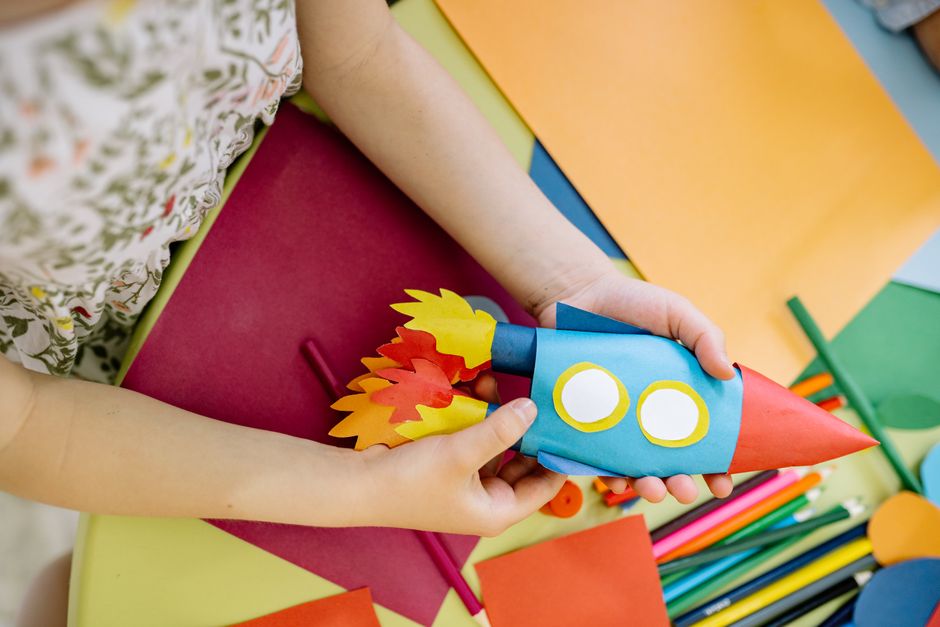
Set up a fixed camera to record a 2‑minute craft session (e.g., finger painting). Export the footage to Adobe Premiere Rush (https://www.adobe.com/products/premiere-rush.html) and speed it up to 15 seconds. Overlay a DesignLumo‑generated title card with step‑by‑step text and your color scheme. Add a playful TikTok sound and a caption asking viewers to share their own creations using a branded hashtag. Expect a 4‑5% completion rate and a 12% boost in comments when you respond to each tag.
Summer Camp Countdown
Create an animated countdown series (10‑day lead‑up). Use DesignLumo to design each day’s graphic with the day number, camp theme, and a CTA button "Reserve Spot". Export as PNG sequences, import into TikTok’s native video editor, and pair with a trending summer anthem. Schedule posts at 10 am local time using Later (https://later.com). Measure success by tracking the number of link clicks from your bio; aim for 150+ clicks across the campaign.
3. Community & Event Promotion
Live Q&A Promo Graphic
Two days before a live Q&A with your director, generate a dynamic cover in DesignLumo featuring the date, time, and a question‑mark icon in your brand colors. Add a 3‑second animated sparkle effect in Canva (https://www.canva.com) and export as MP4. Post the video as a teaser, then pin it to the top of your profile. Use TikTok’s reminder sticker and track the number of set reminders; a 7% reminder rate indicates strong interest.
Event Recap Reel

After a family day, collect 5‑second clips of activities, smiles, and decorations. In DesignLumo, build a branded intro and outro with event title and thank‑you note. Assemble the clips in InShot, add transition effects, and overlay a short voice‑over summarizing highlights. Include a caption with a link to the next event’s registration page. Aim for a 3% share rate and a 20% increase in profile follows within 48 hours.
Holiday Celebration Highlights
Capture festive moments (e.g., costume parade). Use DesignLumo to create holiday‑themed lower‑thirds with glittery fonts and your logo. Edit the footage in CapCut, add a popular seasonal track from TikTok’s library, and incorporate a swipe‑up sticker linking to your holiday program brochure. Publish on the day of the celebration and monitor the swipe‑up conversion; a 2.5% conversion signals effective promotion.
Before you go
- Batch‑create all graphics in DesignLumo before filming to keep production under 2 hours per week.
- Use TikTok’s analytics to identify the top three posting times for your audience and schedule accordingly.
- Always include a clear CTA with a tracked URL (UTM) in your bio; measure conversions back to enrollment forms.















Ready to create your first design?
Join thousands creating professional designs in seconds.
Create with DesignLumo
Related Resources
Facebook Content Playbook for Daycare Centers
Actionable Facebook post ideas to boost enrollment, programs, and parent engagement.
Daycare Brand Assets Design Guide
Tactical steps to create logos, cards, letterheads, and brand kits for childcare centers.
Mother's Day Marketing & Design Guide for Daycares
Tactical Mother’s Day assets to boost enrollment and parent love.
Twitter/X Content Playbook for Daycare Centers
Tactical Twitter/X post ideas to boost enrollment and engagement.
Shopify Content Ideas for Daycare Centers
Actionable Shopify graphics to boost daycare enrollments.
Spooktacular Halloween Marketing Guide for Daycares
Actionable Halloween promos to boost enrollment and parent engagement.