Ready-to-Use Design Templates for Fashion Brands
Fashion brands need visual assets that move at the speed of trends. This guide delivers plug‑and‑play templates that cut production time from days to minutes. Each template includes a concrete workflow, the exact tools to use, and measurable performa…

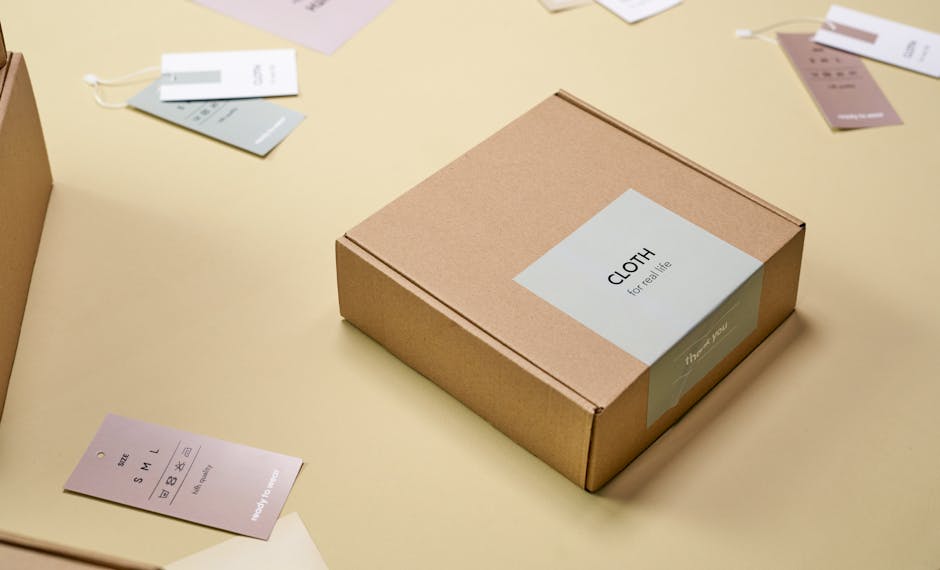
1. Seasonal Collection Launch Assets
AI‑Powered Instagram Reel Thumbnail

Prompt DesignLumo with: "Create a sleek Instagram Reel thumbnail for a spring couture collection, pastel palette, bold serif typography, layered for editing." Export the PNG, drop it into CapCut or Adobe Premiere, add 2‑second motion overlays, then replace placeholder text with your collection name. Sync the color codes to your Brand Kit in DesignLumo for instant consistency. Test the asset on 3 recent posts; aim for a 3% lift in view‑through rate versus static images. Workflow takes under 10 minutes total.
Editable Lookbook PDF Layout
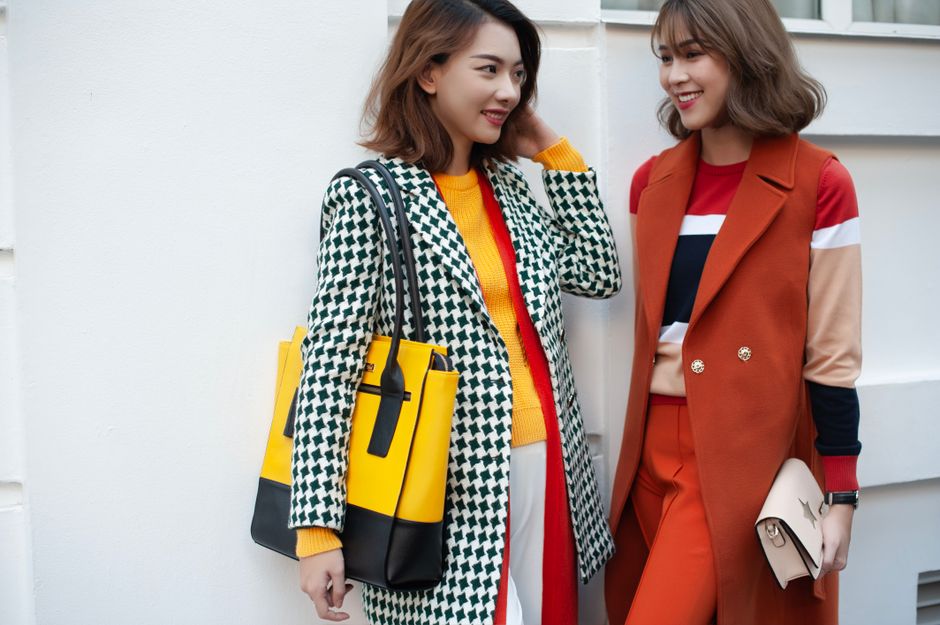
Ask DesignLumo: "Generate a 12‑page lookbook PDF for a summer streetwear line, with full‑bleed image placeholders, caption boxes, and brand colors #FF6F61 and #1A1A1A." Download the layered PDF, open in Adobe InDesign or Affinity Publisher, and swap placeholder images with your high‑resolution shots. Populate captions using the auto‑filled text layers. Track download conversions; a well‑designed lookbook typically boosts email sign‑ups by 15‑20%. Total creation time: ~15 minutes.
Dynamic Email Header Banner

Create a header by prompting DesignLumo: "Design a 600 px wide email banner for a fall capsule, featuring a misty forest background, elegant script font for 'New Arrival', and overlay space for a CTA button." Export as layered PSD, open in Mailchimp's Content Studio, replace background with your product photo, adjust CTA color to match your brand palette. A/B test against a static banner; aim for a 2.5% higher open rate. End‑to‑end workflow: 7 minutes.
2. Sale & Promotion Graphics
Flash Sale Instagram Carousel

Generate three cohesive slides in DesignLumo with a single prompt: "Create a 3‑slide Instagram carousel for a 48‑hour flash sale, bold orange accents, countdown timer placeholder, and space for product thumbnails." Export each slide as PNG, replace timer with a live countdown using Canva's animation feature, and insert product images. Publish in a single post; monitor swipe‑through rate. Aim for ≥ 30% of viewers swiping to the final slide, which correlates with a 12% uplift in conversion.
Pop‑Up Event Flyer (Print & Digital)

Prompt DesignLumo: "Design a 5×7 in flyer for a boutique pop‑up, neon pink and black theme, bold headline, QR code placeholder, and layered text for venue details." Download the layered PDF, add the QR code linking to your Eventbrite page in Adobe Acrobat, and export both print‑ready PDF and a 1080 px PNG for social. Track RSVP conversion; a well‑targeted flyer can generate 200+ RSVPs per event, reducing ad spend by ~15%.
Story Discount Code Sticker

Use DesignLumo to create a 1080×1920 px sticker with: "Enter CODE20 for 20% off" in your brand font, semi‑transparent background, and space for a swipe‑up link. Export as PNG with transparency, upload to Instagram Stories, and attach the swipe‑up URL to your checkout page. Measure sticker taps; a 5% tap‑through rate typically yields a 3% sales lift during the promotion window.
3. Social Engagement Content
Styling Tip Carousel Template
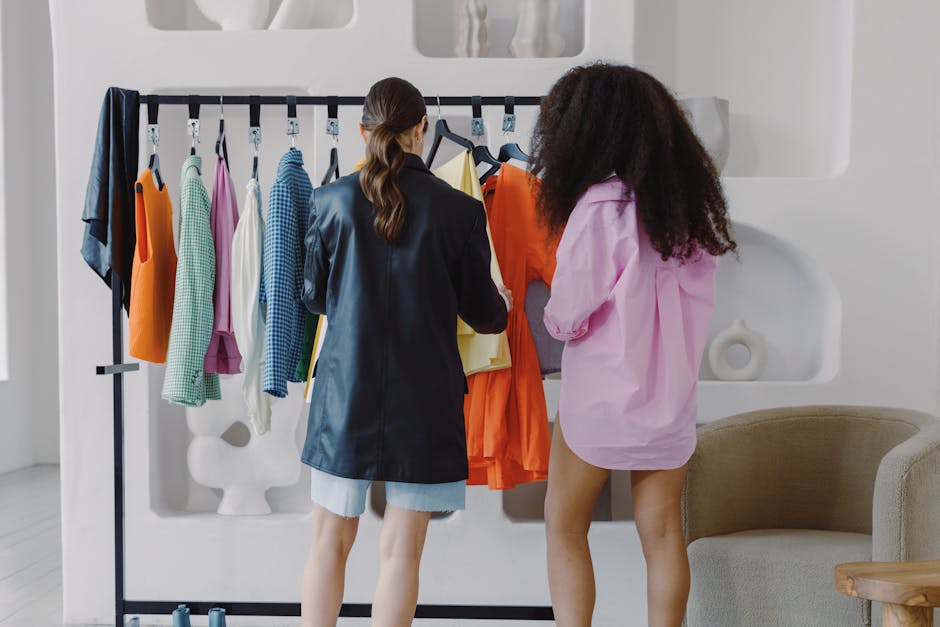
Ask DesignLumo: "Create a 5‑slide Instagram carousel template for styling tips, each slide with a photo placeholder, tip headline, and brand color accent." Export layered PNGs, replace placeholders with outfit shots in Canva, write concise tips (≤ 20 words) directly in the text layers. Post weekly; track engagement rate. Carousels with this format typically achieve 8‑12% higher saves, extending organic reach.
UGC Repost Frame with Brand Logo
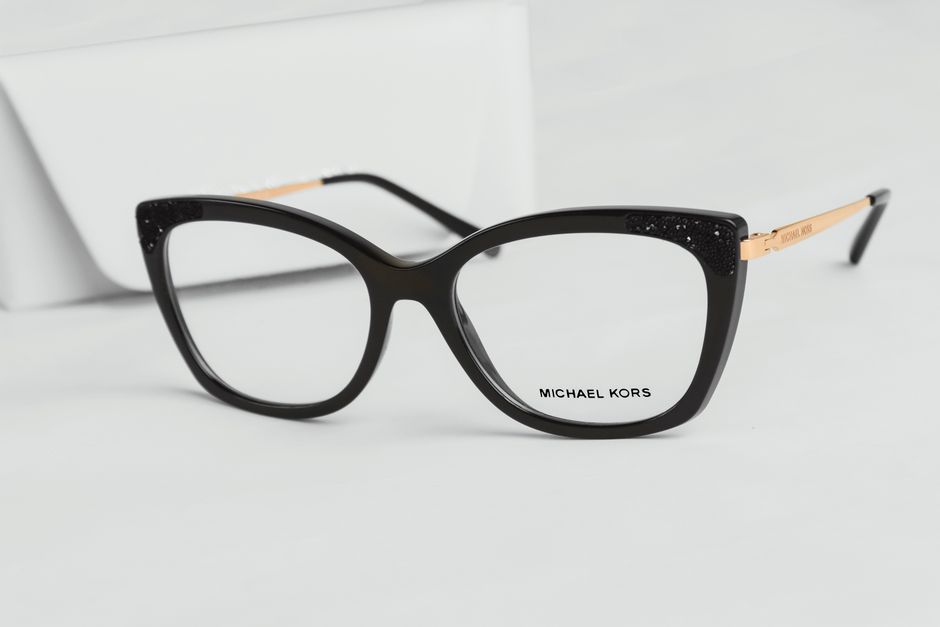
Generate a square frame in DesignLumo: "Design a 1080×1080 px Instagram repost frame with subtle brand logo watermark in the bottom right, pastel border, and space for a caption overlay." Export PNG, apply to user‑generated photos in Photoshop's Smart Object layer for one‑click branding. Publish daily; monitor brand mention growth. Consistent framing can increase tagged UGC by 25%, feeding your content pipeline.
Influencer Collaboration Kit

Create a 4‑piece kit in DesignLumo: "Design an Instagram post, story template, highlight cover, and media kit PDF for fashion influencer collaborations, using brand colors #212121 and #E0A800, with editable bio sections." Export layered files, send to influencers via Google Drive. Track affiliate link clicks; a well‑branded kit boosts influencer‑driven traffic by ~18% compared to generic assets.
Before you go
- Save your most used prompts in DesignLumo's library to generate assets in seconds.
- Link the color codes from your Brand Kit directly into Canva or Adobe tools to avoid manual matching errors.
- A/B test each template variant for at least 48 hours before fully committing spend; small copy tweaks can shift CTR by 1‑2%.















Ready to create your first design?
Join thousands creating professional designs in seconds.
Create with DesignLumo
Related Resources
LinkedIn Toolbox for Fashion Brands
Tactical LinkedIn design tools to accelerate fashion brand marketing.
Mother's Day Fashion Brand Marketing Playbook
Actionable tactics to launch high‑ROI Mother’s Day promos for fashion boutiques.
2026 Fashion Brand Design & Marketing Playbook
Tactical trends & tools for fashion brands to dominate 2026.
Spring Launch Season Marketing & Design Guide
Tactical playbook for fashion brands to dominate spring collection launches with fast, editable visuals.
Fashion Brand Asset Design Blueprint
Step‑by‑step tactics for logos, business cards, letterheads, and identity assets.
YouTube Content Ideas for Fashion Brands
Actionable YouTube asset ideas to boost fashion brand sales.