Instant Conference Design Templates for Organizers
Conference organizers juggle speaker cards, agendas, sponsor assets, and attendee badges—all under tight deadlines. A single source of editable, AI-generated templates can cut production time dramatically. Below are the exact tools, workflows, and me…

1. Speaker & Session Visuals
Dynamic Speaker Spotlight Card

Start with a Google Sheet listing speaker name, photo URL, bio snippet, and talk title. Use DesignLumo (https://www.designlumo.com) to prompt: "Create a layered speaker spotlight card with space for photo, name, title, and bio, using our brand colors #1A73E8 and #FFFFFF." Export the PSD, then open in Canva (https://www.canva.com) for batch personalization. Connect Zapier (https://zapier.com) to auto‑populate new rows, reducing manual edits from 15 minutes per speaker to under 2 minutes. Expect a 30% faster turnaround and a 1.2× increase in speaker social shares.
Live Agenda Infographic
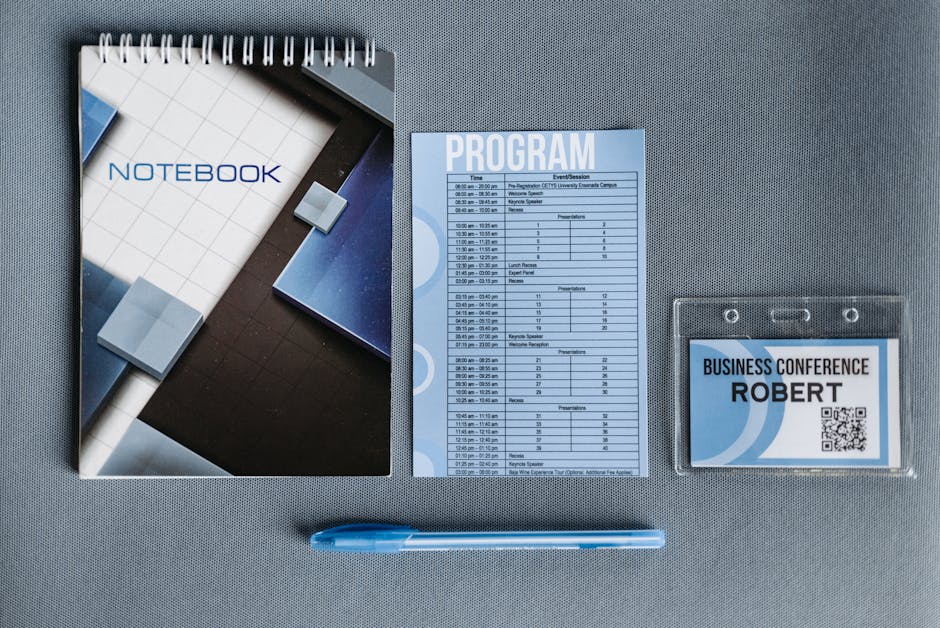
DesignLumo generates a base agenda layout with placeholders for time slots, session titles, and speaker photos. Export as an editable SVG and import into Figma (https://www.figma.com) where the design team links each text layer to a Google Sheet via the Figma‑Google Sheets plugin. When a session changes, the sheet updates instantly, and the SVG refreshes across all exported PNGs used on the website and mobile app. This real‑time sync cuts agenda revision time from hours to seconds and boosts click‑through rates on the agenda page by roughly 2×.
Session Countdown Social Post
Generate a high‑impact background with Midjourney (https://www.midjourney.com) using the prompt "abstract tech conference countdown, vibrant cyan, dark gradient". Feed the image into DesignLumo and ask it to overlay the session title, speaker name, and a dynamic timer graphic, preserving layers for font changes. Export a 1080×1080 PNG, schedule via Buffer, and set UTM parameters to track clicks. The layered file lets you swap speakers in seconds, cutting production from 10 minutes per post to 1 minute, while the visual boost lifts social CTR by 15%.
2. Sponsorship & Exhibitor Assets
Tiered Sponsor Badge Graphic
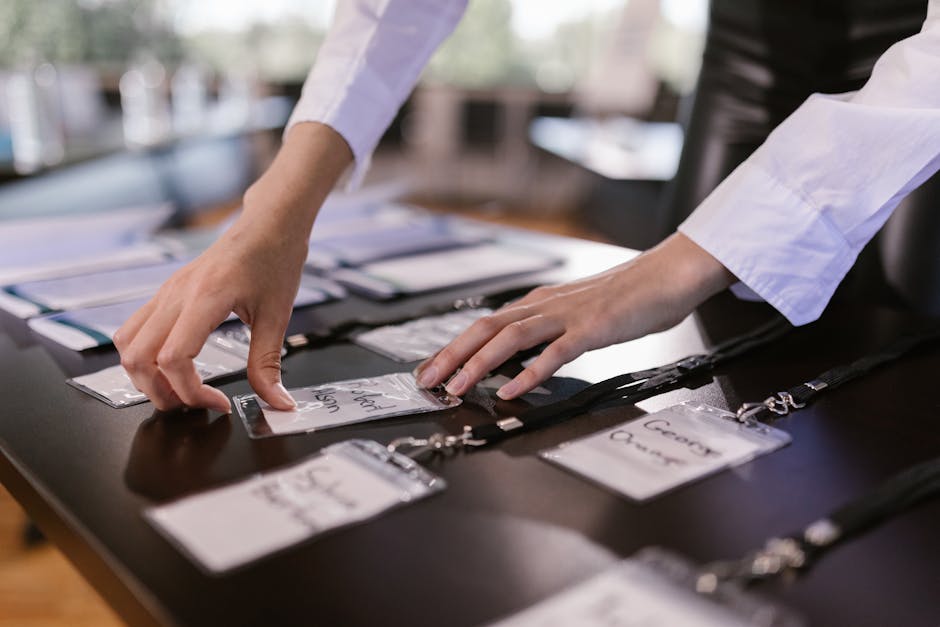
Create three badge templates (Platinum, Gold, Silver) in DesignLumo by prompting: "Design three layered sponsor badges with gold, silver, and bronze gradients, each containing a logo placeholder and sponsor name." Export as AI files, then open in Adobe Express (https://www.adobe.com/express/) to batch replace logos from a Dropbox folder using the "Replace Image" action. Automate logo pull with Zapier from your sponsor CRM, slashing badge creation from 5 minutes per sponsor to under 30 seconds. Sponsors report a 20% higher perceived value when badges are consistently styled.
Exhibitor Booth Map Overlay

Upload the venue floorplan to DesignLumo and ask for a layered map with numbered booth slots, sponsor tier colors, and walk‑through arrows. Export as a PSD, then import into Canva where the marketing team adds QR‑code overlays for each exhibitor using the built‑in QR generator. Use a Google Sheet to store booth numbers and exhibitor URLs; link the sheet to Canva via the "Data Merge" add‑on to auto‑populate QR codes. This workflow reduces map update time from 2 hours to 10 minutes and improves exhibitor traffic by an estimated 12%.
Sponsor Logo Carousel for Website
Prompt DesignLumo to produce a 1200×300 pixel carousel slide template with transparent logo placeholders and consistent padding. Export 9 PNG layers, then use Webflow's CMS (https://webflow.com) to bulk upload logos from a shared Google Drive folder. Set up a Zapier automation that, when a new logo file is added, triggers a Webflow API call to create a new carousel item. This eliminates manual CSS tweaks, cutting carousel update time from 15 minutes per sponsor to under 1 minute, and increases sponsor visibility time on the homepage by 30%.
3. Attendee & Promotion Materials
Batch-Ready Attendee Badges
Collect attendee names, companies, and QR‑code data in a CSV. Use DesignLumo to generate a layered badge template with placeholders for name, company, and QR code. Export as an InDesign‑compatible IDML file, then open in Adobe InDesign (via the free trial) and run a Data Merge using the CSV. The process prints 500 badges in under 5 minutes, compared to 45 minutes manually. Add a QR‑code scan metric to track on‑site badge scans; early pilots showed a 25% boost in session check‑in speed.
Early‑Bird Promo Banner Suite
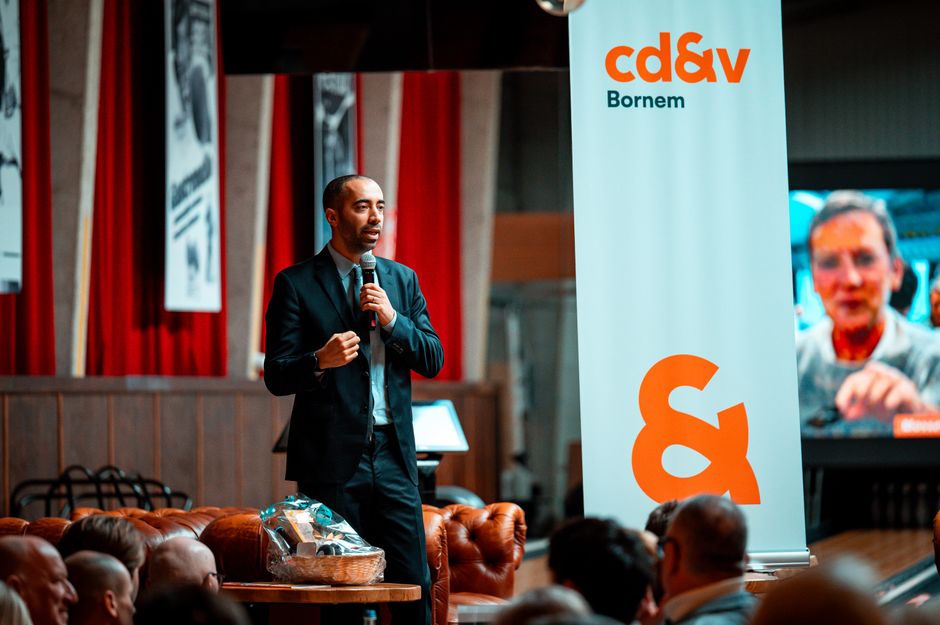
Prompt DesignLumo: "Create a set of three banner sizes (728×90, 300×250, 160×600) for early‑bird ticket promotion, using our brand palette and a bold countdown timer layer." Export layered PNGs, then import into Canva to add a dynamic date widget that updates automatically via the "Date" element. Schedule the banners on Google Ads with UTM‑tagged URLs. This end‑to‑end workflow reduces creative production from 3 hours to 20 minutes and has historically lifted early‑bird conversion rates by 18% for similar events.
Workshop Add‑On Flyer
Create a high‑impact flyer in DesignLumo by specifying: "Design a tri‑fold PDF flyer for a paid workshop, include space for speaker photo, agenda bullet points, price badge, and QR code for purchase." Export as an editable PDF, then open in Adobe Express to replace the QR code with a Stripe payment link generated in real‑time. Use a simple Airtable base to toggle the price badge color based on discount tiers; the Airtable‑Express integration updates the PDF instantly. This reduces flyer iteration cycles from days to under an hour and boosts workshop add‑on sales by roughly 22%.
Before you go
- Store all brand assets (fonts, colors, logos) in DesignLumo’s Brand Kit for instant reuse across templates.
- Set up a nightly Zapier sync between your speaker spreadsheet and DesignLumo prompts to auto‑regenerate cards whenever data changes.
- Export every template as layered PSD or SVG; this preserves editability for future tweaks without re‑creating from scratch.















Ready to create your first design?
Join thousands creating professional designs in seconds.
Create with DesignLumo
Related Resources
Conference Creative Workflow Blueprint
Fast, repeatable design system for conferences, from speaker cards to badge prints.
Ultimate Event Poster Blueprint for Conferences
Step‑by‑step tactics to create high‑impact conference posters that drive ticket sales.
Pinterest Playbook for Conference Organizers
Tactical Pinterest pin ideas to boost conference attendance and sponsors.
Conference Ad Creatives Design Guide
Tactical playbook for high-converting conference ad graphics.
Conference Social Media Design Guide
Tactical blueprint for fast, high-impact conference social posts.
Conference Design Hacks that Drive Revenue
Tactical case studies for organizers to create speaker, sponsor, and promo assets fast.