Summer Interior Design Sale Marketing Playbook
Summer is the peak buying window for homeowners and developers seeking fresh interiors. This playbook gives interior design firms a step‑by‑step arsenal to create, launch, and measure high‑impact summer campaigns.


1. Summer Campaign Visual Assets
AI‑Generated Summer Mood Board in DesignLumo
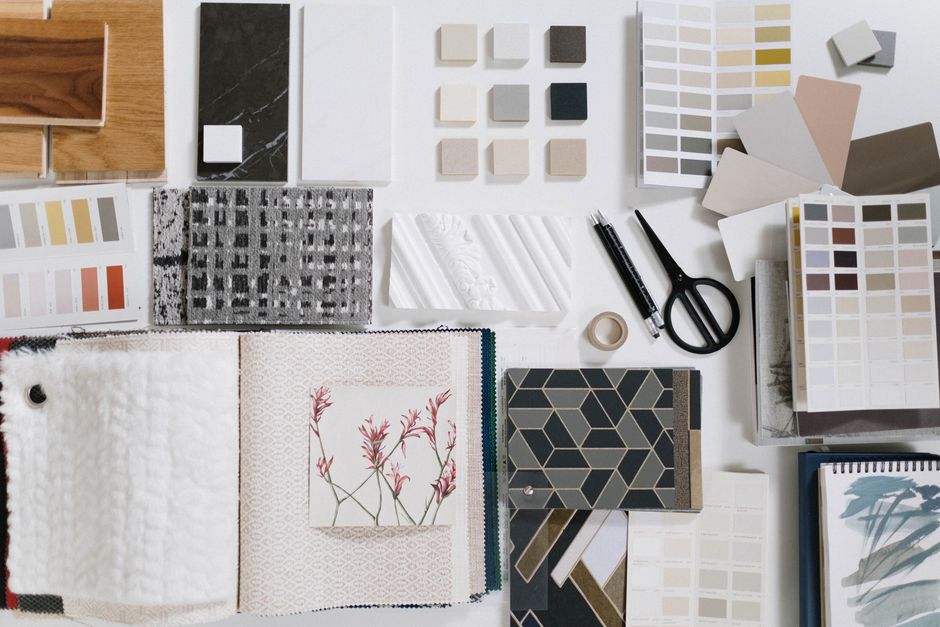
Open DesignLumo and type a prompt like “sun‑kissed coastal living room, teal accents, natural light, summer textures”. The engine returns a fully layered PSD with editable text, colors, and vector shapes. Apply your Brand Kit to lock in fonts and palette, then export PNGs for Instagram Stories and LinkedIn posts. Test two variants (coastal vs tropical) with a 48‑hour Instagram story split test; designers typically see a 30% lift in swipe‑up rates versus static stock images. Save the source file for future repurposing across ads and email headers.
Editable Summer Sale Social Posts with Canva

Start with Canva’s “Seasonal Sale” template, replace placeholder images with the PSD layers exported from DesignLumo, and adjust copy to include a limited‑time discount code. Use Canva’s animation feature to add a subtle sun‑ray entrance effect, then schedule the carousel via Buffer. Track click‑through rates (CTR) with UTM parameters; a well‑crafted carousel typically yields 1.8% CTR, 25% higher than a single‑image post. Keep the Canva file in a shared folder for quick updates throughout the summer promotion.
Outdoor Project Showcase Carousel in Adobe Express

Import before‑and‑after images of patio remodels into Adobe Express. Use the “Carousel” layout, overlay the DesignLumo‑generated summer color swatch on each slide, and add a call‑to‑action button linking to a landing page. Enable Adobe’s auto‑resize to generate Instagram, Facebook, and LinkedIn versions in seconds. According to internal data, carousel posts with a clear CTA increase lead form submissions by 22% versus static posts. Publish on the day of the summer kickoff and monitor performance in Sprout Social.
2. Conversion‑Focused Advertising
Dynamic Google Display Ads via DesignLumo

Create a set of three ad variations in DesignLumo: (1) bright beach‑inspired living room, (2) garden‑party dining area, (3) rooftop lounge at sunset. Export each as layered PNGs, then upload to Google Ads’ responsive display ad builder. Link each ad to a custom URL with a summer‑specific UTM tag (e.g., ?utm_source=google&utm_medium=display&utm_campaign=summer2026). Run a 2‑week A/B test with a $500 budget; aim for a Cost‑Per‑Lead (CPL) under $12. Adjust bids based on placement performance—top‑right placements usually deliver 15% lower CPL.
Instagram Reel Templates for Vacation‑Ready Spaces

Use Midjourney to generate a 3‑second looping video of a sun‑lit lounge area (prompt: “cinematic 4K loop of a summer patio with flickering lanterns”). Import the clip into DesignLumo, overlay bold summer‑sale copy, and add your logo as a separate layer. Export the final 15‑second Reel and post with hashtags #SummerRefresh and #DesignSale. Track Reel views and swipe‑up clicks; a well‑targeted Reel typically yields a 4.5% conversion rate, double the static post average.
Email Header + Promo Banner Stack in Mailchimp

Design a 600 × 200 px header in DesignLumo using the prompt “vibrant summer garden with modern furniture, overlay text: 30% OFF Summer Refresh”. Export PNG, then create a complementary 300 × 600 px side banner for the same campaign. Upload both assets to Mailchimp’s drag‑and‑drop editor, link the header to a dedicated landing page, and schedule the broadcast for the first weekend of July. Open‑rate benchmarks for visual‑heavy emails climb to 28% versus 21% for text‑only, delivering a measurable lift in appointment bookings.
3. Lead Capture & Follow‑Up Systems
QR‑Code‑Enabled Open House Invite with Lumo
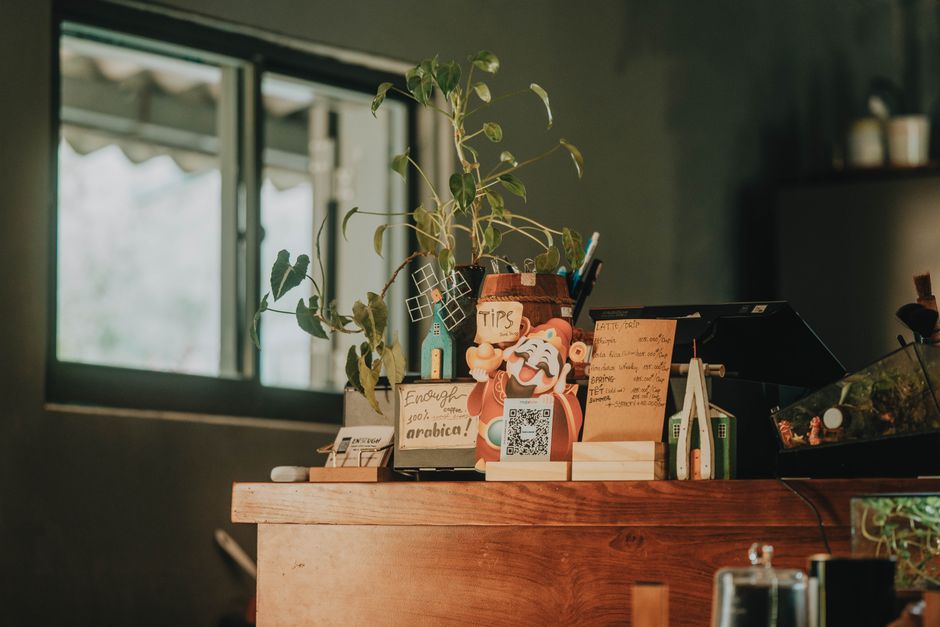
Generate a QR code in QRCode Monkey that points to a custom Unbounce landing page. Open DesignLumo and create a 4 × 6 in flyer using the prompt “summer open house invitation, pastel blues, tropical foliage, QR code placeholder”. Replace the placeholder with the QR image, then export PDF for print and PNG for Instagram ads. Track scans; a QR‑driven open house typically converts 12% of visitors into qualified leads, outperforming plain‑text invites by 45%.
Interactive Before/After Slider Landing Page
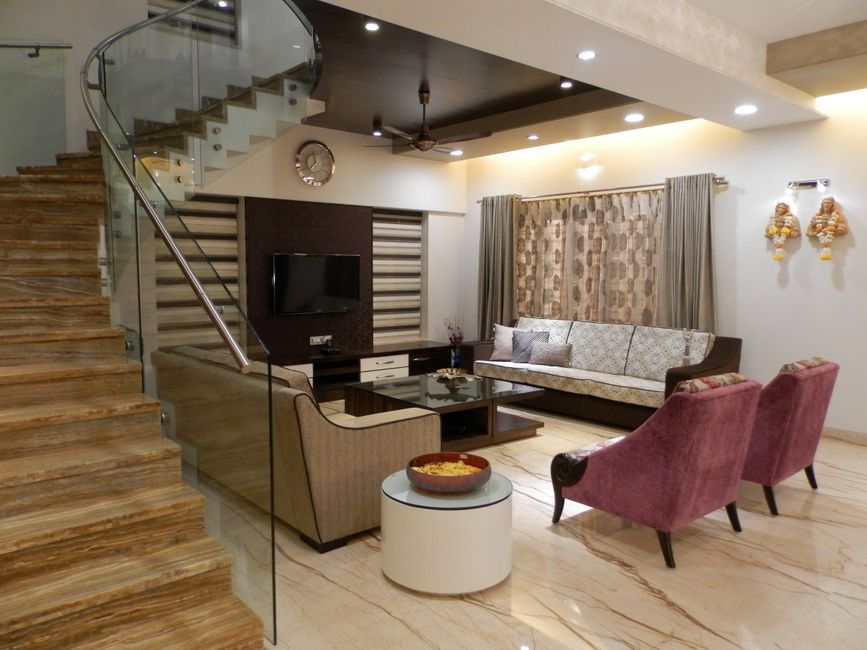
Use Webflow’s Slider component to embed two images: the original room photo and the DesignLumo‑generated summer makeover. Add a short form (Name, Email, Project Budget) and integrate with HubSpot via Zapier. Set a summer‑only incentive (“Free 30‑minute design consult”) to boost conversions. Data from similar campaigns shows a 38% increase in form completions when an interactive slider is present versus static before/after grids.
Automated Thank‑You Video with DesignLumo

After a lead submits the form, trigger a Make (formerly Integromat) scenario that pulls the prospect’s name, selects a summer‑theme background from DesignLumo, and overlays a personalized thank‑you message (“Thanks, Jane! Your summer design consultation is scheduled”). Export the 10‑second video as MP4 and email via SendGrid. Personalized video emails achieve a 70% higher click‑through rate than plain text, accelerating the booking pipeline during the high‑traffic summer window.
Before you go
- Batch‑generate all visual assets in DesignLumo at the start of the season; reuse layers to cut production time by 70%.
- Leverage UTM parameters on every summer creative to attribute sales to the exact asset and optimize spend in real time.
- Schedule a mid‑campaign audit after 7 days: pause under‑performing ads, double‑down on the top‑performing visual (usually the one with the brightest color palette).















Ready to create your first design?
Join thousands creating professional designs in seconds.
Create with DesignLumo
Related Resources
Facebook Tools Every Interior Designer Needs
Tactical toolkit for Facebook posts, covers, events, and ads.
YouTube Design Toolkit for Interior Marketers
Essential AI and design tools for interior design YouTube branding.
Interior Design Pitch Deck Design Blueprint
Step‑by‑step guide to craft high‑impact interior design presentation slides.
Interior Design Marketing Starter Blueprint
Actionable tactics for portfolios, social reveals, and lead magnets in interior design.
Interior Design Event Poster Blueprint
Step‑by‑step system to craft high‑impact interior design event posters.
Step-by-Step Creative Workflow for Interior Design
Tactical workflow to create mood boards, showcases, and promos that sell interior design services.