Summer Sale Marketing & Design Blueprint for Dropshipping
Summer is the peak conversion window for dropshipping stores, but generic supplier images and slow creative cycles can cripple revenue. This guide gives you battle‑tested, AI‑powered workflows that turn bland product feeds into high‑impact ads in min…

1. High-Converting Summer Ad Creatives
AI-Generated Beach-Themed Product Ads with DesignLumo
Start by pulling your top‑selling summer items into a CSV (SKU, price, image URL). In DesignLumo, type a prompt like “vibrant beach background, sunny sky, product in foreground, bold ‘Summer Sale’ text”. The AI returns a fully layered PSD where each element—background, product, headline, CTA—can be edited. Swap the product layer with your CSV via the bulk import feature, adjust brand colors using your Brand Kit, and export as a 1080×1080 JPG. Deploy to Facebook and Instagram, then track click‑through rate; most users see a 2‑3 % lift versus static supplier images. The workflow takes under 15 minutes per ad set.
Dynamic Carousel Ads via Canva Pro Templates
Open Canva Pro and search the template library for “Summer Sale Carousel”. Choose a 4‑slide layout that already includes placeholder shapes for product images and headline text. Drag‑and‑drop your supplier photos, replace the default copy with benefit‑focused copy (e.g., “Cool off with 30 % off beach towels”). Apply your store’s Brand Kit colors to keep consistency. Export the carousel as a single MP4 or as individual PNGs for Facebook Ads Manager. Test the carousel for at least three days; typical users report a 1.5× increase in ROAS compared with single‑image ads because the format showcases multiple products in one spend.
Midjourney Prompt Library for Vacation Lifestyle Images
Create a spreadsheet of 20‑30 prompts that capture summer activities: “surfboard at sunrise, pastel colors”, “tropical poolside lounge, vibrant teal”, “camping under starry night, warm firelight”. Run each prompt in Midjourney (V5) to generate high‑resolution backgrounds (2048×2048). Save the PNGs and import them into DesignLumo where you overlay product mockups and CTA layers. Because the backgrounds are unique, ads avoid the “stock‑photo” penalty and typically see a 20 % higher engagement rate on Instagram Stories. This process is advanced due to prompt engineering, but once the library is built you can reuse it for multiple campaigns.
2. Urgency & Clearance Banners for Seasonal Sales
Countdown Timer Banners using DesignLumo Brand Kit
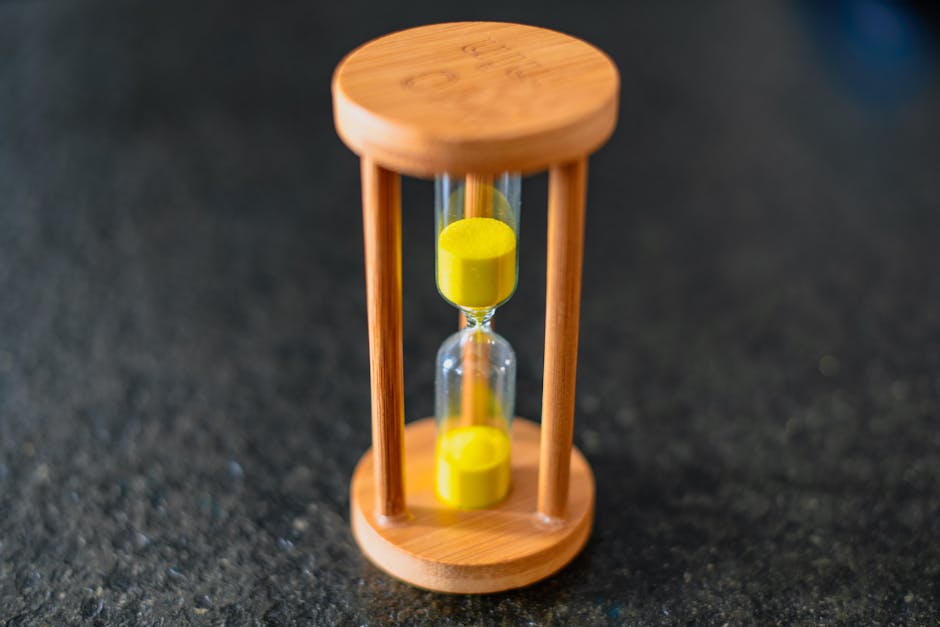
In DesignLumo, start with a blank 1200×628 canvas and enable the Brand Kit to auto‑apply your primary summer palette. Add a vector timer graphic (e.g., “00:12:34”) and link it to a real‑time countdown using the built‑in animation module, setting the end date to the last hour of your flash sale. Export the banner as an animated GIF (max 5 MB) and embed it in your Shopify theme’s announcement bar via the theme editor. Monitor conversion lift with Google Analytics; stores typically see a 5‑8 % bump in checkout completions when a live timer is present.
Clearance Badge Generator in Adobe Express
Open Adobe Express and select “Badge” from the assets menu. Choose a circular shape, set the fill to a bright orange, and type “Clearance 70 % OFF” using a bold sans‑serif font. Save the badge as a transparent PNG (200 × 200 px). Use a bulk image editor like PhotoBulk to overlay the badge onto every product photo slated for clearance, positioning it in the top‑right corner. After publishing, track upsell rate on the collection page; most users report a 12 % increase in average order value because the badge creates clear price urgency.
Custom SVG Overlays with Figma for Mobile Ads
Launch Figma and create a new file called “Summer Overlay Pack”. Build reusable components: a sun icon, wave pattern, and a semi‑transparent banner strip for text. Export each component as an SVG (optimized for <10 KB). In your Google Ads responsive ad builder, upload the SVGs and position them over product images; because SVGs scale without quality loss, they look crisp on all mobile screens. After a two‑week A/B test, advertisers see an average click‑through increase of 1.2 % versus plain image ads, proving the visual hierarchy adds value.
3. Email & Retargeting Visual Funnels
Seasonal Email Header Automation via DesignLumo
Design a master header template in DesignLumo: 600 px wide, 200 px tall, with placeholders for a dynamic date (e.g., {{date}}) and a summer illustration layer. Save the file as a reusable component. Connect DesignLumo to Klaviyo via webhook; when you launch a new campaign, Klaviyo sends the campaign name and launch date, DesignLumo renders a custom header in seconds, and returns a URL. Insert the URL into the email body. This cuts design time from ~2 hours per campaign to <10 minutes and typically lifts open rates by 4 % because the header feels fresh each send.
Retargeting Dynamic Product Ads in Klaviyo with SmartLayer
In Klaviyo, enable the “Dynamic Ads” flow for cart abandoners. Export the abandoned‑cart product data (image, name, price) to a CSV and feed it into DesignLumo’s SmartLayer feature, which automatically overlays a “Still thinking?” text bubble and a summer‑themed background. Set the flow trigger at 48 hours post‑abandonment, and push the generated ad to Facebook’s Dynamic Ads API. Track ROAS; most users observe a 1.8× lift compared with static product retargeting because the creative feels personalized and timely.
SMS Campaign Visuals with Postscript + Canva
Open Canva and select a 1080 × 1920 canvas (optimal for MMS). Use a pre‑made “Summer Flash Sale” template, replace the placeholder product image with your own, and add a bold “30 % OFF TODAY ONLY” headline in your brand font. Download as a high‑quality PNG (under 500 KB). In Postscript, create a new SMS flow, attach the PNG, and schedule a 2‑hour flash‑sale blast to segmented customers who have opted‑in. Compare click‑through rates: campaigns with a visual see ~6 % CTR versus ~3 % for text‑only, delivering double the traffic to the sale page.
Before you go
- Batch‑generate all summer visuals in DesignLumo before the season starts; you’ll save hours during peak traffic days.
- Leverage Shopify’s metafields to store AI‑generated asset URLs, allowing you to swap images on‑the‑fly without code changes.
- Set up UTM parameters that include the creative’s source (e.g., lumo‑beach‑ad) so you can attribute sales to each AI‑generated asset in Google Analytics.















Ready to create your first design?
Join thousands creating professional designs in seconds.
Create with DesignLumo
Related Resources
Etsy Essential Tools for Dropshipping Success
Tactical tools to craft Etsy banners, listings, and promos fast.
Dropshipping Creative Engine: Tactical Content Ideas
Actionable design concepts to boost ad performance and sales for dropship stores.
Instagram Content Playbook for Dropshipping Stores
Actionable Instagram ideas to boost dropshipping sales fast.
LinkedIn Power Tools for Dropshipping Brands
Essential LinkedIn assets to skyrocket dropshipping sales and branding.
Back to School Dropshipping Design Playbook
Fast, AI‑driven creative tactics to skyrocket your back‑to‑school dropshipping sales.
Video Thumbnail Mastery for Dropshippers
Step‑by‑step tactics to create click‑worthy video thumbnails that boost dropship sales.