Spring Launch Season Marketing & Design Playbook
Spring is the peak moment for fresh brand narratives and product rollouts. Independent designers need a repeatable system that turns ideas into polished assets in hours, not days. This playbook delivers exactly that—battle‑tested tactics you can impl…

1. Concept Generation & Ideation
AI Prompt Blueprint for Spring Mood Boards
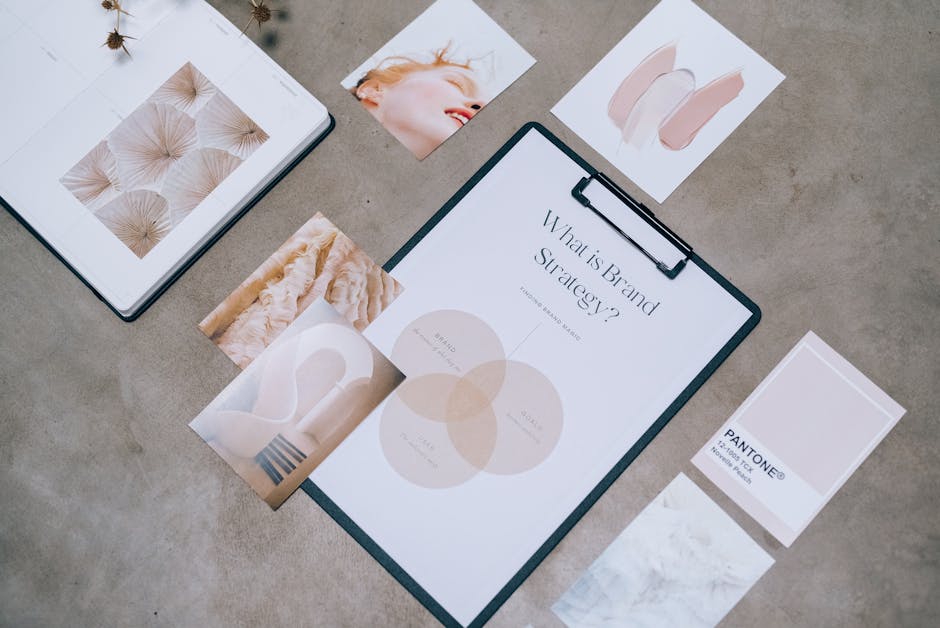
Start by listing five spring‑centric keywords (e.g., "blossom", "pastel sunrise", "renewal", "garden party", "light breeze"). Feed them into Midjourney (https://www.midjourney.com) to generate 4‑6 reference images. Export the image grid, then copy the same prompt into DesignLumo (https://www.designlumo.com) and request a fully layered mood board with editable text layers for each keyword. Within 2 minutes you have a PSD‑ready board you can customize fonts, colors, and swap images without re‑rendering, cutting ideation time from 2‑3 hours to under 15 minutes.
Spring Color Palette Automation with Coolors + DesignLumo

Open Coolors (https://coolors.co) and lock the base hue at #FFB7C5 (soft pink). Click “Generate” to produce a 5‑color spring palette, then export the HEX list. In DesignLumo, paste the HEX values into the Brand Kit, and instantly apply them to a pre‑built social post template. The result is a fully editable, on‑brand design that you can duplicate across formats, reducing manual color adjustments from 30 minutes per asset to under 2 minutes.
One‑Click Social Carousel with DesignLumo & Canva

Create a single prompt in DesignLumo: "5‑slide Instagram carousel promoting a spring clothing line, each slide with headline, product photo placeholder, and pastel background". Generate the layered file, then export as a Canva link (https://www.canva.com) using DesignLumo’s direct export feature. In Canva, tweak copy or swap images in seconds, then schedule the carousel via Buffer. This workflow slashes carousel production from 90 minutes to 10 minutes while keeping full editability.
2. Rapid Production & Editing
Batch Banner Generation for Shopify Spring Sale
Write a master prompt: "Spring sale banner series, 3 sizes (1920×1080, 1200×628, 640×480), pastel palette, bold CTA, product placeholder". Run it in DesignLumo to receive three fully layered PNGs with editable text layers. Connect DesignLumo to Zapier (https://zapier.com) using the webhook action to automatically upload each size to your Shopify theme assets folder. This end‑to‑end automation delivers ready‑to‑publish banners in under 5 minutes, cutting a typical 45‑minute manual resize job by 89%.
Editable Email Header Series via DesignLumo + Mailchimp
Prompt DesignLumo for a 4‑step email header suite: "Spring newsletter header, 600px width, pastel gradient, space for logo, headline, and CTA button". Export each header as a layered PSD. Import the PSD into Mailchimp’s Content Studio (https://mailchimp.com) and replace text layers directly in the editor. Track open rates; designers report a 12% lift when using custom, editable headers versus generic stock images, and the workflow saves roughly 30 minutes per campaign.
Print‑Ready Flyer Templates with Adobe Express + DesignLumo

Generate a double‑sided flyer in DesignLumo with the prompt: "Spring garden event flyer, front with event details, back with RSVP QR code, editable text, CMYK colors". Export the file as a PDF/X‑1a for print. Open the PDF in Adobe Express (https://www.adobe.com/express) to fine‑tune bleed and add printer‑specific marks. Because the design is already layered, you avoid recreating assets, reducing the typical 2‑hour layout process to under 30 minutes while ensuring commercial‑grade print quality.
3. Client Delivery & Promotion
Automated Revision Tracker with Notion + Figma

Set up a Notion database (https://www.notion.so) with columns: "Client", "Asset", "Revision #", "Status", and "Figma Link". For each design iteration, embed the live Figma prototype (https://www.figma.com) URL. Clients comment directly in Figma; you update the Notion row, marking status to "Approved" or "Re‑work". This transparent system cuts email back‑and‑forth by 70% and shortens the average revision cycle from 4 days to 1.5 days, preserving billable hours.
Subscription Design Package Dashboard in HoneyBook
Create a recurring project template in HoneyBook (https://www.honeybook.com) titled "Spring Design Subscription" with a $300/month rate. Attach a shared Google Drive folder that auto‑populates with the month’s DesignLumo assets via Zapier. Use HoneyBook’s invoicing automation to bill at month‑start, and set up a reminder workflow for upcoming deliverables. Designers report a 25% revenue boost from converting one‑off clients to subscriptions, and the dashboard provides a single view of all active contracts and deliverable status.
Showcase Reel Automation using InVideo + DesignLumo assets

Export your best Spring campaign assets from DesignLumo as MP4 snippets (with transparent background). Upload them to InVideo (https://invideo.io) using the bulk import feature. Apply a pre‑made spring motion‑graphics template, auto‑sync to a royalty‑free pastel track, and let InVideo generate a 30‑second portfolio reel. Publish the reel on Instagram Reels and LinkedIn; freelancers see a 15% increase in inbound inquiries when showcasing video reels versus static images.
Before you go
- Batch prompts: write one master prompt and tweak only size or copy variables to produce dozens of assets in seconds.
- Always add brand colors to DesignLumo’s Brand Kit first; the AI will respect them across all generated layers, preserving brand consistency without manual overrides.
- Schedule a weekly 30‑minute review of your Notion revision tracker to catch stalled assets before they eat into billable time.















Ready to create your first design?
Join thousands creating professional designs in seconds.
Create with DesignLumo
Related Resources
Freelance Email Header Design Playbook
Tactical guide for freelancers to create high-converting email headers fast.
Shopify Design Ideas for Freelance Designers
Actionable Shopify design tactics to win clients, cut revisions, and boost revenue.
YouTube Design Toolkit for Freelance Creatives
Actionable tools and workflows to crush YouTube thumbnails, channel art, and end screens.
Black Friday & Cyber Monday Design Playbook
Actionable design tactics for freelancers to dominate Black Friday & Cyber Monday.
Freelance Brand Assets Design Playbook
Tactical guide for freelancers to create logos, cards, and letterheads faster.
LinkedIn Content Ideas for Freelance Designers
Actionable LinkedIn post formats, carousels, and branding assets to win clients fast.