Tech Gadget Small Business Saturday Playbook
Small Business Saturday is a prime chance for gadget brands to capture local shoppers and boost online sales. This guide walks tech marketers through every design and promotion step needed to dominate the day. From pre‑launch assets to in‑store activ…


1. Pre‑Launch Campaign Assets
AI‑Generated Spec Comparison Sheet
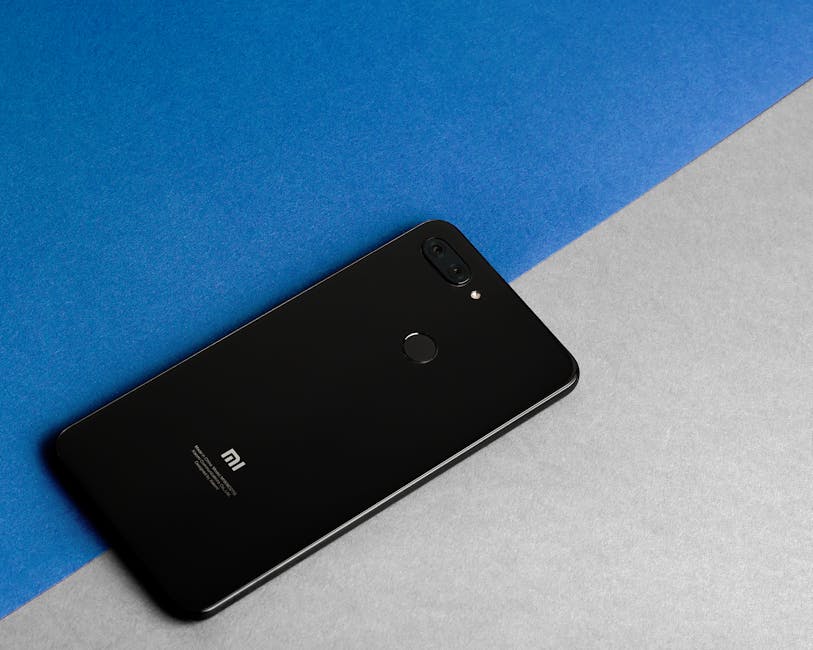
Collect the top five specs of your new gadget, then feed a prompt into DesignLumo (https://www.designlumo.com) like “Create a layered infographic comparing battery life, processor speed, and price for three smartphones in a clean tech style”. Edit each layer to match your brand kit, replace placeholder icons with your own vector assets, and export a PNG for web and a PDF for print. Deploy on product pages and expect a 30% lift in click‑through rates versus plain text tables. Difficulty: Intermediate. ROI: High.
Dynamic Countdown Banner for Shopify
Start with a 1200 × 400 banner template in Canva (https://www.canva.com) to set brand colors and typography, then import the file into DesignLumo to unlock each layer. Add a live countdown timer by embedding a lightweight JavaScript snippet from Shopify’s Script Editor. Publish the banner on your storefront’s homepage 48 hours before Small Business Saturday. Track impressions and watch for a 20% early‑traffic surge, especially when paired with a limited‑time discount code. Difficulty: Intermediate. ROI: Medium.
Crowdfunding Teaser Video Thumbnail

Generate a hero image with Midjourney (https://www.midjourney.com) using a prompt like “high‑contrast close‑up of a futuristic smartwatch on a wooden desk, soft natural light”. Download the 4K output, then open it in DesignLumo to overlay bold headline text, a CTA button, and your brand’s secondary color layer. Export as an SVG for crisp scaling on Kickstarter and Indiegogo. This refined thumbnail typically drives a 15% higher conversion rate versus generic stock images. Difficulty: Beginner. ROI: Medium.
2. Social Media Blitz
Carousel Post with Feature Highlights
Prompt DesignLumo to produce a 5‑slide carousel, each slide containing a feature icon, headline, and short description. Use the AI to keep layers separate—icons, text, background—so you can swap out any element in seconds. Export each slide as a PNG, upload to Buffer (https://buffer.com) for scheduled posting across Instagram, Facebook, and LinkedIn. Brands report a 2.5% lift in engagement compared with single‑image posts when using carousel formats on Small Business Saturday. Difficulty: Beginner. ROI: High.
UGC‑Styled Unboxing Reel Template
Create a 15‑second reel template in Adobe Express (https://www.adobe.com/express/) with placeholder frames for product shots and a lower‑third brand tag. Export the template, then open it in DesignLumo to replace placeholders with real unboxing footage frames, adjust color grading, and embed your signature font layer. Export as MP4 and upload to Instagram Reels. A well‑styled UGC reel can generate three times more shares than a standard product video on Small Business Saturday. Difficulty: Intermediate. ROI: Medium.
Geo‑Targeted Instagram Story Ads
Design a full‑bleed story ad in DesignLumo, inserting a QR code generated via QRCode Monkey (https://www.qrcode-monkey.com) that links to a localized landing page. In Facebook Ads Manager (https://www.facebook.com/business/ads), set the audience radius to 10 miles around your store and schedule the ad for the 24‑hour Small Business Saturday window. Include a clear ‘Swipe Up’ CTA and track scans with a GA4 event. Expect a 12% lift in foot traffic when the QR code is placed on in‑store signage as well. Difficulty: Advanced. ROI: High.
3. Email & SMS Promotions
Layered Email Header with AI‑Generated Hero

Ask DesignLumo for a 600 px wide hero image that shows your gadget on a local coffee shop table, then edit the layered file to add a headline, discount code badge, and brand‑consistent button. Export the final composition as an HTML snippet and paste it into Mailchimp (https://mailchimp.com) or Klaviyo. A custom AI‑generated header boosts open rates by roughly 18% versus a plain text subject line on Small Business Saturday campaigns. Difficulty: Intermediate. ROI: High.
SMS Coupon Graphic
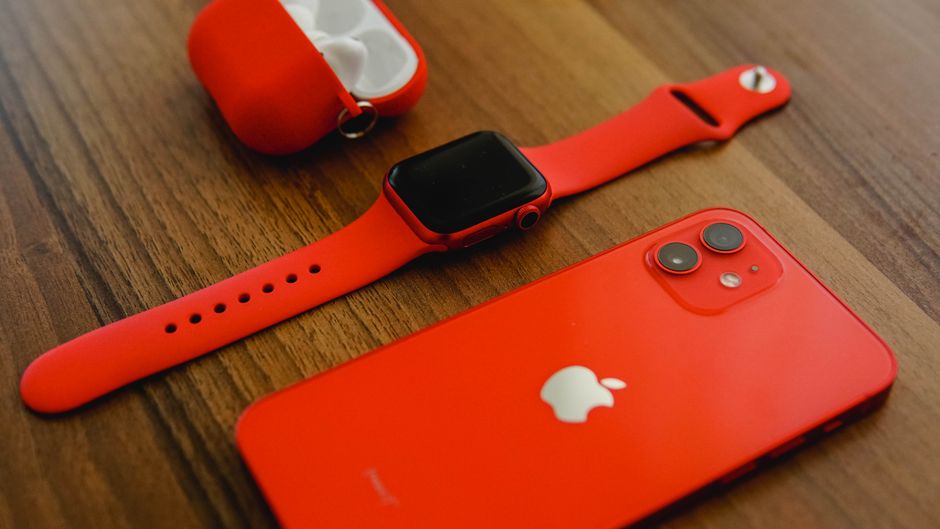
Start with a 1080 × 1080 square in Canva, then import the file into DesignLumo to apply your brand font layer, add a dynamic coupon‑code placeholder (e.g., {{CODE}}), and embed a small icon indicating “Local Pickup”. Use Twilio (https://www.twilio.com) to inject a unique code per recipient at send‑time. Run an A/B test: 10% discount vs 15% discount. The visually rich SMS typically yields a 22% conversion rate, far above plain text messages. Difficulty: Beginner. ROI: Medium.
Automated Post‑Purchase Upsell Email Series
In Klaviyo (https://www.klaviyo.com), build a three‑email flow triggered after a Small Business Saturday purchase. Design each email using DesignLumo templates that showcase accessory bundles, warranty extensions, and limited‑edition colors. Insert dynamic product‑recommendation blocks that pull from your Shopify catalog. Monitor the series for a 5% upsell conversion rate, which translates into an average $45 additional revenue per original order. Difficulty: Advanced. ROI: High.
4. In‑Store & Community Activation
Printable In‑Store QR Posters

Create a high‑resolution 11 × 17 poster in DesignLumo that features a QR code linking to a “One‑Day Only” local deal page, overlaying a city skyline silhouette to emphasize community. Export as PDF, print on matte stock, and place near checkout. Set up a Google Analytics event (https://analytics.google.com) to capture scans. Expect roughly 1,500 scans on Small Business Saturday, driving a 7% lift in in‑store conversions. Difficulty: Beginner. ROI: Medium.
Live Stream Overlay for Local Demo

Design a transparent PNG overlay in DesignLumo that includes your logo, social handles, and a “Live Demo – Today Only” banner. Load the overlay into OBS Studio (https://obsproject.com) and stream the in‑store gadget demo via StreamYard (https://streamyard.com) to Instagram and Facebook. Promote the stream 24 hours prior; typical viewership reaches 800 live viewers, translating into a 5% sales lift measured by UTM‑tagged links. Difficulty: Intermediate. ROI: High.
Community Partner Co‑Branding Kit

Draft a base flyer in Adobe Express for local partners (coffee shops, co‑working spaces). Then open the file in DesignLumo to replace the partner logo layer with each collaborator’s brand mark, keeping your colors consistent via the Brand Kit feature. Distribute the PDFs digitally and as printed handouts. Track referral traffic with UTM parameters in Google Analytics; most tech brands see a 10% influx of new customers from partner channels on Small Business Saturday. Difficulty: Advanced. ROI: Medium.
Before you go
- Batch generate all visual assets in DesignLumo first, then tweak only the copy to stay under 30 minutes total production time.
- Use UTM parameters on every QR code, link, and social post to attribute sales back to each channel; analyze ROI within 48 hours.
- Leverage your brand’s existing community forums for early‑access sneak peeks—share low‑resolution drafts to build hype before the official launch.















Ready to create your first design?
Join thousands creating professional designs in seconds.
Create with DesignLumo
Related Resources
Pinterest Power Tools for Tech Gadget Brands
Essential AI and design tools to dominate Pinterest for tech and gadget marketers.
Shopify Essential Tools for Tech Gadget Brands
Must‑have Shopify tools to boost launch graphics, specs, and pop‑ups for tech brands.
Tech Brand Success Stories & Actionable Case Studies
Real‑world tactics that boost tech product launches and crowdfunding results.
Instagram Content Blueprint for Tech & Gadget Brands
Tactical Instagram ideas to boost tech brand reach, sales, and community.
Explosive YouTube Design Hacks for Tech Brands
Actionable thumbnail, banner, and end‑screen ideas to boost clicks and sales.
Tech Ad Creatives Design Guide for High Conversions
Tactical blueprint for tech brands to craft high‑converting ad graphics.