Small Business Saturday Instagram Playbook
Small Business Saturday is a one‑day window that can generate a surge of foot traffic and online sales for local brands. Agencies that deliver fast, high‑impact Instagram assets win retainers and referrals. This guide gives you the exact playbook to…

1. Strategic Content Planning
Local Business Countdown Carousel

Create a 7‑slide carousel that counts down to Small Business Saturday, each slide spotlighting a different local partner. Use a shared Google Sheet to collect partner logos, offers, and CTA URLs. In DesignLumo, input a prompt like "7‑slide carousel with bold sans‑serif, brand colors #FF5722 and #212121, each slide featuring a local shop logo and discount text" to generate fully editable layers. Export to Photoshop or Canva for final tweaks, then schedule with Later at 9 AM daily. Track slide‑through rate; aim for >12% engagement, which correlates with a 3‑5% lift in click‑through sales.
User‑Generated Content Story Templates

Harvest 10‑15 customer photos from the client’s Instagram mentions using Phantombuster. Upload them to a Canva folder and apply a pre‑built Story template that includes a geo‑tag sticker, swipe‑up link, and a branded “Shop Local” badge. Automate the fill‑in process with Zapier: new mention → Canva template → Instagram Scheduler (Buffer). Publish three stories per hour on the day, maintaining a 2‑second view time above 3 seconds. Measure UGC repost reach; a 20% increase signals community trust and drives in‑store visits.
Geo‑Targeted Highlight Packs
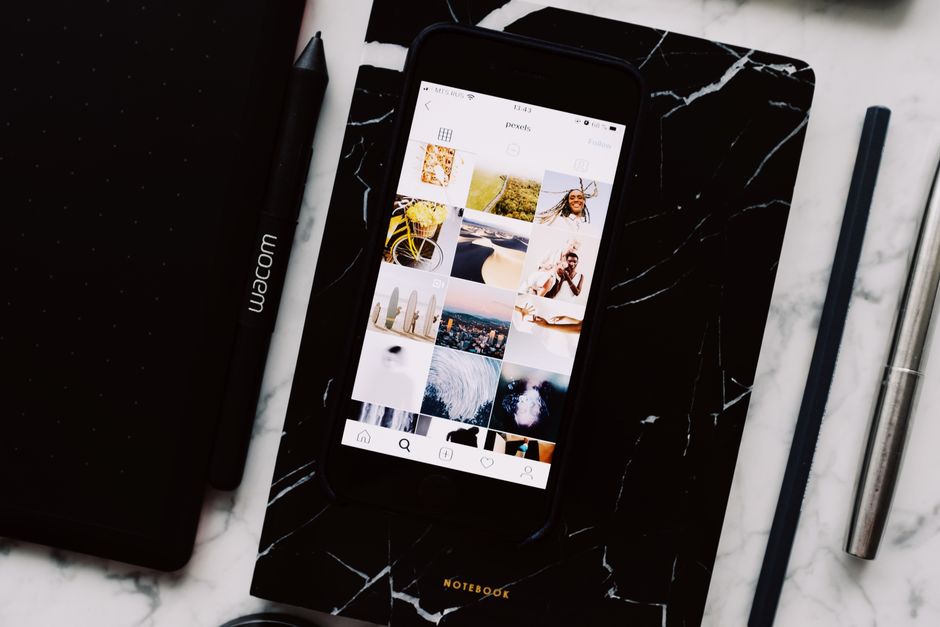
Design three Highlight covers (Shop, Deals, Community) in DesignLumo, each with localized icons (map pin, storefront). Export PNGs and upload to the client’s Instagram Highlights. Use Later’s bulk highlight editor to assign each cover to a specific city segment (e.g., downtown, uptown). Add a pinned story at the top of each Highlight with a limited‑time discount code unique to that zip code. Track highlight taps via Instagram Insights; target a 15% tap‑through rate, which typically yields a 4% rise in localized sales on Small Business Saturday.
2. Creative Production Workflow
AI‑Powered Design Sprint with DesignLumo

Kick off a 30‑minute sprint: feed DesignLumo a prompt such as "Instagram post promoting 25% off for Small Business Saturday, featuring a coffee shop, warm palette, clear CTA". The AI returns layered PSD files with editable text, fonts, and color groups. Duplicate the file for each client, swap brand assets, and lock layers for brand‑compliance. Export PNGs for feed and 1080×1920 JPGs for Stories. This reduces typical 4‑hour manual design to under 45 minutes, freeing up 12 hours per month for agency billable work. Monitor turnaround time; aim for <1 hour per asset.
Dynamic Reel Cover Generator (Canva + Lottie)

Use Canva’s animation library to create a 3‑second looping Reel cover that features the client’s logo and a “Shop Local” banner. Export as MP4, then import into LottieFiles to convert to a lightweight JSON animation for future reuse. Replace the static cover on Instagram Reels via the mobile app. Run A/B tests: static vs. animated cover; aim for a 1.8× increase in Reel completion rate, which correlates with higher swipe‑up conversions on the day of the event.
Editable Print‑to‑Digital Flyer in DesignLumo
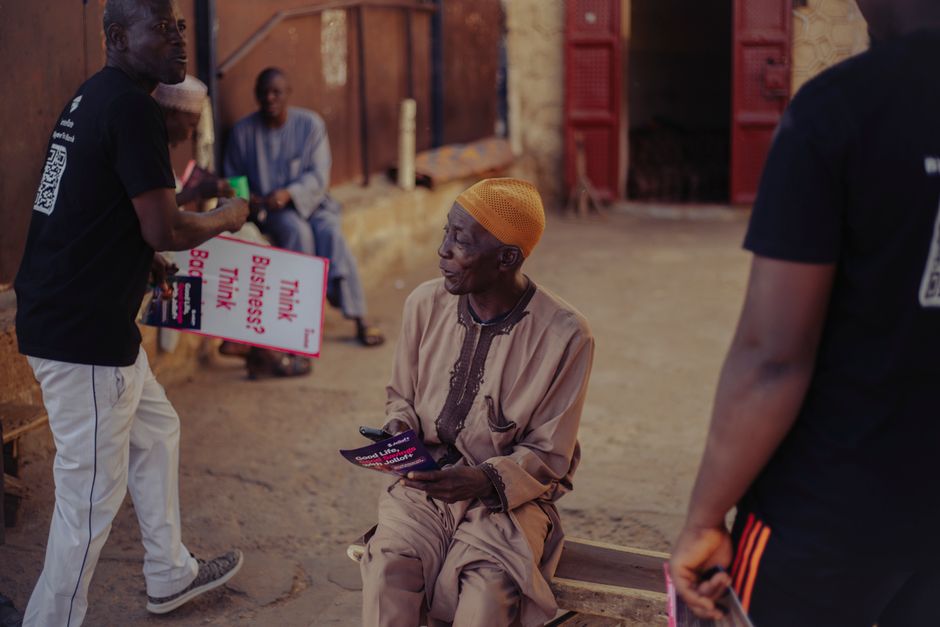
Take the client’s existing 8.5×11 print flyer PDF and upload it to DesignLumo. Prompt the AI: "Convert this flyer into an Instagram carousel with 5 slides, preserving brand colors #004080 and #FFC107, add QR code for in‑store discount". The tool extracts vector layers, replaces raster images with editable placeholders, and auto‑generates a scannable QR code via QRCode Monkey API. Export carousel assets and schedule. Track QR scan count; a minimum of 150 scans on Small Business Saturday indicates successful offline‑online integration.
3. Paid Promotion & Community Amplification
Instagram Shopping Ads with Local Discount Codes
Set up Instagram Shopping ads via Meta Business Suite. Upload the carousel created in Section 1 as product catalog items, each tagged with a unique discount code (e.g., LOCAL25). Use the “Reach” objective with a geo‑radius of 10 mi around the client’s store. Allocate $500 budget, split 70% for feed ads and 30% for Stories. Monitor ROAS; target a 3.5× return by tracking code redemption at checkout. Adjust CPC bids weekly based on cost‑per‑conversion, aiming for <$0.70 per redeem.
Micro‑Influencer Co‑hosted Live Sessions
Identify 3‑5 micro‑influencers (5‑20 k followers) with a local audience using Upfluence. Send them a brief: “Host a 15‑minute Instagram Live on Small Business Saturday, showcase the client’s store, and run a giveaway with a 30% discount code.” Schedule the live 2 hours before store opening. Use StreamYard to overlay brand graphics generated in DesignLumo. Capture view‑through metrics; aim for >2,000 total live viewers and a 12% increase in post‑live story mentions, which drives foot traffic.
Community Hashtag Boost via Sprout Social

Create a branded hashtag #ShopLocal[City] and seed it across all client posts. Use Sprout Social’s Hashtag Analytics to monitor reach and sentiment. Schedule 3‑hour bursts of user‑generated content reposts, each tagged with the hashtag. Allocate a $100 micro‑budget to boost the top‑performing repost for 24 hours. Aim for a hashtag reach of >50,000 unique accounts and a positive sentiment score above 85%, indicating community buy‑in and amplified organic reach.
Before you go
- Batch all copy in a shared Notion doc 48 hours before the event to eliminate last‑minute revisions.
- Leverage DesignLumo’s Brand Kit sync to auto‑apply each client’s color palette across every asset.
- After Small Business Saturday, run a 7‑day retargeting window using the same discount code to capture late‑bloom sales.















Ready to create your first design?
Join thousands creating professional designs in seconds.
Create with DesignLumo
Related Resources
TikTok Content Ideas for Instagram Agencies
Actionable TikTok assets to boost DTC brand growth and agency revenue.
Pinterest Content Blueprint for Instagram Agencies
Actionable pin ideas and workflows to power agency growth.
Instagram Agency Content Blueprint for Scale
Tactical content ideas to churn high‑engagement Instagram posts for DTC brands.
Instagram Agency Mistakes That Kill Growth
Avoid these 12 pitfalls that drain agency profits and client results.
Twitter/X Design Toolkit for Instagram Agencies
Essential AI‑powered tools to create Twitter/X graphics, threads, and quote cards at agency scale.
LinkedIn Toolkit for Instagram Agencies
Actionable LinkedIn design & workflow tools for Instagram marketing firms.