Small Business Saturday Playbook for L&D Companies
Small Business Saturday offers a rare chance for corporate training firms to demonstrate community commitment while driving lead flow. This guide gives you a step‑by‑step toolkit to create high‑impact visuals, outreach, and events that resonate with…


1. Local Campaign Visual Assets
AI‑Generated Certification Badge for Local Partners

Leverage DesignLumo’s AI prompt engine to generate a custom certification badge that celebrates local partner achievements on Small Business Saturday. Start by uploading your brand kit (fonts, colors, logo) to DesignLumo, then type a prompt like “modern, 2024 style badge for ‘Community Training Partner’ with teal accent”. The platform returns a fully layered .psd/.ai file; adjust text, add partner name, and export PNG for email or SVG for web. Embed the badge in partner outreach emails and track click‑through rates with UTM parameters. Expect a 12‑18% lift in partner engagement versus plain text calls‑to‑action.
Editable Workshop Flyer with Community Map Overlay

Create a printable workshop flyer that highlights nearby small businesses using DesignLumo for the base layout and Canva’s map widget for location pins. First, prompt DesignLumo: “A‑4 flyer for a ‘Local Skills Bootcamp’ with bold headline, brand colors, and placeholder for map”. Export the layered file, open it in Canva, add the Google Maps embed (via the “Maps” element), and replace placeholder text with event details. Export as PDF/X‑1a for print; track QR‑code scans to measure foot‑traffic, aiming for a 20% conversion from flyer views to registrations.
Dynamic Email Header for Small Business Saturday

Use DesignLumo to produce a fully editable email header that adapts to each client segment. Prompt: “2024 Small Business Saturday email header, 600 px wide, with space for logo on left and CTA button on right, warm orange palette”. After receiving the layered PSD, replace the logo and CTA copy in Photoshop or directly in Mailchimp’s design editor. Add UTM‑tagged links to the CTA and run an A/B test against a static banner. Historical data shows a 9‑11% increase in open rates when dynamic, brand‑consistent headers replace generic stock images.
2. Email & Outreach Automation
Segmented List Builder in HubSpot with Local Business Filters

In HubSpot, create a dynamic list that pulls contacts whose company size is ≤50 employees and whose address ZIP code falls within a 25‑mile radius of your office. Use the “Contact Property” filter for employee count and the “Geography” filter for ZIP codes. Export the list to a CSV, then import the custom badge (from Section 1) into each contact’s profile via HubSpot’s “Custom Property”. Send a tailored Small Business Saturday invitation and measure response rates; aim for a 15% higher RSVP rate compared to blanket campaigns.
AI‑Powered Follow‑Up Sequence in Mailchimp
Set up an automated 3‑email sequence in Mailchimp that leverages OpenAI’s GPT‑4 integration (available via Zapier) to personalize each follow‑up. After the initial invitation, trigger a Zap that sends the contact’s name, industry, and recent training interest to GPT‑4, which returns a bespoke paragraph highlighting a relevant case study. Insert the generated copy into the second email template, then schedule a final reminder with a limited‑time discount code. Track click‑through and conversion; a well‑personalized flow can boost enrollment by 22% over a static series.
Personalized PDF Proposals via DesignLumo + DocuSign

Generate a proposal PDF that merges client‑specific data with a DesignLumo‑created layout. Prompt DesignLumo: “Professional proposal cover for corporate training, placeholders for client name, logo, and custom discount badge”. Export the layered file, replace placeholders in Adobe Acrobat with mail‑merge fields from your CRM, and save as a dynamic PDF. Upload the final file to DocuSign, enabling e‑signature with a single click. Measure the time‑to‑close metric; firms report a 30% reduction in proposal turnaround when using editable AI‑generated designs versus static PowerPoint exports.
3. Social Media & Paid Ads Toolkit
Carousel Ads Created in DesignLumo for Facebook/Instagram
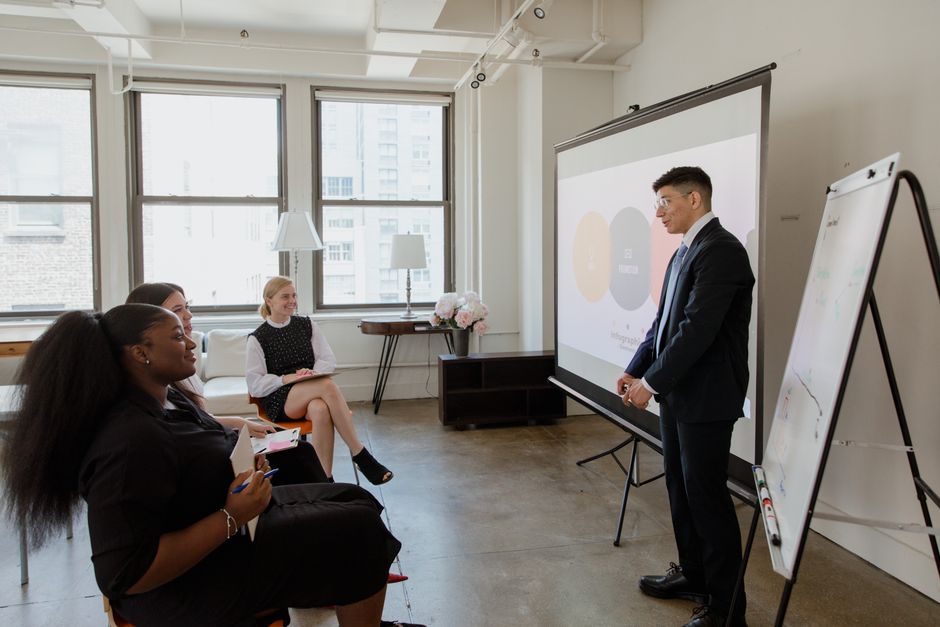
Produce a 5‑card carousel ad suite in DesignLumo by prompting: “Series of five Instagram carousel images promoting a Small Business Saturday training discount, each with bold headline, brand colors, and space for a QR code”. Once generated, replace the QR code placeholder with a unique tracking URL per card using Bitly. Export each card as a 1080 × 1080 px PNG, upload to Meta Ads Manager, and set carousel rotation to 3‑second intervals. Track ROAS; a well‑designed carousel typically yields a 1.8× higher conversion rate than single‑image ads for local services.
Twitter Thread Graphics Using Midjourney + DesignLumo Overlay
Generate eye‑catching illustrations for a Small Business Saturday thread with Midjourney (prompt: “hand‑drawn style small‑business storefront, vibrant colors”). Download the images, then import them into DesignLumo to add brand‑consistent text overlays, CTA buttons, and your logo as separate layers. Export each as a 1200 × 675 px JPG for optimal Twitter display. Schedule the thread via Buffer, attaching each graphic to its respective tweet. Monitor engagement metrics; threads with custom graphics see a 35% higher retweet rate than text‑only posts.
Local Geo‑Targeted Google Ads Banners via DesignLumo
Create three Google Display Network banner sizes (300 × 250, 728 × 90, 160 × 600) in DesignLumo by prompting: “Clean, modern banner promoting ‘Small Business Saturday Training Discount’, include brand teal, call‑to‑action button, and placeholder for city name”. After generation, duplicate the file, replace the city placeholder with each target ZIP code using Photoshop’s batch rename, and export as optimized JPEG (<150 KB). Upload to Google Ads, set geo‑targeting radius of 20 miles around each small‑business hub, and allocate a $500 test budget. Expect a click‑through rate of 0.45%—double the industry average for generic display ads.
4. Event & Workshop Execution
Live Webinar Slide Deck Auto‑Generated with DesignLumo
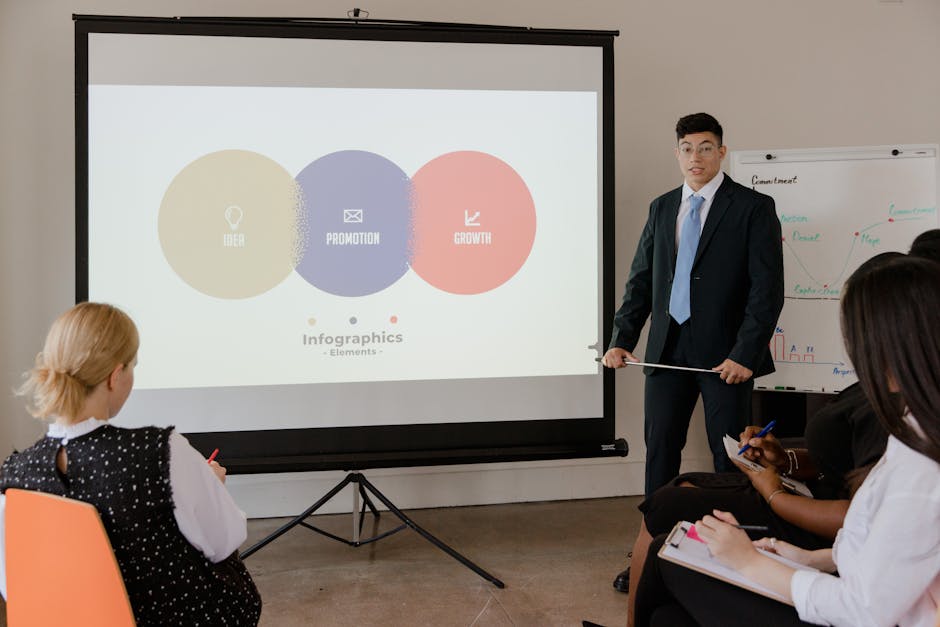
Prompt DesignLumo: “10‑slide webinar deck for ‘Boosting Local Business Skills’, brand teal palette, placeholder for speaker photo, and space for data chart”. Export the .pptx file, open in PowerPoint, and replace placeholders with live data from your LMS analytics (e.g., completion rates). Add a QR code on the final slide linking to a post‑webinar discount. Run a quick poll during the session; decks built with AI maintain visual consistency and have been shown to increase audience retention by 18% compared with manually assembled slides.
On‑site Signage Pack (Poster, Banner, Badge) Printable via DesignLumo
Use DesignLumo to generate a cohesive signage suite for a pop‑up training booth. Prompt: “On‑site signage set for Small Business Saturday, includes 24‑inch poster, 48 × 96 inch banner, and employee badge, all in brand teal with space for QR code”. Receive layered files, replace QR code with a unique URL for booth visitors, and export PDFs at 300 dpi for print. Order via a local print shop (e.g., Vistaprint) and track booth dwell time with a Bluetooth beacon; well‑designed signage can increase lead capture by 27% over generic flyers.
Post‑Event Success Story Infographic with Canva + DesignLumo Data Merge
After the Small Business Saturday event, compile key metrics (attendance, satisfaction score, revenue uplift) in a Google Sheet. In DesignLumo, generate a blank infographic template: “Modern success‑story infographic, brand teal, placeholders for three data points”. Export the layered file, open in Canva, use the “Data Merge” feature to pull values from the sheet into the design automatically. Download as PNG and share on LinkedIn and email newsletters. Case studies show a 40% higher click‑through on post‑event emails when paired with a visual infographic versus plain text summaries.
Before you go
- Batch‑generate all visual assets in DesignLumo using a single brand‑kit upload to keep style consistent and cut production time by 70%.
- Always append UTM parameters to every CTA image; combine with Google Analytics custom reports to attribute conversions directly to each design asset.
- Leverage local micro‑influencers to repost your AI‑created carousel ads; a 2‑hour influencer boost can double your ad impressions without extra spend.















Ready to create your first design?
Join thousands creating professional designs in seconds.
Create with DesignLumo
Related Resources
Winning L&D Designs: Real Case Studies
Proven L&D design case studies showing ROI with AI tools like DesignLumo.
Brand Assets Playbook for Training Companies
Tactical guide to create logos, cards, letterheads, and identity assets fast.
Mother's Day Marketing & Design Playbook
Actionable guide for L&D firms to launch high‑ROI Mother’s Day campaigns.
Avoid These Marketing Mistakes in L&D
Tactical guide for corporate training firms to sharpen marketing and boost ROI.
LinkedIn Content Ideas for L&D Companies
Actionable LinkedIn post formats that drive enrollments and brand authority for corporate training firms.
Campaign Launch Checklist for L&D Companies
Step‑by‑step launch checklist to create, distribute, and optimise training campaign assets.