Shopify Tools for Menu Makers: Design, Update, and Sell
Your menu is the first thing a customer looks at and the last thing most Shopify store owners bother to design properly. A good-looking, easy-to-update menu isn't a nice-to-have. It directly affects what people order and how much they spend.

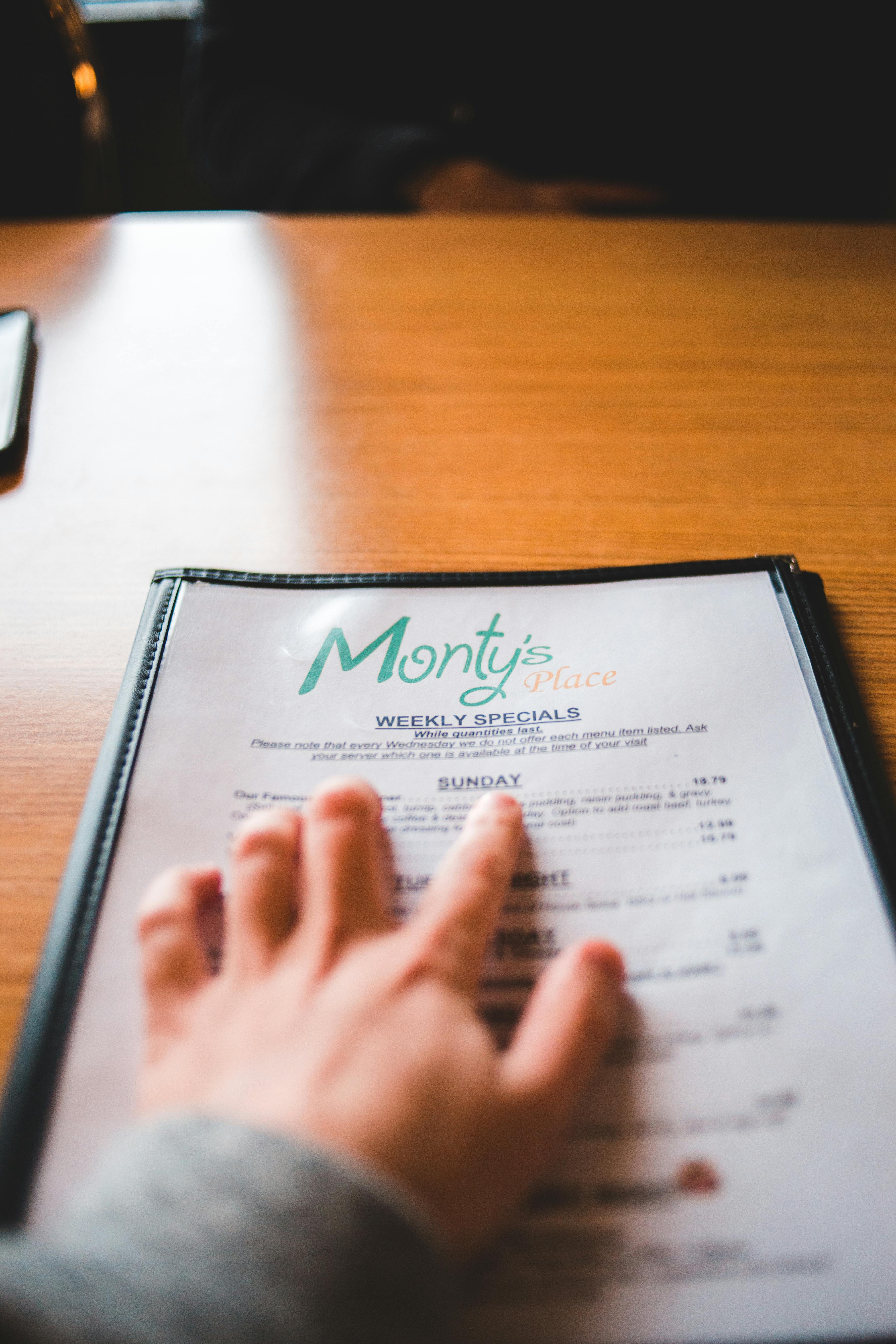
1. Design Your Menu Without a Designer
No designer? No problem.
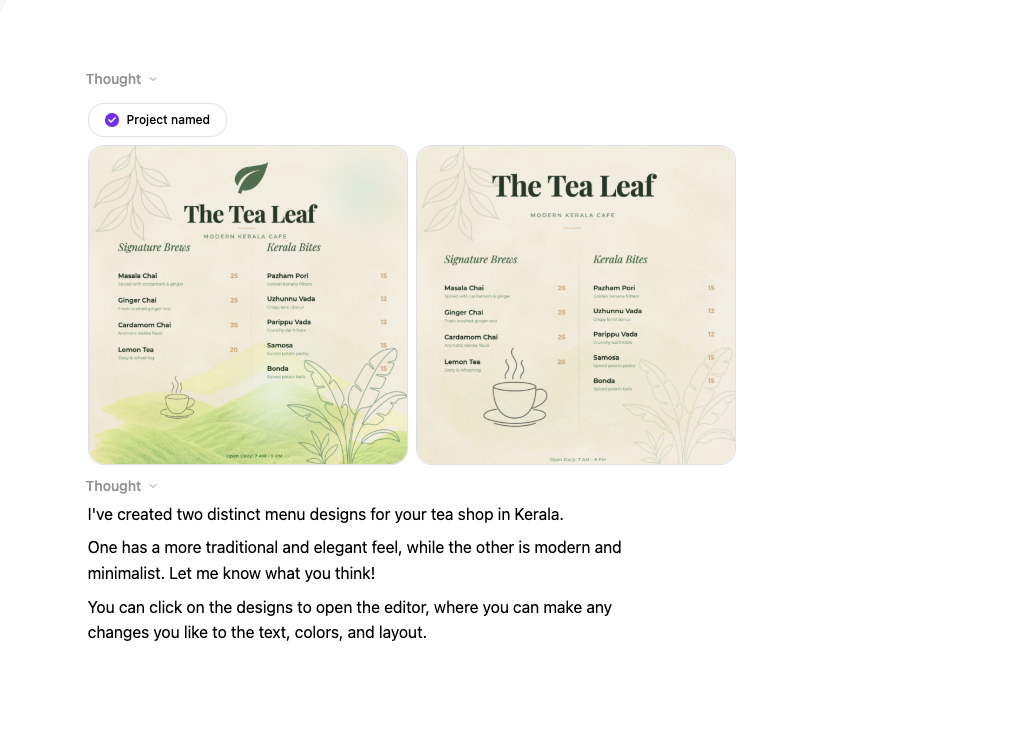
Describe your menu style and DesignLumo builds it in seconds. Fonts, layout, colors, all editable. You get a layered file you can update yourself whenever dishes change. No design skills needed, no waiting on a freelancer.
Upload the exported image straight to Shopify Files and drop it into any section of your store. Most food brands using this cut their menu update time from hours to under 10 minutes.
Canva for quick template-based menus
Canva has a solid library of restaurant menu templates. Pick one, swap in your dishes and brand colors, and export. It's not as fast as AI generation but gives you more manual control over layout.
The trade-off: Canva menus can look generic if you don't customize them. Pair it with your own photos and brand fonts to make it feel less like a template.
2. More orders, same menu
Menu engineering: the basics

- ✅ Put your highest-margin item top-right. That's where eyes land first.
- ✅ Use one strong photo per section, not a grid of average ones.
- ✅ Write descriptive names. 'Slow-roasted garlic chicken' outsells 'Chicken' every time.
- ✅ Keep it to 7 options per category. More than that and people freeze.
- ✅ Add one premium item. It makes everything else feel like a deal.
- ❌ Don't use dollar signs. They make people spend less.
- ❌ Don't list items by price. It turns ordering into a budget exercise.
- ❌ Don't use blurry or stock food photos. They kill appetite.
- ❌ Don't bury your best dish at the bottom.
QR codes linking to your digital menu
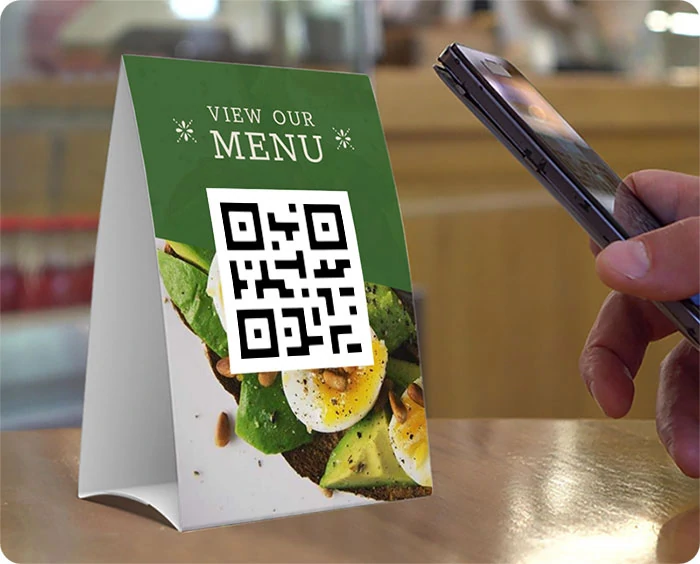
Generate a QR code that links directly to your Shopify menu page and add it to your packaging, receipts, table cards, or printed materials. Shopify has a free built-in QR code generator for products, or use a free tool like QR Code Generator.
It's a simple way to bridge your physical presence with your online store and drive repeat orders.
3. Keep your menu up to date, painlessly
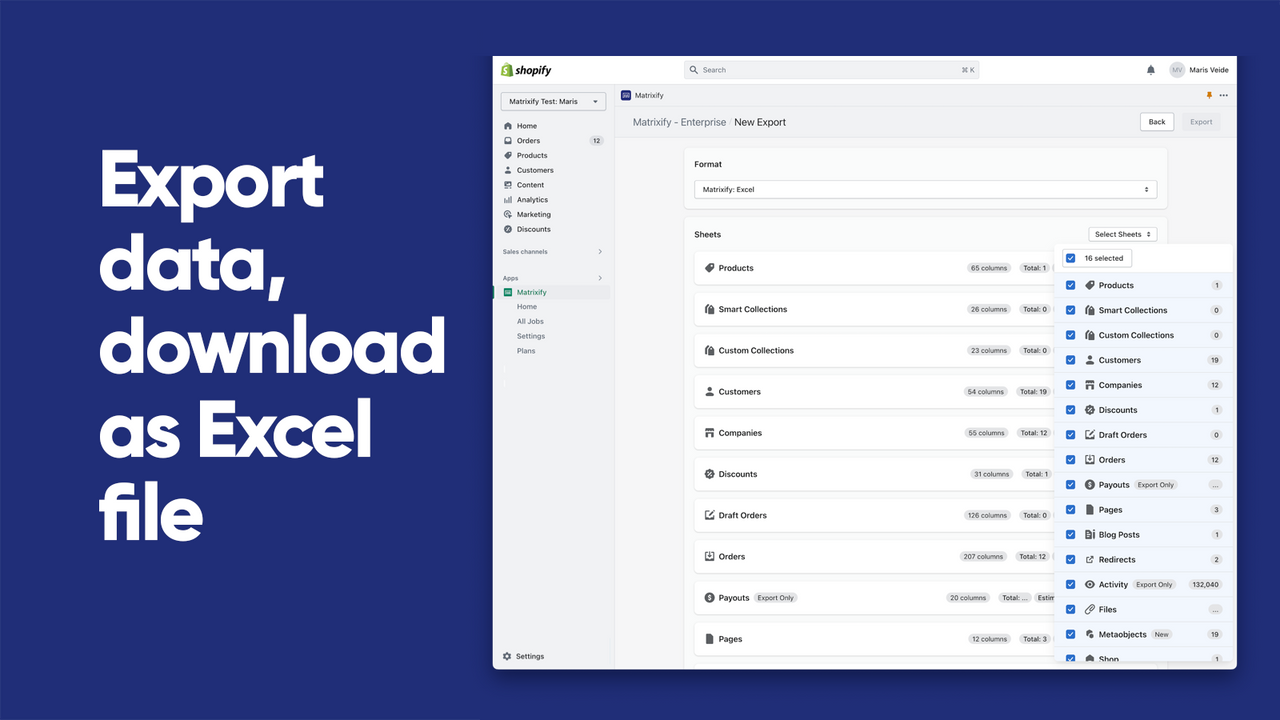
Matrixify for bulk menu updates
The simplest day-to-day workflow: keep your menu as an image in Shopify Files, update it whenever dishes change, and use Shopify's built-in theme scheduling to swap sections on specific dates. No apps needed for that part.
But when you're doing a full seasonal overhaul and changing 50+ items at once, Matrixify is the tool. Update everything via a spreadsheet — prices, descriptions, images, availability — import the file and Shopify handles the rest.
4. Shopify Apps Built for Restaurants
Restaurant Menu by ServeUp
ServeUp lets you present your dishes and drinks as a proper restaurant menu right on your Shopify store. It's elegant, customizable, and built specifically for cafes and restaurants, not a generic product list with a food theme slapped on.
If you want your online menu to actually look like a menu, this is the app to start with.
K: AI Restaurant Menu
K: AI Restaurant Menu keeps your menu fresh with AI-assisted updates for seasonal items, pricing changes, and dish descriptions. It's built for restaurant owners who want their menu to stay accurate without manually editing every product.
Useful if your menu changes frequently and you want to spend less time on admin.
ZAP Restaurant Alerts and Delivery
ZAP is built for food and beverage brands that handle both pickup and delivery. It sends new orders straight to your branch in real time, lets customers choose their preferred location, and connects with logistics partners for faster deliveries.
If you're running a multi-location restaurant or cafe on Shopify, this fills the gap that standard Shopify order management leaves open.
Before you go
- Update your menu image at least once a month. Even a small seasonal change signals to customers that your store is active.
- Use DesignLumo to keep a master menu template on file. When dishes change, update the file and re-export in minutes.
- Put your best-selling or highest-margin item at the top of your menu. Most customers decide in the first few seconds.















Ready to create your first design?
Join thousands creating professional designs in seconds.
Create with DesignLumo
Related Resources
TikTok Menu Design Toolbox for Restaurants
Essential AI and video tools to create TikTok menu covers, overlays, and cross‑platform promos.
Pinterest Menu Design Toolkit for Restaurants
Tactical tools & workflows to create high‑converting Pinterest menu pins fast.
Back to School Menu Marketing Blueprint
Actionable guide to create, design, and launch high‑impact back‑to‑school menus for food venues.
Instagram Menu Design Toolkit
The ultimate guide to fast, editable Instagram menus for restaurants and cafes.
Twitter/X Menu Design Ideas That Drive Sales
Actionable X post graphics to showcase menus, specials, and brand personality.
Etsy Menu Design Toolkit for Restaurants
Actionable tools to create, update, and sell restaurant menus on Etsy.