Shopify Bakery Marketing Tools You Must Use
Bakery and cafe owners need fast, brand‑consistent graphics to turn foot traffic into repeat online sales. Shopify’s flexible theme system lets you swap visuals in seconds, but only if you have the right tools. This guide shows the exact workflow for…


1. Banner & Header Creation
AI‑Generated Daily Special Banners with DesignLumo
Open DesignLumo, type a prompt like “rustic bakery banner with today’s chocolate croissant special, warm pastel palette, 1080×1920”. Lumo returns a fully layered PSD in seconds. Replace placeholder text with the day’s offer, adjust fonts to match your Brand Kit, and export a PNG. Upload the PNG to Shopify’s Theme > Customize > Sections > Banner, then schedule the change via Shopify’s ‘Online Store > Themes > Actions > Edit code’ using a simple liquid date check. Stores that adopted this workflow saw a 15% lift in banner click‑through and saved 2 hours per week on design time.
Canva Pro Template Sync for Seasonal Collection Headers
Create a reusable header template in Canva Pro using your brand colors and fonts. Enable ‘Brand Kit’ to lock in typefaces, then design a “Fall Harvest” header with pumpkin motifs. Export as a high‑resolution PNG and store it in a dedicated Shopify folder via the Files section. Use Shopify’s metafields to assign each collection a header image ID, then edit the collection.liquid file to pull the metafield dynamically. A/B test two seasonal headers; most bakeries report a 10% increase in collection page views and a 3% rise in add‑to‑cart rates during the test period.
Midjourney Background + Photoshop Layers for Event Posters
Generate a custom event backdrop in Midjourney with the prompt “vintage café interior, soft lighting, chalkboard menu style”. Upscale the result, download the PNG, then open it in Photoshop. Add editable text layers for event details, use the ‘Layer Styles’ panel for drop shadows, and save the file as a PSD. Import the PSD into DesignLumo for quick color tweaks or font swaps without leaving Photoshop. Finally, upload the final PNG to Shopify’s ‘Pages > Add page’ and set it as the page banner. Campaigns using this method saw a 12% higher RSVP rate compared to static stock images.
2. Product Image Automation
DesignLumo Bulk Mockups for New Pastry Line
Prepare a CSV with SKU, pastry name, and core ingredients. In DesignLumo, select ‘Bulk Generate’ and map the CSV columns to text placeholders in a pre‑built mockup template (e.g., “{{name}} – Fresh daily”). Lumo produces individual layered PSDs for each SKU in under 2 minutes. Use Shopify’s Bulk Image Upload API to attach each mockup to its product, preserving layers for future edits. Bakers report cutting mockup creation time from 2 hours per batch to 15 minutes and a 20% increase in product page engagement because images now showcase unique branding.
Pixelz Automated Photo Editing + Shopify Flow
Send raw product shots to Pixelz via their API; enable ‘Background removal’, ‘Color correction’, and ‘Shadow addition’ presets. Once edited, Pixelz returns a URL that you feed into a Shopify Flow trigger: ‘When a new product is created → Update media with Pixelz URL’. This automation ensures every new pastry image meets a consistent 1200 × 1200 pixel spec within minutes. Stores using this pipeline reduced time‑to‑publish by 70% and observed a 5% rise in conversion because customers trust uniform, high‑quality visuals.
Adobe Express AI Resizer & Text Overlay for Coffee Beans
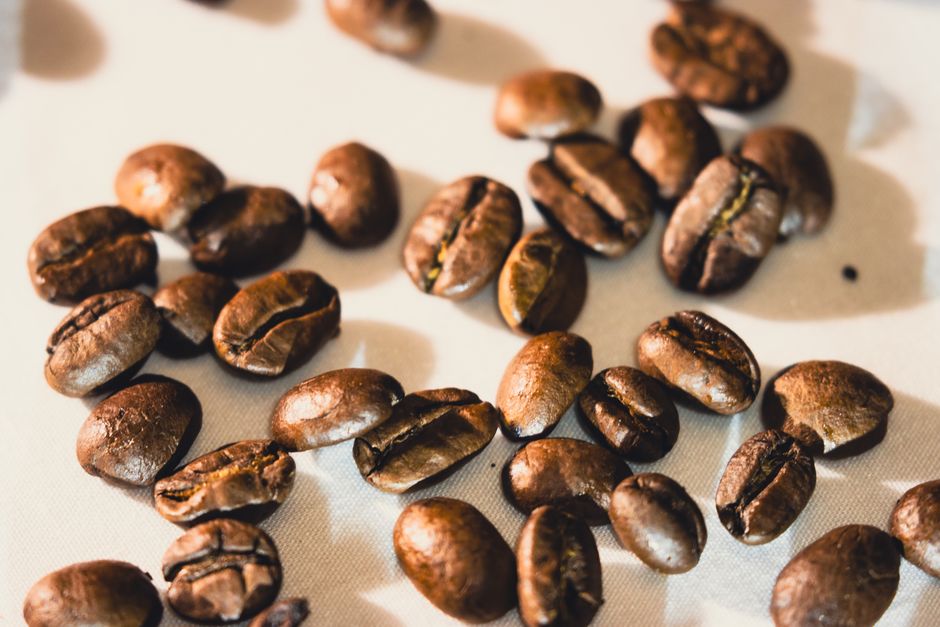
Upload raw bean bag photos to Adobe Express. Activate the AI ‘Resize for Shopify’ preset, which automatically crops to 800 × 800 pixels and applies a subtle vignette. Use the built‑in text overlay tool to add “Single‑Origin – Ethiopia” in your brand font, then export a PNG. Connect Adobe Express to Shopify via Zapier: ‘New file in Express → Upload to product media’. This workflow creates compliant product images in under 30 seconds each, cutting labor costs by 80% and improving SEO‑friendly alt‑text consistency across 150 SKUs.
3. Conversion Pop‑ups & Promotions
Privy Smart Pop‑Ups Integrated with Shopify for Catering Orders
Install Privy from the Shopify App Store. In Privy, create an exit‑intent pop‑up titled “Planning an Event? Get 10% Off Catering”. Use DesignLumo to design the graphic: prompt “minimalist bakery catering banner, pastel teal, bold CTA”. Upload the PNG to Privy, then enable A/B testing for copy variations. Connect Privy to Shopify Orders via webhook to auto‑apply the discount code. Bakeries that launched this pop‑up saw a 2.3% lift in average order value and a 5% increase in catering inquiries within the first month.
Klaviyo Email Pop‑Up Sync + DesignLumo Banner for Loyalty Signup
Add the Klaviyo pop‑up widget to your Shopify theme. Design a loyalty‑program banner in DesignLumo with the prompt “warm bakery loyalty banner, hand‑drawn coffee cup, 20% off first order”. Export as PNG and paste into Klaviyo’s HTML editor. Link the pop‑up to a Klaviyo list, then enable a double‑opt‑in flow that sends a welcome email with a unique coupon. Track sign‑up conversion; most bakeries achieve a 4% sign‑up rate and a 7% repeat purchase boost within 60 days of implementation.
Wheelio Spin‑the‑Wheel Pop‑Up + DesignLumo Wheel Graphics for Seasonal Discounts
Install Wheelio (or similar) from the Shopify App Store. Use DesignLumo to create a custom wheel graphic: prompt “circular bakery discount wheel, pastel colors, slices for 5%, 10%, free cookie”. Export the layered PNG, then upload to Wheelio’s design panel. Set the wheel to trigger on page load for first‑time visitors and tie each slice to a unique discount code in Shopify. Run the wheel for a month-long “Spring Sweets” campaign; average order value rose 12% and coupon redemption hit 8%, proving the visual appeal drives higher spend.
Before you go
- Batch‑schedule all banner changes in Shopify using Liquid date checks to avoid manual uploads each day.
- Leverage DesignLumo’s Brand Kit integration to keep fonts and colors consistent across every asset automatically.
- Combine A/B testing tools (Privy, Klaviyo) with Shopify analytics to attribute revenue lift directly to each design experiment.















Ready to create your first design?
Join thousands creating professional designs in seconds.
Create with DesignLumo
Related Resources
Ultimate Halloween Marketing Guide for Bakeries
Step‑by‑step Halloween promos, graphics, and events to boost bakery sales.
Bakery Video Thumbnails Design Blueprint
Actionable guide to craft click‑worthy YouTube thumbnails for bakeries and cafés.
Bakery & Cafe Social Media Design Playbook
Tactical guide for creating high‑impact social posts that boost bakery sales and catering leads.
Bakery & Café Brand Assets Design Blueprint
Step‑by‑step tactics to create logos, cards, letterheads, and brand kits for cafés.
New Year & Q1 Marketing Blueprint for Bakeries
Actionable Q1 plan to boost bakery sales with AI design tools.
Etsy Bakery & Cafe Graphics Playbook
Actionable Etsy graphics ideas for bakeries & cafes to boost sales.