Shopify Content Ideas for Restaurants
Restaurant owners need fast, affordable graphics that convert. Shopify’s flexible theme editor lets you swap in custom visuals without a designer. This guide shows exactly how to create high‑impact assets that drive orders, bookings, and repeat visit…

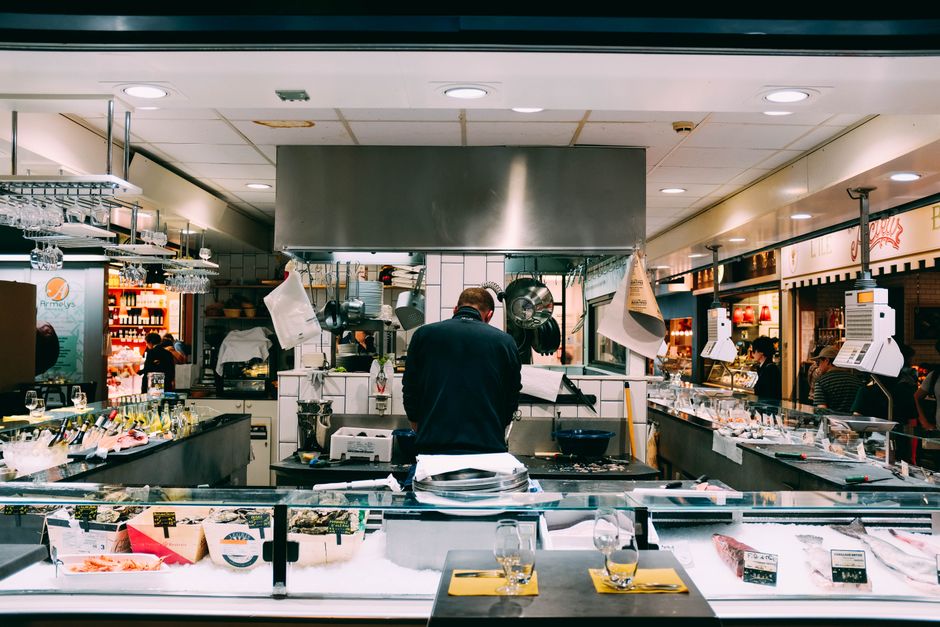
1. Shopify Store Banners & Headers
Daily Specials Banner Generator
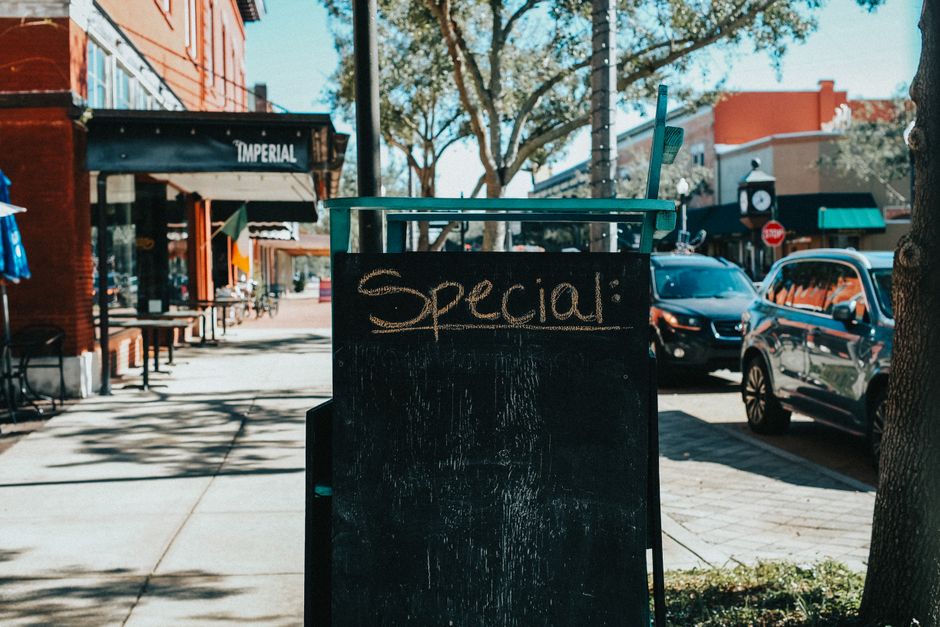
Use DesignLumo to type a prompt such as “modern coffee shop daily specials banner with teal accents, space for 3 items, and a ‘Today Only’ badge”. Export the layered PSD, then upload to Shopify’s Theme > Customize > Banner section. Set the banner to auto‑rotate daily using a simple Shopify script that pulls the next image from a folder every 24 hours. Track click‑through rates in Shopify Analytics; aim for a 2‑3% lift versus static text. This workflow costs $0 if you’re on the free plan, and takes under 10 minutes per day.
Seasonal Collection Header Blueprint

Start with Canva’s seasonal template library, then import the PNG into DesignLumo to convert it into editable layers (fonts, colors, icons). Replace placeholder text with your collection name (e.g., “Fall Harvest Menu”). Upload the final PSD to Shopify’s Collection Header slot, and enable the “Show on mobile” toggle. Use UTM parameters on the header link to measure traffic; a 1.5% increase in collection views indicates success. This hybrid approach blends Canva’s ease with DesignLumo’s editability, suitable for weekly updates.
Event Countdown Banner
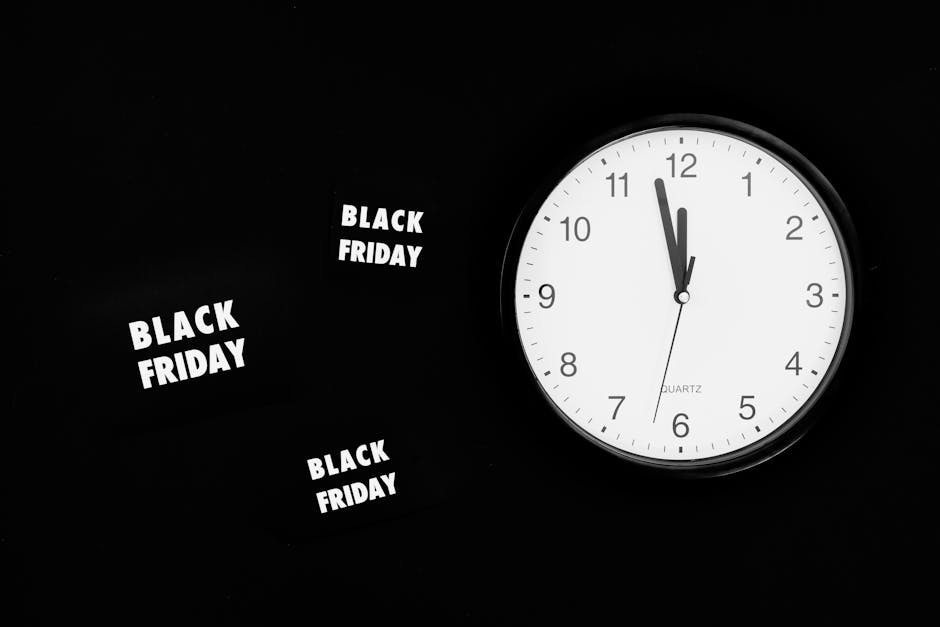
Generate a countdown timer graphic in DesignLumo by prompting “bold red banner with digital clock counting down to live music night, space for QR code”. Export as PNG, then add a Shopify Liquid snippet that updates the timer every second using JavaScript. Place the banner at the top of the homepage via Theme > Header. Monitor conversion via Shopify’s “Events” report; a 5% rise in ticket sales within 48 hours validates the tactic. This requires basic coding, but the visual creation remains drag‑and‑drop.
2. Product Feature Images & Overlays
Dynamic Dish Highlight Slides

Upload high‑resolution dish photos to Midjourney with the prompt “studio lighting, top‑down view, vibrant colors, 4k”. Export the images, then import into DesignLumo to add editable text layers for price, calorie count, and a ‘Chef’s Choice’ badge. Save as a multi‑page PSD and import each page as a carousel image in Shopify’s product media gallery. Track add‑to‑cart rate per slide; aim for a 0.8% lift on the slide with the badge. This combines AI art with instant editability.
Ingredient Origin Badges
Create a set of circular badges in DesignLumo: prompt “hand‑drawn wheat icon with green leaf, space for ‘Locally Sourced’ text”. Export as SVG for crisp scaling, then add each badge as a layer on product images using Shopify’s Image Editor app (e.g., Pixel‑Perfect). Tag products with a metafield “origin” and use Liquid to auto‑apply the correct badge. Measure impact via “Product page views” → “Origin badge clicks”; a 1% increase signals authenticity resonates with customers.
Limited‑Time Offer Badges

Design a flashing “Limited Offer” badge in Adobe Express, then import the PNG into DesignLumo to add a transparent background and editable countdown text. Save as a GIF, upload to Shopify, and attach to product images through the “Product Badges” app. Set a Shopify automation (via Shopify Flow) to hide the badge after the promotion expires. Monitor conversion spikes; a 3‑4% sales bump during the badge’s active window justifies the effort.
3. Promotional Pop‑ups & Review Cards
First‑Order Discount Pop‑up

In DesignLumo, prompt “minimalist pop‑up with 15% off code, pastel background, email capture field”. Export as a layered HTML snippet via the “Export to Web” option, then paste into a Shopify app like Privy. Configure the pop‑up to trigger after 5 seconds or on exit intent. Track email capture rate; a 2% conversion is typical, but with a compelling design you can push to 3.5%. The AI‑generated design halves the time versus hand‑coding.
Catering Inquiry Modal
Create a sleek inquiry modal in Canva (use the “Contact Form” template), then import into DesignLumo to replace placeholder text with dynamic fields: event date, guest count, menu preference. Export as a responsive HTML block and embed via Shopify’s “Custom HTML” section on the “Catering” page. Use Google Tag Manager to fire a conversion event when the form is submitted. Aim for a 0.5% lift in catering leads; the modal’s visual polish drives trust.
Customer Review Highlight Card

Pull five-star reviews from Shopify’s “Product Reviews” app, then generate a stylized card in DesignLumo: prompt “rounded rectangle, pastel border, space for star icons and quote, brand colors”. Export as PNG and add to the homepage via a “Rich Text” section, linking each card to the full review page. Measure click‑throughs; a 1.2% increase in review page visits correlates with higher trust and a 0.7% uplift in average order value.
Before you go
- Batch‑create all graphics in DesignLumo, then schedule uploads with Shopify Flow to eliminate daily manual work.
- Use Shopify’s native metafields to auto‑populate dynamic text (e.g., price, countdown) inside your AI‑generated designs.
- A/B test each design variant for at least 7 days; track specific metrics (CTR, conversion) in Shopify Analytics to prove ROI.















Ready to create your first design?
Join thousands creating professional designs in seconds.
Create with DesignLumo
Related Resources
Mother's Day Restaurant Marketing & Design Playbook
Step-by-step tactics for restaurant owners to boost Mother's Day sales with AI-designed promos.
LinkedIn Content Playbook for Food Brands
Actionable LinkedIn post ideas for restaurants, cafés, and food trucks.
Restaurant Print Design Blueprint
Step‑by‑step AI and print tactics to create menus, flyers, and promos that boost restaurant sales.
Spring Launch Season Marketing & Design Guide
Actionable tactics for restaurants to dominate spring launches with AI‑powered design and zero budget.
Instagram Essentials for Food Brands
Tactical tools to dominate Instagram for restaurants and cafés.
Facebook Essentials for Food Brands
Actionable tools to dominate Facebook with zero‑design budget.