Shopify Content Ideas for Recruitment Agencies
Recruitment agencies need eye‑catching Shopify assets that convert job seekers and hiring managers. This guide delivers battle‑tested design concepts you can launch in minutes. All examples are built for Shopify banners, collection headers, product i…

1. Shopify Store Banners & Hero Images
Dynamic Job Category Hero Banner

Research the top three search terms for each job category (e.g., "Tech jobs", "Finance careers", "Healthcare openings"). Feed a prompt into DesignLumo (https://www.designlumo.com) like "Create a 1920x600 hero banner for Tech jobs with blue brand colors, an abstract circuit background, and a bold CTA button". Download the fully editable PSD, replace placeholder copy with your brand messaging, and upload to Shopify's "Image with Text Overlay" section. Enable auto‑rotation across categories and track click‑through rate in Google Analytics, aiming for >2.5% CTR within two weeks. Use Shopify's built‑in image optimizer to keep load time under 2 seconds.
Employer Brand Spotlight Carousel
Gather logos, taglines, and 1‑sentence testimonials from your top three client employers. In Canva (https://www.canva.com) create a 3‑slide layout, then import the file into DesignLumo to add editable text layers, brand‑specific fonts, and a CTA button that links to a case‑study page. Export each slide as a PNG, upload them to Shopify's native "Slideshow" section, set a 5‑second autoplay, and add alt‑text for SEO. Monitor engagement via Shopify analytics; a well‑crafted carousel should lift average session duration by at least 15 seconds.
Seasonal Hiring Campaign Banner

Use Midjourney (https://www.midjourney.com) to generate a holiday‑themed background (e.g., "festive city skyline with subtle snow for Q4 hiring push"). Download the 4K image, then paste it into DesignLumo to overlay editable headline, discount code, and a contrasting button. Export as a compressed JPEG (max 200 KB) sized 1920x600, then add to Shopify's "Announcement Bar" via the theme editor. Activate a limited‑time 5 % placement fee discount and track conversion lift with Google Tag Manager, targeting a 5 % increase in qualified leads within the campaign window.
2. Collection Headers & Category Graphics
Salary Benchmark Collection Header

Create a header that visualizes average salaries for each role in a collection. In DesignLumo, design a 1200x300 bar chart using your brand palette, leaving the numeric values as editable text fields. Publish a Google Sheet with live salary data, then embed it via Shopify's "Custom HTML" section using a JSON fetch script that swaps the text layers every 24 hours. Add schema markup for "AggregateRating" to boost SEO. Aim for a 3 % click‑through rate on the header, measured in Shopify reports.
Industry Skill Set Infographic Header
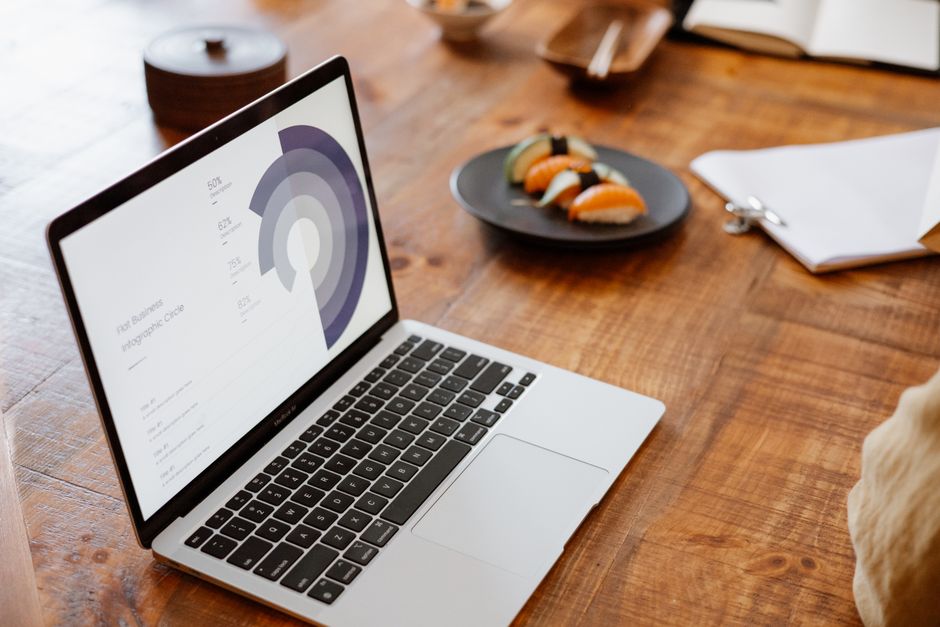
Start with a Canva template for a 5‑point skill infographic (e.g., "Top Skills for Marketing"), then import the file into DesignLumo to replace icons with vector assets from Flaticon (https://www.flaticon.com) and to make each skill label an editable layer. Export as an SVG for crisp scaling and upload to the collection's header via Shopify's "Image with Text Overlay" block. Track bounce‑rate reduction; a compelling header should lower bounce by at least 10 % for that collection page.
Remote vs On‑site Role Comparison Header

Design a split‑screen header in DesignLumo: left side shows remote‑work stats, right side onsite figures, both using brand colors. Add CSS hover effects in your Shopify theme to reveal deeper metrics when users mouse over each side. Pull real‑time data from LinkedIn Insights API (requires a developer token) and inject it via a small Liquid snippet. Measure interaction with heat‑map tools like Hotjar; target a 20 % hover interaction rate, indicating users are engaging with the comparison.
3. Promotional Pop‑ups & Feature Tiles
Exit‑Intent Pop‑up for Candidate Capture

Use Privy (https://www.privy.com) to trigger an exit‑intent pop‑up, but design the visual in DesignLumo: a clean form with headline "Get Exclusive Job Alerts", brand‑colored submit button, and a subtle background pattern. Export as a PNG, upload to Privy, and connect the form to HubSpot for lead nurturing. Test different copy variations with A/B testing; aim for an 8 % conversion rate on pop‑up views, which typically hover around 10 % of total traffic.
Limited‑Time Placement Discount Pop‑up

Create a 600x400 graphic in DesignLumo that highlights a "48‑Hour Placement Discount" with a bold countdown timer. Install the Hurrify app (https://hurrify.io) on Shopify, embed the timer code into the pop‑up, and set the trigger to appear after 5 seconds of site dwell time. Sync the discount code to Shopify's checkout via an automatic discount rule. Track sales lift in Shopify Analytics; a well‑executed pop‑up should deliver a 4 % increase in placement orders during the promotion.
Live Chat Invitation Pop‑up with AI FAQ
Design a friendly chat invitation in DesignLumo: avatar, short copy "Chat with our AI Recruiter", and a bright CTA. Export as a transparent PNG and embed it in a custom HTML block that loads the Intercom widget (https://www.intercom.com) after a 10‑second delay. Pre‑populate the FAQ section with common queries using OpenAI's GPT‑4 API, ensuring answers stay on brand. Monitor chat initiation rate; aim for 12 % of visitors to start a conversation, a strong indicator of engagement.
Before you go
- Batch‑generate all banner variations in DesignLumo using CSV prompts to cut design time by 70 %.
- Leverage Shopify's built‑in theme editor to assign each design to a specific collection template, ensuring zero code deployment.
- Integrate Google Tag Manager events for every pop‑up interaction to feed precise ROI data back into your ad spend dashboards.















Ready to create your first design?
Join thousands creating professional designs in seconds.
Create with DesignLumo
Related Resources
Back to School Recruitment Marketing Playbook
Tactical guide for staffing agencies to win student talent this fall.
Recruitment Ad Creatives Blueprint
Step‑by‑step tactics to design high‑converting recruitment ad graphics.
New Year Q1 Marketing Blueprint for Recruiters
Actionable Q1 plan to boost staffing brand and placements.
Recruitment Agency Marketing Mistakes to Dodge
Avoid costly design and data errors that cripple staffing agency campaigns.
Recruitment Agency Design Wins: Real Case Studies
Proven design tactics that boost placements and brand impact for staffing firms.
Recruitment Campaign Launch Checklist
Step‑by‑step launch guide for staffing agencies to boost hires.