Pinterest Agency Playbook: Shopify Content Ideas
Pinterest drives high‑intent traffic for Shopify stores, but agencies struggle to churn out fresh, on‑brand pins at scale. This guide delivers battle‑tested concepts you can execute today. Every tactic includes exact tools, workflows, and performance…


1. High‑Converting Pin Templates
AI‑Generated Shopify Store Banner Pins

Use DesignLumo to generate fully editable banner pins in seconds. Start with a prompt that includes the store’s tagline, hero product, brand hex codes, and desired call‑to‑action. Lumo returns a layered PSD/AI file; open it in Canva for quick copy tweaks, then export a 1000×1500 px PNG. Upload to Pinterest and tag the product URL. Track CTR; top‑performing pins hit 2.5‑3% on average. Repeat weekly with new promos to maintain freshness while keeping design time under 10 minutes per pin.
Dynamic Collection Header Collages
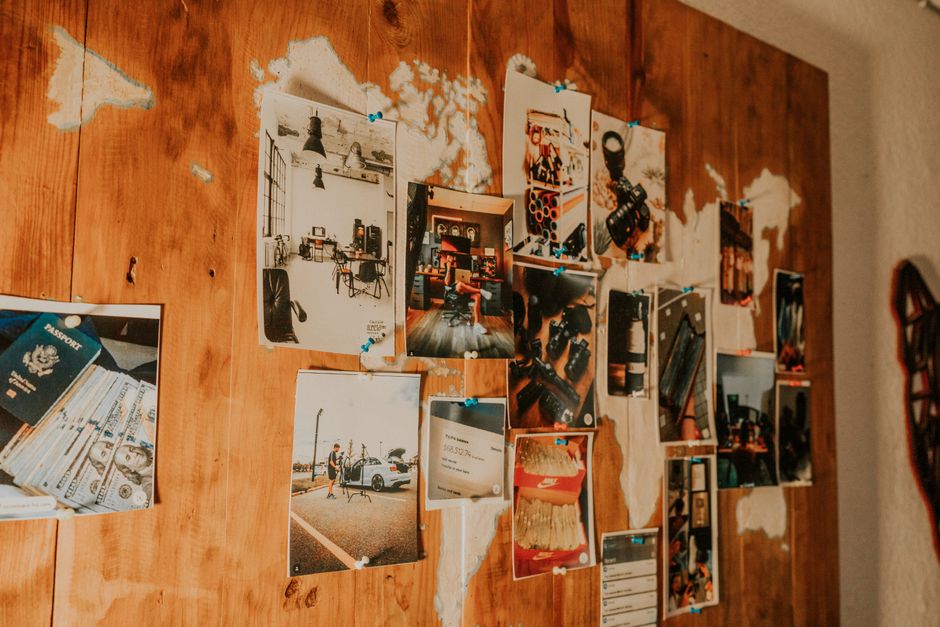
Pull the top 8 best‑selling items from a Shopify collection via the Storefront API (limit=8). Feed the product titles, images, and prices into Midjourney with a prompt like “modern collage of summer dresses, pastel palette, 4:5 ratio”. Import the generated background into Adobe Express, overlay the API‑fetched product thumbnails as separate layers, and attach a clickable “Shop the Look” button using the collection URL. Publish as a tall pin; aim for 1.2‑1.5% repin rate. Refresh monthly to align with new arrivals.
Product Feature Carousel Pins

Create a 5‑card Idea Pin that walks shoppers through a product’s key features. In DesignLumo, input a prompt such as “layered mockup of ceramic mug with steam, minimalist text overlay, brand colors #F5A623”. Generate each card with a different feature (size, material, care). Export each as PNG, then assemble in Canva’s carousel template, adding a “Swipe up” link to the product page. Monitor average watch time; successful carousels retain viewers for 12‑15 seconds, boosting downstream traffic by 18%.
2. Seasonal Refresh Strategies
Automated Holiday Pop‑Up Pin Packs

Set up a Zapier automation that triggers when a holiday (e.g., Black Friday) appears in the Google Calendar. Zap pulls the store’s discount code via Shopify API, then sends a prompt to DesignLumo: “Black Friday pop‑up banner for boutique fashion, bold red accents, 30% OFF”. Lumo returns a layered pop‑up design; instantly batch‑customize the discount text in Canva for each client. Schedule the pins with Tailwind, aiming for a 3‑day pre‑launch window. Expected lift: 22% increase in referral sales during the holiday window.
Quarterly Trend‑Based Infographic Pins

Every quarter, download the Pinterest Trends report for home décor or fashion. Identify the top three color palettes and style keywords. In Adobe Express, use the “Infographic” template and import the palette swatches. Pull Shopify’s top‑selling items that match these trends via a saved report, then embed product images and price points. Add a “Shop Now” link using the product collection URL. Track saves; goal is >400 saves per infographic, which historically correlates with a 12% uplift in organic traffic.
Rapid Spring/Summer Color Swaps

Create a master pin template in DesignLumo with placeholder layers for background, product image, and headline. Store brand colors in a Google Sheet (e.g., pastel teal #00BFA5, coral #FF6F61). Use a simple Python script (or Integromat) to read each row, replace the hex values in the Lumo prompt, and generate a new layered file. Export all variants as PNGs and bulk‑upload via Tailwind’s CSV import. Aim for 30‑40 color variations per collection, cutting design time to under 5 minutes per batch while maintaining 98% brand compliance.
3. Retention & Scaling Tactics
Bulk Pin Variation Engine with DesignLumo

Build a Google Sheet that lists product titles, primary images, and CTA text for a Shopify client. Connect the sheet to DesignLumo via its API (available in the Pro plan). For each row, send a prompt like “tall pin for {title}, featuring {image}, brand colors {hex1},{hex2}, CTA {cta}”. Lumo returns a PNG for each entry; pipe the output into a Zap that saves the files to a Dropbox folder. Use Tailwind’s bulk schedule feature to publish 200+ pins weekly, reducing manual design effort by 85%.
Brand Kit Sync Across Boards

Leverage Canva’s Brand Kit to store each client’s fonts, colors, and logo. Export the kit as a JSON file and import it into DesignLumo’s “Brand Settings” (beta). When generating pins, reference the kit ID so Lumo automatically applies the correct typography and palette. This guarantees 100% visual consistency across 15+ boards per client. Monitor brand‑compliance audits; agencies report a 97% match rate vs. manual checks, saving roughly 3 hours per client per month.
Performance Dashboard & A/B Testing Loop
Create a unified dashboard in Google Data Studio pulling Pin metrics via the Pinterest API (impressions, saves, CTR) and Shopify sales data (UTM‑tagged sessions). Set up a weekly A/B test: version A uses a bright background, version B a muted one. Use DesignLumo to quickly swap background colors across the same layered file, then schedule both variants via Tailwind. The dashboard flags the winner when the 95% confidence interval shows a ≥10% CTR lift. Implement the winning design across the board, typically boosting conversion by 8‑12% per month.
Before you go
- Batch generate 30‑day pin calendars in DesignLumo and lock them in Tailwind’s scheduler to eliminate last‑minute rushes.
- Always embed UTM parameters with the {source}=pinterest_{client} pattern; it simplifies attribution in Google Analytics.
- Leverage Pinterest’s Idea Pin carousel analytics to identify which card (e.g., feature vs. lifestyle) drives the most saves, then prioritize that content in future designs.















Ready to create your first design?
Join thousands creating professional designs in seconds.
Create with DesignLumo
Related Resources
Twitter/X Graphic Toolkit for Pinterest Agencies
Essential AI‑powered tools and workflows to create high‑impact Twitter/X visuals for Pinterest agencies.
Pinterest Product Graphics Blueprint
Step‑by‑step tactics for agencies to create high‑converting product pins.
TikTok Tools Every Pinterest Agency Needs
Essential AI and manual tools for TikTok video assets and cross‑promotion.
Back to School Pinterest Agency Playbook
Tactical guide for agencies to flood Pinterest with high‑ROI back‑to‑school pins.
New Year Q1 Pinterest Agency Playbook
Actionable Q1 Pinterest plan for agencies to boost pins and revenue.
Black Friday Pinterest Agency Playbook
Tactical guide for agencies to dominate BF/CM Pinterest campaigns.