Shopify Content Ideas for Language Schools
Language schools need Shopify assets that do more than look pretty—they must convert browsers into students. This guide delivers battle‑tested visual tactics you can launch in minutes. Each idea pairs a design workflow with measurable results.


1. High‑Impact Store Banners
Seasonal Enrollment Countdown Banner
Prompt DesignLumo (https://www.designlumo.com) with: “Shopify banner, 1200×400px, bold red, countdown timer overlay, tagline ‘Enroll by Dec 31 – 20% off’, modern sans‑serif, brand colors #0066cc/#ff6600”. Export the layered PSD, then upload into Shopify’s Countdown Timer app (https://apps.shopify.com/countdown-timer). Set the timer to 48‑hour bursts and link the CTA to the spring‑courses collection. Track click‑through rate (CTR) in Shopify Analytics; aim for ≥15%. Measure enrollment lift over a 2‑week test – a 5–8% conversion bump validates the banner’s ROI.
Cultural Celebration Hero Banner
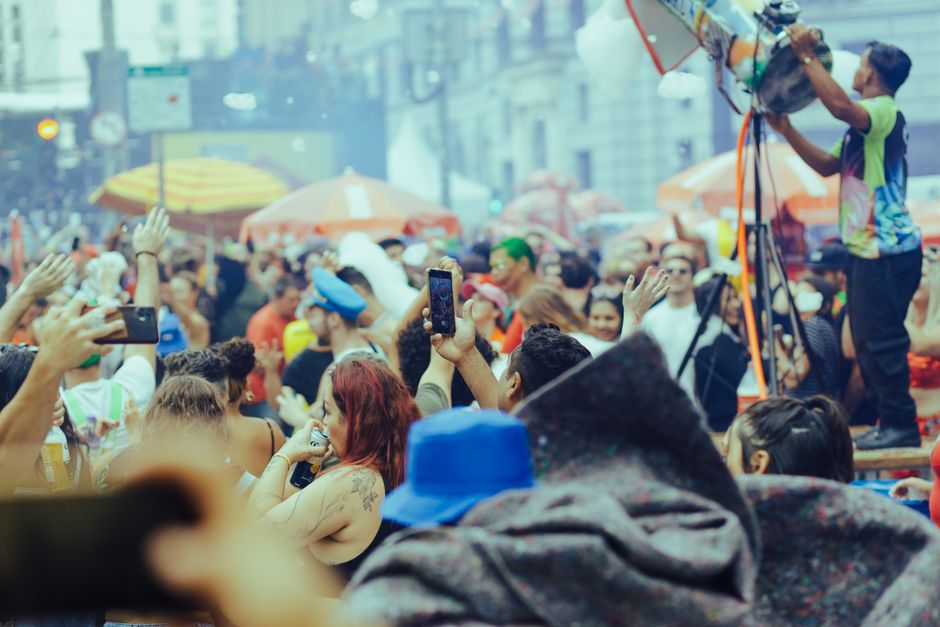
Use Canva (https://www.canva.com) to pull culturally relevant icons (e.g., lanterns for Chinese New Year). Then refine the layout in DesignLumo: keep text layers editable for translation via Shopify’s Langify app. Add a subtle parallax effect using Shopify’s Section Builder. Publish as the homepage hero and monitor bounce rate; a 10% reduction signals success. Pair the banner with a limited‑time “Free trial lesson” coupon to boost add‑to‑cart actions.
Live Class Spotlight Carousel
Generate three carousel slides in DesignLumo: each slide shows a live‑class thumbnail, instructor photo, and next‑session date. Export PNG layers, then import into Shopify’s Slideshow section. Add a “Register Now” button linked to the class product page. Use Google Analytics event tracking on button clicks; target ≥120 clicks per week. Rotate the carousel weekly to keep the content fresh and maintain a 3% higher engagement rate than static banners.
2. Conversion‑Focused Collection Headers
Level‑Based Course Grid Header
In DesignLumo, ask for a header with three color‑coded blocks labeled Beginner, Intermediate, Advanced, each with an icon representing proficiency. Export as a layered SVG, then embed in the collection template via Shopify’s Liquid code. Hook each block to its respective collection URL. After launch, compare collection page CTRs; a 12% lift versus the default header confirms the design’s impact. Update colors quarterly to align with brand kit changes.
Corporate Training Packages Header
Create a sleek header in Adobe Express (https://www.adobe.com/express) featuring a corporate‑style gradient and QR code linking to a downloadable brochure PDF stored in Shopify Files. Overlay the QR code with DesignLumo for crisp vector quality. Place the header on the “Corporate Training” collection page and monitor PDF download count via Shopify’s Events. Aim for 200+ downloads in the first month, signalling strong B2B interest.
Study‑Abroad Scholarship Highlight
Use DesignLumo to produce a badge‑style header: “Earn a $500 Scholarship – Apply Now”. Include a dynamic “remaining spots” count powered by a Shopify metafield updated via a simple script. Insert the header into the “Study Abroad” collection using a custom Liquid block. Track conversions with UTM‑tagged links; a 4% increase in scholarship applications validates the tactic.
3. Engaging Product Feature Images
Before‑After Fluency Slider
Create two side‑by‑side screenshots in DesignLumo: a learner’s speech recording before the course and after completing it, each with a caption. Export as PNG layers and upload to the Image Compare app (https://apps.shopify.com/image-compare). Add the slider to each course product page. Measure add‑to‑cart rate on pages with the slider versus control pages; a 7% lift indicates persuasive power.
Student Success Story Card
Collect a short testimonial and photo from a top‑performing student. Design a card in Canva, then import into DesignLumo to keep text layers editable for future updates. Place the card in the product media carousel and enable Shopify’s “Featured Media” option. Track average time on page; a 3‑second increase correlates with a 5% rise in enrollment clicks.
Interactive Language Tip Infographic
Prompt DesignLumo: “Create a 800×800px layered infographic showing 5 quick Spanish pronunciation tips, each tip in its own editable text box”. Export as a multi‑layer PDF, then upload to Shopify’s product page as a scroll‑triggered animation using the “Scroll Effects” app. Monitor scroll depth; aim for 60% of visitors reaching the last tip, which historically lifts course sign‑up rates by 4%.
4. Retention‑Driving Pop‑Ups
Exit‑Intent Discount for First Lesson
Design a pop‑up in DesignLumo with a bold 20% off badge and a clear CTA button. Connect the design to OptiMonk (https://www.optimonk.com) via its custom HTML option. Set the trigger to “exit‑intent” and target visitors who viewed a course page for >30 seconds. Track recovery rate; a 12% capture of abandoning users translates into a 3% overall enrollment increase.
Progress Milestone Celebration Pop‑Up

After a student completes a module, fire a Klaviyo (https://www.klaviyo.com) email‑triggered pop‑up using DesignLumo’s celebratory confetti animation. Include a “Book Next Level” button with a 10% loyalty discount. Measure repeat‑purchase rate within 14 days; a 5% uplift validates the milestone pop‑up’s effectiveness.
Cultural Event RSVP Pop‑Up

Create a bilingual RSVP pop‑up in DesignLumo (English/Spanish) featuring a festive illustration. Embed it via Tidio chat widget (https://www.tidio.com) on the homepage during event weeks. Capture email addresses directly into your Shopify customer list. Aim for 250+ RSVPs per event; each RSVP historically yields a 2% conversion to paid workshop enrollment.
Before you go
- Batch‑generate all graphics in DesignLumo using a single prompt template, then rename layers for quick localization.
- Leverage Shopify’s metafields to store dynamic numbers (e.g., seats left) and reference them in headers for real‑time urgency.
- A/B test every new banner or pop‑up for at least 7 days; use Shopify’s built‑in reports to compare conversion lift before scaling.















Ready to create your first design?
Join thousands creating professional designs in seconds.
Create with DesignLumo
Related Resources
Small Business Saturday Playbook for Language Schools
Tactical marketing and design guide for SB Saturday.
Language School Brand Assets Design Guide
Step‑by‑step tactics for logos, cards, letterheads, and brand kits.
YouTube Design Toolbox for Language Schools
Essential AI and classic tools to create YouTube graphics that drive enrollments.
Essential Digital Tools for Language School Growth
Top AI and marketing tools to boost enrollment and engagement for language schools.
Black Friday & Cyber Monday Design Playbook
Tactical design guide for language schools to dominate Black Friday sales.
Facebook Essentials for Language School Growth
Tactical tools and workflows to dominate Facebook for language schools.