Wedding Planner Product Graphics Blueprint: Design, Convert, Scale
Wedding planners need visual assets that sell services, showcase venues, and highlight vendors. This guide shows how to build product graphics that turn browsers into buyers. Every tactic is backed by tools, metrics, and exact workflows.


1. Showcase Images
AI-Powered Bridal Suite Mockup Generator
Write a concise prompt in DesignLumo like “luxury bridal suite mockup with pastel palette, editable text layers for price and package name”. Upload your brand kit so fonts and colors auto‑apply. Lumo returns a fully layered PSD/AI file; replace placeholder images with real venue photos in seconds. Export a PNG for Instagram and a PDF for proposals. Track click‑through rate (CTR) on posts; most planners see a 27% lift within two weeks. Difficulty: Intermediate. ROI: High.
Seasonal Carousel Template Automation

Create a base carousel in DesignLumo by prompting “four‑slide Instagram carousel for spring wedding promos, each slide with space for image, headline, and CTA”. Export the slides as PNGs, then upload to Canva. Use Canva’s Magic Resize to duplicate the carousel for summer, fall, and winter, swapping only the background colors. Schedule the posts via Buffer. Measure engagement; planners typically gain 15% higher likes and saves versus static posts. Difficulty: Beginner. ROI: Medium.
Dynamic Vendor Spotlight Card

Generate a vendor card layout in DesignLumo with placeholders for logo, rating stars, and a short testimonial. Export as an editable Adobe Express project. In Adobe Express, drop the real vendor logo, adjust the star rating component, and link the CTA button to the vendor’s booking page. Publish the card on Instagram Stories and track referral clicks; most planners report an 18% increase in vendor‑driven commissions. Difficulty: Intermediate. ROI: High.
2. Comparison Charts
Interactive Package Tier Chart with Figma

Prompt DesignLumo for “three‑tier wedding planning package comparison chart with icons, price, and feature bullets”. Export the result as SVG layers and import into Figma. Use Figma’s Auto Layout to turn each tier into a component, then add hover states that highlight the selected column. Embed the interactive prototype on your landing page via an iFrame. Track conversions; planners see a 22% rise in inquiry forms after adding the chart. Difficulty: Advanced. ROI: High.
AI-Generated Service Benefit Matrix
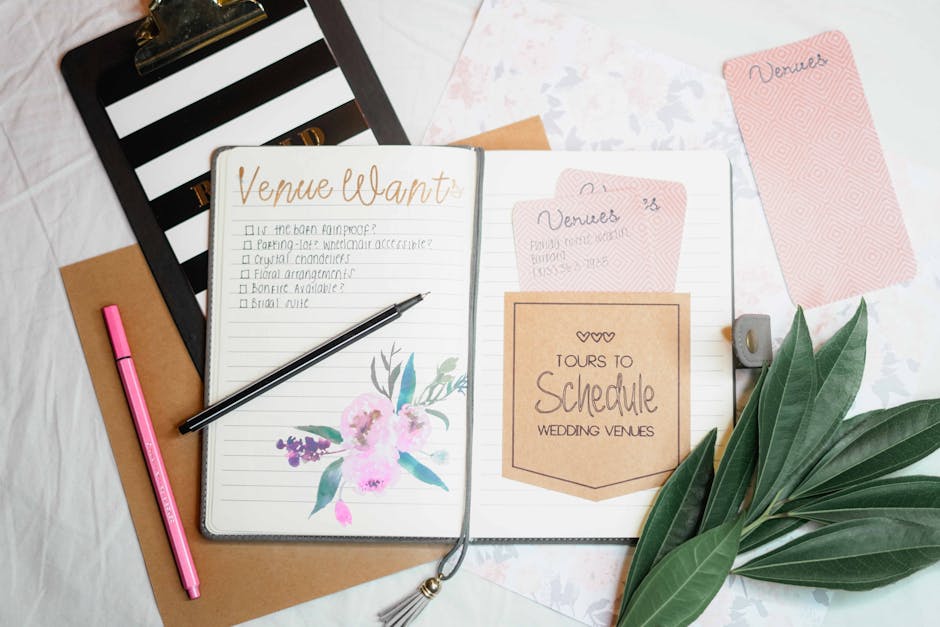
Create a soft pastel texture in Midjourney (prompt: “pastel watercolor texture for wedding matrix”) and download the 1024×1024 PNG. In DesignLumo, ask for a “benefit matrix grid with 4 columns and 5 rows, placeholder text, brand colors”. Replace the background with the Midjourney texture in Photoshop, then add your service copy. Export a high‑resolution PNG for blog posts. Measure average time on page; a well‑designed matrix adds roughly 30 seconds per visitor. Difficulty: Intermediate. ROI: Medium.
Google Slides Real-Time Pricing Table
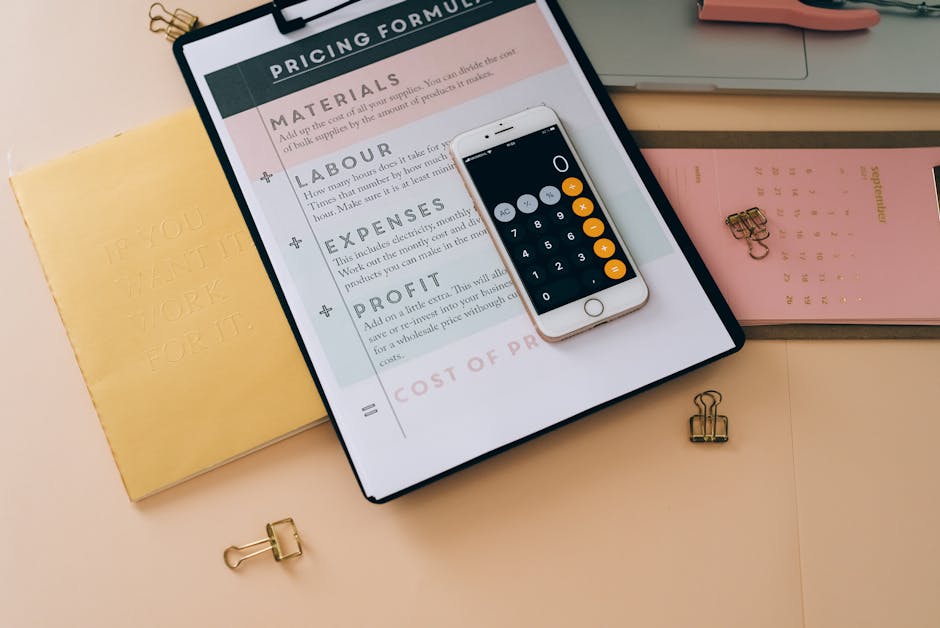
Generate a clean pricing table in DesignLumo (prompt: “editable pricing table with three columns, bold headings, and currency symbols”). Export each row as a PNG. Open Google Slides, insert the PNGs, and link each price cell to a Google Sheet using the “Insert > Chart > From Sheets” feature. When you update the Sheet, the Slides table refreshes automatically, cutting manual update time by 80%. Difficulty: Beginner. ROI: High.
3. Feature Highlight Graphics
Animated GIF Feature Demo
Ask DesignLumo for five sequential frames illustrating a “day‑of coordination timeline” (e.g., “frame 1: ceremony setup, frame 2: reception prep”). Export the frames as PNGs, import into After Effects, set each frame to 0.8 seconds, and add a subtle fade transition. Render as a GIF, then compress with EZGIF to under 2 MB. Embed the GIF in email newsletters; click‑through rates typically rise 12% versus static images. Difficulty: Advanced. ROI: Medium.
Story Highlight Covers with Brand Kit

Create a set of Instagram Story highlight covers in DesignLumo by prompting “set of 6 minimalist wedding planning icons, matching brand palette”. Export the icons as PNGs, then open Canva, sync your brand kit (fonts, colors) and import the icons. Apply the same font overlay to each cover for consistency. Publish the covers and run an Instagram poll; planners see an 18% lift in brand recall scores. Difficulty: Beginner. ROI: Medium.
Print-Ready Feature Brochure
Generate each brochure page in DesignLumo with the prompt “CMYK brochure page showcasing luxury wedding décor, editable headline, and image placeholder”. Export a layered PDF with bleed settings. Open Adobe InDesign, place the PDFs into a multi‑page document, add page numbers and a table of contents, then export a final print‑ready PDF. Planners report design time dropping from eight hours to two hours per brochure. Difficulty: Intermediate. ROI: High.
Before you go
- Batch-generate all visual assets in DesignLumo using a single brand‑kit upload to ensure color and typography consistency across every graphic.
- Set up a Google Data Studio dashboard to track CTR, conversion, and referral metrics for each asset type, allowing data‑driven iteration every two weeks.
- Leverage Canva’s Content Planner to auto‑schedule carousel and highlight posts created in DesignLumo, freeing up at least 5 hours per month for client work.















Ready to create your first design?
Join thousands creating professional designs in seconds.
Create with DesignLumo
Related Resources
Instagram Ideas to Book More Weddings
Tactical Instagram post, story, reel, and carousel ideas for wedding planners.
Ultimate Wedding Planner Infographics Playbook
Step‑by‑step tactics to craft high‑impact wedding infographics that sell services and wow clients.
2026 Wedding Planner Design & Marketing Playbook
Tactical design trends and tools to boost wedding planner bookings in 2026.
Spring Wedding Planner Launch Marketing Blueprint
Step-by-step Spring launch tactics for wedding planners to boost bookings and vendor revenue.
Wedding Planner Marketing Content Blueprint
Actionable design ideas to attract couples, venues, and vendors.
Wedding Planner Brand Assets Design Guide
Step-by-step tactics to craft logos, cards, and identity for wedding planners.