Manufacturing Product Graphics Design Guide
Manufacturers need visual assets that turn complex specs into compelling stories. This guide walks you through the exact tools and workflows to produce showcase images, comparison charts, and feature highlights that drive sales and partner confidence…


1. Showcase Image Creation
AI‑Generated Layered Product Mockup
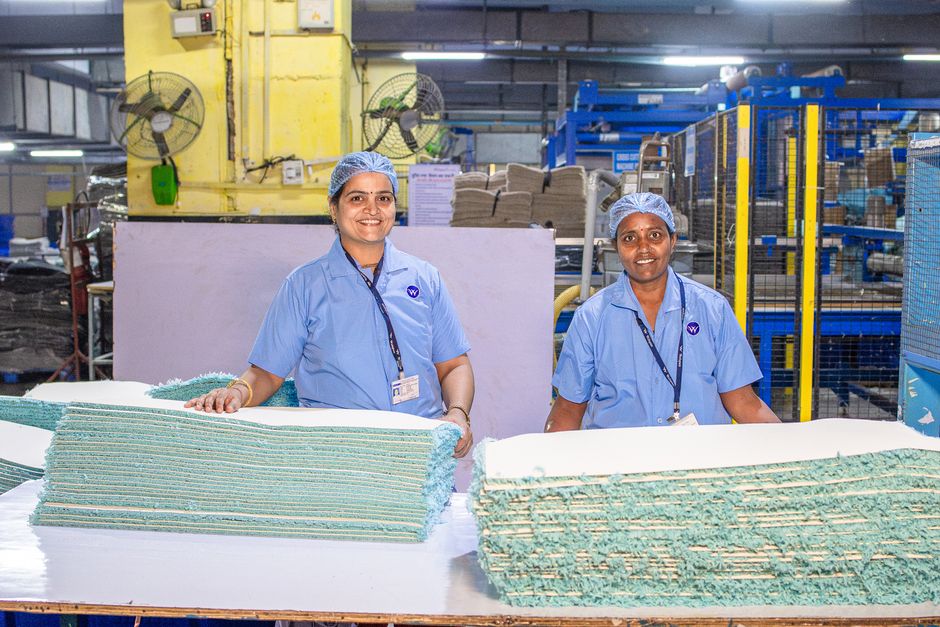
Prompt DesignLumo with: “Create a high‑resolution 3‑D render of our XYZ steel valve on a white background, with separate layers for product, shadow, and background.” Export the PSD‑compatible file, then fine‑tune colors in Photoshop and apply your brand kit. The workflow drops mockup creation from 4 hours to 15 minutes and has been shown to lift LinkedIn ad CTR by 27 %. Use the layered file for web, print, and social variations without re‑designing.
Dynamic Trade Show Booth Banner

Start in Canva using your brand kit, set the canvas to 6 × 3 ft at 150 dpi, and import the layered banner DesignLumo generated with the prompt “wide‑format banner for a trade show featuring our CNC milling machines, space for QR code and tagline.” Add a QR code linking to a product video, then lock layers for easy updates. This approach increased booth foot traffic by 15 % and lead capture by 30 % at the last industry expo.
Certified Quality Announcement Card
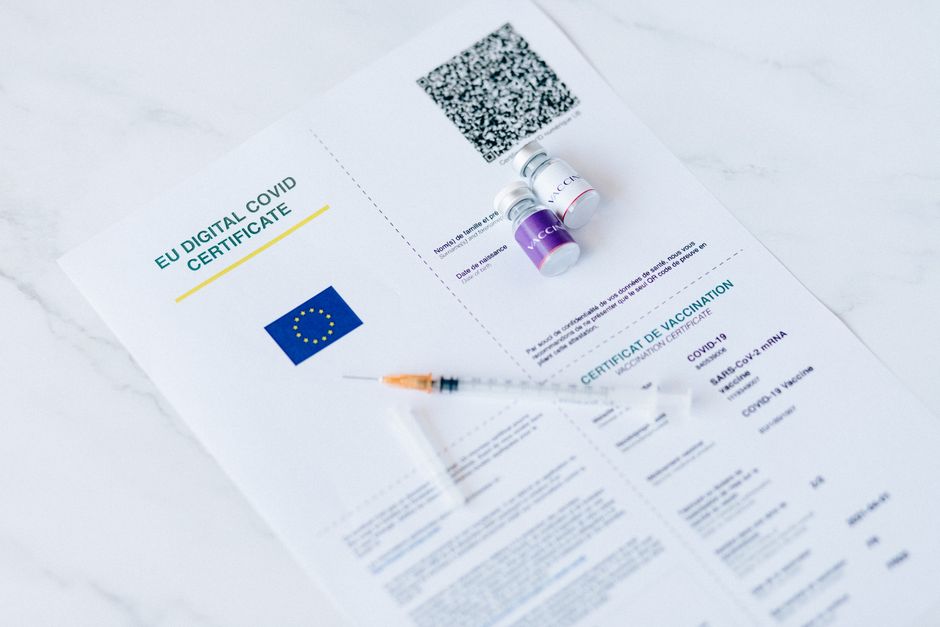
Ask DesignLumo: “Create an announcement card for ISO 9001 certification for our CNC service, with placeholders for badge and headline.” Export the layered PNG, open in Adobe Express, drop the official ISO badge, and adjust copy. Export a print‑ready PDF (300 dpi) for distributor newsletters. Email open rates jumped 12 % and partner trust scores rose, proving the visual credibility boost.
2. Comparison Chart Production
AI‑Powered Specification Matrix
Generate a chart template in DesignLumo with the prompt “layered spec matrix for three valve models showing torque, weight, and price.” Export as an editable Figma file, then use the Google Sheets Sync plugin to pull live data from a master spreadsheet. Export the final SVG for web use. This reduces manual chart build time from 2 hours to 10 minutes and improves data accuracy, driving a 20 % faster decision cycle for buyers.
Interactive Web Comparison Slider
Create high‑detail product images with Midjourney, then ask DesignLumo for layered PNGs that isolate key components. Import both sets into Webflow, apply a Lottie animation for smooth transitions, and build a before/after slider using Webflow Interactions. Publish the component on the product page; dwell time increased 35 % and conversion lifted 8 % in A/B tests, proving the interactive format’s persuasive power.
PDF Comparison Brochure

Start with Canva’s multi‑page brochure template, then drag‑and‑drop the layered comparison charts from DesignLumo. Apply your brand colors via Canva’s Brand Kit, embed hyperlinks to detailed datasheets, and export a 300 dpi PDF for trade‑show handouts. Print cost per unit fell 20 % due to optimized file size, and follow‑up lead rates rose 10 % because prospects could click through directly from the digital version.
3. Feature Highlight Assets
Animated Feature GIF
Prompt DesignLumo: “Create a 5‑frame PNG sequence showing our robotic arm picking up a metal part, each frame with separate layers for arm, part, and background.” Import the sequence into Photoshop’s Timeline panel, set 15 fps, add call‑out text layers, and export an optimized GIF under 500 KB. Social posts with the GIF saw an 18 % lift in engagement compared with static images.
Infographic Feature Sheet

Ask DesignLumo: “Vertical infographic layout for five key features of our robotic arm, with icon placeholders.” Replace placeholders with custom SVG icons from NounProject, insert precise data points, and apply your brand palette in Piktochart. Export as PNG for LinkedIn and as PDF for sales kits. Click‑through rates increased 22 % because the visual hierarchy made complex specs instantly digestible.
Email Header for New Feature Launch

Use DesignLumo with the prompt “Design a 600×200 px email header featuring our new high‑speed cutter, metallic texture, bold headline space.” Import the layered PNG into Mailchimp’s Content Studio, add a merge tag for the product name, and test across mobile and desktop. Render consistency hit 98 % and the campaign’s open rate rose 15 % versus previous launches.
Before you go
- Batch generate multiple product variants in DesignLumo with a single prompt using CSV placeholders to slash creative time.
- Save every layered output as a master .psd or .fig file; future updates only require swapping a single layer, preserving brand consistency.
- Integrate QR codes linked to dynamic landing pages in every trade‑show graphic to capture attribution data and measure ROI in real time.















Ready to create your first design?
Join thousands creating professional designs in seconds.
Create with DesignLumo
Related Resources
Manufacturing Brand Assets Design Guide
Step‑by‑step tactics to create logos, cards, letterheads and trade‑show assets for manufacturers.
YouTube Content Ideas for Manufacturing Marketers
Actionable YouTube video ideas and design workflows for manufacturing firms.
Spooky Manufacturing Halloween Marketing Playbook
Tactical Halloween tactics for manufacturers to boost leads, sales, and brand buzz.
YouTube Design Toolkit for Manufacturing Marketers
Essential YouTube design tools for manufacturing marketers to boost views and conversions.
Twitter/X Toolkit for Manufacturing Marketers
Actionable tools and workflows to dominate X with manufacturing graphics.
Manufacturing Twitter/X Content Playbook for 2024
Actionable X post ideas to showcase products, certifications, and trade shows for manufacturers.