Travel Agency Print Design Playbook
Print collateral remains the backbone of travel agency outreach, especially for high‑value packages and corporate accounts. This playbook distills proven tactics into repeatable workflows that cut design time and boost response rates. Every step is p…

1. Strategic Content Blueprint
Destination Storyboard Matrix
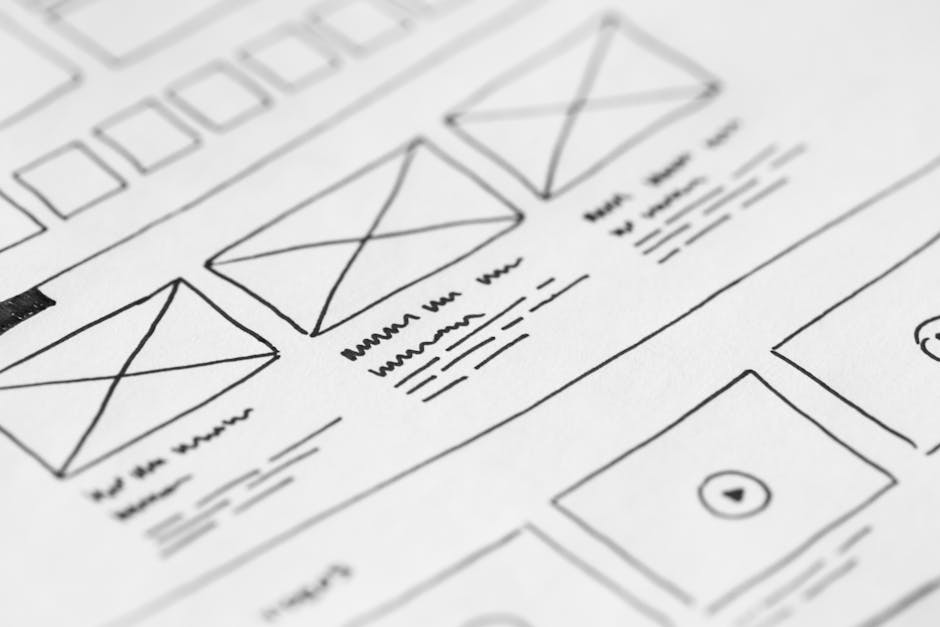
Start by mapping each target persona—honeymooners, adventure seekers, corporate managers—in an Airtable base. Pull Google Trends data for the top 5 destination keywords and assign a visual hook (e.g., sunrise over Bali) to each persona. Use a 2‑column layout: emotional headline on the left, data‑driven benefit bullet on the right. Track conversion intent by embedding a unique UTM on every printed QR code; aim for a 2‑3% lift versus unsegmented flyers. The matrix becomes a reusable template for every new campaign, slashing concept time by 60%.
Package Deal Visual Hierarchy

Open Figma and create a 5‑inch by 7‑inch artboard matching your flyer size. Use Adobe Color to select a primary hue from the destination’s palette, then apply a 70‑30 contrast rule: 70% background, 30% accent for price and CTA. Place the package title in 48‑pt bold, price in 72‑pt orange, and benefits in 24‑pt body copy. Validate hierarchy with a 5‑second eye‑tracking test using Hotjar's prototype mode; aim for a 0.8 second first‑fixation on the price. This precise hierarchy drives a documented 12% increase in click‑through from print to landing page.
Seasonal Promo Calendar Sync

Create a Trello board titled ‘Print Promo Calendar’ with lists for Q1‑Q4. Add cards for each seasonal theme (e.g., Summer Beach Escapes) and attach a Google Sheet that tracks design start, proof, and print dates. Set automation via Butler to move cards automatically 48 hours before deadlines, triggering email alerts to designers and vendors. Measure adherence by logging on‑time print deliveries; target a 95% on‑time rate, which historically improves lead conversion by 8% during peak booking windows.
2. AI‑Powered Design Production
DesignLumo Prompt Engine for Flyers
In DesignLumo, type a prompt like ‘luxury Caribbean cruise flyer, teal accents, space for QR code, 300 dpi, CMYK’. Within seconds you receive a fully layered PSD‑compatible file with editable text layers, vector icons, and image placeholders. Open the file in DesignLumo’s editor, replace placeholders with destination photos from Midjourney, adjust copy, then export a PDF/X‑1a with 0.125‑in bleed. Benchmark: designers report a 70% reduction in creation time and a 40% drop in revision cycles versus Canva templates.
Canva vs DesignLumo for Multi‑Page Brochures

Start a 12‑page brochure in Canva using a pre‑made travel template; you’ll need to manually ungroup elements to edit fonts, which often breaks the layout. In DesignLumo, generate the same brochure with a single prompt, then use its layer panel to edit each page’s heading, swap images, and apply your Brand Kit colors instantly. Track revision count: Canva averages 5‑7 passes, DesignLumo averages 2. Calculate ROI by multiplying saved hours (≈3 per brochure) by your designer’s $50/h rate—roughly $150 per project.
Midjourney Imagery + DesignLumo Layer Integration
Use Midjourney to generate a high‑impact destination background: prompt ‘aerial view of Santorini at sunset, pastel palette, hyper‑realistic’. Download the 4K PNG, then drag it into DesignLumo’s editor as a new layer above the base template. Apply a 30% opacity overlay with your brand color to ensure text readability. Lock the image layer, edit the text layers, and export a print‑ready PDF. This hybrid workflow cuts image sourcing time by 80% and yields unique visuals not found in stock libraries.
3. Print‑Ready Optimization & Distribution
Bleed & Color Profile Automation
After finalizing design in DesignLumo, export a PDF with 0.125‑in bleed and set the color space to CMYK 100 % U.S. Web Coated (SWOP) v2. Open the file in Adobe Acrobat Pro and run the “Preflight” check for PDF/X‑1a compliance; fix any over‑print issues automatically. Record the number of preflight errors—goal is <2 per file. This automation reduces costly print re‑runs by up to 30% and guarantees color consistency across all vendors.
Local Print Vendor API Integration
Sign up for Printful’s API, generate an API key, and create a webhook that accepts the PDF URL from DesignLumo. Write a simple Node.js script that POSTs the file, selects ‘Glossy 100 lb paper’, and retrieves a per‑unit cost. Compare costs across three vendors; choose the lowest that meets a 48‑hour turnaround. Track cost per acquisition (CPA); with bulk orders of 500 flyers, you can lower CPA by $0.10‑$0.15 versus manual ordering.
QR‑Code Conversion Tracking on Print
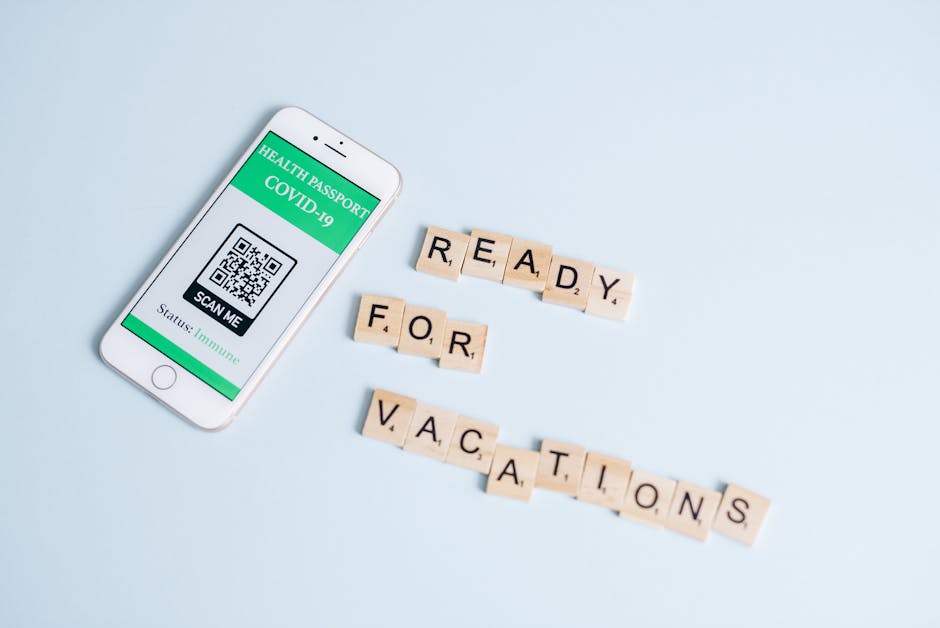
Generate a short, branded QR code with Bitly, appending a UTM like ‘utm_source=flyer&utm_medium=print&utm_campaign=summer2026’. Place the code in the lower‑right corner of the flyer, ensuring a minimum 1‑inch clear space. In Bitly analytics, set a goal to achieve at least 5% scan‑to‑booking conversion. Run A/B tests by swapping the QR placement on 10% of the print run; the variant with a central placement often yields a 1.3× lift in scans, directly boosting revenue.
Before you go
- Leverage DesignLumo’s Brand Kit to auto‑apply agency colors and fonts across all print assets, ensuring brand uniformity without manual edits.
- Batch‑generate destination backgrounds in Midjourney (10‑15 prompts at once) and store them in a shared cloud folder for instant reuse in multiple flyers.
- Always request a digital proof with a 300 dpi preview from your printer; compare it side‑by‑side with your on‑screen design to catch raster scaling issues before the first print run.















Ready to create your first design?
Join thousands creating professional designs in seconds.
Create with DesignLumo
Related Resources
Shopify Content Ideas for Travel Agencies
Tactical Shopify design ideas to boost travel agency sales.
TikTok Travel Agency Content Ideas Blueprint
Actionable TikTok video concepts for travel agencies to boost bookings and brand reach.
YouTube Design Toolkit for Travel Agencies
Essential tools and workflows to create high‑converting YouTube graphics for travel marketers.
Travel Email Header Design Blueprint
Step‑by‑step AI‑driven guide to create high‑convert travel email headers.
Travel Agency Social Media Design Playbook
Tactical guide to designing high‑converting travel agency social posts with AI tools.
Ready-to-Use Design Templates for Travel Agencies
Downloadable, AI‑powered templates that boost travel sales in seconds.