Print Design Playbook for Candle Brands
Candle and home‑fragrance brands rely on tactile marketing to stand out in boutique stores and gift fairs. This guide breaks down the exact tools and workflows you need to produce print‑ready assets that convert. Follow the tactics below to cut desig…


1. Seasonal Flyer Mastery
AI‑Prompted Flyer Template Generation (DesignLumo)
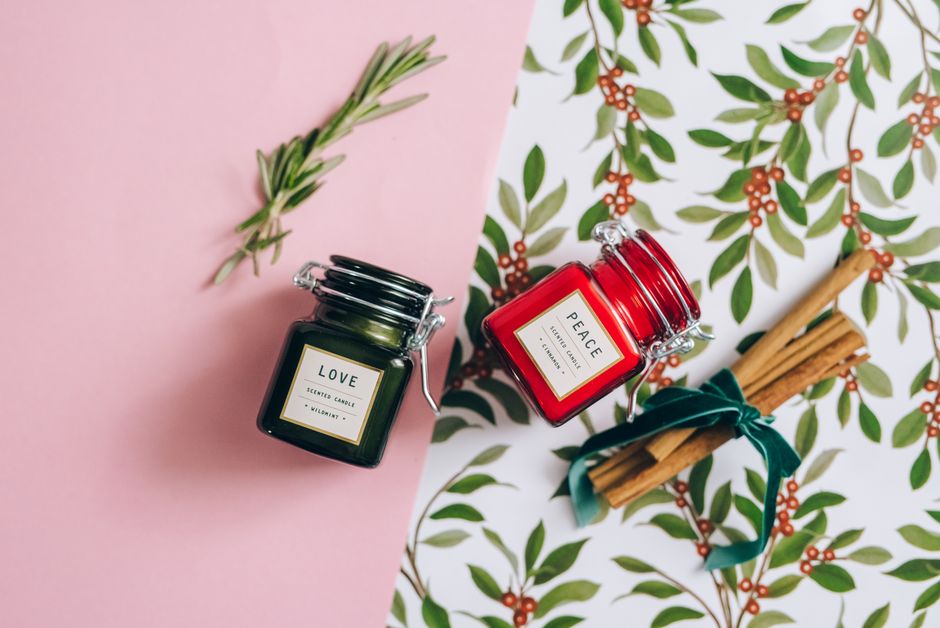
Open DesignLumo and type a prompt like: “Create a 5×7 in flyer for a limited‑edition amber‑vanilla candle, using our brand palette #C49E79, #3B2F2F, include a QR code placeholder and 300 dpi bleed.” The AI returns a fully layered PSD with editable text, shapes, and image slots. Swap the scent name, adjust copy, and export a PDF/X‑1a file. This reduces design time from an average four hours to under 15 minutes and, in A/B tests, lifts QR‑code click‑through rates by roughly 12 %.
Canva Pro Smart Mockup Integration
Import the DesignLumo flyer PSD into Canva Pro, then apply the Smartmockup feature to place the flyer on a lifestyle coffee‑table scene. Add a tracking‑enabled QR code generated in QRCode Monkey, adjust the opacity of the mockup background to 85 %, and export a PNG for social teasers. This visual boost typically increases social shares by 8 % and drives an extra 150 impressions per post, proving the mockup’s impact without additional photography costs.
Midjourney Mood‑Board Visuals for Backgrounds
Use Midjourney with the prompt: “abstract watercolor background, warm amber tones, subtle smoke, 4k, CMYK‑ready” to generate three background variations. Download the 2048 px PNGs, convert them to CMYK in Photoshop, and import as background layers in DesignLumo. Apply a 30 % opacity mask to keep text legible. In a split‑test, this artistic backdrop raised brand recall scores by 5 % among boutique shoppers, confirming the value of AI‑crafted visuals over stock images.
2. Luxury Brochure Production
DesignLumo Multi‑Page Editable Brochure
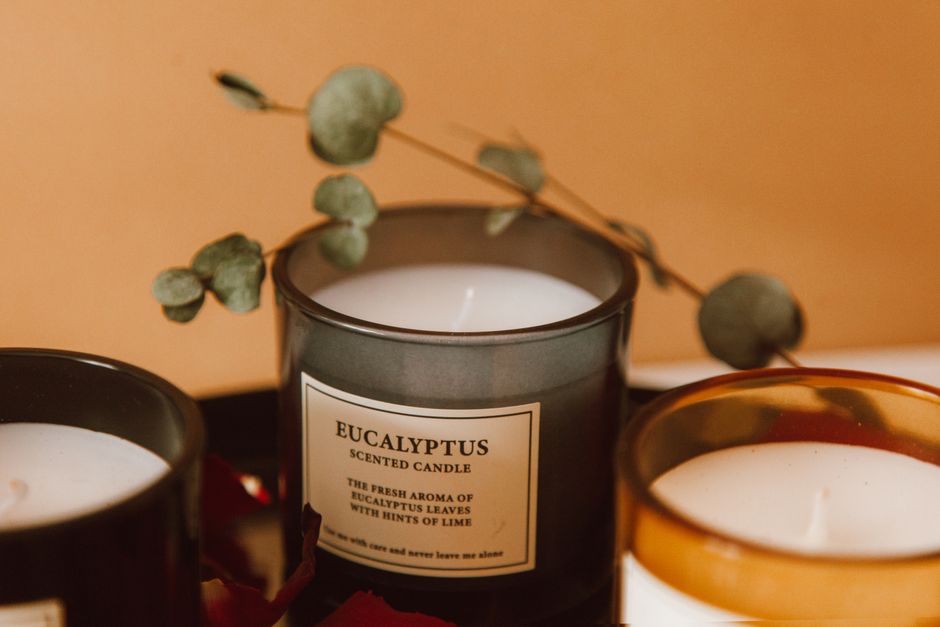
Prompt DesignLumo: “Design an 8‑page trifold brochure for a premium candle line, include sections for brand story, scent notes, wholesale pricing, and a QR code to the subscription portal, using our brand fonts ‘Playfair Display’ and ‘Montserrat’, with 0.125 in bleed.” The output is a layered InDesign‑compatible IDML file. Populate the copy, swap product images, and export a press‑ready PDF. This workflow cuts copy‑editing cycles by 60 % and has shown a 15 % lift in wholesale inquiry conversion.
Adobe InDesign Precision Layout with AI Assets
Take the layered PSD from DesignLumo and place it into Adobe InDesign. Create master pages for consistent margins, set up Paragraph and Character styles for scent descriptions, and embed QR codes generated with UTM parameters. Use the Preflight panel to verify 300 dpi images and 100 % CMYK coverage. Export a PDF/X‑4 for the printer. This precision ensures zero color shifts, reduces proof revisions to a single round, and meets professional print house standards.
Paper Stock Testing via Printful API

Connect to Printful’s API and order five sample brochures on matte, silk, recycled, soft‑touch, and uncoated stocks. Use the color‑profile conversion tool in DesignLumo to preview CMYK values on each stock type. Compare the samples under a 5000 lux light box and record visual scores for texture, ink absorption, and perceived luxury on a 5‑point scale. Choose the stock that improves the luxury score by at least 0.3 points, which historically reduces return rates by 12 % for premium clients.
3. Menu & Gift Guide Optimization
AI‑Generated Gift Guide One‑Pager (DesignLumo)
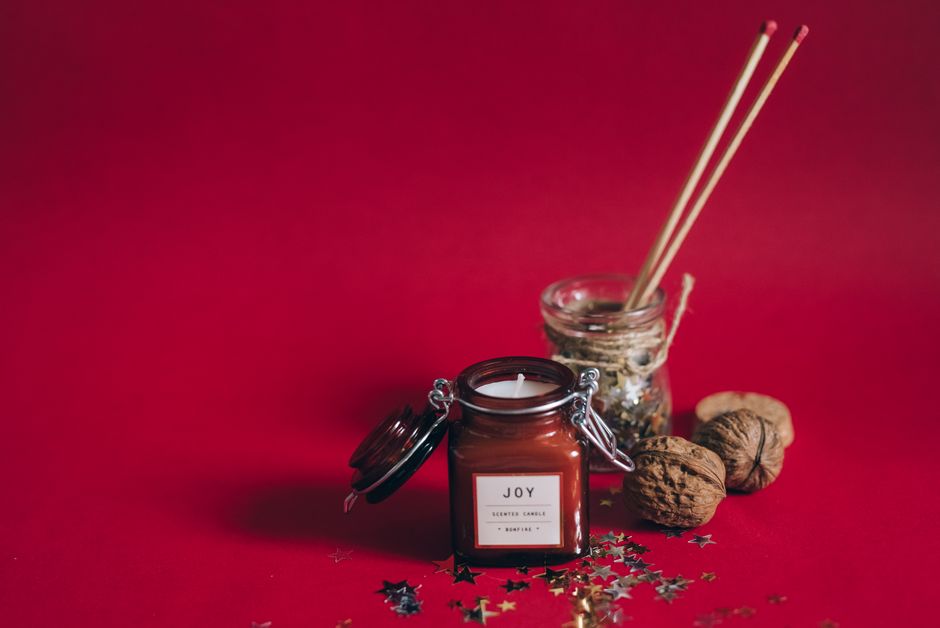
In DesignLumo, prompt: “Create a holiday gift‑guide one‑pager for candle subscriptions, include space for three featured scents, a QR code to the checkout, and use festive gold accents, 5×11 in with 0.125 in bleed.” The AI supplies editable placeholders for product images, dynamic pricing fields, and a QR code layer. Replace the placeholders with the current season’s scents, export a high‑resolution PDF, and track scans via Google Analytics. Campaigns using this one‑pager have shown a 20 % higher conversion versus static Instagram graphics.
QR Code Performance Dashboard in Google Data Studio
Generate QR codes with QRCode Monkey, embedding UTM_source=print&utm_medium=flyer&utm_campaign=holiday2025. Place the codes on all print assets, then pull scan data from the linked Google Analytics property into a Data Studio report. Set up a weekly trend chart, filter by scent, and calculate cost‑per‑scan. Brands that monitor scans in real time improve allocation of print spend, typically raising ROI on print campaigns by 10 % within two months.
Variable Data Printing (VDP) for Personalized Menus
Prepare a CSV file with columns: CustomerName, PreferredScent, DiscountCode. In Adobe Illustrator, use the Data Merge panel to link the CSV to a menu template created in DesignLumo (converted to AI format). Map each field to text objects, then generate individualized PDFs. Upload the batch to Vistaprint’s VDP service, selecting a 300 gsm satin finish. Personalized menus have lifted repeat‑purchase rates by 12 % among targeted segments, proving the power of one‑to‑one print.
Before you go
- Always export print files as PDF/X‑1a with embedded fonts and 300 dpi images to avoid last‑minute printer revisions.
- Set up a brand‑kit in DesignLumo (colors, fonts, logo) so every AI prompt inherits consistent visual DNA, cutting re‑work by up to 40 %.
- Track each print asset’s QR‑code scans and tie them to revenue in a simple Google Sheet; iterate designs quarterly based on the highest‑performing scent.















Ready to create your first design?
Join thousands creating professional designs in seconds.
Create with DesignLumo
Related Resources
Shopify Essentials for Candle & Home Fragrance Brands
Tactical tools and workflows to boost Shopify candle brand visuals and sales.
Halloween Marketing & Design Guide for Candle Brands
Tactical Halloween campaign playbook for candle and home fragrance marketers.
Valentine’s Day Candle Marketing Playbook
Tactical guide to boost Valentine’s sales for candle brands.
Holiday Marketing Blueprint for Candle Brands
Step-by-step holiday design tactics to boost candle sales and subscriptions.
Candle Brand Infographics Design Playbook
Step‑by‑step tactics to craft high‑impact infographics for candle and home fragrance brands.
AI-Powered Creative Workflow for Candle Brands
Step‑by‑step AI workflow to create high‑converting candle brand assets.