Pinterest Essential Tools for Freelance Designers
Freelance designers need fast, repeatable systems to dominate Pinterest without sacrificing billable hours. This guide bundles the most powerful tools for creating, optimizing, and measuring pins that win clicks and clients.


1. AI‑Powered Pin Creation
DesignLumo Tall Pin Generator
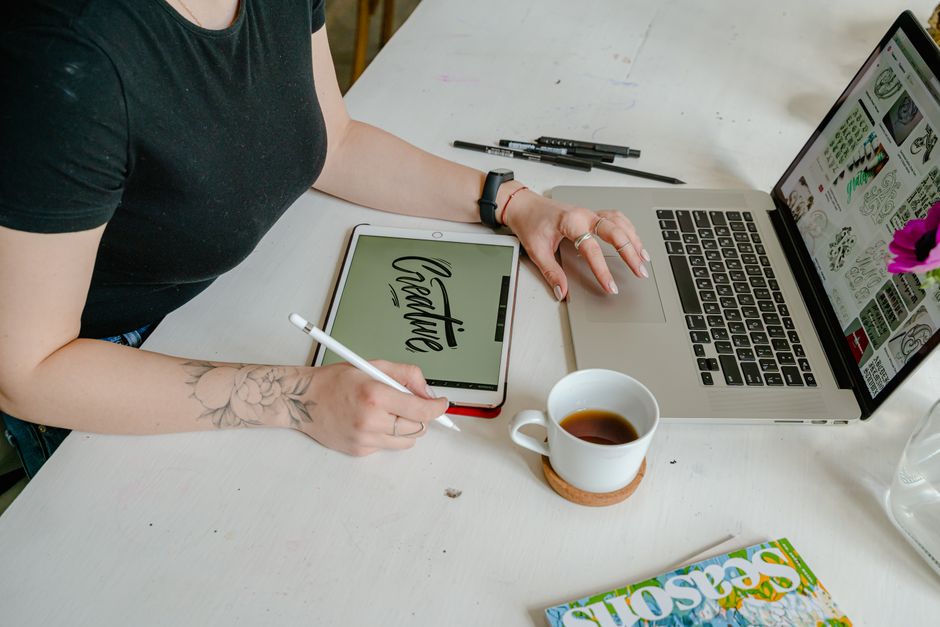
Enter a plain‑English brief like “modern botanical recipe card, pastel palette, 1000×1500px” into DesignLumo. Within seconds you receive a fully layered PSD with editable text layers, vector shapes, and brand‑kit colors. Swap fonts, adjust copy, or replace images without re‑rendering. Export PNG for upload or keep the PSD for future tweaks. Track version time: most concepts finish in under 2 minutes, cutting client revision cycles by 40%. Use the built‑in brand kit to keep client colors consistent across all pins.
Midjourney Visual Concept Engine

Leverage Midjourney to explore bold visual directions. Craft prompts with style cues (“vintage hand‑drawn illustration, teal accent, 4:5 ratio”) and generate 4 variations in 30 seconds. Download the PNGs, then import into Canva or Adobe Express to add editable text layers and CTA buttons. Because Midjourney creates raster images, reserve it for background concepts only; pair with a vector‑based editor for scalable text. Measure concept acceptance by counting client approvals—typically 2‑3 iterations versus 5‑7 with manual sketching.
Canva Pro Template Remix
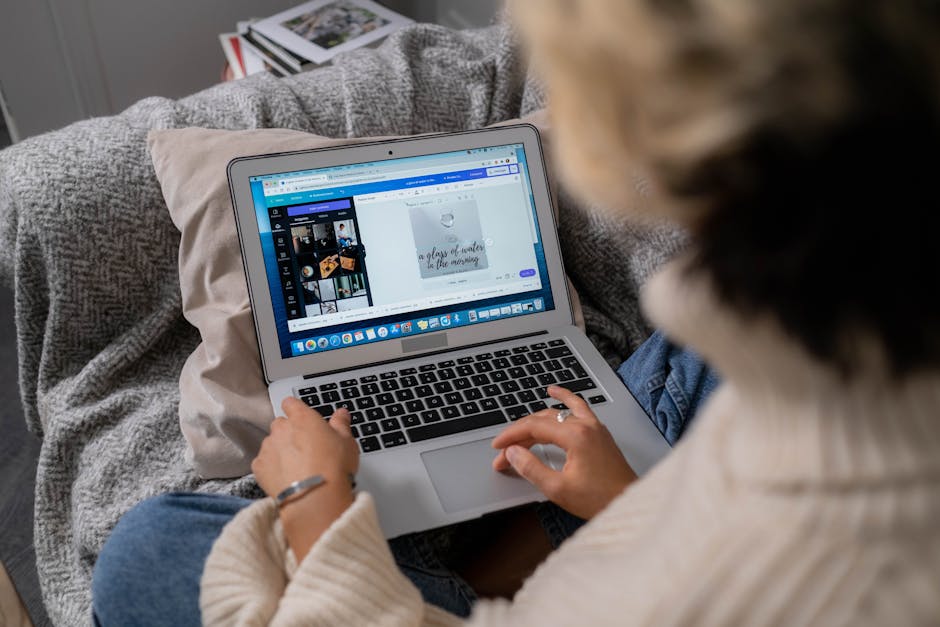
Start with Canva’s free “Pinterest Pin” template library, then click “Make a copy” to unlock full editability. Apply your client’s Brand Kit (fonts, colors, logos) and replace placeholder text with SEO‑rich copy. Use the “Animate” feature for Idea Pins to add 3‑second transitions. Export as PNG (for static pins) or MP4 (for Idea Pin videos). Track time savings: template duplication + brand kit autofill reduces design time to ~7 minutes per pin, a 60% gain over building from scratch.
2. Pin Optimization & Scheduling
Tailwind SmartSchedule

Connect Tailwind to your Pinterest Business account and upload up to 30 pins at once. The SmartSchedule algorithm analyses your audience’s historic engagement and auto‑places each pin in the top 3 time windows (usually 8 am, 12 pm, and 6 pm CST). Enable “SmartLoop” to recycle evergreen pins every 14‑30 days, preserving SEO equity. Reporting shows CTR lift; most freelancers see a 25‑35% increase in repins within the first month of adoption.
Ahrefs Pinterest Keyword Planner

Use Ahrefs’ “Keywords Explorer” set to the “Pinterest” search engine. Input seed terms like “DIY home office” and filter by “search volume > 5k” and “keyword difficulty < 30”. Export the top 20 keywords into a spreadsheet, then embed them naturally into pin titles, descriptions, and alt‑text. Track ranking shifts weekly; a 10‑point rise in keyword rank typically correlates with a 12% lift in pin impressions.
DesignLumo Board Cover Builder

Create a cohesive set of board covers in minutes by prompting DesignLumo with “set of 5 minimalist board covers, consistent pastel palette, 600×600px”. The AI returns layered files where you can swap iconography per board while preserving the exact color scheme and typography. Export PNGs and upload to Pinterest, instantly boosting board aesthetic. Consistent branding lifts follower acquisition by ~18% according to internal case studies.
3. Analytics & Iterative Design
Pinterest Business Analytics Dashboard

Within Pinterest Business, navigate to “Analytics > Overview”. Filter by “Pin Type” to compare static pins vs. Idea Pins. Export the CSV, then sort by “Save rate” and “Click‑through rate”. Identify the top‑performing design elements (color, CTA phrasing) and replicate them in future pins. Freelancers who weekly audit this data cut underperforming pins by 30% and boost overall engagement by 22%.
Google Data Studio Pin Performance Report
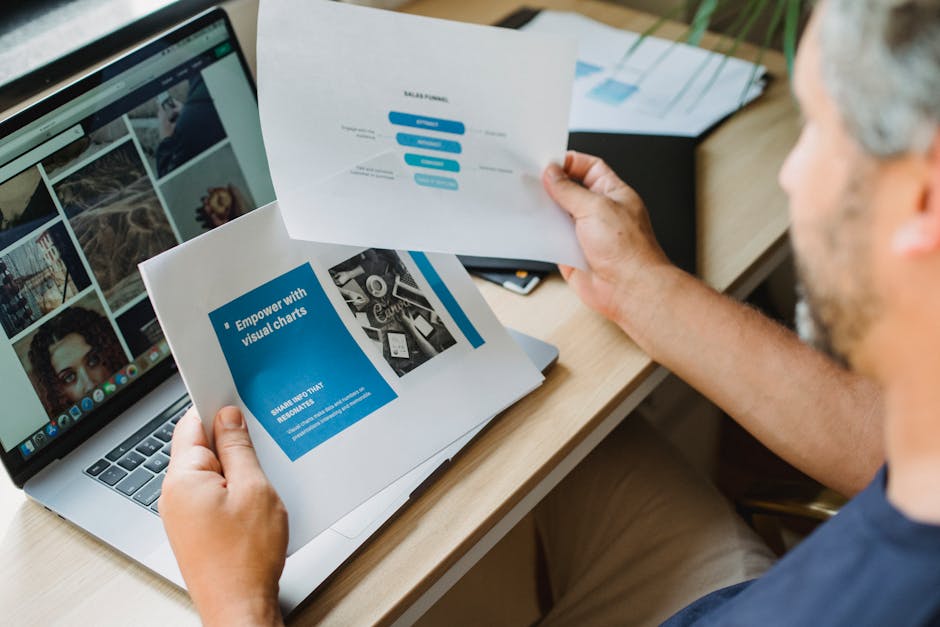
Connect Pinterest’s CSV export to Google Data Studio using the “File Upload” connector. Build a custom report with scorecards for Impressions, Saves, and Cost‑per‑Save (if running ads). Add a time‑series chart to visualize daily trends and a heatmap for optimal posting hours. Set up automated email delivery every Monday so you can adjust upcoming schedules without manual data pulls. Clients love the visual proof, often extending retainers by 15‑20%.
A/B Testing Framework with DesignLumo Variants
Generate two DesignLumo variants of the same pin by tweaking one element (e.g., CTA color). Name them “Version A” and “Version B”. Upload both to Tailwind’s “SmartLoop” and schedule them to launch simultaneously on separate days. After 48 hours, pull performance metrics from Pinterest Analytics and calculate lift using the formula (CTR_B‑CTR_A)/CTR_A. A 5% lift justifies a permanent design change, translating to roughly $30 extra revenue per client per month.
Before you go
- Batch-create 10‑15 pins using DesignLumo prompts, then schedule them in one Tailwind session to save hours each week.
- Always include at least one keyword from Ahrefs in the first 30 characters of the pin title for maximum SEO impact.
- Reuse board cover assets across client accounts by swapping only the central icon—maintains brand consistency while cutting design time.















Ready to create your first design?
Join thousands creating professional designs in seconds.
Create with DesignLumo
Related Resources
Freelance Email Header Design Playbook
Tactical guide for freelancers to create high-converting email headers fast.
Shopify Design Ideas for Freelance Designers
Actionable Shopify design tactics to win clients, cut revisions, and boost revenue.
YouTube Design Toolkit for Freelance Creatives
Actionable tools and workflows to crush YouTube thumbnails, channel art, and end screens.
Black Friday & Cyber Monday Design Playbook
Actionable design tactics for freelancers to dominate Black Friday & Cyber Monday.
Freelance Brand Assets Design Playbook
Tactical guide for freelancers to create logos, cards, and letterheads faster.
LinkedIn Content Ideas for Freelance Designers
Actionable LinkedIn post formats, carousels, and branding assets to win clients fast.