Pinterest Pitch Deck Content Ideas That Convert
Startup founders and sales leaders need visual hooks that turn decks into shareable content. Pinterest’s visual discovery engine can amplify your pitch, sales, or training material far beyond a single meeting. This guide delivers ready‑to‑execute pin…


1. Idea Pin Templates for Deck Highlights
Investor Pitch Snapshot Idea Pin

Prompt DesignLumo (https://www.designlumo.com) with: “Create a bold investor slide showing valuation, traction, and ask in brand colors, fully editable layers.” Export PNG, then open Canva (https://www.canva.com) to assemble a 5‑frame Idea Pin: cover, problem, solution, traction, ask, CTA. Use Midjourney (https://www.midjourney.com) to generate a subtle futuristic background and import it as a layered backdrop. Add animated text overlays in Canva, schedule via Tailwind for 8 AM EST, and monitor repins (>5 %) and link clicks (>200 /mo). This workflow takes ~45 min and yields a pin ready for viral discovery.
Sales Deck Storyboard Idea Pin
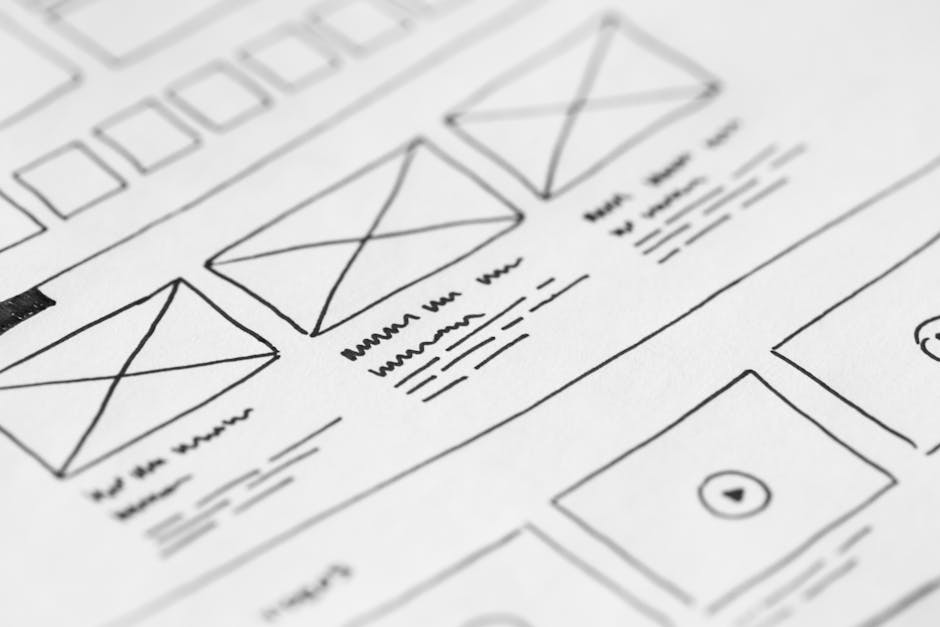
Start with DesignLumo to generate three alternate slide layouts: pain point, solution demo, and pricing table, each with editable text boxes. Export each as separate PNGs. In Canva, stitch the images into a 7‑frame Idea Pin, inserting a short 3‑second video clip (created in Adobe Express: https://www.adobe.com/express/) that shows a product demo. Optimize the pin title with keywords like “B2B sales pitch” and add #salesstrategy. Publish during peak business hours (10 AM–12 PM EST) and aim for a 3 % click‑through rate to your sales landing page.
Training Module Mini‑Course Idea Pin

Use DesignLumo to create a series of 4 lesson‑slide templates (intro, concept, example, quiz) with placeholders for brand fonts. Export layered PSD files, then open each in Adobe Express to add interactive quiz stickers. Assemble the four slides into a single Idea Pin, adding a final “Swipe up for full course” CTA linking to a Teachable page. Track completion rates via Pinterest analytics; aim for >150 views per module within the first week. This approach turns a 30‑minute webinar into a reusable, evergreen lead magnet.
2. Tall Infographic Pins that Summarize Slides
One‑Slide KPI Infographic Pin

Generate a KPI dashboard slide in DesignLumo with editable charts and brand colors. Export as SVG, then import into Canva to stretch the canvas to Pinterest’s 1000 × 1500px ratio. Add concise text labels (≤20 characters) and a bold headline. Include a “Save for later” callout to encourage saves. Publish with a pin description that includes the keyword “startup metrics”. Expect a repin rate of 4‑6 % and a 2 % traffic lift to your metrics blog post.
Funding Timeline Tall Graphic

Ask DesignLumo to produce a vertical timeline template with placeholders for seed, Series A, and Series B milestones. Use Midjourney to create a subtle gradient background that matches your brand palette. In Canva, replace placeholders with actual dates, funding amounts, and logo icons. Add anchor text linking to your Crunchbase profile. When posted as a tall pin, aim for >300 impressions per day and a 5 % click‑through to your investor deck download page.
Product Roadmap Vertical Pin

Create a 5‑stage product roadmap in DesignLumo, ensuring each stage is a separate editable layer. Export PNGs, then assemble in Adobe Express, adding subtle animation to each stage (fade‑in on scroll). Include a QR code generated via QRCode Monkey that links to your product demo. Optimize the pin title for “2025 product roadmap”. Track QR scans; a successful pin yields >150 scans and a 3 % increase in demo requests within two weeks.
3. Board Covers & Collections to Curate Deck Content
Brand‑Consistent Board Cover

Use DesignLumo to design a 1000 × 1500px board cover that pulls directly from your brand kit (colors, fonts, logo). Export layered PSD, then fine‑tune in Canva to add a tagline and a subtle pattern. Apply the cover to a board titled “Investor Pitch Assets”. Consistency drives board follows; aim for a 10 % increase in follower count within 30 days and a 2 % rise in overall pin saves from that board.
Pitch Deck Swipe‑File Board
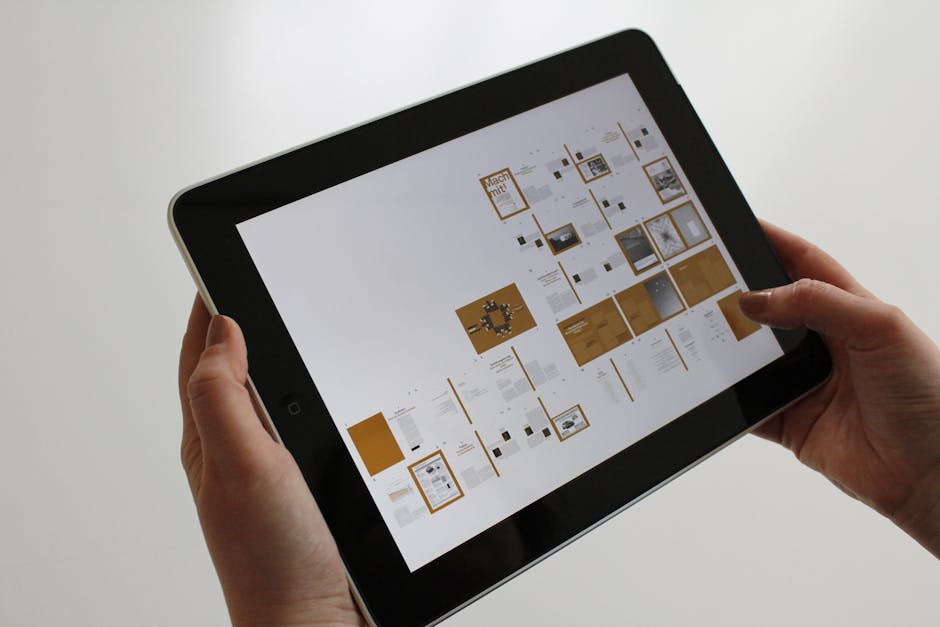
Create a collection board that houses all your pitch‑deck Idea Pins, timeline graphics, and KPI infographics. Generate each asset in DesignLumo, then batch upload via Pinterest’s bulk uploader. Write SEO‑rich board descriptions (include “pitch deck template”, “investor slides”). Promote the board via LinkedIn posts and email newsletters. Measure success by board repin growth; target >500 repins per month and a 4 % traffic boost to your fundraising page.
Educator Lecture Series Board

Design a series of lecture‑slide Idea Pins in DesignLumo, each covering a module of your training curriculum. Group them on a board titled “Startup Pitch Masterclass”. Add a Pin description with a link to a Notion syllabus and a CTA for a free webinar. Use Tailwind to schedule daily pin releases for two weeks. Track webinar registrations; a well‑executed board can generate 150+ sign‑ups and a 5 % lift in course enrollment.
Before you go
- Use Pinterest’s 2:1 vertical ratio (1000×1500) for optimal mobile readability and higher repin rates.
- Leverage DesignLumo’s Brand Kit integration to instantly apply your corporate colors and fonts across every pin.
- A/B test pin titles and first‑frame images for at least 7 days; the winning variant often boosts repins by 12‑18 %.















Ready to create your first design?
Join thousands creating professional designs in seconds.
Create with DesignLumo
Related Resources
Ultimate Social Media Post Design Playbook
Tactical guide to create high‑impact social posts for founders and sales teams.
LinkedIn Deck Design Toolbox for Professionals
Essential AI and design tools to craft high‑impact LinkedIn decks, posts, and banners.
Facebook Deck Design Content Ideas
Tactical Facebook post, cover, event, and ad ideas for pitch decks.
2026 Presentation & Pitch Deck Design Playbook
Cutting‑edge deck trends, tools, and workflows for founders and presenters in 2026.
TikTok Pitch Deck Content Ideas
Actionable TikTok graphics and video tactics for pitch decks and presentations.
LinkedIn Pitch Deck Content Ideas
Tactical LinkedIn visuals to showcase presentations and pitch decks.