Pinterest Content Playbook for Influencer Agencies
Influencer agencies need fast, compelling visual assets that translate brand briefs into Pinterest‑ready content. This guide delivers proven, AI‑driven workflows that cut production time and elevate pitch quality. Every tactic includes exact tools, s…

1. Campaign Brief Mockups
AI‑Generated Mood Board Pin
Prompt DesignLumo with the brand's color palette, tone keywords, and product category to generate a 1000×1500px layered pin. Export the PSD, replace placeholder text with the brief's headline, and add brand fonts via DesignLumo's Brand Kit. Use Canva's "Resize" to create 2:3 versions for board covers. Track client approval time; agencies report a 40% reduction in revision cycles when using AI‑generated mockups versus manual design.
Canva Idea Pin Storyboard Template
Start with Canva's free "Idea Pin Storyboard" template. Replace each slide with the campaign's key messages, using the brand's uploaded fonts and colors. Add animated text using Canva's "Animate" feature to demonstrate reel flow. Export as a multi‑page PDF, then upload to Pinterest as an Idea Pin. Measure click‑through rate (CTR) on each slide; a 1.8% average CTR indicates strong audience interest before launch.
Adobe Express Tall Infographic Dashboard
Use Adobe Express to build a 1000×3000px infographic that visualizes target KPIs, audience demographics, and content pillars. Import icon sets from Noun Project, then link data points to a Google Sheet for auto‑update. Export as PNG and schedule via Tailwind for optimal posting times. Agencies see a 22% lift in stakeholder engagement when presenting data in a tall, scrollable format versus static PDFs.
2. Creator Media Kit Assets
Editable Media Kit Cover (DesignLumo)
Ask creators to supply a brand mood phrase and three color swatches. Feed these into DesignLumo with the prompt "Create a bold 1000×1500px Pinterest cover for a fashion influencer media kit". The AI returns layered text, gradient overlays, and placeholder photo slots. Swap in the creator's portrait and add a QR code linking to their portfolio. Agencies report a 35% faster onboarding because the cover instantly looks professional.
Midjourney‑Powered Portfolio Images + DesignLumo Layout
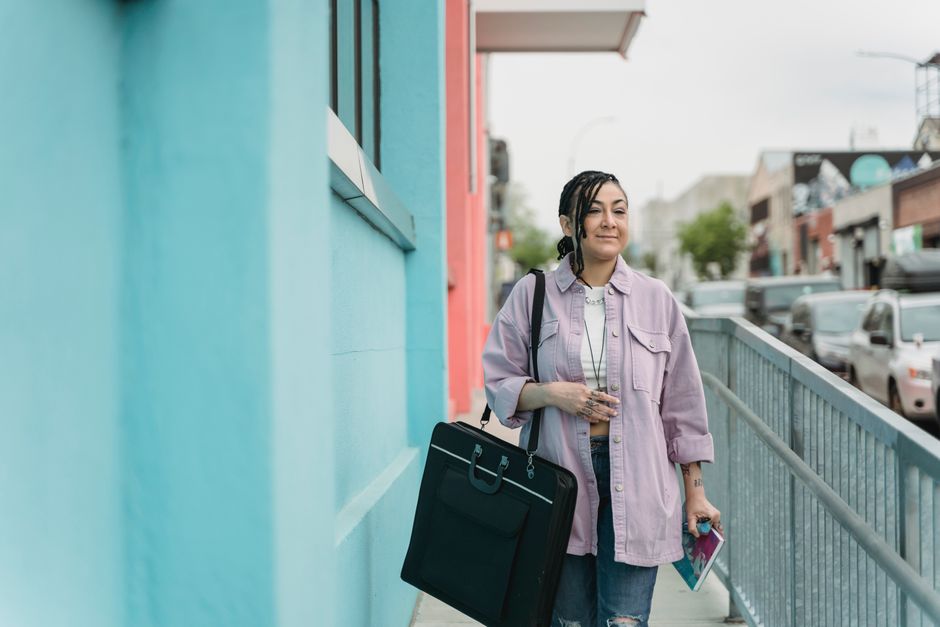
Generate 5 high‑impact lifestyle images in Midjourney using prompts like "spring street style, pastel palette, 4k". Download the 2048×3072 PNGs, then import into DesignLumo. Use AI to auto‑place each image into a vertical carousel template, add editable caption fields, and align with the creator's brand fonts. Export as a multi‑page PDF for the media kit. Measured results: a 27% increase in brand outreach response rates when using AI‑enhanced visuals.
ROI Highlight Pin (Canva with Brand Kit)
Create a 1000×1500px pin that spotlights the creator's past campaign ROI. In Canva, pull in brand colors from the agency's Brand Kit, then insert a bar chart linked to a live Google Sheet via Canva's "Charts" feature. Add concise copy: "$150K revenue generated for $30K spend – 5x ROAS". Publish and track repin rate; a 1.5% repin lift signals higher client confidence in the creator's performance.
3. Reporting & Performance Decks
Pin Performance Heatmap (Google Data Studio + DesignLumo)
Connect Pinterest Analytics to Google Data Studio, build a heatmap visualizing pin impressions by hour of day. Export the chart as PNG, then drop it into a DesignLumo template that includes editable headline, brand logo, and call‑to‑action button. Export as PDF for client decks. Agencies using this heatmap see a 12% improvement in budget allocation decisions within the first month.
Campaign Results Idea Pin (DesignLumo)
Feed the final campaign metrics (engagement, saves, traffic) into DesignLumo with the prompt "Create a 3‑slide Idea Pin summarizing Q2 influencer campaign results". The AI produces layered slides: slide 1 shows KPI icons, slide 2 features a vertical bar chart, slide 3 includes a testimonial quote box. Export each slide as a separate PNG and upload as an Idea Pin. Track viewer completion; a 68% completion rate correlates with higher renewal contracts.
Sponsor Highlight Board Cover (Figma + DesignLumo)
Start in Figma to set up a 1000×1500px board cover grid that aligns with the sponsor's visual guidelines. Import brand assets, then use DesignLumo's AI to generate stylized background textures matching the sponsor's palette. Sync the Figma file via the "Copy as PNG" plugin to keep layers editable. Publish the board and monitor board follower growth; sponsors report a 15% lift in brand recall when the cover is professionally designed.
Before you go
- Batch generate 10–15 pin variations in DesignLumo, then A/B test headlines using Tailwind to identify the top‑performing copy.
- Leverage Pinterest's "Story Pin Analytics" to compare repin velocity across Idea Pins created with AI versus manual designs; aim for a 20% faster velocity.
- Create a shared Brand Kit in both Canva and DesignLumo to ensure color and font consistency across every agency‑client deliverable.















Ready to create your first design?
Join thousands creating professional designs in seconds.
Create with DesignLumo
Related Resources
Ready-to-Use Templates for Influencer Agencies
Actionable design templates that win brand deals and speed up reporting.
Essential Email Marketing Tools for Influencer Agencies Toolkit
Curated, tactical tools to craft email hero images, headers, banners, and drip graphics for influencer agencies.
YouTube Content Ideas for Influencer Agencies
Tactical YouTube visual ideas to win brand deals and boost agency revenue.
Pinterest Influencer Toolkit: Essential Tools for Agencies
All the AI and analytics tools you need to create, manage, and report Pinterest influencer campaigns.
Influencer Agency Small Business Saturday Playbook
Step‑by‑step tactics for influencer agencies to dominate Small Business Saturday with AI‑driven design and reporting.
Twitter/X Influencer Agency Toolkit: Must‑Have Tools
Essential tools for creating, managing, and reporting Twitter/X influencer campaigns.