New Year Q1 Interior Design Marketing Blueprint
The first quarter sets the tone for the rest of the year. Interior designers who lock in clear goals, fresh visual assets, and a data‑driven distribution plan can capture homeowner and developer interest before the market slows. This guide walks you…

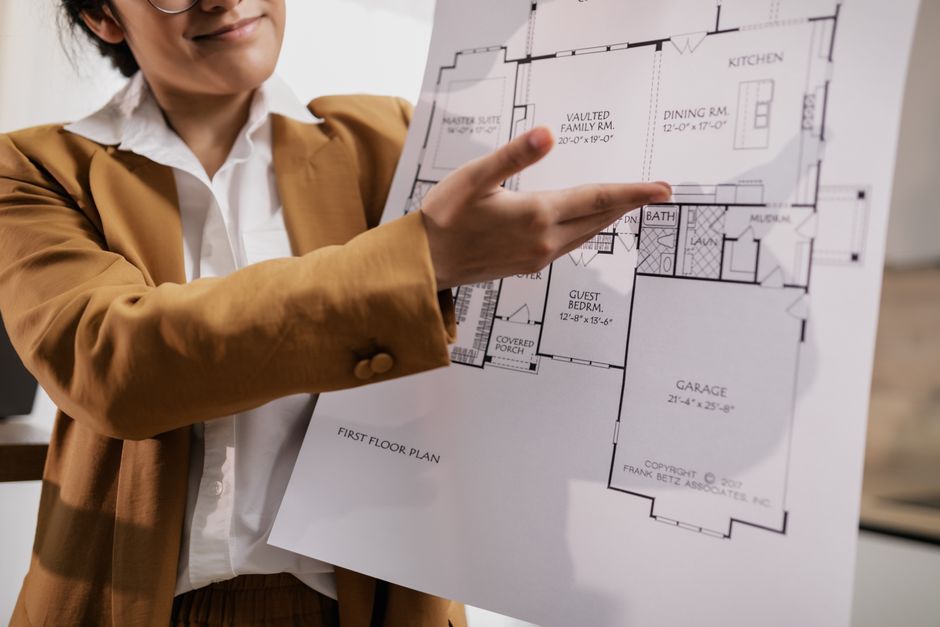
1. 1️⃣ Goal Setting & Content Calendar
SMART Q1 Revenue Targets with Funnel Mapping

Start by defining a SMART revenue goal (e.g., $120K in Q1, 20% above Q4). Break it into funnel stages: leads, qualified prospects, proposals, closed deals. Assign a conversion rate to each stage (industry average 8% lead‑to‑proposal, 30% proposal‑to‑close). Use a simple Google Sheet to calculate required monthly leads (≈300 leads/month). Align content themes—"New Year Refresh" and "Spring Home Upgrade"—to each stage, ensuring every post has a CTA that feeds the funnel. Review weekly to adjust spend based on actual CPL.
Quarterly Content Calendar in Notion

Create a Notion database titled "Q1 Interior Design Calendar". Add properties: Publish Date, Asset Type, Funnel Stage, Primary CTA, and Owner. Populate with 12 evergreen posts, 8 project reveal reels, and 4 seasonal tip infographics. Use Notion's calendar view to spot gaps and ensure at least three touchpoints per week. Sync the database with Google Calendar via Zapier to auto‑create reminders for designers and copywriters. Track completion rates; aim for 95% on‑time publishing to maintain algorithmic momentum.
Resolution‑Style Email Sequence in ConvertKit

Design a 6‑email drip sequence titled "New Year Design Resolutions". Email 1 delivers a free mood‑board template; Email 2 shares a case study with before/after photos; Email 3 offers a limited‑time 15% consultation discount. Use ConvertKit's tagging to segment recipients who click the mood‑board link, then send a personalized follow‑up with a Calendly link. Measure open rates (>35%) and click‑through rates (>8%) to gauge engagement. Optimize subject lines weekly based on A/B test results.
2. 2️⃣ Visual Asset Production with AI
AI‑Generated Before/After Slides with DesignLumo

Upload your raw project photos into DesignLumo. Prompt: "Create a side‑by‑side before and after carousel for a modern living room, include editable text overlay with project name, use brand colors #2A9D8F and #E9C46A." Within seconds you receive a layered PSD with separate layers for images, typography, and background. Export as PNG for Instagram carousel and as PDF for client decks. Track engagement; aim for a 12% higher save rate versus static images.
Mood Board Templates via Canva + Lottie Animations
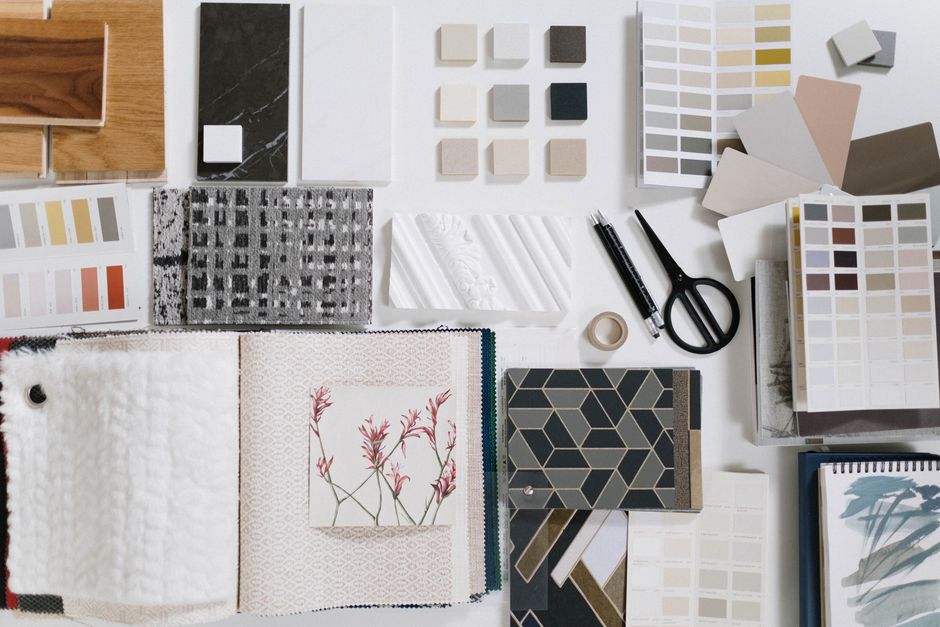
Start with Canva's free mood‑board template. Replace placeholders with AI‑generated color palettes from DesignLumo (prompt: "generate a warm earth‑tone palette for coastal interiors"). Enhance with Lottie animation files from LottieFiles (e.g., subtle wave motion) to add life to Instagram Stories. Export as MP4 (≤15 seconds) for story ads. Measure story completion rate; target >70% to ensure viewers see the full mood narrative.
Custom Quote Graphics Using Midjourney + Photoshop

Generate a background image in Midjourney with prompt: "luxury minimalist bedroom, soft natural light, high resolution". Import the image into Photoshop, apply a 30% opacity overlay, and add a design tip quote in your brand font. Save the layered file; later, swap the quote text for new tips without redesigning the background. Publish three such graphics per week. Track share count; aim for 150 shares per month, indicating viral potential.
3. 3️⃣ Distribution & Performance Tracking
Automated Social Queue in Later

Connect Instagram Business, Facebook Page, and Pinterest to Later. Upload the AI‑generated assets from DesignLumo and Canva, then assign each to the content calendar dates created in Notion. Enable auto‑posting for carousel posts and story videos. Set posting times based on your audience heatmap (e.g., 8 AM & 6 PM EST). Monitor Later's analytics; aim for a 4% engagement uplift versus manual posting.
UTM‑Tagged Campaigns with Google Analytics 4
For every paid boost (e.g., Instagram Reel promotion), generate UTM parameters using Google's Campaign URL Builder. Example: utm_source=instagram&utm_medium=paid&utm_campaign=q1_refresh. Paste the tagged link into the ad copy. In GA4, create a custom funnel report tracking users from UTM source → landing page → booking form submission. Set a target conversion rate of 2.5% for Q1 campaigns. Adjust bid strategy weekly based on CPA trends.
Monthly ROI Dashboard in Google Data Studio
Pull data from Instagram Insights, Later, Google Analytics, and ConvertKit into Google Sheets. Connect the sheet to Data Studio and build a KPI dashboard showing impressions, engagement, CPL, and revenue per channel. Add a waterfall chart to visualize the impact of each AI‑generated asset type (before/after, mood board, quote graphic). Review the dashboard monthly; if any asset type falls below a 5% conversion contribution, re‑allocate budget to higher‑performing formats.
Before you go
- Batch‑create 30+ AI visuals in one DesignLumo session to lock in a consistent brand look for the entire quarter.
- Leverage DesignLumo's Brand Kit feature to auto‑apply your colors and fonts across every asset, cutting revision time by 40%.
- Run a quick Instagram poll after each before/after carousel to gather real‑time design preferences; feed insights back into your Q2 project proposals.















Ready to create your first design?
Join thousands creating professional designs in seconds.
Create with DesignLumo
Related Resources
Facebook Tools Every Interior Designer Needs
Tactical toolkit for Facebook posts, covers, events, and ads.
YouTube Design Toolkit for Interior Marketers
Essential AI and design tools for interior design YouTube branding.
Interior Design Pitch Deck Design Blueprint
Step‑by‑step guide to craft high‑impact interior design presentation slides.
Interior Design Marketing Starter Blueprint
Actionable tactics for portfolios, social reveals, and lead magnets in interior design.
Interior Design Event Poster Blueprint
Step‑by‑step system to craft high‑impact interior design event posters.
Step-by-Step Creative Workflow for Interior Design
Tactical workflow to create mood boards, showcases, and promos that sell interior design services.