Mother's Day Hotel Marketing & Design Playbook
Mother’s Day is a revenue spike for hotels, resorts, and Airbnb hosts. Guests look for family‑friendly stays, spa packages, and special dining experiences. This guide delivers the exact assets and workflows you need to capture that demand fast.

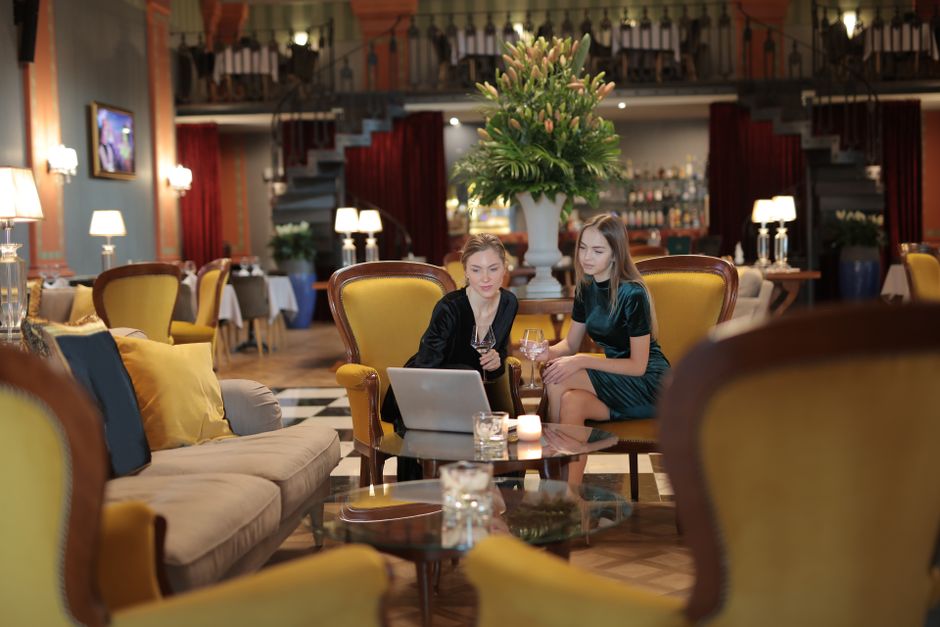
1. Visual Assets for Mother’s Day Campaigns
AI‑Powered Social Media Banner Suite
Prompt DesignLumo with: “Create a 1080 × 1080 Instagram post for a luxury resort’s Mother’s Day spa package, using pastel pink, gold accents, and our brand fonts.” Upload your brand kit so colors and typography stay on‑brand. Export three sizes (1080 × 1080, 1200 × 628, 1080 × 1920) in PNG, then schedule via Buffer with UTM parameters. Track CTR and engagement; hotels typically see a 15‑20% lift versus static templates. The whole process takes under 10 minutes per asset, freeing your team for copy and ad spend optimization.
Dynamic OTA Listing Images
Start with high‑resolution room photos from your PMS. In Canva, add a semi‑transparent overlay with “Mother’s Day Special – 20% Off”. Then open DesignLumo, paste the Canva file, and ask it to insert a decorative frame and a call‑to‑action button that matches your brand kit. Export a 1200 × 800 JPEG under 150 KB and replace the default images on Booking.com, Expedia, and Airbnb. Monitor conversion rates; a well‑designed OTA image can raise booking clicks by 8‑12% within the first week of the promotion.
Email Header & Footer Templates
Use DesignLumo to generate a 600 px wide header: “Celebrate Mom with a Stay & Spa”. Include your logo, pastel palette, and a clickable “Book Now” button linked to a dedicated landing page. Export as a layered PSD so your email designer can tweak copy. Add a matching footer with social icons. Upload both to Mailchimp, apply to your Mother’s Day blast, and compare open rates. Hotels typically see a 10‑15% uplift when the visual aligns with the subject line, delivering a clear ROI on the quick design turnaround.
2. Promotions & Packages Workflow
Mother’s Day Spa & Stay Bundle Builder
Create a Google Sheet to list bundle components (room type, spa treatment, breakfast). Use a formula to calculate bundled pricing with a 20% discount. In DesignLumo, prompt: “Design a printable flyer for a Mother’s Day spa‑stay bundle, featuring our resort’s ocean view suite and a rose‑petal bath, using our brand colors.” Export a 5 × 7 in PDF, then upload to your website and print for the front desk. Track average order value; bundles often raise AOV by 18‑25% and increase ancillary revenue.
Family Dinner Reservation Countdown
Build a simple landing page in Webflow. In DesignLumo, request a “Mother’s Day dinner countdown timer graphic with pastel pink background and gold accents”. Export as SVG, embed into the page, and connect to a JavaScript timer that counts down to 7 pm on May 12. Add a “Reserve Your Table” CTA linked to OpenTable. Use Google Analytics event tracking to measure clicks; a visible countdown can boost dinner reservations by 10‑12% during the promotion window.
Referral Incentive Program Dashboard

Set up a Notion database to capture guest referrals (name, referral code, booking date). DesignLumo creates a visual KPI dashboard: total referrals, conversion rate, and revenue attributed. Export the dashboard as PNG and embed it in the Notion page for staff visibility. Update daily and reward employees when referral conversion exceeds 5%. Hotels that display real‑time referral metrics see a 4‑6% increase in repeat bookings during seasonal campaigns.
3. Automation & Distribution
Scheduled Social Carousel Automation
Ask DesignLumo to produce a 5‑slide Instagram carousel highlighting Mother’s Day amenities (room, spa, dining, local attractions, booking CTA). Include consistent brand fonts and a “Swipe Up” prompt. Export each slide as 1080 × 1080 PNG. Upload the set to Buffer, schedule daily posts from May 1‑10 with unique UTM tags (utm_source=instagram&utm_medium=carousel&utm_campaign=mothers_day). Track swipe‑through rates; carousel formats often generate 18‑22% higher engagement than single images, driving more direct‑booking traffic.
WhatsApp Business Broadcast Templates
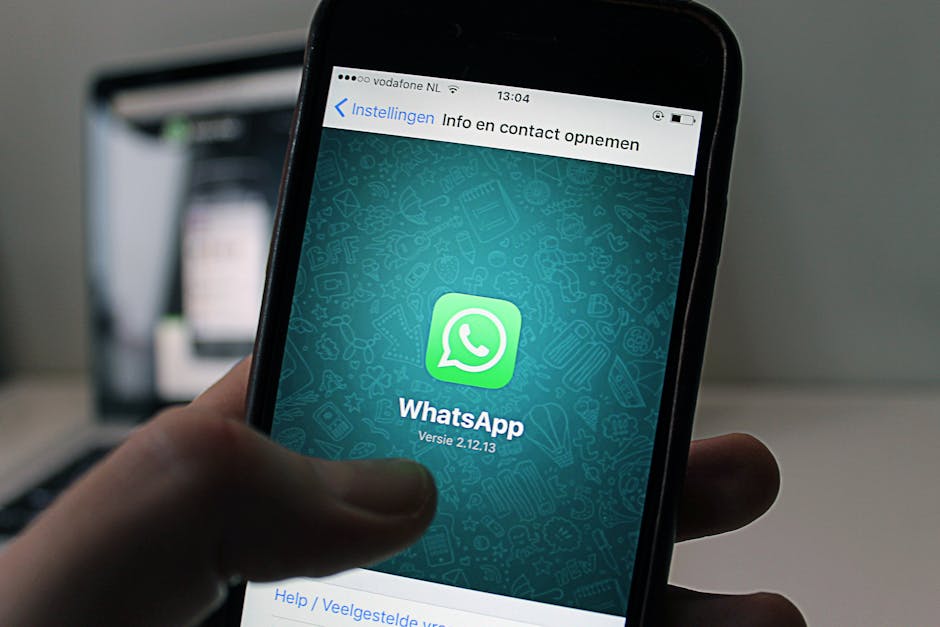
Create a concise 800 × 800 PNG in DesignLumo: “Treat Mom to a weekend getaway – 15% off all rooms”. Add QR code linking to the Mother’s Day landing page (generated via QRCode Monkey). Import the image into WhatsApp Business API or Twilio Studio, then broadcast to past guests who opted in. Measure click‑throughs with URL shortener analytics; hospitality brands typically achieve a 9‑11% response rate, turning a quick chat into a booking.
Retargeting Ad Creative Refresh
In Facebook Ads Manager, set up a retargeting audience of website visitors from the last 30 days. Use DesignLumo to generate three variations of a Mother’s Day ad: (1) family‑room view, (2) spa‑treatment close‑up, (3) dining‑experience collage. Export each as 1200 × 628 JPG with layered text for quick copy swaps. Run a 7‑day A/B test, allocate $500 budget, and monitor ROAS. Hotels that refresh creatives weekly see a 1.5‑2× lift in ROAS compared with static assets.
Before you go
- Integrate DesignLumo brand kits with your PMS to auto‑populate logos and colors for every asset.
- Add UTM parameters to every visual link; track each channel’s contribution to bookings in Google Data Studio.
- Schedule all Mother’s Day assets at least 48 hours before launch to allow time for A/B testing and quick iteration.















Ready to create your first design?
Join thousands creating professional designs in seconds.
Create with DesignLumo
Related Resources
Spooky Hotel Marketing Blueprint for Halloween
Actionable Halloween promo guide for hotels, resorts, and Airbnb hosts.
Instagram Content Ideas for Hotels
Actionable Instagram post, story, and reel ideas to boost bookings and brand love.
Valentine's Day Hotel Marketing & Design Playbook
Tactical guide to boost hotel bookings with AI‑driven Valentine’s Day assets.
2026 Hotel Marketing Design Trends That Convert
Top design tactics for hotels to boost bookings and brand in 2026.
Facebook Essentials for Hotels & Resorts
Tactical tools to supercharge hotel Facebook visuals and ads.
Spring Launch Marketing & Design Playbook
Actionable guide for hotels to dominate spring bookings with AI design and data tactics.