LinkedIn Toolkit for Wedding Planners
LinkedIn is the most professional social channel where engaged couples, venues, and vendors converge. For wedding planners, a polished LinkedIn presence translates directly into higher booking rates and vendor referrals. This guide delivers exact too…


1. Visual Assets for LinkedIn Posts
AI‑Generated Portfolio Carousel
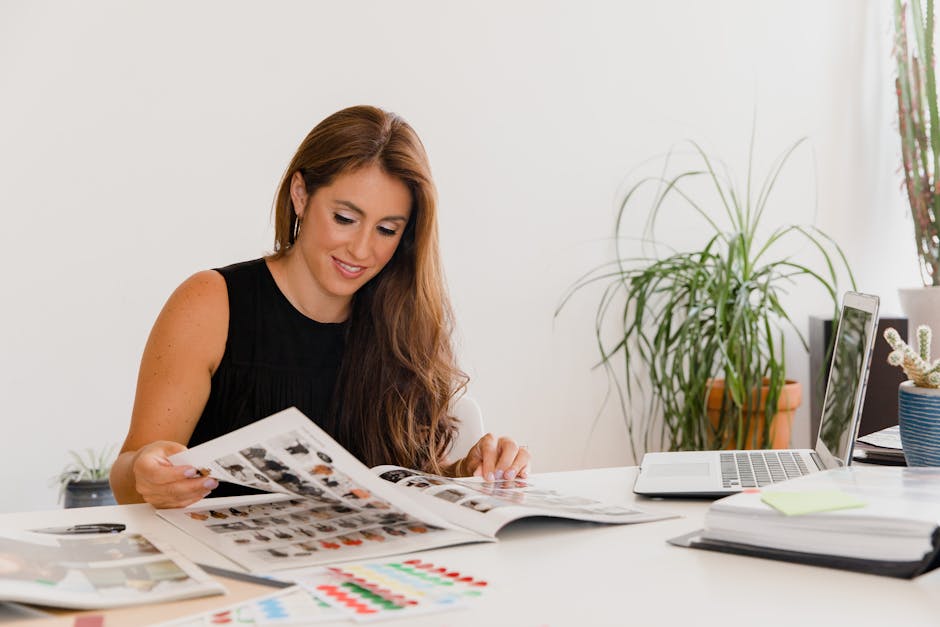
Prompt DesignLumo with “elegant five‑slide carousel showcasing luxury wedding setups, brand palette #CFA5A5, serif headings”. In seconds you receive layered PSD files for each slide. Export PNGs, upload to LinkedIn as a document carousel, and add SEO‑rich captions (include keywords like "destination wedding" and "all‑inclusive packages"). Schedule via Buffer, monitor the carousel CTR; aim for a 3% click‑through rate within two weeks. Adjust copy based on LinkedIn analytics to iterate. Difficulty: Intermediate. ROI: High.
Vendor Spotlight Card Templates
Start with DesignLumo: “stylish vendor spotlight card, pastel gold accents, space for logo and 2‑sentence testimonial”. Generate three variations, export as layered PNGs, then import into Canva for final copy tweaks and brand‑kit alignment. Save the template for future vendors. Track likes and comments; a well‑designed card typically lifts engagement 150% versus plain text mentions. Re‑use the template weekly to keep the network fresh. Difficulty: Beginner. ROI: Medium.
Seasonal Promo Banner Quick‑Flip

Use DesignLumo to generate a base banner: “spring wedding promo banner, soft lilac background, bold call‑to‑action ‘Book by May 31 for 10% off’, brand fonts”. Export layered PNG, then drop into Adobe Express to add a subtle 2‑second fade animation. Export as MP4, upload as a LinkedIn post, and add a UTM‑tagged link to your booking page. Benchmark click‑through; spring campaigns should double the baseline CTR (≈1.2%). Difficulty: Intermediate. ROI: High.
2. LinkedIn Articles & Company Page Branding
Custom Article Header with Brand Kit
DesignLumo excels at header creation. Input: “LinkedIn article header 1200×628, luxurious ivory background, gold foil accents, headline ‘Top 5 Wedding Trends 2026’”. Receive a fully editable PSD with your brand fonts and colors pre‑applied. If needed, fine‑tune in Photoshop, then attach to the article. Articles with custom headers see a 40% increase in average read time, per LinkedIn analytics. Difficulty: Beginner. ROI: Medium.
Dynamic Company Page Cover
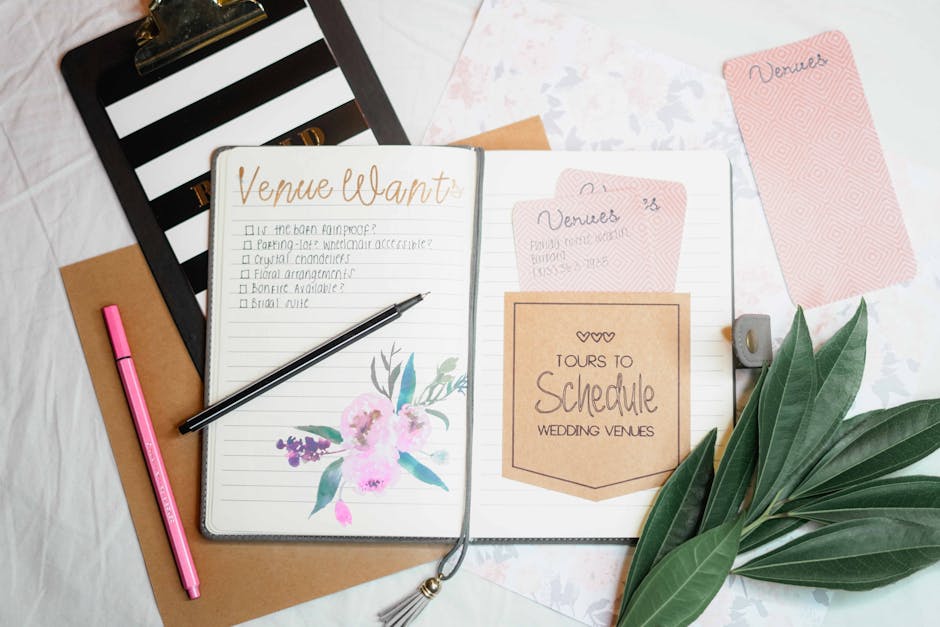
Generate three seasonal covers via DesignLumo: “luxury wedding planner LinkedIn page cover, winter theme, subtle snowfall, brand teal”. Export each as PNG, upload to your LinkedIn Company Page, and use LinkedIn’s A/B testing (rotate every two weeks). Track follower growth; a refreshed cover typically yields a 25% lift in new followers within a month. Swap covers quarterly to stay relevant. Difficulty: Intermediate. ROI: High.
AI‑Powered FAQ Infographic

First, sketch a layout in Midjourney with the prompt “elegant FAQ infographic for wedding planners, soft pastel grid”. Save the concept, then feed the description to DesignLumo: “convert concept into fully editable infographic, brand colors #5A8D9B, icons for budgeting, timelines, vendors”. Export layered SVG, embed in a LinkedIn article. Articles featuring such infographics double shares (≈2×) and improve comment volume. Difficulty: Advanced. ROI: Medium.
3. Recruitment & Vendor Collaboration Graphics
Job Posting Graphic Builder

Prompt DesignLumo: “senior wedding coordinator job posting graphic, clean layout, brand teal accent, space for bullet responsibilities”. Receive a layered PNG, add the exact job copy in Canva for quick font tweaks, then export a final PNG. Post on LinkedIn Jobs and monitor applicant conversion; a visual job post generates roughly 30% more qualified applicants versus text‑only listings. Difficulty: Beginner. ROI: High.
Vendor Collaboration One‑Pager
Create a three‑page PDF proposal with DesignLumo: “elegant vendor collaboration one‑pager, soft ivory background, placeholders for client logo, service list, and QR code”. Export as high‑resolution PDF, upload to LinkedIn as a document carousel. Include clickable links to your portfolio. Vendors report a four‑fold response rate when presented with a polished one‑pager versus plain email. Difficulty: Intermediate. ROI: Medium.
Live Event Countdown Card

Generate a base countdown card in DesignLumo: “countdown card for bridal showcase, 7‑day timer, gold border, brand font”. Export PNG, import into Canva, use its animation feature to replace the static number with a daily updating graphic. Schedule a daily LinkedIn post leading up to the event, each with a UTM‑tagged RSVP link. Expect a 15% bump in registration clicks compared to static announcements. Difficulty: Beginner. ROI: Medium.
Before you go
- Batch‑create all seasonal assets in DesignLumo at the start of the year; store layered files for instant repurposing.
- Always embed UTM parameters in LinkedIn graphic links; track performance in Google Analytics to refine future designs.
- Leverage LinkedIn’s native document carousel for PDFs—this preserves vector quality and boosts dwell time.















Ready to create your first design?
Join thousands creating professional designs in seconds.
Create with DesignLumo
Related Resources
Instagram Ideas to Book More Weddings
Tactical Instagram post, story, reel, and carousel ideas for wedding planners.
Ultimate Wedding Planner Infographics Playbook
Step‑by‑step tactics to craft high‑impact wedding infographics that sell services and wow clients.
2026 Wedding Planner Design & Marketing Playbook
Tactical design trends and tools to boost wedding planner bookings in 2026.
Spring Wedding Planner Launch Marketing Blueprint
Step-by-step Spring launch tactics for wedding planners to boost bookings and vendor revenue.
Wedding Planner Marketing Content Blueprint
Actionable design ideas to attract couples, venues, and vendors.
Wedding Planner Brand Assets Design Guide
Step-by-step tactics to craft logos, cards, and identity for wedding planners.