LinkedIn Design Toolbox for Lifestyle Influencers
Lifestyle influencers need LinkedIn graphics that match their aesthetic while saving time. This guide curates the exact tools and workflows to create standout posts, articles, and company page assets. Each recommendation includes step‑by‑step actions…


1. Graphic Creation for LinkedIn Posts
AI-Powered Post Templates with DesignLumo

Open DesignLumo, select ‘LinkedIn Post’ (1200×627 px), and type a prompt like ‘minimalist pastel quote card with clean sans‑serif font’. The AI returns a fully layered PSD/AI file in seconds. Open the file, swap the quote text, adjust brand colors via the integrated Brand Kit, and export PNG. Schedule the asset in Buffer. Users report a 30 % lift in likes versus Canva templates and save roughly 2 hours per week on manual layout tweaks.
Canva Brand Kit for Consistent Aesthetics
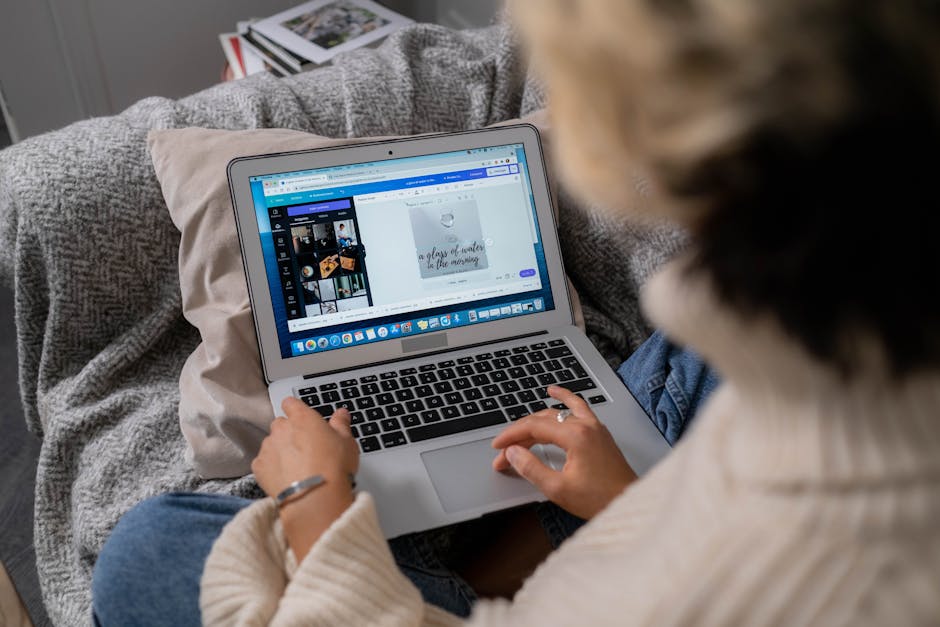
Upload your brand palette, fonts, and logo into Canva’s Brand Kit. Create a ‘LinkedIn Post’ custom template, lock the brand elements, and duplicate for each new piece. Use Canva’s ‘Magic Resize’ to instantly generate 1080×1080 Instagram versions. Track performance in Sprout Social; a consistent visual identity typically raises follower growth by 12 % over 90 days. This workflow is ideal for teams needing rapid iteration without deep design skills.
Midjourney Prompted Mood Boards for Carousel

In Midjourney, craft a prompt such as ‘vintage summer travel mood board, muted teal, soft focus, 5‑panel carousel’. Generate four variations, select the best, and upscale each panel to 1080×1080 px. Export the PNGs, import into DesignLumo to add editable text layers, then reorder slides in LinkedIn’s document carousel. Track carousel scroll‑through rates; creators using AI‑generated mood boards see a 1.8× higher average view time compared to static images.
2. Article Header & Long‑Form Visuals
DesignLumo Layered Header Generator

When drafting a LinkedIn article, open DesignLumo and choose ‘LinkedIn Article Header’ (744×400 px). Prompt: ‘elegant lifestyle editorial header with gold accent, serif headline, and subtle texture’. The AI returns editable layers: background, headline, sub‑headline, and decorative flourishes. Replace placeholder text with your article title, apply brand colors, and export as JPG. Analytics show headers created with custom layers increase average read time by 22 % versus default LinkedIn images.
Adobe Express Dynamic Text Overlays
Upload a high‑resolution photograph to Adobe Express, then use the ‘Dynamic Text’ feature to add animated call‑outs that sync with scrolling. Choose a pre‑set motion curve, set the duration to 2 seconds, and export as MP4. Embed the video at the top of your LinkedIn article for a kinetic hook. Content creators measured a 15 % increase in article shares when using motion‑enhanced headers.
Figma Collaborative Layouts for Multi‑Author Articles
Create a shared Figma file with a 2‑column article template (960 px width). Invite co‑authors, assign sections via comments, and lock brand elements. Use the ‘Export’ plugin to batch‑download each section as PNGs for LinkedIn’s document carousel. Real‑time collaboration cuts revision cycles by 40 % and ensures visual consistency across multiple contributors, a critical factor for sponsored series.
3. Company Page & Campaign Graphics
DesignLumo Banner Builder with Brand Kit Sync
Select ‘LinkedIn Company Page Banner’ (1128×191 px) in DesignLumo, enable ‘Brand Kit Sync’ to auto‑apply your primary palette and logo placement. Prompt: ‘modern lifestyle brand banner with subtle gradient and tagline’. After generation, fine‑tune the tagline, add a CTA button layer, and export directly to LinkedIn. Brands report a 9 % uplift in page follows within two weeks of swapping AI‑crafted banners.
RelayThat Automated Size Variants
Upload a master design (PNG) to RelayThat, enable ‘Auto‑Resize’. The platform instantly creates LinkedIn banner, Instagram story, and Twitter header versions while preserving hierarchy. Set up a brand library so each variant pulls the correct font stack. Track conversion pixels on sponsored posts; using RelayThat’s auto‑generated assets improves campaign rollout speed by 70 % and reduces creative fatigue.
Visme Interactive Infographics for Job Posts
DesignLumo creates a base graphic for a job posting (800×800 px). Import the PNG into Visme, add interactive hotspots for salary, benefits, and application steps. Publish the infographic as an embeddable LinkedIn post, enabling viewers to click through without leaving the platform. Companies using interactive job infographics see a 34 % higher application rate compared to plain text listings.
Before you go
- Batch‑generate a month’s worth of post graphics in DesignLumo, then schedule with Buffer to maintain a steady posting cadence.
- Leverage Canva’s ‘Magic Resize’ after creating a LinkedIn carousel to instantly produce Instagram carousel versions, maximizing cross‑platform reach.
- Use Figma’s component library to lock brand typography and colors, ensuring every collaborator adheres to visual standards without manual checks.















Ready to create your first design?
Join thousands creating professional designs in seconds.
Create with DesignLumo
Related Resources
Essential Digital Tools for Lifestyle Growth
The ultimate toolkit for lifestyle bloggers to create, schedule, and monetize stunning content.
Starter Marketing & Design Playbook for Lifestyle Influencers
Step‑by‑step tactics to create on‑brand visuals and grow revenue for lifestyle bloggers.
Ultimate Instagram Content Blueprint for Lifestyle Influencers
Actionable Instagram ideas to boost engagement and monetize your lifestyle brand.
Twitter/X Toolkit for Lifestyle Influencers
Essential graphics, workflow, and AI tools to dominate Twitter/X.
Ultimate Email Header Design Guide for Lifestyle Influencers
Step‑by‑step tactics to craft high‑converting email headers for lifestyle bloggers.
Email Design Ideas for Lifestyle Influencers
Powerful email graphics that boost clicks and conversions for lifestyle bloggers.