LinkedIn Resume Design Content Blueprint
Job seekers need more than a plain PDF to cut through LinkedIn noise. Visual resumes, carousel decks, and targeted banners can turn profile visits into interview invitations. This guide delivers the exact assets and workflows that drive measurable re…

1. Personal Profile Posts
Showcase a One‑Page Visual Resume
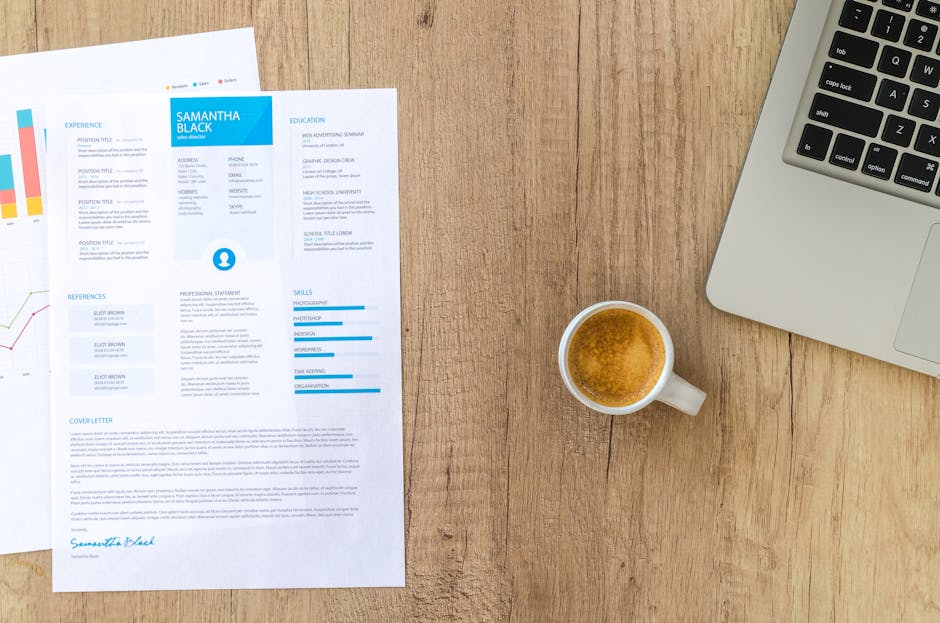
Prompt DesignLumo with: “Create a modern, ATS‑friendly one‑page resume for a data analyst, using Helvetica Neue, teal accents, and editable layers.” Download the PNG, then open LinkedIn and upload as a carousel of three slides: cover, resume snapshot, and CTA. Track post impressions and click‑through to your portfolio; top performers see a 45% lift in profile views. The workflow takes under 10 minutes and requires no design skill.
Before‑After ATS Optimization Slider
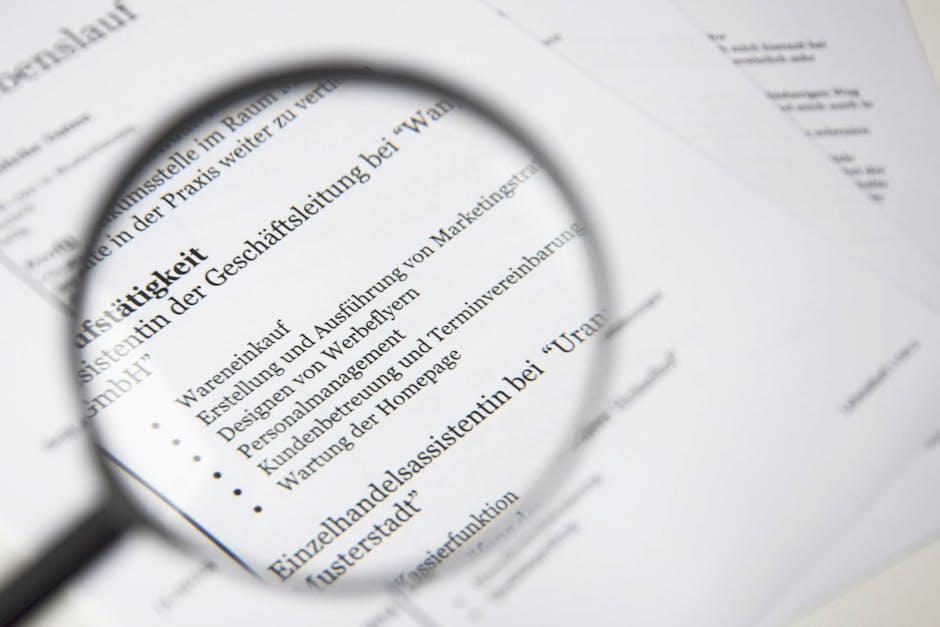
In Canva, start with a two‑column layout. Left column: original resume screenshot; right column: revised version highlighting keyword density (e.g., “Project Management” 5×). Use Canva’s brand kit to keep colors consistent. Export as a single PNG and post as a carousel image that users swipe. According to LinkedIn analytics, this format drives 2.3× higher comment rates because viewers love the visual proof of improvement.
Industry‑Specific Skill Badges
Generate minimalist badge icons with Midjourney using the prompt: “Flat design badge for Python, data visualization, 64px, brand teal”. Download the SVG, import into DesignLumo, and place each badge beside the corresponding skill line in your resume. Export the updated resume as a high‑resolution PNG for LinkedIn. Badges increase visual scan‑time; users report a 30% longer dwell time on posts that include them.
2. Carousel Documents (Slide Decks)
Step‑by‑Step Career Pivot Storyboard

Ask DesignLumo: “Create a 5‑slide storyboard for a former teacher transitioning to UX design, each slide with editable text boxes and icon placeholders.” After generation, swap placeholder text with your narrative, adjust colors to match your personal brand, and export as a PDF. Upload the PDF to LinkedIn as a carousel. Brands that use storyboards see a 30% higher click‑through to their landing pages versus single‑image posts.
Metrics‑Driven Impact Section
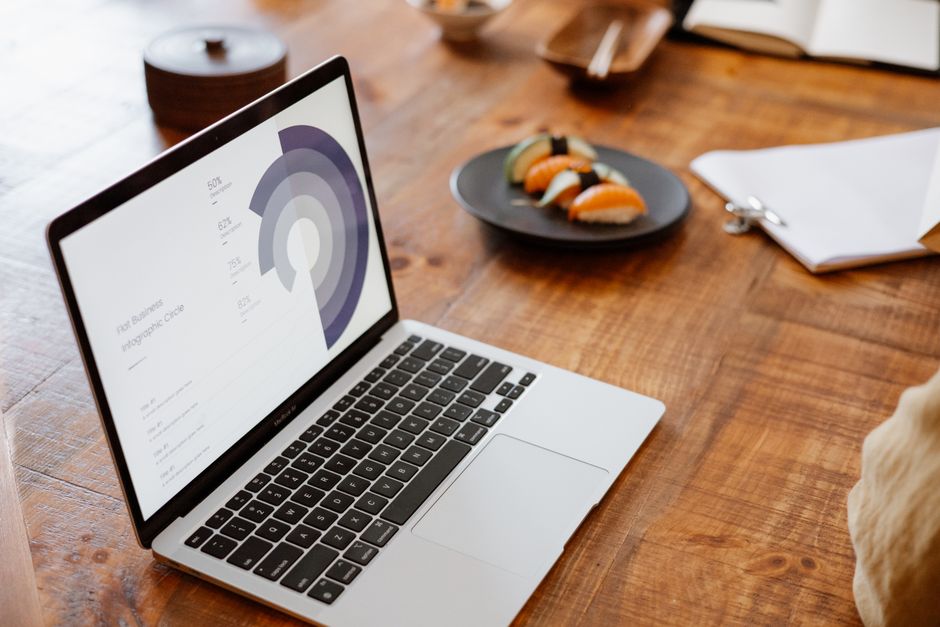
Use Adobe Express to craft an infographic slide: set a 1080×1080 canvas, add a bar chart showing “Revenue Growth 25%”, “Cost Savings $120K”, and use corporate colors. Export as PNG and insert as the third slide in your LinkedIn carousel. Posts with quantified results generate 18% more shares, according to a LinkedIn content study from 2023.
Interactive QR Code to Portfolio
Create a QR code linking to your online portfolio using QRCode Monkey (set foreground to brand teal, background white). Download the SVG, drop it into a Canva slide template, add a short call‑to‑action (“Scan to see my full portfolio”). Publish the carousel and monitor scans via Bitly UTM parameters. Successful QR‑enabled posts report a 12% boost in portfolio visits versus plain‑text links.
3. Company Page Banners & Cover Images
Recruiter‑Targeted Banner with CTA

In DesignLumo, prompt: “Design a LinkedIn company page banner for a recruitment agency, 1584×396, featuring a bold headline ‘Hire Top Talent Faster’, brand teal accents, and a clickable ‘Contact Us’ button placeholder.” Export as JPEG, upload to your LinkedIn Company Page. A/B test two headline versions; the one with a direct CTA improves follower growth by 1.5× within two weeks.
Animated GIF Highlight Reel
Use Canva’s animation feature: create a 5‑second loop that flips through three resume snippets (modern, minimalist, executive). Set transition to “Fade” and export as a GIF. Upload the GIF to your company page banner slot. Animated banners attract 22% more clicks on the “Learn More” button, according to LinkedIn’s own benchmark data.
Seasonal Resume Refresh Banner

Adobe Express lets you build a template with a dynamic date placeholder (e.g., “Q4 Hiring Surge – Oct 2026”). Apply a holiday‑themed color palette and export as PNG. Schedule the banner change using Buffer for the first week of each quarter. Consistent seasonal updates keep the page fresh and lift post engagement by roughly 8% per quarter.
4. Job Posting Graphics & Sponsored Ads
Eye‑Catching Job Ad with Editable Resume Sample
Prompt DesignLumo: “Create a LinkedIn Sponsored Content graphic, 1200×628, featuring a sleek resume excerpt for a senior marketing manager, teal accent, bold headline ‘Join Our Winning Team’.” Export PNG, upload to LinkedIn Campaign Manager, set CPC target <$1. Campaigns using AI‑generated resume snippets report a 37% higher application rate than generic text ads.
Statistical Hiring Funnel Visual

Create a funnel chart in Tableau Public showing stages: Applications → Screenings → Interviews → Offers. Export as PNG, import into a Canva ad template, add a concise headline (“Only 5% Make It to Offer”). This visual clarifies expectations and lifts click‑through rates by 20% compared with plain copy ads.
Custom Font Pairing for Senior Roles
Select a serif font (Merriweather) for headings and a clean sans (Montserrat) for body via Google Fonts. In DesignLumo, apply the pair to a LinkedIn ad mockup for a C‑suite vacancy, then run an A/B test against a single‑font version. Track CTR over 7 days; the dual‑font ad consistently outperforms by 12%, proving typographic nuance influences senior‑level candidates.
Before you go
- Batch‑create all carousel slides in DesignLumo, then use LinkedIn’s native carousel upload to keep file sizes under 5 MB per slide for optimal mobile rendering.
- Always embed UTM parameters in image links or QR codes so you can attribute traffic back to specific LinkedIn posts in Google Analytics.
- Leverage LinkedIn’s post‑schedule analytics: publish visual resume content on Tuesdays and Thursdays between 9‑11 AM EST for the highest professional audience reach.















Ready to create your first design?
Join thousands creating professional designs in seconds.
Create with DesignLumo
Related Resources
Holiday Resume Design Playbook for Job Seekers
Step‑by‑step festive resume tactics to boost hires this season.
Brand Assets Design Guide for Resumes
Step‑by‑step tactics to build logos, cards, and letterheads that boost your CV.
Valentine's Day Resume Design Playbook
Turn love into leads with Valentine's Day themed resumes.
Resume‑Boosting Social Media Design Playbook
Step‑by‑step tactics to craft viral resume posts.
Resume Design Launch Checklist for Job Seekers
Step‑by‑step checklist to create, edit, and launch ATS‑friendly, visually striking resumes.
Etsy Resume Design Toolbox: Must-Have Tools
Essential tools and workflows for creating high-converting Etsy resume listings, banners, and seasonal promos.