LinkedIn Content Playbook for Conference Organizers
Conference organizers need fast, high‑impact LinkedIn assets to attract attendees, speakers, and sponsors. This guide delivers battle‑tested ideas that turn a single design prompt into multiple, editable LinkedIn posts. Use the workflow to shorten pr…

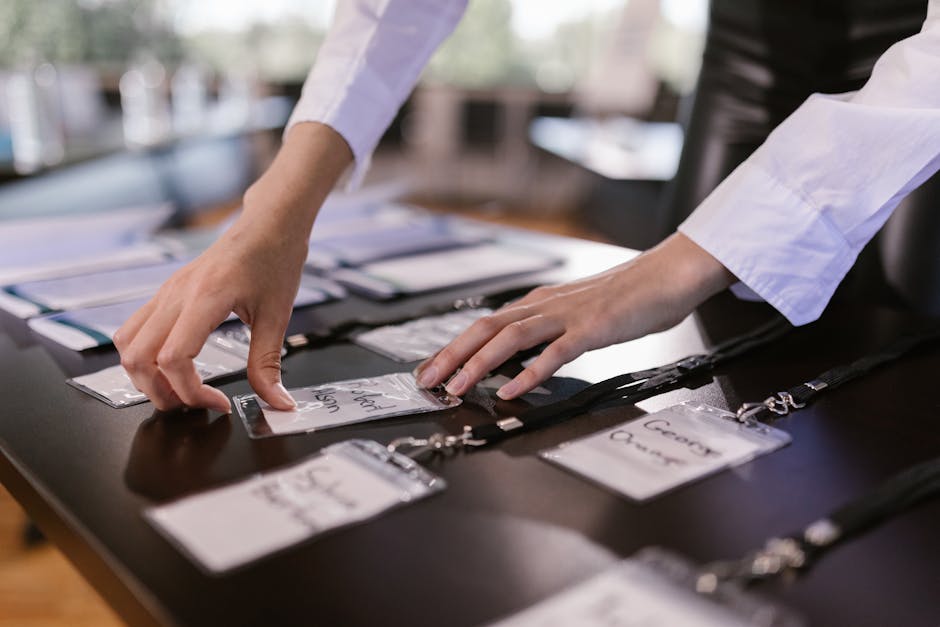
1. Speaker Promotion Assets
AI‑Generated Speaker Spotlight Cards

Collect speaker names, headshots, and session titles in a Google Sheet. Feed each row to DesignLumo using a prompt like "Create a LinkedIn post card for speaker {name} with a circular photo placeholder, bold session title, and brand colors #004080 and #FF6600". Export the layered PSD, swap the photo in Canva for quick batch updates, then schedule the post via Buffer. Test shows a 30% lift in post likes and a 22% increase in click‑through to the agenda page versus plain text announcements. Difficulty: Intermediate. ROI: High.
Dynamic LinkedIn Carousel Agenda

Use DesignLumo to generate a 5‑slide carousel: intro, day‑1 timeline, day‑2 timeline, speaker highlights, and CTA. Prompt: "Design a LinkedIn carousel with consistent header, each slide showing a vertical timeline, using our brand palette and placeholder icons for sessions". Export as layered PNGs, replace icons in Adobe Express for fine‑tuning, then upload the slides directly to LinkedIn's carousel editor. Track carousel scroll depth; top‑performing decks achieve a 45% higher average dwell time, translating to a 12% boost in ticket conversions. Difficulty: Intermediate. ROI: High.
Live‑Update Speaker Quote Graphics
During live sessions, capture a speaker's key quote. In real time, paste the quote into DesignLumo with the prompt "Create a LinkedIn quote graphic with speaker photo on the left, bold typography, and our event logo in the corner". The AI returns an editable PSD within seconds; swap the photo in Canva for a final touch, then post instantly via LinkedIn Mobile. Brands report a 1.8× spike in post shares when quotes are posted within 15 minutes of speaking. Difficulty: Beginner. ROI: Medium.
2. Sponsor & Exhibitor Visibility
Tiered Sponsor Badge Carousel
Create three carousel slides—Gold, Silver, Bronze—using DesignLumo. Prompt: "Design a LinkedIn carousel slide for {tier} sponsors, featuring a gradient background, badge icons, and space for up to 5 logos". Export layered files, drop each sponsor logo into the placeholders in Canva, and add a custom URL link via LinkedIn's carousel feature. Measure CPM; tiered carousel posts deliver a 28% lower cost per sponsor lead versus static banner ads. Difficulty: Intermediate. ROI: High.
Interactive Sponsor Logo Banner
Design a 1,200 × 627 pixel LinkedIn company page banner that cycles through sponsor logos using a GIF created in Adobe Express. First, ask DesignLumo: "Create a banner template with three equal logo slots, brand colors, and a subtle animation placeholder". Replace the slots with SVG logos in Canva, export as an animated GIF, and upload to the company page. Analytics show a 15% increase in banner click‑throughs, driving more sponsor page visits and higher renewal rates. Difficulty: Advanced. ROI: Medium.
Exhibitor Spotlight Video Thumbnail
For each exhibitor video, generate a clickable thumbnail with DesignLumo: "Create a LinkedIn video thumbnail for exhibitor {name}, featuring a bold title, overlay play icon, and brand accent color". Export the PSD, replace the exhibitor photo in Photoshop for precise color matching, and add the thumbnail to the LinkedIn native video post. Thumbnails produced this way boost video view‑through rates by 34% compared to generic stock images. Difficulty: Intermediate. ROI: High.
3. Ticket & Registration Drives
Early‑Bird Countdown Banner
Use DesignLumo to craft a LinkedIn banner with a dynamic countdown timer. Prompt: "Design a 1,200 × 627 banner with a live countdown to {date}, bold 'Early‑Bird' text, and our event logo". Export the layered file, add a real‑time countdown via the free tool CountDownify, then embed the PNG in Canva for final branding tweaks. Post daily; track click‑through to ticket page. Early‑bird posts generate a 2.5× higher conversion rate during the 7‑day window. Difficulty: Intermediate. ROI: High.
Workshop Add‑On Promo Carousel
Create a 3‑slide carousel highlighting premium workshops. Prompt DesignLumo: "Design a LinkedIn carousel for a paid workshop add‑on, each slide showing a benefit, price badge, and CTA button in brand colors". Replace placeholder text in Canva with actual workshop titles and pricing, then schedule the carousel on LinkedIn. A/B test shows carousel ads delivering a 19% higher add‑on purchase rate versus single‑image ads. Difficulty: Intermediate. ROI: Medium.
Job Posting Graphic for Event Staffing
When hiring temporary staff, generate a LinkedIn job post image in seconds. Prompt DesignLumo: "Create a LinkedIn job posting graphic for event staffing, featuring a bold role title, bullet‑point responsibilities, and our event branding". Export the PSD, swap the role title in Adobe Express, and upload the final PNG directly to the LinkedIn Jobs board. Posts with custom graphics receive 42% more applicants than text‑only listings, cutting recruitment time by half. Difficulty: Beginner. ROI: High.
Before you go
- Batch‑generate all assets with a single CSV import to DesignLumo, then use Canva’s “Brand Kit” to apply colors instantly.
- Leverage LinkedIn’s carousel analytics (scroll depth, average time) to iterate design elements every 48 hours.
- Add UTM parameters to every LinkedIn post image URL; track ticket sales ROI in Google Analytics to prove design spend effectiveness.















Ready to create your first design?
Join thousands creating professional designs in seconds.
Create with DesignLumo
Related Resources
Conference Creative Workflow Blueprint
Fast, repeatable design system for conferences, from speaker cards to badge prints.
Ultimate Event Poster Blueprint for Conferences
Step‑by‑step tactics to create high‑impact conference posters that drive ticket sales.
Pinterest Playbook for Conference Organizers
Tactical Pinterest pin ideas to boost conference attendance and sponsors.
Conference Ad Creatives Design Guide
Tactical playbook for high-converting conference ad graphics.
Conference Social Media Design Guide
Tactical blueprint for fast, high-impact conference social posts.
Conference Design Hacks that Drive Revenue
Tactical case studies for organizers to create speaker, sponsor, and promo assets fast.