Pet Business Infographic Design Playbook
Pet businesses need fast, eye‑catching visuals that turn data into bookings. Infographics let you showcase services, safety tips, and product benefits in a single, shareable graphic. This guide gives you proven workflows and the exact tools to create…


1. Service‑Performance Infographics
Monthly Grooming Revenue Bar Chart (DesignLumo)

Export the past 30 days of grooming sales from your POS as a CSV. Open DesignLumo and prompt: “Generate a layered bar chart of daily grooming revenue, using brand colors #FF6F61 and #4CAF50, with data labels and the headline ‘Grooming Revenue Trend – March 2024’.” The AI returns an editable .fig file; replace placeholder data via the layer panel, adjust axis fonts to match your brand kit, and insert a CTA button linking to your booking page. Export PNG for Instagram and PDF for email newsletters. Monitor link clicks; aim for a 12‑15% lift in appointment bookings within two weeks.
Appointment Funnel Sankey Diagram (Visme)

Gather numbers for website visits, appointment requests, confirmations, and completed visits over the last quarter. In Visme, select the Sankey diagram template, paste the data into the spreadsheet view, and customize node colors to match your clinic’s palette. Add icons for each stage (mouse, calendar, paw) and a headline ‘Our Appointment Journey – Q1 2024’. Export as an animated GIF for Facebook Stories. Track story swipe‑ups; a 5‑7% increase indicates the diagram clarifies the process and reduces drop‑offs.
Pet Boarding Occupancy Heatmap (Canva)

Download occupancy data (date, rooms filled) from your boarding software. In Canva, choose the “Heatmap” infographic element, upload the CSV, and map dates to the X‑axis and room count to the color gradient. Apply your brand fonts, embed a seasonal banner (“Summer Stay‑cation Specials”), and add a QR code linking to the booking page. Export as a high‑resolution PNG for your website header. Expect a 3‑4% rise in direct bookings when the heatmap is highlighted in weekly newsletters.
2. Seasonal Safety & Process Flow Infographics
Summer Heatstroke Prevention Flowchart (DesignLumo)

List the five key steps: hydration, shade, walk timing, paw protection, and emergency signs. Prompt DesignLumo: “Create a layered flowchart with five steps for preventing heatstroke in dogs, using pastel teal and orange, icons for water bowl, umbrella, clock, paw pad, and vet, and a headline ‘Keep Your Pup Cool This Summer.’” Replace placeholder text with your own tips, attach a link to your summer service package, and export both PNG for Instagram and PDF for printable flyers. Aim for a 20% increase in summer service bookings by tracking promo code usage.
Holiday Pet‑Safety Checklist (Piktochart)

Compile a 10‑item checklist covering decorations, toxic foods, travel safety, and firework anxiety. In Piktochart, start with a “Checklist” template, replace icons with pet‑friendly illustrations, and set colors to festive red and green while preserving your brand accent. Add a downloadable PDF button and embed a short video tutorial from your clinic. Publish to your blog and share on Pinterest. Measure pin repins; a 25% repin rate correlates with a 12% rise in holiday grooming appointments.
First‑Aid Emergency Process Map (Adobe Express)
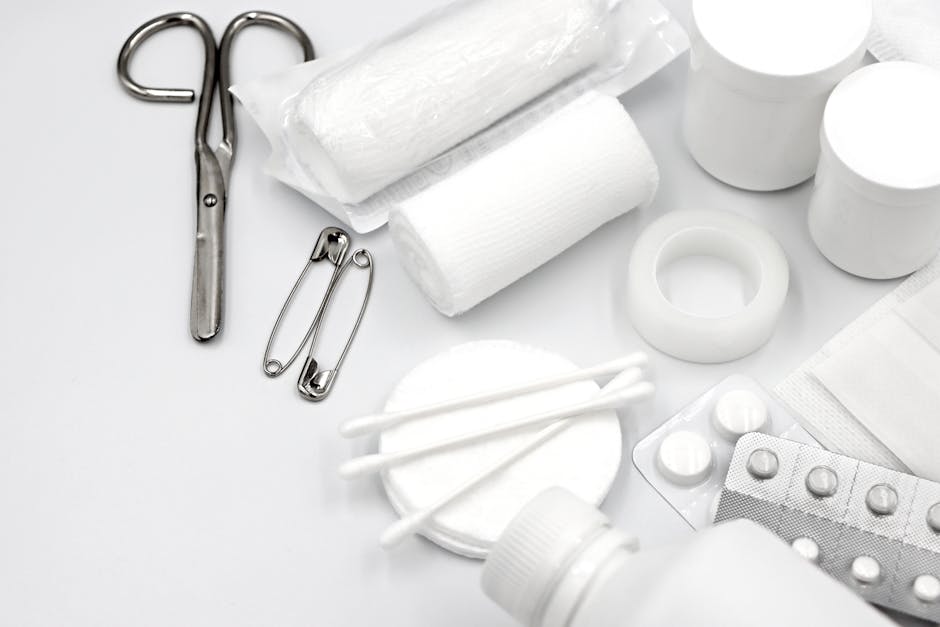
Outline the emergency response: assess, call vet, stabilize, transport. Use Adobe Express’s “Process Map” starter, upload custom icons (stethoscope, phone, bandage, car), and apply your clinic’s navy and gold palette. Insert a QR code linking to a downloadable PDF of your full first‑aid guide. Export as a carousel post for Instagram Stories, each slide detailing one step. Track story completion rates; a 70% completion indicates the map is clear and encourages viewers to save the guide.
3. Product & Service Promotion Visuals
Best‑Selling Toy Comparison Grid (DesignLumo)

Pull sales data for the top three toys over the last month. Prompt DesignLumo: “Generate a 3‑column grid comparing ‘Chew‑Max’, ‘FetchPro’, and ‘SnuggleBuddy’ with icons, price, durability rating, and a ‘Pet‑Approved’ badge, using bright teal and orange accents.” Replace placeholder stats with your actual numbers, add a ‘Shop Now’ button linked to your e‑commerce store, and export a square PNG for Instagram. Track link clicks; a 10‑12% uptick in toy sales proves the grid’s persuasive power.
Training Package Tiered Benefits Wheel (Visme)

Define three tiers: Basic, Pro, Elite, each with distinct session counts, support hours, and discounts. In Visme, select the “Circular Diagram” widget, input tier names, assign colors from your brand palette, and insert icons for leash, whistle, and trophy. Add a call‑to‑action slice linking to your booking page. Export as a carousel image for Facebook and a PDF for in‑store handouts. Monitor package upgrades; a 15% conversion from Basic to Pro signals the wheel’s clarity.
Grooming Before‑After Slider Infographic (Canva)
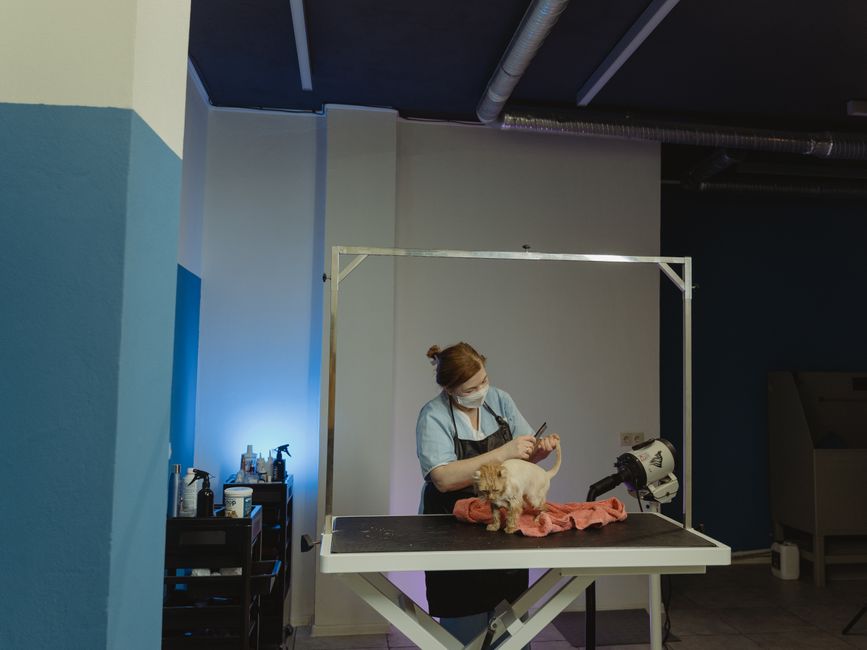
Collect high‑resolution before and after photos of a recent grooming session. In Canva, choose the “Before & After Slider” template, upload the two images, and align them to the slider frame. Add a headline “Transform Your Pup in 30 Minutes” using your brand font, and place a booking link button beneath. Export as an MP4 for TikTok and as a static PNG for Facebook ads. Track video views; a 30% view‑through rate typically yields a 5% rise in grooming appointments.
Before you go
- Batch‑create infographic templates in DesignLumo and store them in your Brand Kit for instant reuse across seasons.
- Always embed a unique UTM parameter on CTA buttons to attribute traffic and calculate exact ROI per graphic.
- Test two variants of color emphasis (brand primary vs. seasonal accent) using Instagram A/B carousel ads to discover which drives higher click‑through rates.















Ready to create your first design?
Join thousands creating professional designs in seconds.
Create with DesignLumo
Related Resources
Pet Email Header Design Blueprint
Step‑by‑step guide to create high‑converting email hero images for pet businesses.
YouTube Essential Tools for Pet Businesses
Turn pet videos into bookings with proven YouTube design tools.
Spring Launch Marketing & Design Playbook for Pets
Actionable spring campaign tactics for pet stores, groomers, and vets.
Pet Business Email Design Ideas That Convert
Tactical email graphics ideas for pet stores, groomers, and vets to boost bookings.
Pet Business Print Design Blueprint
Step‑by‑step guide to create flyers, brochures, and menus that book more pet services.
Pet Marketing Mistakes That Cost You Money
Avoid the top errors pet businesses make and boost bookings fast.