High-Impact Dental & Medical Marketing Content Ideas
Clinics need more than generic flyers to attract and retain patients. Precise, data‑driven visual assets cut through the noise and reinforce credibility. This guide delivers ready‑to‑execute ideas that turn browsers into booked appointments.


1. Patient Education Assets
Oral Hygiene Steps Infographic

Start with CDC’s 5‑step brushing guide. Prompt DesignLumo: "Create a layered infographic with five oral‑hygiene steps, brand colors #2E8B57 & #FFFFFF, icons in flat style, headings in Open Sans 24pt." Export the PSD, tweak icon spacing in Adobe Photoshop, then publish PNG on Instagram and PDF on the website. Track saves and click‑throughs; aim for a 2% engagement lift versus baseline. Difficulty: Beginner. ROI: High. link: "https://www.designlumo.com"
Procedure Prep Animated GIF
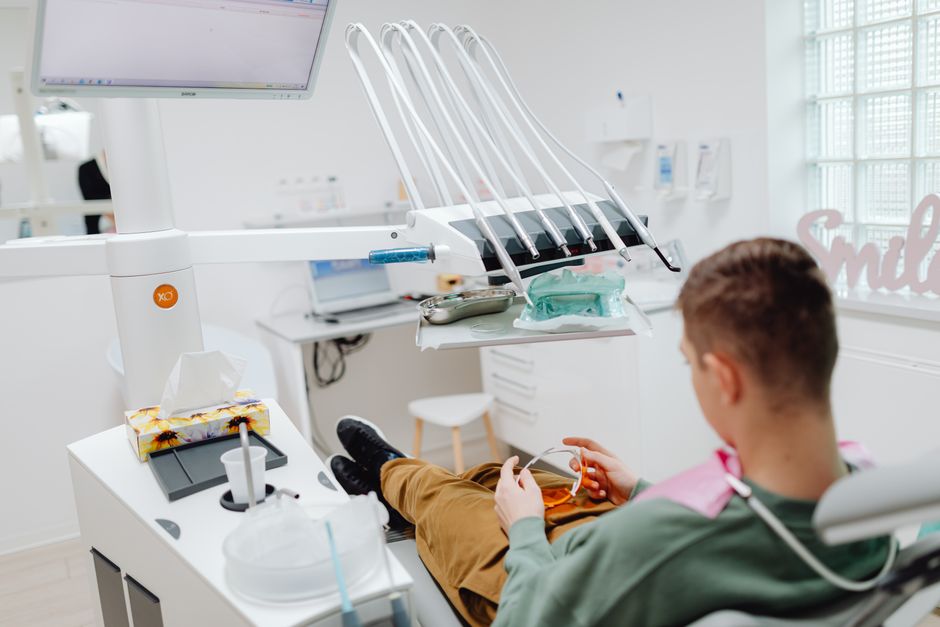
Generate base frames in Midjourney with the prompt “Dental crown preparation step‑by‑step, clean line art, brand palette.” Import the PNG sequence into DesignLumo, add editable text layers for each step, then export a PSD. Open Photoshop, set frame delay to 0.8 s, loop forever, and export as GIF. Embed in appointment reminder emails and aim for a 1.5% click‑through increase on the “What to expect” link. Difficulty: Intermediate. ROI: Medium. link: "https://www.midjourney.com"
Printable Post‑Visit Care Sheet
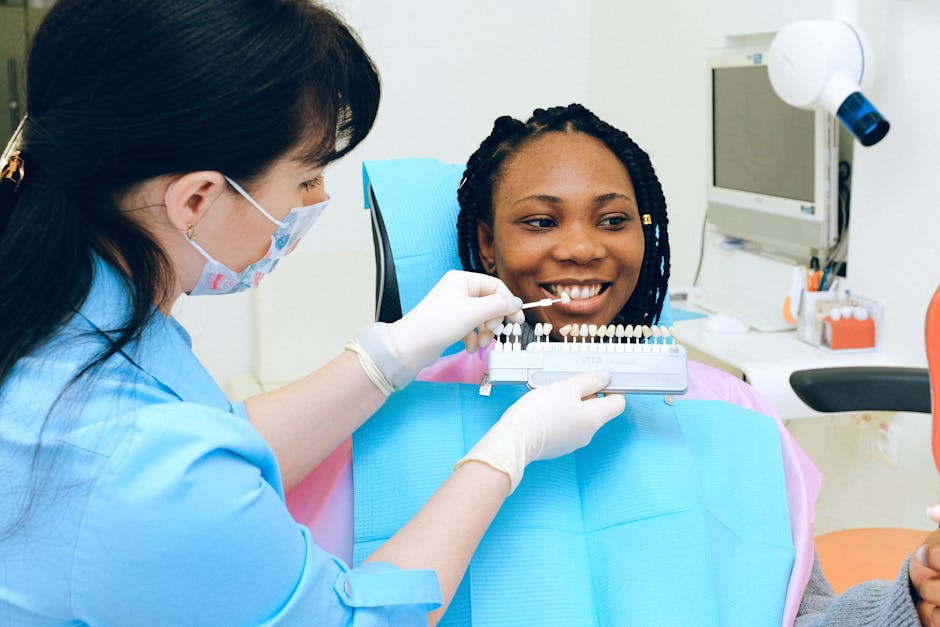
Use Canva’s “Medical Care Sheet” template, replace placeholder text with your post‑procedure instructions, and apply your clinic’s Brand Kit (logo, fonts, colors). Download as PDF 1.0 for print and PDF 1.7 for email attachment. Connect the file to your practice management system (e.g., Athenahealth) to auto‑send after each visit. Measure reduction in follow‑up calls; a 20% drop indicates success. Difficulty: Beginner. ROI: High. link: "https://www.canva.com"
2. Appointment & Reminder Campaigns
Branded SMS Reminder Image
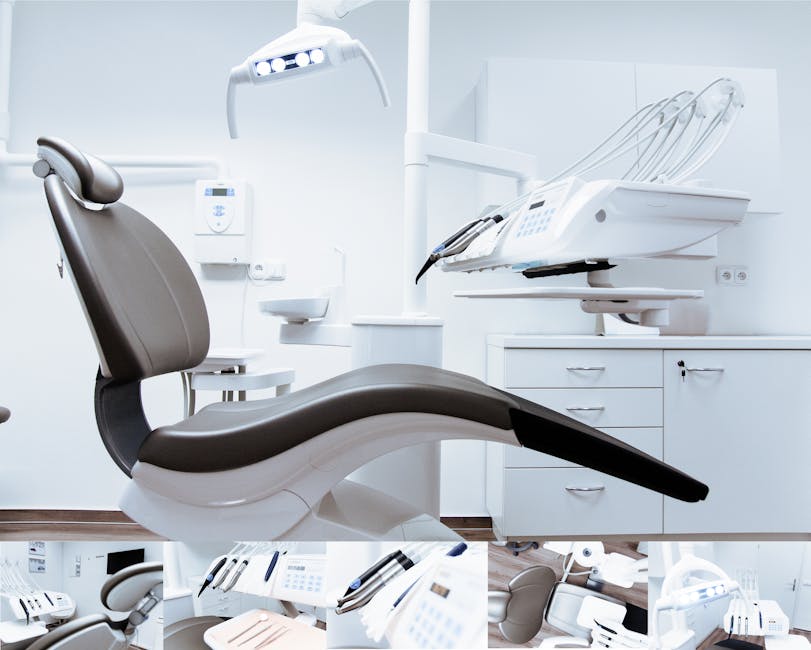
Prompt DesignLumo: "Create a 1080×1080px reminder image with upcoming appointment date, clinic logo, and brand teal background, CTA ‘Confirm Now’ in bold Helvetica." Export PNG, upload to Twilio Studio, attach to outbound SMS. Track confirmation clicks; aim for a 30% response rate versus the typical 12% for text‑only reminders. Difficulty: Beginner. ROI: High. link: "https://www.designlumo.com"
Follow‑Up Email Header
In Adobe Express, choose a blank 600×200px canvas, import your logo, and use DesignLumo’s AI text overlay to generate a personalized header: “We hope you’re feeling great, {{FirstName}}!” Export as JPG, embed in Mailchimp’s email template. Monitor open rates; a 5‑point lift over generic subject lines signals impact. Difficulty: Intermediate. ROI: Medium. link: "https://www.adobe.com/express/"
Facebook Carousel for New Patient Slots
Create three carousel cards in DesignLumo: (1) “Open Slots This Week,” (2) “Free Oral Exam,” (3) “Book in 2 Clicks.” Use brand fonts and a consistent teal‑white palette. Export each card as PNG, upload to Facebook Ads Manager, set CTA “Book Now,” and target local zip codes within 15 mi. Aim for a 1.8% CTR and a cost‑per‑lead under $15. Difficulty: Intermediate. ROI: High. link: "https://www.designlumo.com"
3. Service Promotion Content
Limited‑Time Teeth Whitening Offer Graphic

In DesignLumo, prompt: "Design a bold 1080×1080px promotional graphic for 30% off professional teeth whitening, include before‑after thumbnail, countdown timer placeholder, brand teal accent, and ‘Book Today’ button." Export PSD, add a dynamic countdown using Canva’s animation feature, then schedule posts on Buffer for peak hours (7‑9 am & 6‑8 pm). Track conversion using UTM ?utm_source=insta&utm_medium=social. Goal: 3% appointment lift in the 2‑week window. Difficulty: Intermediate. ROI: High. link: "https://www.designlumo.com"
Video Testimonial Template

Record patient clips with Loom (max 60 s). Upload raw footage to InVideo, select the “Medical Testimonial” template, replace placeholder text with the patient’s quote, and overlay your brand intro created in DesignLumo (logo animation). Export MP4, add to Instagram Reels and website carousel. Aim for a 4% increase in booking page dwell time and a 12% lift in referral traffic. Difficulty: Advanced. ROI: Medium. link: "https://invideo.io"
Seasonal Check‑Up Bundle Banner

Use DesignLumo to generate a 1200×628px banner titled “Spring Health Bundle: Cleaning + X‑Ray + Fluoride for $199”. Include icons for each service, brand teal overlay, and a clear CTA button. Export PNG, upload to Google Ads responsive display campaign, set bid to $1.20 CPC, and use geo‑targeting to the clinic’s service area. Monitor conversion rate; target ≥ 2.5% for the bundle landing page. Difficulty: Intermediate. ROI: High. link: "https://www.designlumo.com"
4. Team & Trust Building Pieces
Doctor Spotlight Card

Prompt DesignLumo: "Create a 600×800px portrait card for Dr. Jane Smith, include headshot circle, bio bullet points, clinic colors, and a ‘Schedule with Dr. Smith’ button." Export PSD, replace headshot with a high‑resolution photo, and add a Calendly link. Post weekly on LinkedIn and Instagram Stories. Track profile follows; aim for a 10% lift after four weeks. Difficulty: Beginner. ROI: Medium. link: "https://www.designlumo.com"
Behind‑the‑Scenes Staff Reel

Capture 15‑second clips of staff prepping rooms using a smartphone. Upload to Canva’s “Video Reel” editor, add branded lower thirds created in DesignLumo, and set music to a royalty‑free track from Epidemic Sound. Export vertical MP4, schedule on TikTok and Instagram Reels during lunch hours. Measure engagement; a 5% increase in comments indicates stronger community connection. Difficulty: Intermediate. ROI: Low. link: "https://www.canva.com"
Review Highlight Carousel

Pull 5 five‑star Google reviews, copy the text into DesignLumo with the prompt: "Design a carousel of 1080×1080px slides showcasing patient reviews, include star icons, clinic logo, and subtle background gradient." Export PNGs, upload to Facebook and Instagram carousel posts, and add swipe‑up links to the booking page. Target a 3% increase in new‑patient inquiries from social referrals. Difficulty: Beginner. ROI: Medium. link: "https://www.designlumo.com"
Before you go
- Batch‑create all graphics in DesignLumo using a single brand prompt, then tweak each file locally to save 70% production time.
- Add UTM parameters to every visual’s CTA link; combine with Google Analytics to attribute exact ROI per asset.
- Schedule posts during your clinic’s peak online traffic windows (7‑9 am & 6‑8 pm) and run A/B tests on colors and copy to continuously improve conversion rates.















Ready to create your first design?
Join thousands creating professional designs in seconds.
Create with DesignLumo
Related Resources
Shopify Content Ideas for Dental & Medical Clinics
Actionable Shopify design ideas to attract patients and boost clinic revenue.
Ultimate Dental & Medical Slide Design Playbook
Step‑by‑step AI‑driven guide to create high‑impact clinic slide decks.
Instagram Toolkit for Dental & Medical Clinics
Essential Instagram tools and workflows to boost patient engagement, bookings, and trust for clinics.
Mother's Day Clinic Marketing & Design Playbook
Actionable Mother’s Day tactics for dental and medical clinics.
TikTok Content Ideas for Dental & Medical Clinics
Actionable TikTok concepts that drive appointments and trust for dental and medical practices.
Dental Clinic Product Graphics Design Guide
Step‑by‑step tactics for creating high‑impact product graphics in dental and medical marketing.