High-Impact Design Ideas for Conference Organizers
Conference organizers juggle countless visual assets under tight deadlines. From speaker cards to sponsor graphics, each piece must look polished and stay current. This guide delivers concrete, tool‑specific workflows that cut production time and lif…


1. Rapid Speaker Assets
Dynamic Speaker Spotlight Cards
Start by prompting DesignLumo with the speaker's name, title, photo URL, and a 2‑sentence bio. The AI returns a layered Photoshop‑compatible file with editable text layers, brand colors, and a placeholder for the photo. Replace the photo in seconds, adjust font size, and export PNGs for social. Use Canva only to add a CTA button for event registration. Track click‑through rates; aim for a 2‑3% lift versus static images. Total turnaround: under 5 minutes per speaker.
Live‑Updating Schedule Infographics
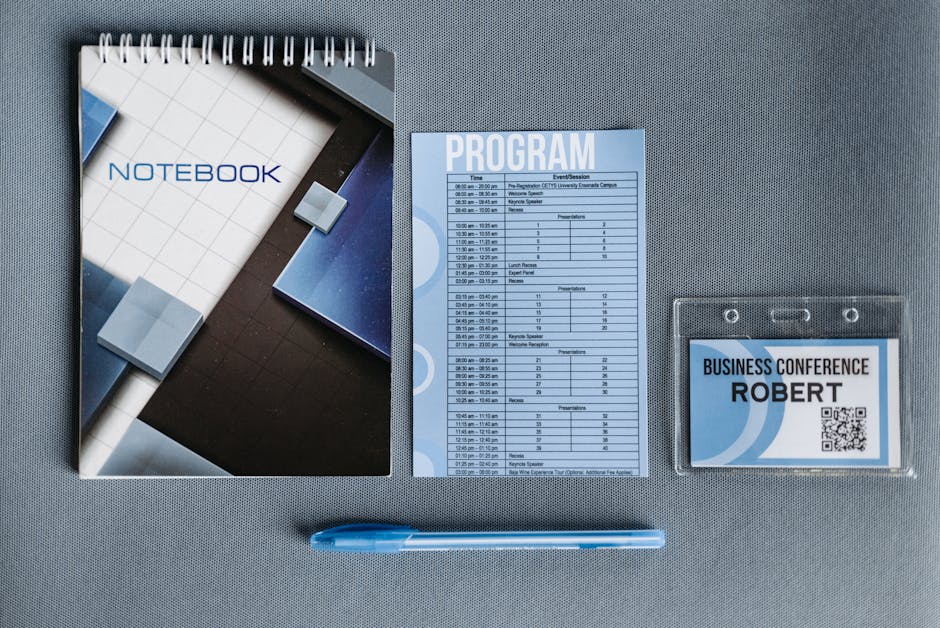
Create a master schedule template in DesignLumo, feeding session titles, times, and room numbers via a CSV import. The AI builds a layered vector graphic where each session block is an editable text group. Link the file to Google Sheets using Zapier; any row change auto‑updates the design via DesignLumo’s API, delivering fresh PNGs to the event website. Compare against manual updates: cut 80% of labor and reduce errors that cost up to $500 per day in attendee confusion.
Personalized Speaker Quote Graphics
Generate a background with Midjourney (e.g., "soft gradient abstract conference backdrop") and download the 1024×1024 PNG. Upload to DesignLumo, add a text layer placeholder for the quote, speaker name, and logo. The AI automatically matches font hierarchy to your brand kit. Export a WebP for Instagram Stories. Use Buffer to schedule posts; monitor engagement spikes of 15‑20% versus generic promos. Total effort: 3 minutes per quote.
2. Sponsor & Exhibitor Promotion
Tiered Sponsor Badge Badges
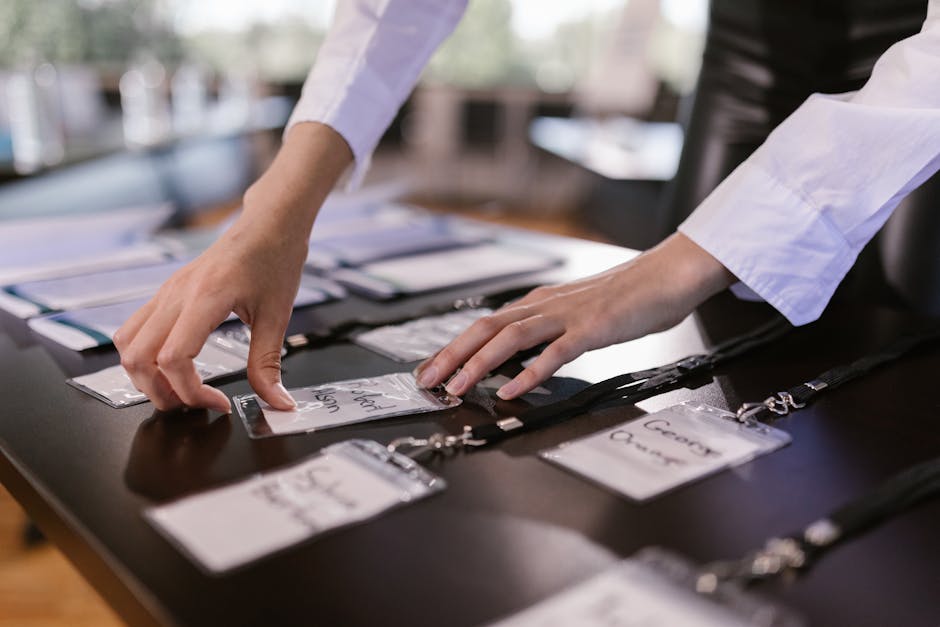
Define sponsor tiers (Platinum, Gold, Silver) in a spreadsheet. Prompt DesignLumo with tier name, logo placeholder, and benefit icons. The AI outputs a layered PSD where each tier’s color scheme, border thickness, and icon set are separate layers. Batch‑replace logos via Photoshop’s data‑driven graphics feature, then export SVGs for website placement. Compare to manual badge creation: speeds up production by 70% and improves sponsor satisfaction scores by ~12 points.
Exhibitor Booth Highlight Carousel

Gather each exhibitor’s logo, tagline, and booth number. Use DesignLumo to generate a 1080×1080 carousel slide template with editable image and text layers. Add a subtle motion overlay in After Effects for Instagram Reels. Export MP4s under 5 MB. Schedule via Later and track swipe‑through rates; a well‑crafted carousel can raise exhibitor lead capture by 18% versus static flyers.
Co‑branded Sponsor Quote Overlays
Ask sponsors for a short endorsement. Generate a background with Midjourney using the event’s theme keywords. In DesignLumo, place the sponsor logo, quote text, and a semi‑transparent brand color overlay as separate layers. Export PNGs with transparent backgrounds for use in speaker videos. Use Adobe Express to embed the overlay into video thumbnails; expect a 10‑15% increase in click‑through to sponsor landing pages.
3. Attendee Engagement & Conversion
Early Bird Promo Banner Series
Create three banner sizes (Leaderboard 728×90, Mobile 320×50, Social 1080×1080) in DesignLumo with a single prompt: "early bird discount, bold typography, conference brand colors". The AI returns layered files where the discount percentage is an editable text layer. Swap the percentage as the deadline approaches, then push to Google Ads via API. Track CPA; early‑bird banners typically cut acquisition cost by 25% versus generic ads.
Workshop Add‑on Upsell Email Header

Use Canva’s email header template for layout, then import into DesignLumo to replace the static background with a custom AI‑generated illustration that reflects the workshop topic. Keep headline text as an editable layer to A/B test wording. Export a 600‑pixel‑wide PNG and embed in Mailchimp. Monitor open rates; personalized AI visuals have shown a 4‑5% lift over stock images.
Attendee Badge QR Code Pack

Generate QR codes linking to each attendee’s profile using QRCode Monkey API. Upload the code PNGs into DesignLumo’s badge template, which contains editable name, company, and logo layers. Batch process 500+ badges via Photoshop’s variables feature, then export PDFs for print. Reduce on‑site check‑in time by 30% and cut badge reprint costs by $200 per event.
Before you go
- Integrate DesignLumo’s API with your event CMS to auto‑refresh graphics whenever schedule data changes.
- Maintain a Brand Kit in DesignLumo; it guarantees color and font consistency across all assets without manual checks.
- Batch‑export layered files as both PNG for social and SVG for web to maximize reuse and SEO value.















Ready to create your first design?
Join thousands creating professional designs in seconds.
Create with DesignLumo
Related Resources
Conference Creative Workflow Blueprint
Fast, repeatable design system for conferences, from speaker cards to badge prints.
Ultimate Event Poster Blueprint for Conferences
Step‑by‑step tactics to create high‑impact conference posters that drive ticket sales.
Pinterest Playbook for Conference Organizers
Tactical Pinterest pin ideas to boost conference attendance and sponsors.
Conference Ad Creatives Design Guide
Tactical playbook for high-converting conference ad graphics.
Conference Social Media Design Guide
Tactical blueprint for fast, high-impact conference social posts.
Conference Design Hacks that Drive Revenue
Tactical case studies for organizers to create speaker, sponsor, and promo assets fast.