Spooky Tattoo Studio Halloween Marketing Playbook
Halloween is the perfect time for tattoo studios to attract thrill‑seekers and showcase edgy art. This guide gives you a step‑by‑step arsenal of visuals, automation, and community hacks that convert curiosity into appointments and merch revenue. All…

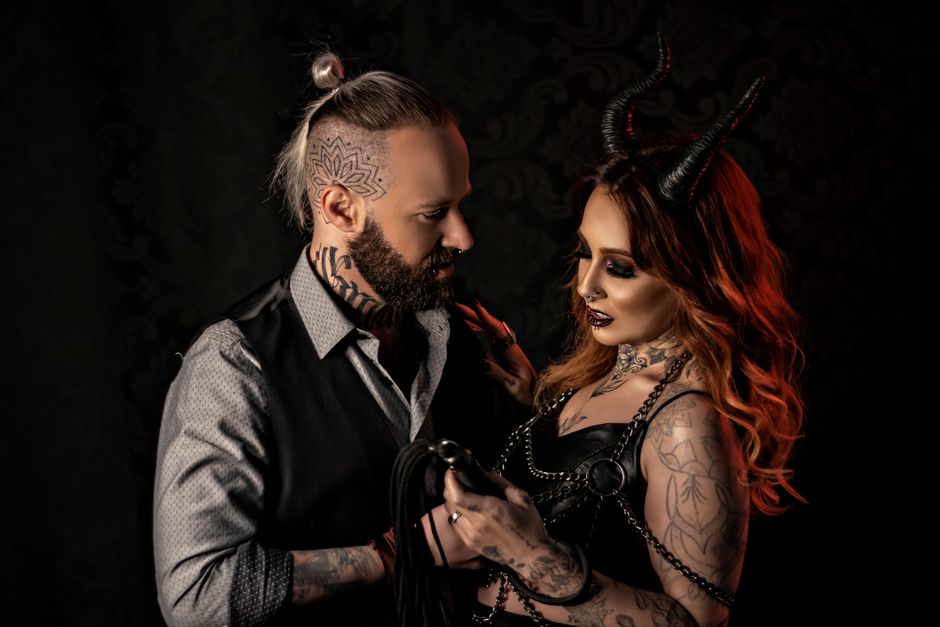
1. High-Converting Visual Assets
AI‑Generated Halloween Flash Sheet
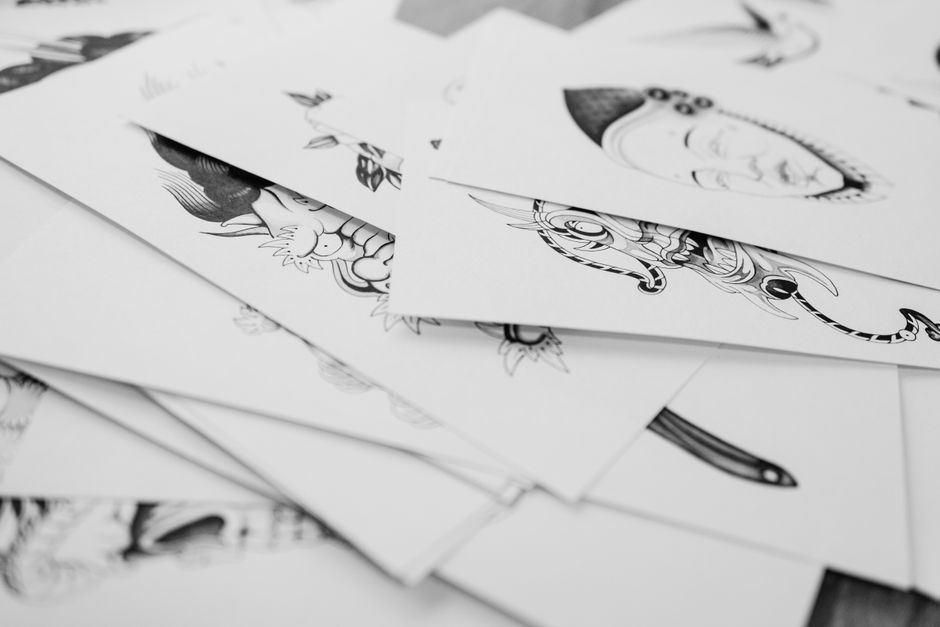
Prompt DesignLumo with: “Create a layered Halloween flash sheet featuring skulls, pumpkins, and gothic roses in neon teal and blood red, ready for editing.” The AI returns fully editable PSD files; replace colors to match your brand kit, add studio logo, and export a print‑ready PDF. Print 200 sheets at $0.15 each and sell for $5, targeting a 300% ROI. Track inventory via Square and monitor sell‑through; aim for 150 sheets sold before Oct 31.
Spooky Instagram Carousel
Start with a Canva template for a 5‑slide carousel, then replace each slide’s background with DesignLumo‑generated haunted‑city textures. Add animated GIF overlays (e.g., flickering candles) using Photoshop, then schedule with Later. Set a KPI of 3% engagement and 500 link clicks; use Instagram Insights to iterate. Include a swipe‑up link to a booking page with a limited‑time 20% discount code, measured by UTM parameters in Google Analytics.
Limited‑Edition Merch Mockups
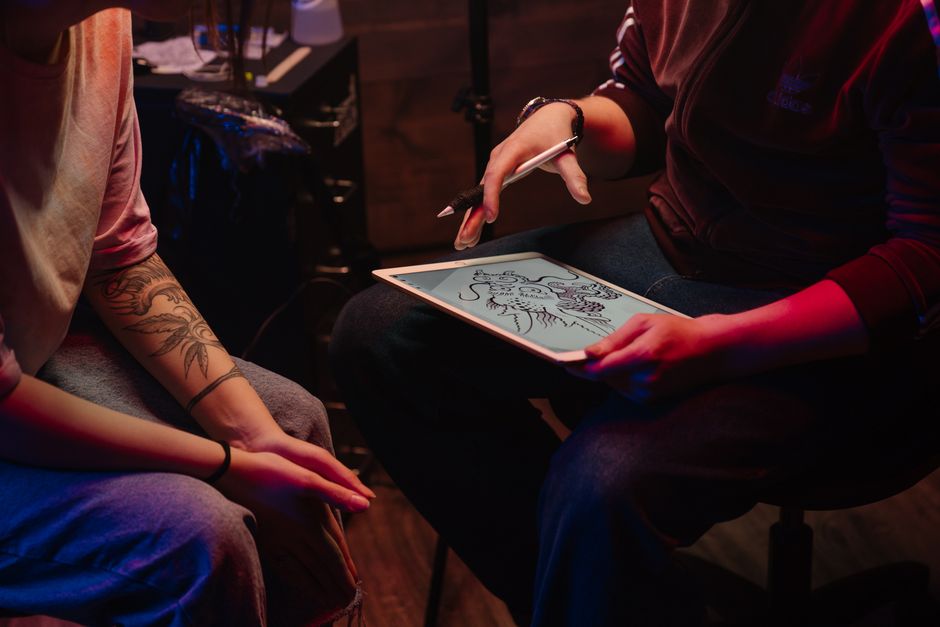
Upload your Halloween logo into Placeit’s mockup generator for hoodies, stickers, and enamel pins. Export PNGs, then open DesignLumo to layer a spooky background and add a bold “Ink & Boo” tagline. Create a 3‑image carousel for Shopify, set pricing at 2× cost, and track conversion via Shopify’s sales funnel. Aim for a 2% add‑to‑cart rate; adjust ad spend based on ROAS calculated in the Shopify dashboard.
2. Campaign Automation & Scheduling
Automated Email Countdown Series
Design a Halloween‑themed email header in DesignLumo (size 600×200px) and upload to Mailchimp. Build a 5‑day countdown sequence: Day 5 – “Spooky Slots Open”, Day 3 – “Flash Flash Sale”, Day 1 – “Last Call”. Use Mailchimp’s automation trigger on “booking page visit” and embed a unique discount code per email. Monitor open rates (>25%) and click‑through (>4%); tweak subject lines based on A/B test results.
Meta Ad Split Test with AI Creatives
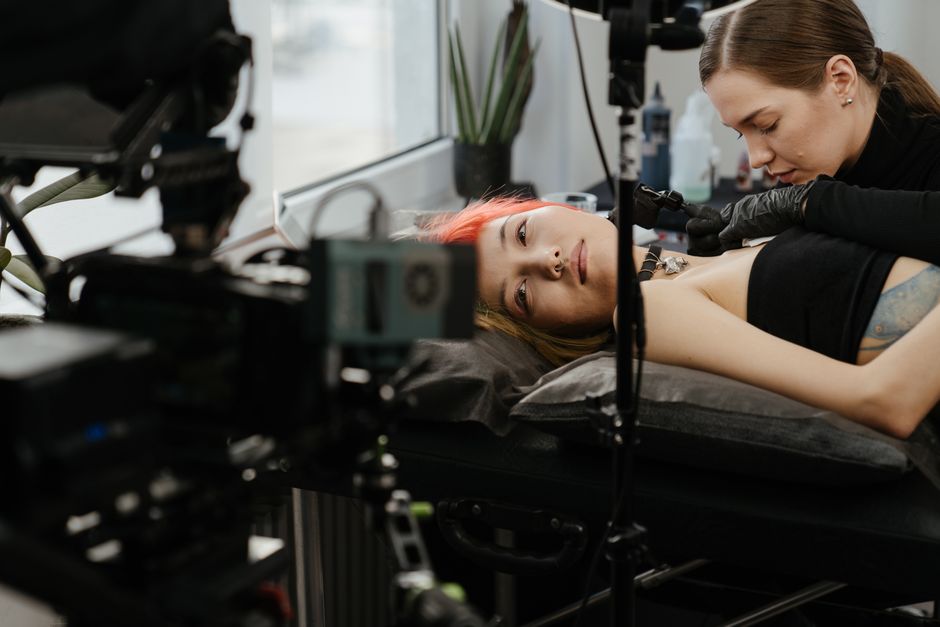
Create three distinct ad creatives in DesignLumo: a gothic skull, a candy‑colored pumpkin, and a neon‑glow bat. Export each as PNG, upload to Meta Ads Manager, and set identical budgets ($10/day each). Target local 18‑35 yr olds interested in tattoos and Halloween. Measure CTR; aim for >1.5% on the best performer, then re‑allocate 70% of spend to that ad. Use Facebook Pixel to attribute booking conversions and calculate ROAS.
Google My Business Halloween Event Post
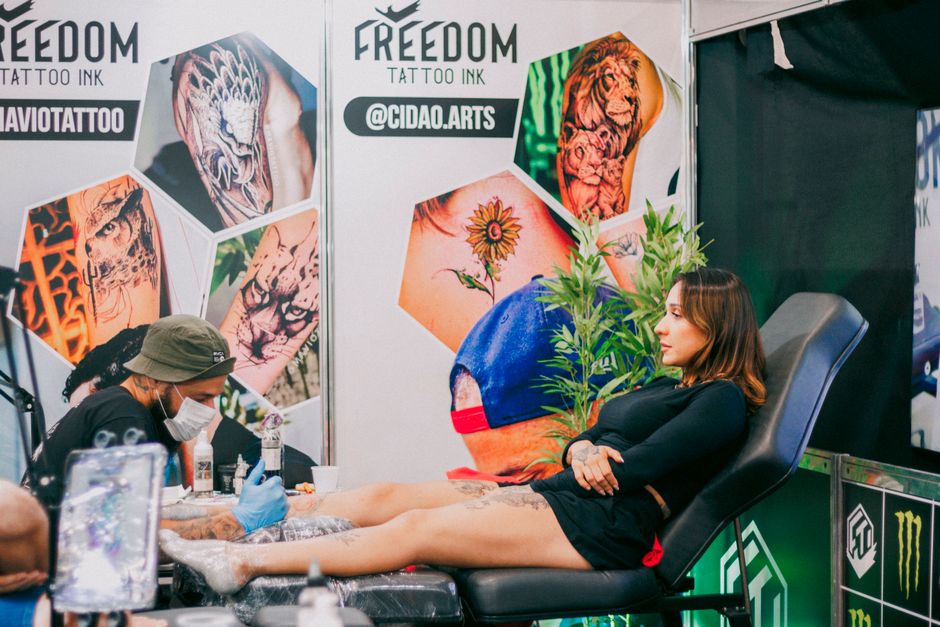
Generate a QR‑code‑enabled flyer in DesignLumo linking to your Halloween booking page. Upload the image to your GMB “Posts” section with event details: date, time, and 15% off for walk‑ins. Add a CTA “Scan & Book”. Track clicks via Google Analytics UTM tags; aim for 100 QR scans and a 5% conversion to appointments. Refresh the post every 48 hours to stay at the top of local search results.
3. Community Engagement & Events
Costume Contest UGC Funnel
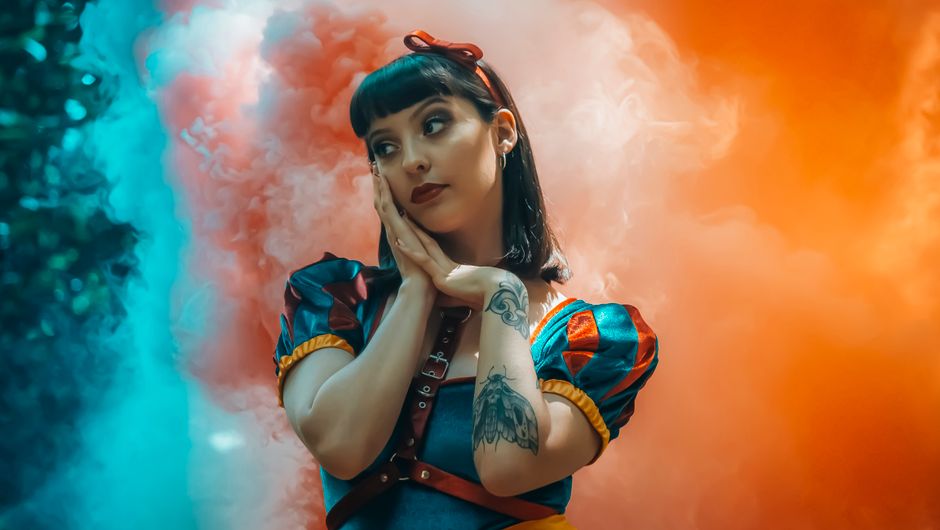
Launch a TikTok hashtag challenge “#InkOrTreat” encouraging followers to showcase their Halloween costumes with a tattoo reveal. Use DesignLumo to create a 15‑second intro video template with spooky border and studio logo. Offer a free flash tattoo to the best entry. Collect submissions via a Google Form, then compile the top 9 clips into a carousel using DesignLumo’s video editor. Promote the final reel on Instagram Stories, targeting a 10% increase in follower count.
Live Tattoo Stream Promotion
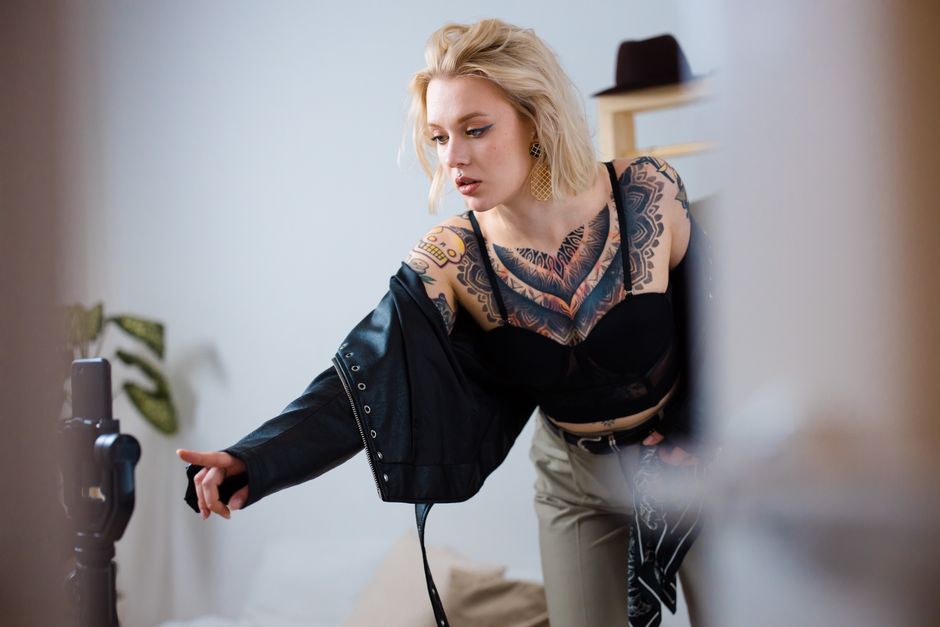
Schedule a live “Haunted Ink” session on Twitch using Streamlabs. Design a custom overlay in DesignLumo that includes a countdown timer, donation goal ($500 for a charity), and a Halloween‑themed banner. Promote the stream via email and Instagram 7 days prior, using the same overlay assets for consistency. Track concurrent viewers; aim for >200 live viewers and at least 5 appointment bookings during the stream, measured via a unique promo code.
Aftercare Infographic Giveaway
Create a one‑page aftercare guide in DesignLumo with sections: cleaning, moisturizing, and Halloween safety tips (e.g., avoid contact with fake blood). Export as PDF and set up a Pin on Pinterest with a “Free Aftercare PDF” CTA. Use Pinterest Ads to target “first‑time tattoo” interests, allocating $30 budget. Measure downloads via a hidden landing page; aim for 150 downloads, converting 10% into booked follow‑up sessions.
Before you go
- Batch generate all Halloween visuals in DesignLumo first, then fine‑tune colors per platform to maintain brand consistency.
- Use UTM parameters on every link (email, ads, QR) to attribute revenue back to the specific Halloween asset.
- Leverage Instagram’s “Collab” feature with local costume influencers to double organic reach without extra ad spend.















Ready to create your first design?
Join thousands creating professional designs in seconds.
Create with DesignLumo
Related Resources
Twitter/X Content Ideas for Tattoo Studios
Actionable X post graphics, threads, and cards to boost tattoo studio sales.
Tattoo Studio Marketing Mistakes to Dodge
Avoid costly errors in tattoo studio marketing with tactical fixes.
Valentine's Day Tattoo Studio Marketing Playbook
Tactical guide to boost bookings, sales, and brand love for tattoo & piercing studios this Valentine's Day.
Mother's Day Tattoo Studio Marketing Playbook
Tactical Mother's Day promos for tattoo & piercing studios.
Summer Sale Marketing & Design Blueprint for Tattoo Studios
Tactical guide to boost summer tattoo & piercing sales with AI‑powered designs.
Tattoo Studio Marketing Blueprint for Beginners
Actionable design tactics to boost tattoo studio bookings and brand.