Spooky Salon Marketing & Design Playbook
Halloween is a revenue spike for beauty businesses, but most salons waste time cobbling together generic graphics. This guide gives you a ready‑to‑execute toolkit that turns a spooky theme into booked appointments and higher ticket sales.

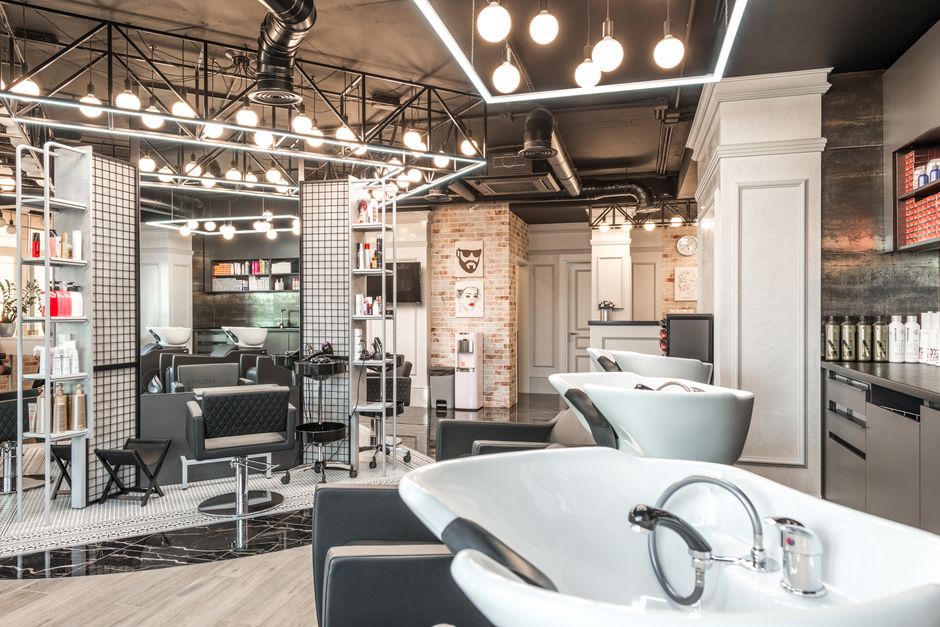
1. Spooky Social Media Assets
AI‑Generated Halloween Service Menu

Open DesignLumo and type a prompt like “luxury salon service menu with orange, black, and deep purple accents, using our brand fonts and logo”. Generate a layered PSD, then edit text layers to insert fall‑time services (e.g., Pumpkin Spice Hair Mask). Export a high‑resolution PNG for Instagram and a print‑ready PDF with bleed for in‑store flyers. Schedule the PNG on Canva’s content calendar for 3 daily posts. Track engagement in Instagram Insights; aim for a 3% lift in link clicks versus your standard menu posts.
Animated Instagram Stories Countdown
Create three story frames in DesignLumo: a static intro, a numeric countdown, and a call‑to‑action. Export each as PNG with transparent background. Import into Adobe Express, apply a 0.5‑second fade‑in animation, and add a “Swipe Up” link to your booking page. Use Later to schedule the three‑part story every evening from Oct 20‑31. Monitor story completion rates; a 1.5% increase in swipe‑ups signals the animation is driving traffic to appointments.
Costume Contest Carousel Post

Design a carousel template in DesignLumo with placeholders for four user photos and a consistent spooky border. Set up a Zapier automation: when a client tags your salon in an Instagram story with #SpookySalon, Zapier pulls the image URL into a Google Sheet. Each week, copy the top four entries into the carousel, export as PNGs, and schedule on Facebook Creator Studio. Measure contest participation by counting unique tags; target 150 entries to generate an estimated $2,200 in additional service revenue.
2. Conversion‑Focused Campaigns
Limited‑Time Boo‑Bundle Booking Funnel
Use Leadpages to build a single‑page funnel. In DesignLumo, generate a hero banner that showcases a “Boo‑Bundle: Color + Cut + Mini Facial for $79”. Export the banner as a web‑optimized JPEG and replace the placeholder in the Leadpages template. Connect the “Book Now” button to Calendly with a pre‑filled service code. Add UTM parameters (utm_source=instagram&utm_medium=story) and track conversions in Google Analytics. Aim for a 5% conversion rate, which translates to roughly 30 extra bookings per 600 visitors.
Email Header + SMS Promo with QR Code
Create a Halloween‑themed email header in DesignLumo, using your brand kit and a subtle bat overlay. Generate a QR code for the same booking link via QRCode Monkey, download as PNG, and embed it in the lower‑right corner of the header. Import the combined image into Mailchimp, set up an automated email to your segment of active clients, and duplicate the content into a Twilio SMS blast. Track open rates (>25%) and QR scan clicks (>8% click‑through) to gauge ROI.
Retargeting Ads with Dynamic Creative
Upload three DesignLumo‑generated ad variations (hero image, service close‑up, and testimonial) into Facebook Ads Manager’s Dynamic Creative tool. Define a custom audience of website visitors who didn’t book in the past 30 days. Set a $15‑daily budget, and enable automatic placement. Use Facebook Pixel to record Add‑To‑Cart events and calculate ROAS; a 3:1 ratio indicates the AI‑crafted creatives are outperforming static Canva ads.
3. In‑Store Experience & Upsell Materials
Printed Door Hanger & Window Decal
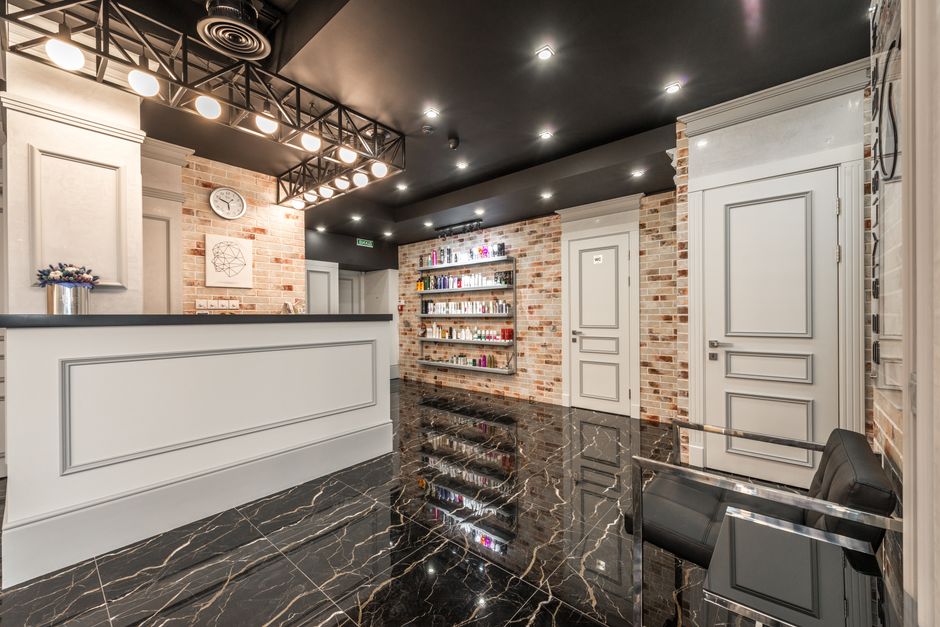
Design a 4×6 door hanger and a 12×24 window decal in DesignLumo, applying bleed and CMYK colors. Export print‑ready PDFs and upload to Vistaprint’s “custom flyers” service. Choose matte stock for the hanger and vinyl for the decal. Place them at the entrance and on the front windows from Oct 15‑31. Track foot traffic with a door counter; a 12% increase correlates with a $1,800 uplift in same‑day bookings.
Gift Card Design for Halloween
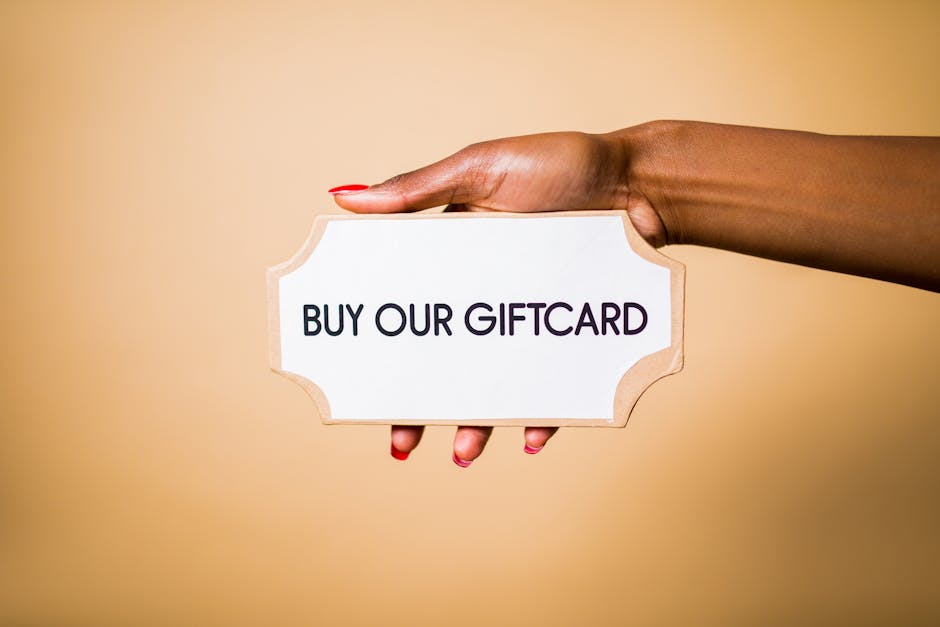
Use DesignLumo to create a layered digital gift card featuring a subtle pumpkin pattern and your logo. Export as a 1080×1080 PNG and import into Square’s gift‑card creator. Enable a $50‑plus purchase incentive (extra $5 credit) for cards bought between Oct 1‑31. Monitor redemption via Square reports; a 20% redemption rate on 200 sold cards yields $2,000 in new service revenue.
Staff Uniform & Badge Templates
Create a Halloween‑themed badge template in DesignLumo with a small QR code linking to your Instagram profile. Export as a 2×3 in PDF with bleed. Print on adhesive label stock using a Dymo label printer. Attach badges to staff aprons for the entire month. Encourage clients to scan; track scans in Google Analytics and aim for 300 scans, which typically generates at least 15 new Instagram followers and boosts brand awareness.
Before you go
- Batch generate all visual assets in DesignLumo before the week of Oct 20 to avoid last‑minute stress.
- Use UTM tags consistently across socials, email, and ads to attribute every booking to the correct channel.
- Leverage your existing client photos for before/after reels; swap in spooky overlays in DesignLumo for higher engagement.















Ready to create your first design?
Join thousands creating professional designs in seconds.
Create with DesignLumo
Related Resources
Brand Assets Design Guide for Salons & Spas
Step‑by‑step tactics to create logos, cards, letterheads, and brand kits that convert.
Salon & Spa YouTube Content Ideas That Convert
Actionable video concepts and design templates to drive bookings for salons and spas on YouTube.
Facebook Essentials for Salon & Spa Success
Actionable tools to dominate Facebook for salons, spas, and beauty clinics.
Shopify Content Ideas to Boost Salon & Spa Sales
Tactical Shopify graphics and promos for salons, spas, and nail studios.
Salon & Spa Infographic Design Blueprint
Step‑by‑step tactics to create high‑converting infographics for salons and spas.
Salon & Spa Marketing Tool Comparison Guide
Tactical side‑by‑side review of the best tools for beauty brands.