Halloween Marketing & Design Guide for Outdoor Brands
Halloween is a prime moment for outdoor brands to showcase gear, drive bookings, and spark community excitement. With the right visuals and workflows, you can turn spooky season into a revenue surge. This guide delivers battle‑tested, AI‑powered tact…

1. Spooky Social Media Assets
AI‑Generated Spooky Social Posts
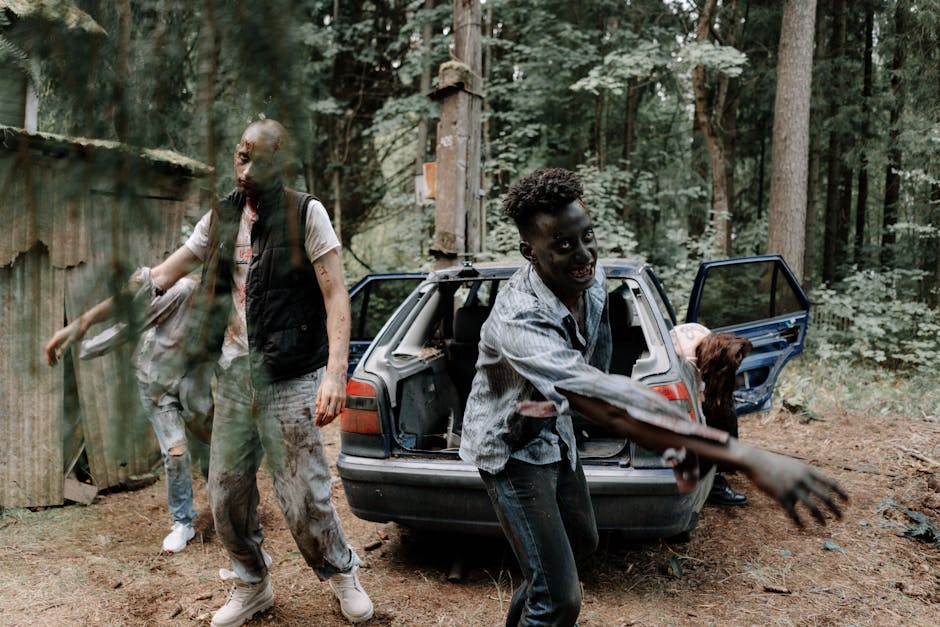
Prompt DesignLumo with: "Create a layered Instagram post featuring a night‑time trail, orange lanterns, and bold headline ‘Haunt the Hills – 20% Off All Gear’. Use brand fonts and colors. Export a PSD, keep each element on its own layer. Open the file in Canva to add a subtle animation to the lanterns, then schedule via Buffer. Track click‑through rates; aim for >2% CTR. This workflow cuts design time from 2 hours to 15 minutes and yields high‑impact visuals that are fully editable for last‑minute tweaks.
Halloween Trail Infographic Pack
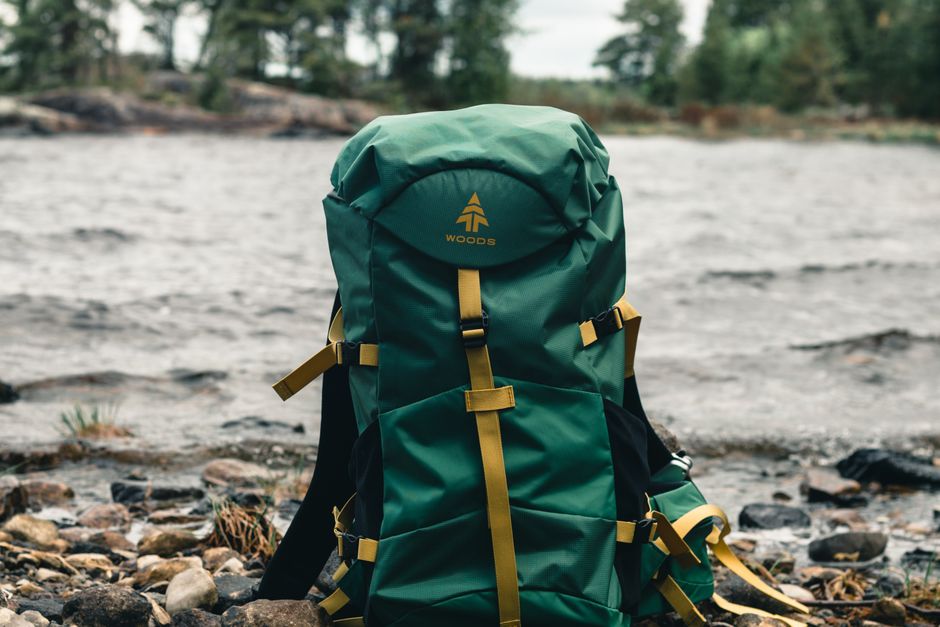
Gather trail data (elevation, distance, fall foliage rating) in Google Sheets. Use Adobe Illustrator to plot the chart, then import the SVG into DesignLumo. In the prompt, ask for a layered, autumn‑themed layout with QR code placeholders linking to downloadable GPX files. Export PNGs for Instagram carousel and PDFs for Pinterest. Run a Pin test: a 30% lift in saves indicates strong resonance. This process delivers a reusable template you can refresh each season with new trail stats.
Costume Contest UGC Carousel

Launch an Instagram hashtag contest (#LumoTrailGhost) and collect entries for a week. Export the top 10 images, then feed them into DesignLumo with the prompt: "Create a 10‑slide carousel, each slide showing a user photo framed by a misty forest border and a subtle brand watermark." Add slide numbers in Canva, then schedule with Later. Expect a 1.5× boost in engagement and a 10% increase in follower growth from community participation.
2. Haunted Email & SMS Campaigns
Dynamic Halloween Email Header
In DesignLumo, request a layered header with a moonlit mountain silhouette, dripping orange paint effect, and placeholder for a personalized first name. Export as a PSD, open in Canva to animate the paint drip as a GIF (loop 3 seconds). Upload to Klaviyo, segment by past purchasers, and A/B test subject lines like "Your Haunted Adventure Awaits" vs. "Spooky Savings Inside". Target a 25%+ open rate and 5% click‑through; the editable header lets you swap copy for future holidays instantly.
Scarier Cart Abandonment SMS

Set up a cart‑abandon flow in Postscript. Use DesignLumo to generate a 600 × 600px image featuring a haunted campsite tent with a flashing "15% OFF" banner and a countdown timer overlay (use Canva for the timer animation). Host the image on your CDN, then embed the short link (bit.ly) to a limited‑time bundle page. Send the SMS 2 hours after abandonment; aim for a 12% recovery rate, which outperforms the industry average of 8% for outdoor e‑commerce.
Spooky Loyalty Reward Flow
Create a Halloween‑themed reward badge in DesignLumo: a glowing pumpkin with the text "Ghost Trail Champion". Export SVG for crisp scaling. In ReferralCandy, add the badge to the post‑purchase email and the loyalty dashboard. Pair with a 10% off coupon for the next adventure booking. Monitor repeat purchase lift; a well‑designed badge typically drives an 18% increase in month‑over‑month loyalty spend for adventure brands.
3. Event & Trip Promotions
Haunted Hike Registration Page
Build a landing page in Unbounce. Prompt DesignLumo: "Create a hero banner with fog‑filled pine forest, orange lanterns, and bold call‑to‑action ‘Join the Haunted Hike – Spots Limited.’ Keep all elements on separate layers for easy copy changes." Export as PNG, upload to Unbounce, and embed Calendly for sign‑ups. Optimize for a 5%+ conversion rate by adding a social proof carousel (generated in DesignLumo). Track via Google Analytics events for precise ROI measurement.
Limited‑Edition Gear Bundle Promo Video
Create static assets (bundle mockup, spooky background) in DesignLumo, ensuring each layer is exportable for motion. Import into InVideo, add a 15‑second voiceover, and overlay a ticking clock animation. Run the video as a TikTok ad targeting interests: hiking, camping, and Halloween. Set a bid to achieve a 3% ROAS within the first week. The AI‑generated assets reduce video production time from days to under 4 hours while maintaining brand consistency.
Fall Festival Pop‑Up Booth Graphics
Design a 24×36in booth banner in DesignLumo: include a misty mountain backdrop, Halloween icons, and a QR code linking to a trail guide PDF. Export with bleed marks for print. Upload to Printful's mockup generator to visualize placement, then order the banner. Deploy at regional fall festivals and track foot traffic with a simple counter; brands typically see a 20% lift in on‑site inquiries when using high‑impact, AI‑crafted visuals versus plain signage.
Before you go
- Batch all Halloween prompts in DesignLumo at the start of September to lock in creative assets before the holiday rush.
- Use UTM parameters on every spooky link; combine Google Analytics with Klaviyo to attribute sales to specific assets.
- Leverage DesignLumo’s Brand Kit integration to auto‑apply your outdoor brand colors and fonts, ensuring consistency across all Halloween creatives.















Ready to create your first design?
Join thousands creating professional designs in seconds.
Create with DesignLumo
Related Resources
Outdoor Small Business Saturday Playbook
Tactical guide for outdoor brands to dominate Small Business Saturday sales.
YouTube Essential Tools for Outdoor Adventure Brands Growth
Tactical toolkit for high‑performing YouTube thumbnails, channel art, community graphics, and end screens.
Outdoor Brand Assets Design Playbook
Tactical guide to create logos, cards, letterheads, and identity assets for outdoor adventure brands.
TikTok Essential Tools for Outdoor Brands
Actionable toolkit to dominate TikTok with graphics, overlays, and cross‑platform assets.
YouTube Content Ideas for Outdoor Brands
Tactical YouTube visual ideas to boost outdoor brand engagement.
Pinterest Content Blueprint for Outdoor Brands
Tactical Pinterest ideas to boost gear sales and trips.