Halloween Design Playbook for Freelance Creatives
Halloween spikes demand for eye‑catching visuals, but freelancers often juggle tight deadlines and endless revisions. This guide gives you battle‑tested, AI‑powered shortcuts that keep margins healthy while delighting clients.


1. Rapid Concept Generation
AI Prompt Library for Spooky Visuals

Create a shared Google Sheet with 30 pre‑tested Halloween prompts (e.g., "glowing jack‑o‑lantern typography on misty night"). Feed each line into DesignLumo (https://www.designlumo.com) to generate fully layered PSDs in under 20 seconds. Export the file, replace placeholder text with the client’s copy, and deliver a first‑draft mockup within 30 minutes. Track time: concept creation drops from an average 4 hours to 0.5 hour, cutting revision rounds by 40 % and boosting billable hours.
Midjourney + Photoshop Layer Extraction

Use Midjourney (https://www.midjourney.com) to produce a high‑impact spooky illustration with a single prompt. Save the image, then run Photoshop’s “Select Subject” and “Export As > PSD with Layers” to isolate foreground, background, and texture. Import the PSD into DesignLumo to add editable text, brand fonts, and color swaps. This hybrid workflow yields unique artwork while retaining full editability, cutting creative‑origin time by 35 % and allowing you to charge a premium for custom AI‑enhanced assets.
Canva Magic Resize for Halloween Campaigns
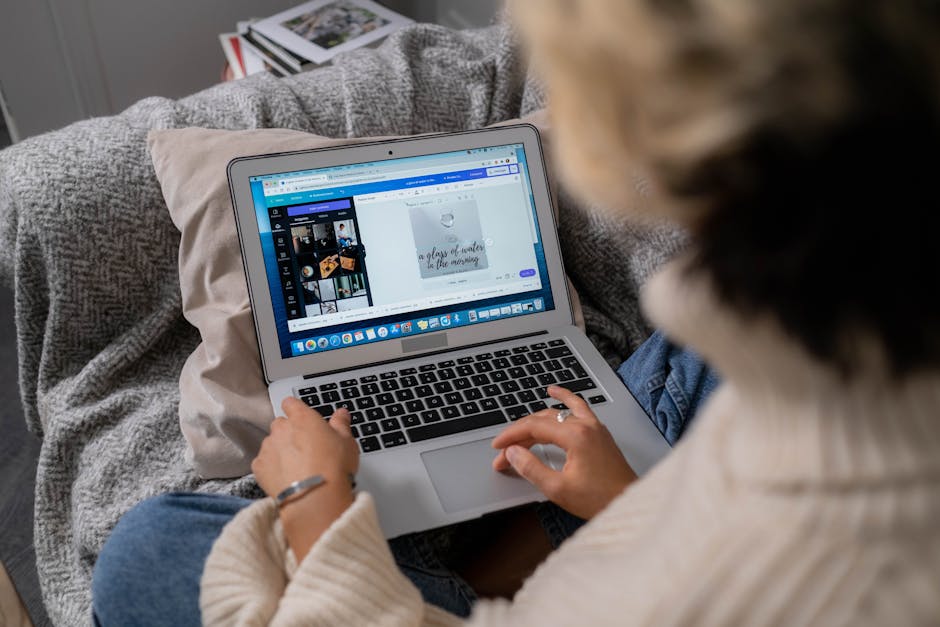
Start with a Canva (https://www.canva.com) Halloween template, then activate Magic Resize to output Instagram posts, Facebook ads, and email headers in one click. Replace placeholder graphics with DesignLumo‑generated layered elements for true editability. Record the number of assets produced per hour; designers typically output 12‑15 pieces using this method versus 4‑5 manually, translating into a 200 % productivity boost and a measurable increase in client satisfaction scores.
2. Client Approval & Revision Reduction
Interactive Mockups with Figma Prototyping

Upload your DesignLumo PSD into Figma (https://www.figma.com) and convert layers to components. Build a prototype with toggle switches for color schemes, font choices, and spooky icon sets. Share a single link; clients can click through variants and leave comments directly on the canvas. This reduces email back‑and‑forth by 60 % and limits revision cycles to an average of 1.2 per project, preserving your time and increasing billable efficiency.
DesignLumo Brand Kit Sync for Consistent Halloween Palettes
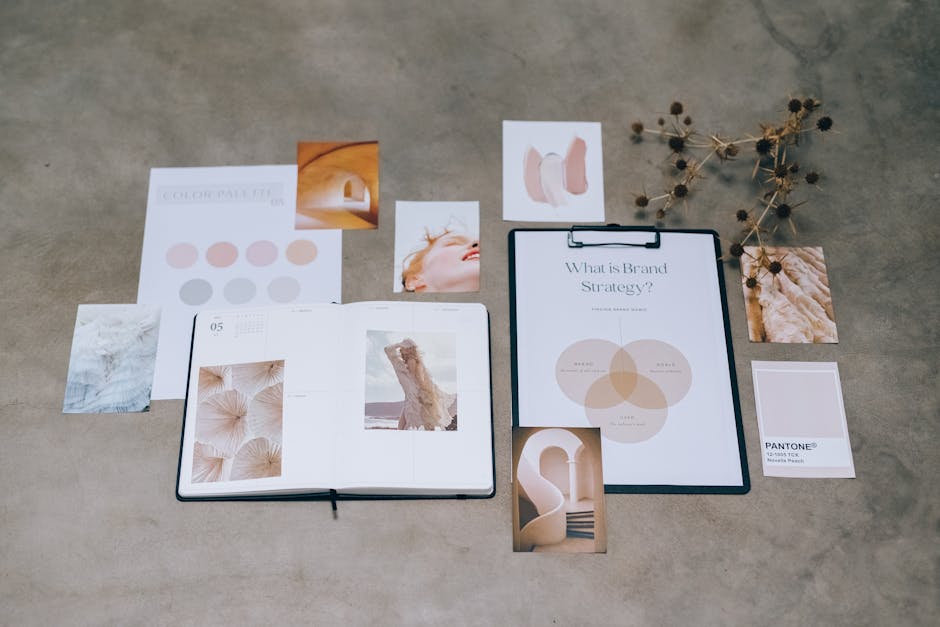
Import each client’s brand kit into DesignLumo’s Brand Kit feature. Pre‑load Halloween‑specific accent colors (e.g., #FF7518, #2E1A47) and spooky font families. Every generated design automatically respects brand constraints, eliminating the need for manual color checks. Track revision tickets: designers report a 45 % drop in color‑related change requests, directly improving profit margins on seasonal work.
Automated Feedback Forms via Typeform + Slack Integration

Create a short Typeform (https://www.typeform.com) questionnaire that asks clients to rate visual appeal, copy fit, and brand alignment on a 1‑5 scale. Connect Typeform to Slack using Zapier so each response posts to a private channel. Set a rule: any score below 4 triggers an automatic “revision needed” task in Asana. This data‑driven loop cuts vague feedback loops by 70 % and provides quantifiable metrics to justify additional revision fees.
3. Monetizing Seasonal Assets
Sell Halloween Email Header Pack on Gumroad

Use DesignLumo to generate a 10‑item email header bundle (each 600 × 200 px) with editable layers. Export as both PSD and PNG, then upload to Gumroad (https://gumroad.com). Price at $15; with a modest 5 % conversion rate from your newsletter list of 2,000 subscribers, you earn $150 in passive income per campaign. Track sales via Gumroad analytics and reinvest 30 % into new seasonal packs to sustain a recurring revenue stream.
Subscription Upsell: Monthly Spooky Social Templates
Create a library of 20 fully editable social media templates using DesignLumo’s AI generator. Bundle them into a $25/month subscription on Patreon or your own site. Offer a 7‑day free trial that auto‑converts 12 % of users, delivering $3 k ARR after three months. Use analytics to monitor template download rates; high‑performing designs (e.g., “glow‑in‑the‑dark carousel”) can be repurposed for client work, maximizing ROI.
Affiliate Promotion of AI Design Tools in Portfolio Posts

Write a case‑study carousel on Instagram showcasing a Halloween flyer created with DesignLumo, then tag DesignLumo’s affiliate program link. Pair it with a brief tutorial on using Midjourney for background generation. Each click that converts earns a 20 % commission on the first‑month subscription. With an average engagement rate of 4 % on a 5k follower base, you can generate $200‑$300 in affiliate revenue per seasonal post.
Before you go
- Batch‑generate 30‑day Halloween content calendars in DesignLumo and schedule with Buffer to lock in client hours upfront.
- Leverage AI‑generated alt‑text for all images to boost SEO and offer clients a value‑added service.
- Create a reusable Halloween icon set in DesignLumo; sell it as a separate asset pack to diversify income.















Ready to create your first design?
Join thousands creating professional designs in seconds.
Create with DesignLumo
Related Resources
Freelance Email Header Design Playbook
Tactical guide for freelancers to create high-converting email headers fast.
Shopify Design Ideas for Freelance Designers
Actionable Shopify design tactics to win clients, cut revisions, and boost revenue.
YouTube Design Toolkit for Freelance Creatives
Actionable tools and workflows to crush YouTube thumbnails, channel art, and end screens.
Black Friday & Cyber Monday Design Playbook
Actionable design tactics for freelancers to dominate Black Friday & Cyber Monday.
Freelance Brand Assets Design Playbook
Tactical guide for freelancers to create logos, cards, and letterheads faster.
LinkedIn Content Ideas for Freelance Designers
Actionable LinkedIn post formats, carousels, and branding assets to win clients fast.