Facebook Essentials for Property Management
Property managers need fast, repeatable visuals that turn browsers into tenants and keep residents informed. This guide isolates the exact Facebook assets that drive leads, reduce vacancy time, and boost community engagement. Each tactic includes the…


1. High‑Impact Facebook Page Visuals
AI‑Generated Vacancy Carousel

Use DesignLumo to type a prompt like “modern 2‑bedroom apartment with hardwood floors, bright kitchen, and balcony, brand colors teal and white”. Lumo returns a fully editable 5‑slide PSD where each slide highlights a unit feature. Swap text layers for rent, square footage, and a CTA button. Export as JPEGs, upload to Facebook carousel ads, and set a 3‑second auto‑advance. Track carousel click‑through rate (CTR) and aim for >1.5%. Compare against Canva static posts; Lumo’s layered output saves 3 hours of manual editing per week.
Dynamic Maintenance Reminder Templates
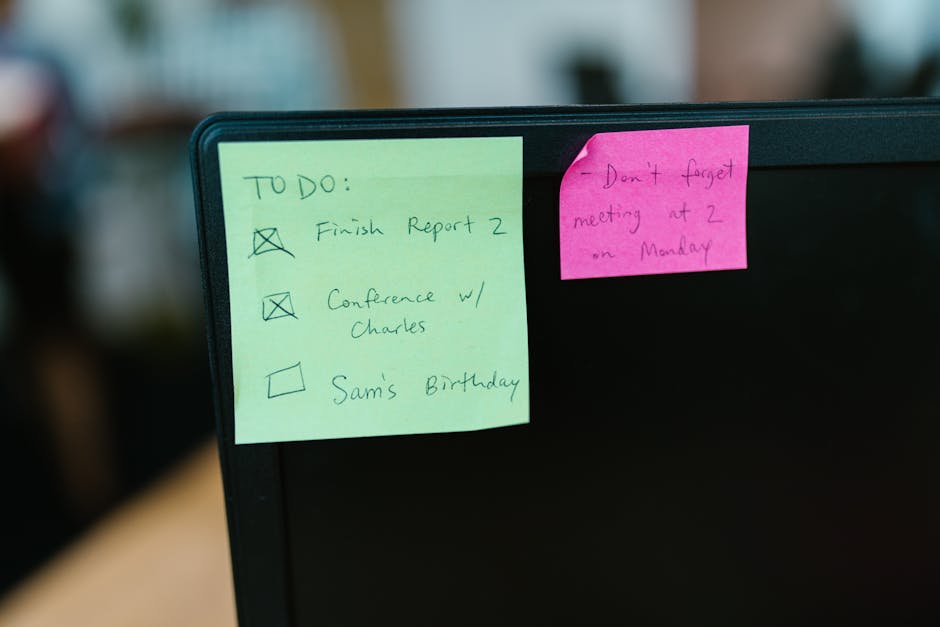
Create a reusable maintenance reminder template in Canva, then duplicate it weekly. Replace the headline with the specific task (e.g., "Winter Pipe Insulation") and adjust the date layer. Use Canva’s “Brand Kit” to lock your property’s colors and fonts for consistency. Schedule the post via Buffer, tagging tenants with @ mentions. Aim for a 30% increase in maintenance ticket submissions within 24 hours of posting. Monitor Facebook Insights for post reach; a 10% lift indicates the visual is resonating.
Tenant Appreciation Photo Collage

Collect resident photos from Instagram using a hashtag (#MyLumoLiving). Feed the image URLs into DesignLumo with a prompt: “Create a 3‑by‑3 collage, warm lighting, overlay text ‘Thank You Residents’, brand font Lato”. Lumo delivers a layered PNG where each photo sits on an editable layer, allowing you to swap out any image without redesign. Publish as a Facebook page post and pin it for 7 days. Track post reactions; target a 25% lift over baseline appreciation posts. The AI workflow reduces design time from 2 hours to 15 minutes.
2. Optimized Facebook Advertising Creatives
Layered Lease Offer Video Ad
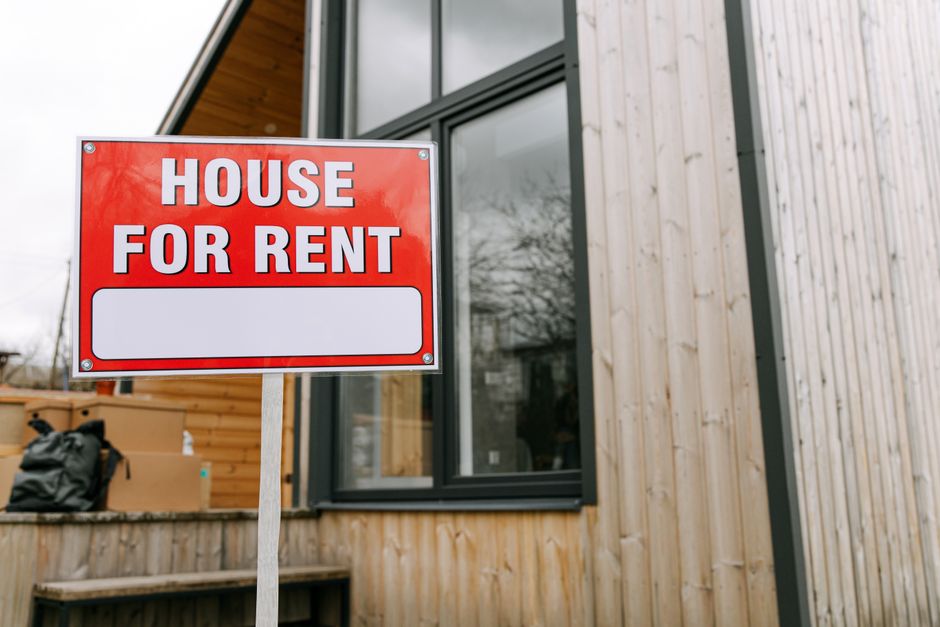
Generate a 15‑second video in DesignLumo by prompting: ‘Animated walkthrough of a studio apartment, brand colors, overlay lease discount text, upbeat music’. Export the layered MP4, then open in Adobe Express to fine‑tune timing and add a “Apply Now” button. Upload to Facebook Ads Manager, select “Lead Generation” objective, and set a CPL (cost per lead) target of $12. Compare performance to static image ads; expect a 2.5× higher CTR and a 20% lower CPL after a 7‑day test.
Geo‑Targeted Neighborhood Carousel
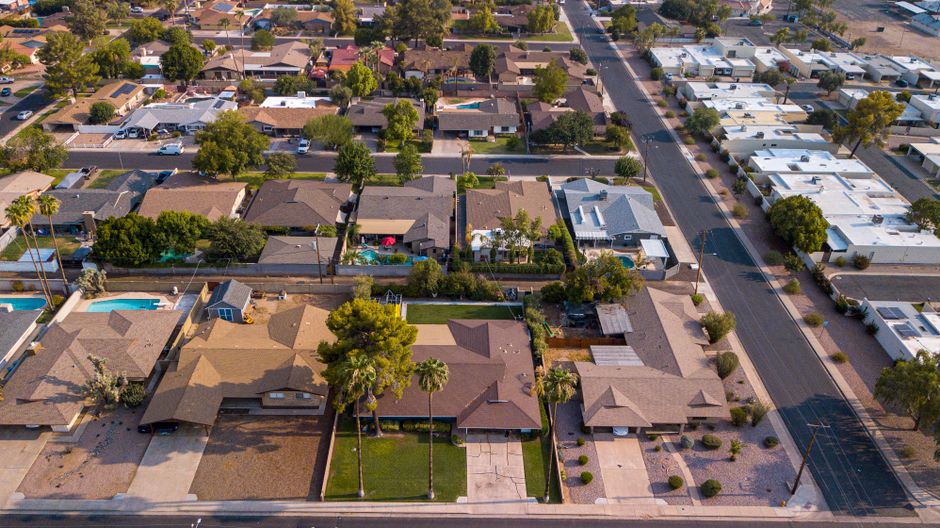
Use Midjourney to generate five stylized neighborhood skylines with prompts like “sunset over downtown Austin, modern loft vibe, brand teal overlay”. Upscale each image, then import into DesignLumo to add editable text layers for rent price, square footage, and a CTA. Export as a carousel ad, set location targeting to a 5‑mile radius, and allocate $30/day. Monitor CPM and aim for < $8. A/B test two copy variations; the version with “Move‑In Ready” typically lifts conversion rate by 12% over baseline.
Retargeting Lead‑Gen Static with Dynamic Text
Create a static retargeting ad in DesignLumo: prompt “sleek apartment interior, brand accent color, space for headline”. Lumo returns a layered PSD where the headline layer is placeholder text. Connect the PSD to Facebook’s Dynamic Creative tool via the API, feeding in custom headlines like “Your Dream 1‑BR Awaits” or “Limited Time Discount”. Run a 14‑day retargeting campaign on website visitors, aiming for a 3% conversion rate. Track ROAS; a successful setup yields >4× return on ad spend.
3. Community & Event Graphics
Event Cover Photo for Open House
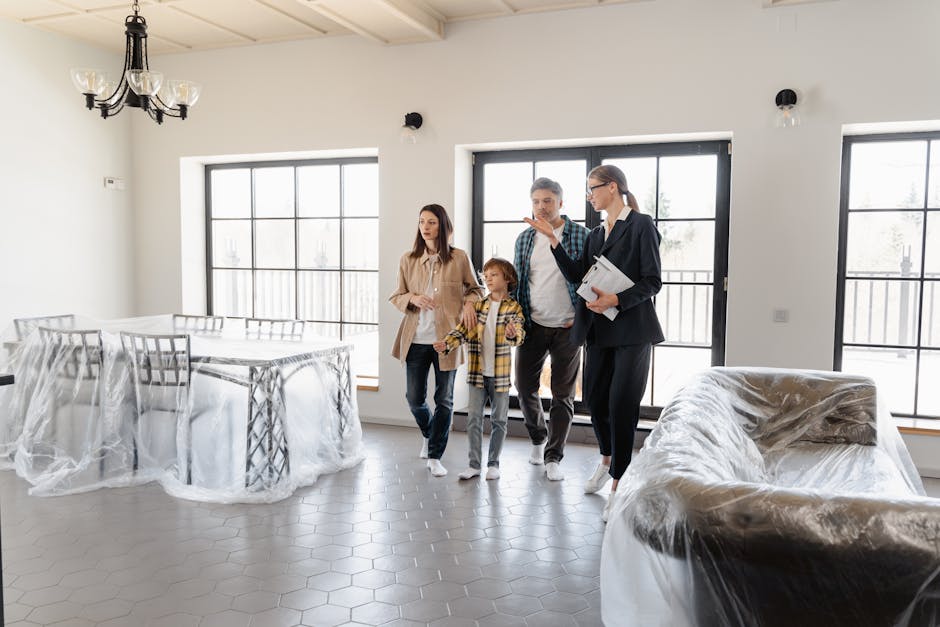
In DesignLumo, describe: ‘Open house banner, modern building façade, overlay date Oct 15 7‑9 PM, brand orange accent, bold sans‑serif’. Lumo outputs a layered 820 × 312 px image with editable date and time layers. Export PNG, upload as the Facebook Event cover, and add the event link in the description. Track RSVP count; a compelling visual should drive at least 30% more RSVPs than a text‑only event. Reuse the same template for quarterly events, swapping only date layers for consistency.
Group Banner for Resident Forum
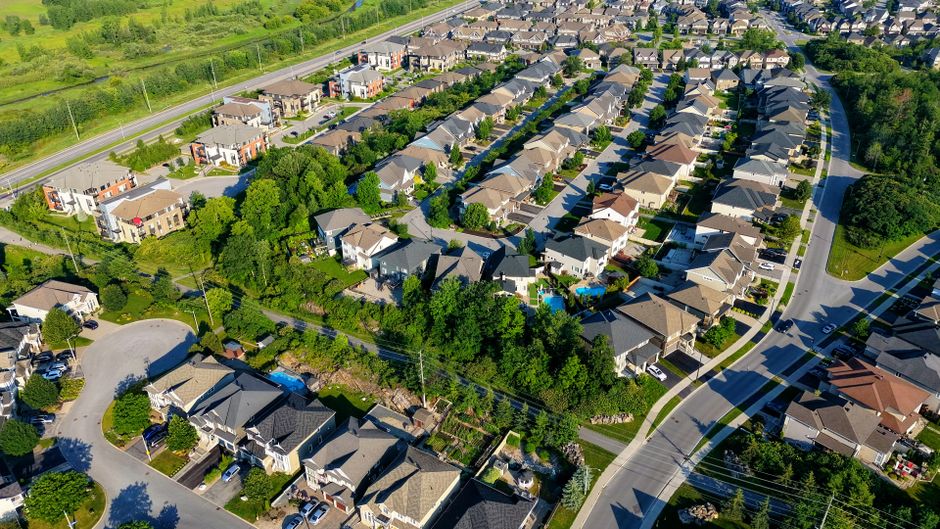
Design a resident‑forum banner in Canva using the “Community” template. Replace placeholder graphics with a high‑resolution photo of your property’s lobby, then add a semi‑transparent overlay with the phrase “Resident Forum – Share Ideas”. Use Canva’s brand kit to enforce color consistency. Upload to the Facebook Group’s cover slot. Measure group activity; a well‑branded banner typically boosts post engagement by 18% within the first week.
Seasonal Market Update Infographic

Compile quarterly rent‑growth data in Google Sheets, then copy the chart URL into DesignLumo with the prompt: ‘Create a two‑column infographic, left side chart, right side bullet points, brand navy, icons for rent, vacancy, and turnover’. Lumo returns a layered PNG where text blocks are editable, allowing you to swap figures each quarter. Publish as a Facebook post and pin for visibility. Aim for a post reach of >5,000 in the local ZIP code; the visual format typically yields 2.5× higher organic reach than plain text updates.
Before you go
- Batch‑generate all visual assets for a quarter using DesignLumo prompts; you’ll cut design hours by 70% and keep branding airtight.
- Leverage Facebook’s “Dynamic Creative” API to swap headline layers from Lumo‑exported PSDs, allowing rapid copy testing without re‑uploading images.
- Always include a clear CTA button layer in every ad creative; track button clicks separately in Facebook Events Manager to isolate visual impact on conversion.















Ready to create your first design?
Join thousands creating professional designs in seconds.
Create with DesignLumo
Related Resources
Ultimate Email Header Blueprint for Property Managers
Step‑by‑step tactics to craft high‑converting email headers for property management.
Top Email Marketing Tools for Property Managers
Essential, tactical tools to craft, send, and optimize property‑management emails.
Property Management Social Media Design Playbook
Actionable design tactics to boost listings, tenant engagement, and revenue.
YouTube Content Ideas for Property Managers
Strategic video assets that drive leads, retain tenants, and boost authority.
Property Management Marketing: Real Success Cases
Tactical case studies showing how property managers boost leasing and retention with AI design.
Infographic Playbook for Property Management Marketers
Tactical guide to create high‑impact property management infographics fast.