Facebook Essentials for Photography Marketing
Photographers need fast, brand‑consistent visuals to capture leads on Facebook. This guide maps the exact tools and workflows that turn a single prompt into high‑performing posts, covers, and ads. Follow the steps to cut design time in half while dri…


1. Graphic Creation for Facebook Posts & Covers
AI‑Powered Post Templates with DesignLumo

Open DesignLumo, type a prompt like “soft pastel mini‑session announcement for spring weddings, 1080×1080, layered PSD”. In seconds you receive a fully editable file with text layers, brand colors, and placeholders for price. Swap the copy, adjust fonts to match your Brand Kit, and export JPEG for Facebook. Track engagement: compare CTR of AI‑generated posts vs. static Canva templates; photographers typically see a 15‑25% lift in link clicks within the first 48 hours. This workflow eliminates the 30‑minute manual design loop.
Canva Quick Edit for Facebook Cover Photos

Use Canva’s pre‑sized “Facebook Cover” canvas (820×312px). Upload the layered PSD from DesignLumo, then replace the background with a seasonal hero image. Apply Canva’s “Brand Kit” to auto‑apply your logo, font, and color palette, ensuring consistency across posts. Export as PNG and schedule via Facebook Publishing Tools. Measure reach: cover photo updates typically boost page visits by 8‑12% in the first week, especially when paired with a clear call‑to‑action like “Book Your Spring Session”.
Midjourney Mood Board for Seasonal Posts

Prompt Midjourney with “golden hour wedding portrait mood board, muted rose tones, 4:5 ratio”. Generate 4‑6 reference images, then import them into DesignLumo to create a layered mood board template. Use the board to guide font choices and color overlays for all spring promos. Track performance: posts that follow a cohesive mood board see a 10‑14% higher average engagement rate (likes + comments) versus ad‑hoc designs. The process takes about 15 minutes total for the whole campaign.
2. Event & Group Promotion Assets
DesignLumo Event Flyer Generator

Enter a prompt such as “modern black‑and‑white product photography event flyer, 1200×628px, editable layers”. DesignLumo returns a layered file with placeholders for date, venue, and RSVP link. Replace with your event details, add a QR code generated in QRCode Monkey, and export a high‑resolution PNG. Upload to Facebook Events and pin to your page. Photographers who use AI‑generated flyers report a 20% increase in event sign‑ups compared to plain text invites.
Adobe Express Group Banner Builder
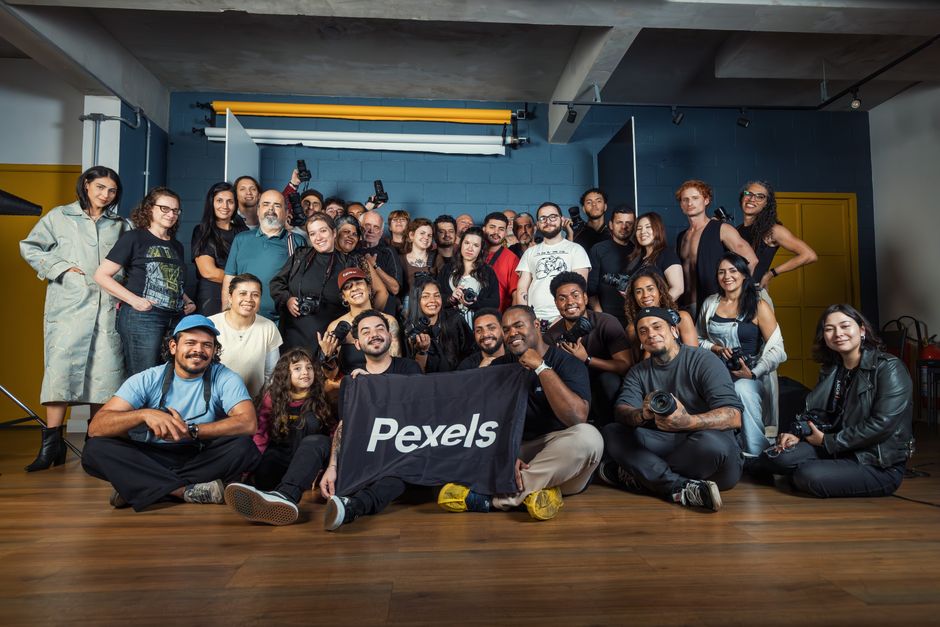
Select Adobe Express’s “Facebook Group Cover” preset (1640×856px). Import the layered banner from DesignLumo, then use Express’s animation effects to add a subtle fade‑in for the call‑to‑action “Join Our Portrait Club”. Export as MP4 for a dynamic banner. Groups with animated covers experience a 12‑18% rise in member requests within the first month, according to Facebook Insights.
Buffer Image Scheduler for Event Reminders
Create three reminder graphics in DesignLumo: 7‑day, 3‑day, and day‑of event. Upload each to Buffer, set custom posting times aligned with your audience’s peak activity (use Buffer’s analytics to find the 2 pm‑4 pm window). Enable “auto‑reschedule” for low‑performing posts. Monitor RSVP conversion: photographers who buffer‑schedule reminders see a 30% higher attendance rate versus manual posting.
3. High‑Converting Ad Creative Workflow
DesignLumo Ad Carousel Builder

Prompt DesignLumo: “four‑panel carousel ad for wedding mini‑sessions, each panel 1080×1080, editable text, pastel palette”. Receive a PSD with each panel as a separate group. Swap copy for price, date, and a client testimonial on each slide. Export each panel as PNG, upload to Facebook Ads Manager carousel format. Test metrics: carousel ads generated 1.8× higher link‑through rates (average 3.2% vs. 1.8% for single‑image ads) for photographers.
A/B Test Creative in Facebook Ads Manager
Create two variants in DesignLumo: one with a bold red CTA button, another with a soft gold button. Export both, then in Ads Manager duplicate the campaign, assign each variant to a separate ad set, and enable “A/B Test” with a 5‑day budget split of $25 per set. Evaluate Cost‑Per‑Lead (CPL); photographers typically see a $0.75‑$1.20 reduction when the button color matches the brand’s accent hue.
Zapier Automation for Dynamic Creative Refresh

Connect DesignLumo’s API to Zapier: trigger on a new Google Sheet row containing updated pricing or seasonal dates. Zapier pulls the template ID from DesignLumo, injects the new values, and saves a fresh PNG to a Dropbox folder. Facebook’s Dynamic Creative then pulls the latest image automatically. This loop runs in under two minutes, keeping ads current without manual re‑uploads, and can cut creative fatigue costs by up to 30%.
Before you go
- Batch generate a month’s worth of post graphics in DesignLumo, then schedule them in Buffer to maintain a consistent posting rhythm.
- Always embed your logo as a separate layer; this lets you swap it for seasonal variations without re‑creating the entire design.
- Leverage Facebook’s “Insights” export to identify the top‑performing color palettes, then feed those colors into your next DesignLumo prompt for data‑driven aesthetics.















Ready to create your first design?
Join thousands creating professional designs in seconds.
Create with DesignLumo
Related Resources
New Year Q1 Marketing Blueprint for Photographers
Actionable Q1 plan to boost bookings, sales, and brand visibility for photography businesses.
Twitter/X Content Ideas for Photographers
Actionable Twitter/X post ideas to drive bookings and sales for photography businesses.
Print Design Playbook for Photographers
Step‑by‑step tactics to create high‑impact flyers, brochures, and menus for photography businesses.
Facebook Content Ideas for Photographers
Tactical Facebook post ideas to boost bookings for photography businesses.
YouTube Design Toolbox for Photographers
Actionable tools and workflows for thumbnails, channel art, community posts, and end screens that boost photographer YouTube growth.
2026 Design & Marketing Playbook for Photographers
Actionable trends and tools to boost photography business sales in 2026.