Powerful Facebook Content Ideas for Wedding Planners
Wedding planners need a steady stream of eye‑catching Facebook content to fill their feed, run ads, and nurture communities. This guide delivers proven ideas you can execute in minutes, not days. Each tactic includes exact tools, workflow steps, and…


1. Showcase Portfolio with High‑Impact Posts
Elegant Carousel Showcase

Create a 5‑slide carousel that walks prospects through a recent wedding setup. Prompt DesignLumo with details (venue, colour palette, décor) to generate layered images that include editable text layers for each slide. Export as PNG, then upload to Facebook. Schedule the post for peak engagement (Wednesday 11 am). Track carousel swipe‑through rate; aim for >20% and a post engagement lift of 5‑7% versus static images. Difficulty: Intermediate. ROI: High. link: "https://www.designlumo.com"
Live Q&A Event Banner

Design a Facebook Event cover that promotes a live Q&A on wedding budgeting. Use DesignLumo to generate a split‑design: left side a candid photo of you, right side bold text with date, time, and CTA. Add a brand‑consistent colour overlay using the Brand Kit feature. Export to 1200×628 px, upload to the event page, and boost with a $15 daily spend. Target engaged couples ages 24‑34; monitor RSVP conversion, aiming for 10% of reach converting to attendees. Difficulty: Beginner. ROI: Medium. link: "https://www.designlumo.com"
Before‑After Venue Transformations
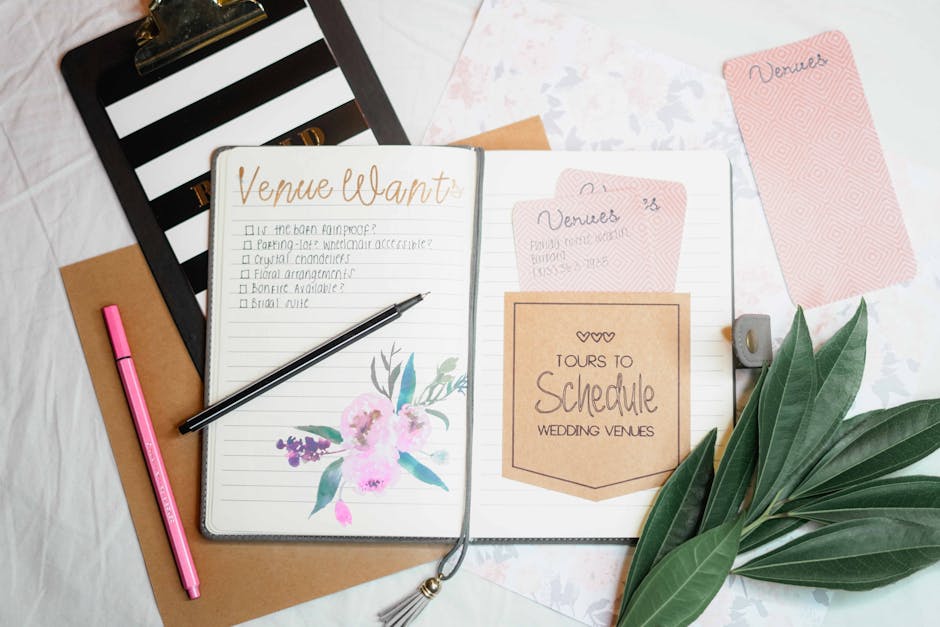
Showcase venue makeovers with a side‑by‑side before/after graphic. Generate the ‘after’ image in DesignLumo, then import the raw ‘before’ photo into Canva (https://www.canva.com) to place both on a 1200×1200 canvas. Add editable callouts for key décor details and a subtle brand logo. Publish as a single‑image post; use Facebook Insights to target a 3‑4% click‑through rate to your portfolio page. Difficulty: Intermediate. ROI: High. link: "https://www.canva.com"
2. Drive Leads with Targeted Ads & Promotions
Seasonal Discount Ad Creative

Launch a Spring‑Sale ad offering 10% off full‑service packages. Prompt DesignLumo: “Elegant pastel wedding planner ad with bold discount badge, editable headline, and space for logo.” Export layered PSD, replace text in Photoshop for A/B testing (e.g., “Spring Love” vs. “Blooming Savings”). Set Facebook ad budget $30/day, target couples engaged in the next 6 months. Aim for a CPA under $25 and a ROAS of 3.5x. Difficulty: Advanced. ROI: High. link: "https://www.designlumo.com"
Vendor Spotlight Video Card
Create a 15‑second video card highlighting a florist partner. Use Midjourney (https://www.midjourney.com) to generate a dreamy floral backdrop, then import into DesignLumo to overlay animated text layers and your logo. Export as MP4, attach to a Facebook Sponsored Post. Target fans of bridal boutiques and set a frequency cap of 2 per week. Expected metric: 2.5% video view‑through rate and 12% increase in referral clicks to the vendor page. Difficulty: Intermediate. ROI: Medium. link: "https://www.midjourney.com"
Retargeting Carousel for Packages
Deploy a 4‑slide retargeting carousel to website visitors who viewed your pricing page. In DesignLumo, generate four distinct package visuals (day‑of, full‑service, micro‑wedding, destination). Keep text layers editable for quick price updates. Upload to Facebook Ads Manager, apply a custom audience of 30‑day site visitors, and set a $10 daily budget. Track conversion rate; aim for ≥3% bookings from the carousel and a cost‑per‑lead below $12. Difficulty: Advanced. ROI: High. link: "https://www.designlumo.com"
3. Build Community via Groups & Vendor Partnerships
Facebook Group Welcome Banner
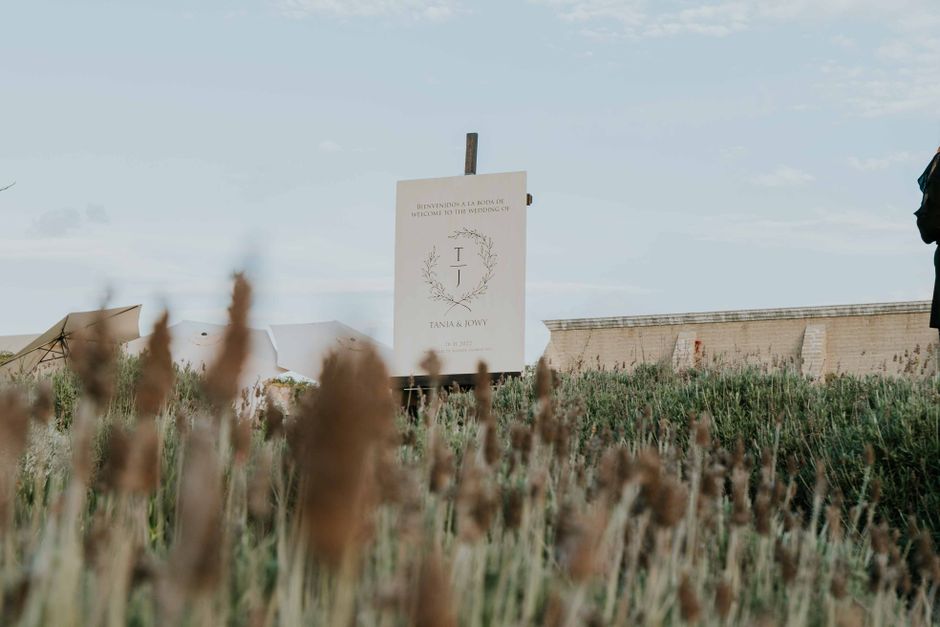
Design a warm welcome banner for your private “Future Brides” group. Prompt DesignLumo: “Soft ivory background with elegant script ‘Welcome Brides‑to‑Be’, space for group rules.” Export as 820×312 px, upload to group header. Pin the post and add a CTA linking to a lead‑capture form. Monitor group engagement; aim for a 15% rise in post comments within the first week. Difficulty: Beginner. ROI: Medium. link: "https://www.designlumo.com"
Referral Contest Graphic
Launch a “Refer a Vendor” contest with a sleek graphic. Use DesignLumo to create a badge‑style image stating prize (e.g., free day‑of coordination) and steps to enter. Add brand colours via the Brand Kit, then download as PNG. Post in the group and boost with $5 for 48 hours targeting members who have interacted in the last 30 days. Desired outcome: 30+ referrals and a 10% increase in group members. Difficulty: Intermediate. ROI: High. link: "https://www.designlumo.com"
Testimonial Quote Carousel
Gather 5 client testimonials and turn them into a carousel. In DesignLumo, generate a unified template with editable quote text, client photo placeholders, and a soft pastel background. Swap each testimonial, export as separate images, and upload as a carousel post. Use Facebook Insights to aim for a 4% engagement lift and drive traffic to your booking page. Difficulty: Beginner. ROI: Medium. link: "https://www.designlumo.com"
Before you go
- Batch‑generate all graphics in DesignLumo once a month, then schedule with Meta Business Suite to maintain consistency.
- Leverage Facebook’s ‘Instant Experience’ ad format to embed carousel, video, and lead forms in a single, mobile‑optimized unit.
- Always sync your DesignLumo Brand Kit with Facebook Page colors to ensure automatic brand compliance across every post.















Ready to create your first design?
Join thousands creating professional designs in seconds.
Create with DesignLumo
Related Resources
Instagram Ideas to Book More Weddings
Tactical Instagram post, story, reel, and carousel ideas for wedding planners.
Ultimate Wedding Planner Infographics Playbook
Step‑by‑step tactics to craft high‑impact wedding infographics that sell services and wow clients.
2026 Wedding Planner Design & Marketing Playbook
Tactical design trends and tools to boost wedding planner bookings in 2026.
Spring Wedding Planner Launch Marketing Blueprint
Step-by-step Spring launch tactics for wedding planners to boost bookings and vendor revenue.
Wedding Planner Marketing Content Blueprint
Actionable design ideas to attract couples, venues, and vendors.
Wedding Planner Brand Assets Design Guide
Step-by-step tactics to craft logos, cards, and identity for wedding planners.