Facebook Content Ideas for Interior Design Marketers
Interior designers need more than pretty pictures – they need Facebook assets that convert browsers into buyers. This guide delivers battle‑tested content formats that showcase projects, educate prospects, and build community. Each idea includes the…

1. Showcase Projects
Dynamic Before/After Carousel

Generate a layered before/after graphic in DesignLumo using a 1200 × 1200 canvas. Upload your raw project photos, apply masks, and add bold “Before” and “After” labels that stay editable. Export each slide as PNG, then upload to Canva to fine‑tune color balance and add a call‑to‑action button. Schedule the carousel via Buffer (buffer.com) for optimal times (Wednesday 11 am). Track engagement: aim for a 3% carousel click‑through rate and a 5% share rate. Adjust copy based on Facebook Insights to improve performance.
Mood Board Reveal Video
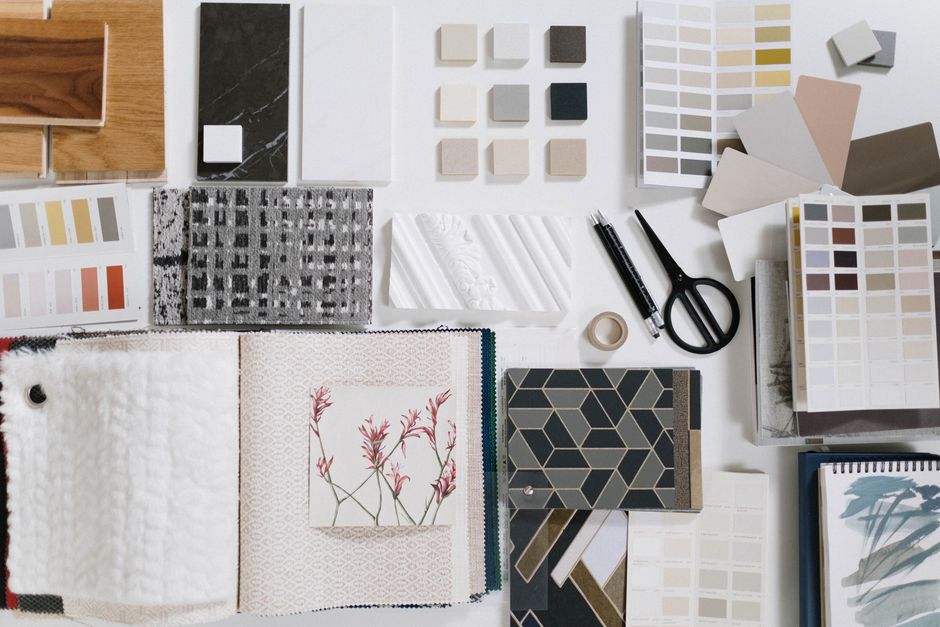
Prompt DesignLumo to create 5‑slide mood board concepts in 1920 × 1080 resolution, each with editable text layers for palette names. Download the PNGs and import them into InVideo (invideo.io) to add transitions, royalty‑free music, and a voice‑over describing the design direction. Export a 30‑second MP4 and upload as a native Facebook video. Monitor average watch time; target at least 10 seconds (33% of total). Include a “Learn More” link and aim for a 2% click‑through to your consultation landing page.
Live Project Tour Event Banner
Use DesignLumo to draft an event banner (1200 × 628) that features a high‑resolution project photo, overlayed date, and brand‑consistent typography. Export the layered PSD, open in Canva to add a QR code linking to the RSVP form. Publish the event on Facebook, boost with a $20 budget targeting homeowners within 25 mi. Set KPI: 200 RSVPs at a cost per RSVP ≤ $0.50. After the event, repurpose the banner for a post‑event recap to extend reach.
2. Educational & Value Posts
Design Tip Infographic
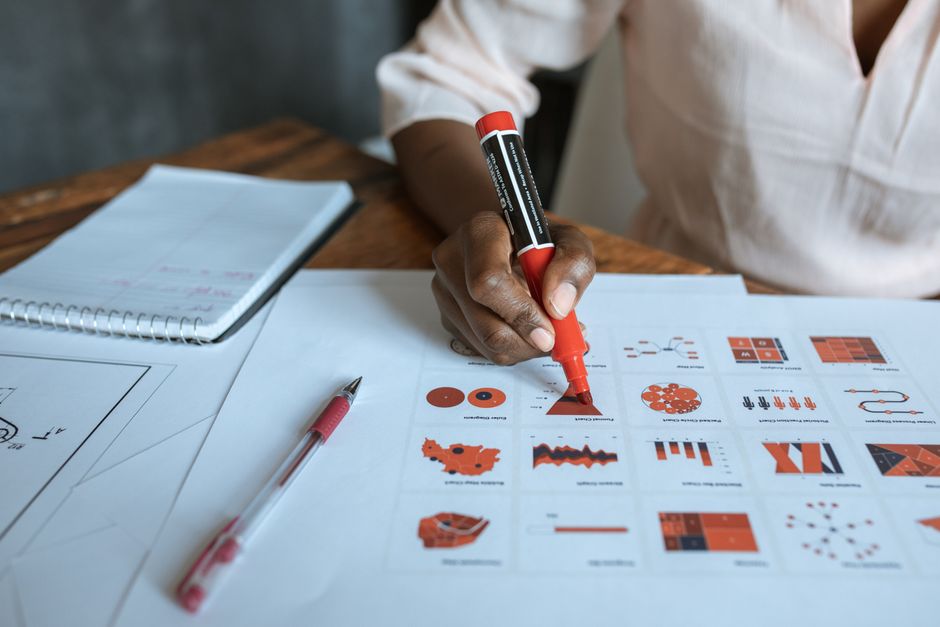
Ask DesignLumo for a 3‑step infographic template on “Choosing the Right Accent Wall Color”. Choose a 1080 × 1080 canvas, select your brand kit, and let the AI populate placeholder icons. Replace icons with custom ones in Canva if needed, then add concise copy. Export PNG and schedule via Later (later.com) for peak engagement (Thursday 2 pm). Benchmark: aim for ≥1.5% post engagement (likes, comments, shares) and track saves as a secondary KPI.
Cost‑Breakdown Quote Card
Create a cost‑breakdown card in DesignLumo: start with a 1200 × 628 layout, insert editable text boxes for item names, prices, and total project cost. Apply your brand colors and a subtle texture background. Export as PNG, then post on Facebook with a brief caption linking to a detailed quote page. Use Hootsuite (hootsuite.com) to monitor link clicks; target a 4% click‑through rate. Highlight a limited‑time discount to boost conversion urgency.
FAQ Carousel Using AI‑Generated Icons
Generate a set of 5 minimalist icons in Midjourney (midjourney.com) that represent common client questions (budget, timeline, materials). Import the PNG icons into DesignLumo, assemble a carousel where each slide pairs an icon with a concise answer in editable text layers. Export each slide and upload to Facebook as a carousel post. Track saved posts metric; aim for at least 50 saves per carousel, indicating high perceived value and future referral potential.
3. Community & Engagement Assets
Client Testimonial Quote Graphic
Collect a short client quote and portrait, then prompt DesignLumo to produce a quote graphic with a semi‑transparent overlay, brand fonts, and space for a “Book a Consultation” CTA button. Export the layered file, add a subtle animation in Canva, and boost the post with a $15 Facebook ad targeting look‑alike audiences of past clients. Set KPI: cost per lead ≤ $5 and a 2.5% conversion from ad clicks to booking form submissions.
Poll Cover Photo
Design a weekly poll cover photo in DesignLumo (1200 × 628) that asks a design‑related question (e.g., “Which countertop material do you prefer?”). Leave a blank space for the poll widget to appear. Update the cover each Monday, then launch Facebook’s native poll within the post. Track poll participation rate; aim for ≥8% of page followers engaging. Use the results to inform future content themes and showcase audience preferences.
Group Welcome Banner with Brand Kit
For a private Facebook group, generate a welcome banner in DesignLumo that features your logo, brand colors, and a CTA button linking to a free design audit. Export at 820 × 312 for optimal mobile display. Pin the banner and a welcome post. Monitor weekly group join rates; aim for a 10% lift after banner rollout. Encourage new members to schedule a 15‑minute call using the embedded Calendly link, tracking booked slots as the primary conversion metric.
Before you go
- Batch‑create all graphics in DesignLumo using one brand kit, then export a master zip to speed up scheduling.
- Always add UTM parameters to every CTA link; use Facebook Ads Manager to attribute leads back to the exact post.
- Test carousel order: place the most visually striking before image first, then follow with progressive detail to keep viewers swiping.















Ready to create your first design?
Join thousands creating professional designs in seconds.
Create with DesignLumo
Related Resources
Facebook Tools Every Interior Designer Needs
Tactical toolkit for Facebook posts, covers, events, and ads.
YouTube Design Toolkit for Interior Marketers
Essential AI and design tools for interior design YouTube branding.
Interior Design Pitch Deck Design Blueprint
Step‑by‑step guide to craft high‑impact interior design presentation slides.
Interior Design Marketing Starter Blueprint
Actionable tactics for portfolios, social reveals, and lead magnets in interior design.
Interior Design Event Poster Blueprint
Step‑by‑step system to craft high‑impact interior design event posters.
Step-by-Step Creative Workflow for Interior Design
Tactical workflow to create mood boards, showcases, and promos that sell interior design services.